Structured AI prompts for HR management system tasks cut administrative time, improve consistency, and help HR teams build faster workflows — from recruitment and onboarding to compliance and employee retention.
Can AI really save HR teams hours every week? Yes, and the numbers back it up.
HR professionals spend roughly 40% of their week on repetitive administrative tasks. Drafting offer letters, writing policy updates, and creating interview questions take up valuable time. None of it requires the judgment that makes HR professionals genuinely valuable.
Structured AI prompts for HR management systems produce specific, actionable content that HR teams can actually use.
Think of them as reusable frameworks rather than one-time questions. The time savings compound fast.
What Makes an HR Prompt Different from a Regular AI Prompt?
A regular prompt might say "write an email." An HR prompt specifies the audience, purpose, format, and legal constraints. That specificity produces results HR teams can use with minimal editing.
Here are four steps HR professionals and HR leaders use to get consistent results from generative AI tools.
| Step | What to Do | Example |
|---|---|---|
| 1. Define the Role | Tell the AI to act as an HR specialist, recruiter, or talent acquisition lead | Act as a senior HR business partner at a mid-size tech company |
| 2. Set Context | Provide company size, industry, department, and specific situation | We are a 500-person SaaS company hiring for a product design role |
| 3. Specify Format | Request bullet points, email draft, policy document, or checklist | Provide the output as a bulleted list with no more than 8 items |
| 4. Add Constraints | Include word count, tone, compliance requirements, or exclusions | Keep it under 200 words, use inclusive language, and reference FMLA guidelines |
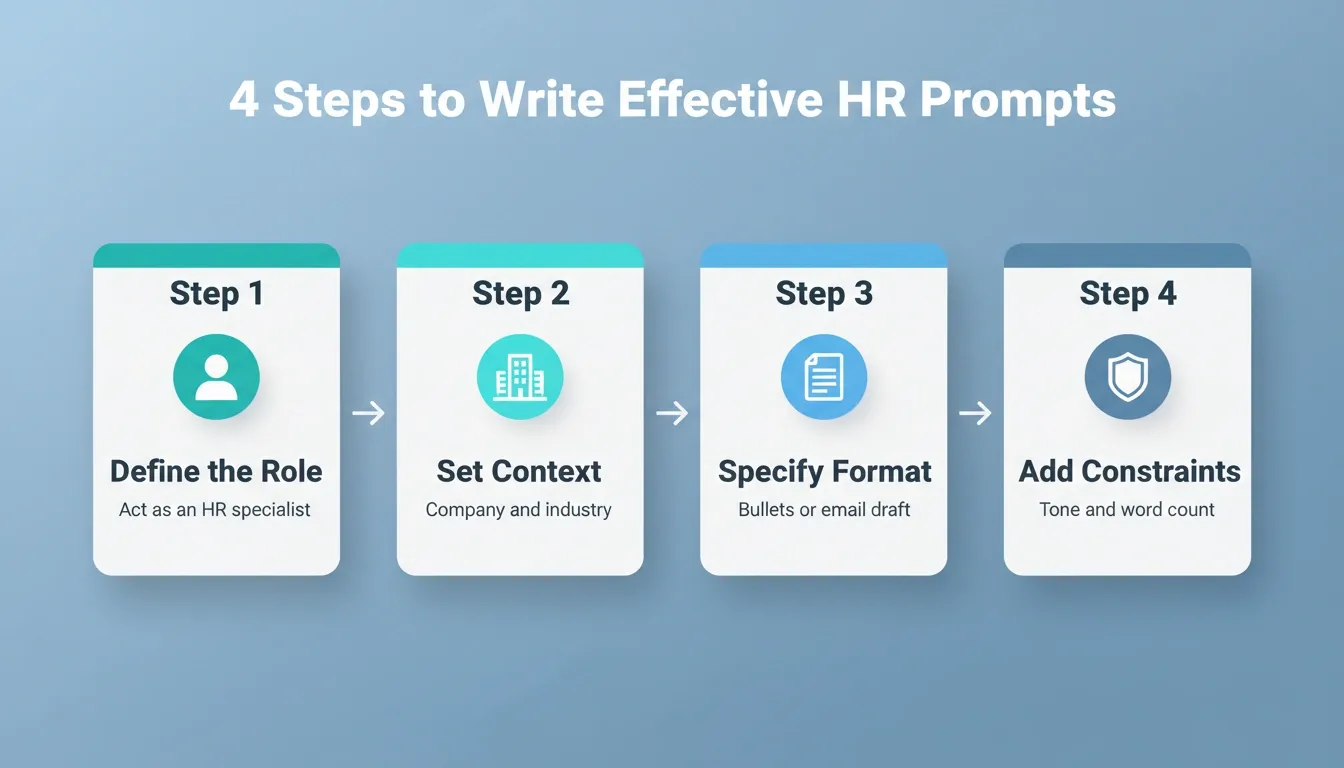
The more context you provide, the fewer edits you need to make. These four steps work across any AI model, whether you use ChatGPT, Claude, or Gemini.
One important reminder: always review AI output before sending. Generative AI is a drafting tool, not a decision-maker. Human expertise remains the final checkpoint on every document.
To go deeper on writing effective prompts, see how to write AI prompts for a practical breakdown of prompt structure and iteration.
Best AI Prompts for Talent Acquisition and Recruitment
Talent acquisition is one of the areas where ChatGPT prompts save HR professionals the most time. From writing job descriptions to generating interview questions, here are prompts HR teams use daily.
Writing Job Descriptions
- Act as a talent acquisition specialist. Write a job description for a [job title] at a [company size] [industry] company. Include responsibilities, required skills, starting salary range of [amount], and company values. Use inclusive language and keep it under 400 words.
- Rewrite this existing job description to remove gendered language. Add a section on growth opportunities. Maintain a professional tone throughout.
- Create a job description for a [role] that emphasizes remote-first culture, async communication, and results-based performance.
Generating Interview Questions
- Create 10 behavioral interview questions for a [job title] role. Focus on leadership, problem resolution, and culture fit. Include follow-up questions for each and a scoring rubric.
- Generate 5 technical interview questions for a senior data analyst. Include what a strong answer looks like and red flags to watch for in responses.
- Write a structured interview guide for a [role] with questions mapped to these competencies: [list competencies]. Include a 1 to 5 rating scale and space for notes after each question.
Drafting Outreach and Offer Communications
- Write a job offer email for [candidate name] for the position of [job title]. Include start date of [date], starting salary of [amount], benefits summary in bullet points, and next steps. Keep the tone warm and professional.
- Draft a rejection email for candidates who reached the final interview round. Be respectful, offer to keep them in our talent pipeline, and suggest they follow our careers page.
- Write a sourcing outreach message for LinkedIn targeting passive candidates with [specific skill set]. Keep it under 150 words and include a clear call to action.
According to IBM's research on AI in HR, organizations using artificial intelligence for talent acquisition can evaluate applicant credentials against job requirements faster while also reducing bias in the screening process. The hiring manager and recruiting team benefit from having a first draft to refine rather than starting from a blank page every time.
AI Prompts for the Onboarding Process
The onboarding process sets the tone for a new employee's entire tenure. These prompts help HR teams create personalized, structured onboarding experiences that support new hires from day one.
- Create a first-week onboarding checklist for a new hire in the [department] team. Include tasks for IT setup, HR paperwork, manager introductions, and training schedules. Format as a day-by-day breakdown with checkboxes.
- Write a welcome email for [new employee name] starting on [start date] as [job title]. Include what to bring on day one, who their contact person is, parking info, and links to the employee handbook.
- Generate a 30-day onboarding plan for remote employees. Cover company culture introduction, team collaboration tools, and performance expectations at the end of each week.
- Create a 90-day onboarding roadmap for a [role]. Include weekly milestones, key stakeholder introductions, required training modules, and a 30/60/90-day check-in template for managers.
- Write a pre-boarding email sequence of 3 emails for a new hire starting in 2 weeks. Email 1: logistics. Email 2: culture and team intro. Email 3: day-one agenda.
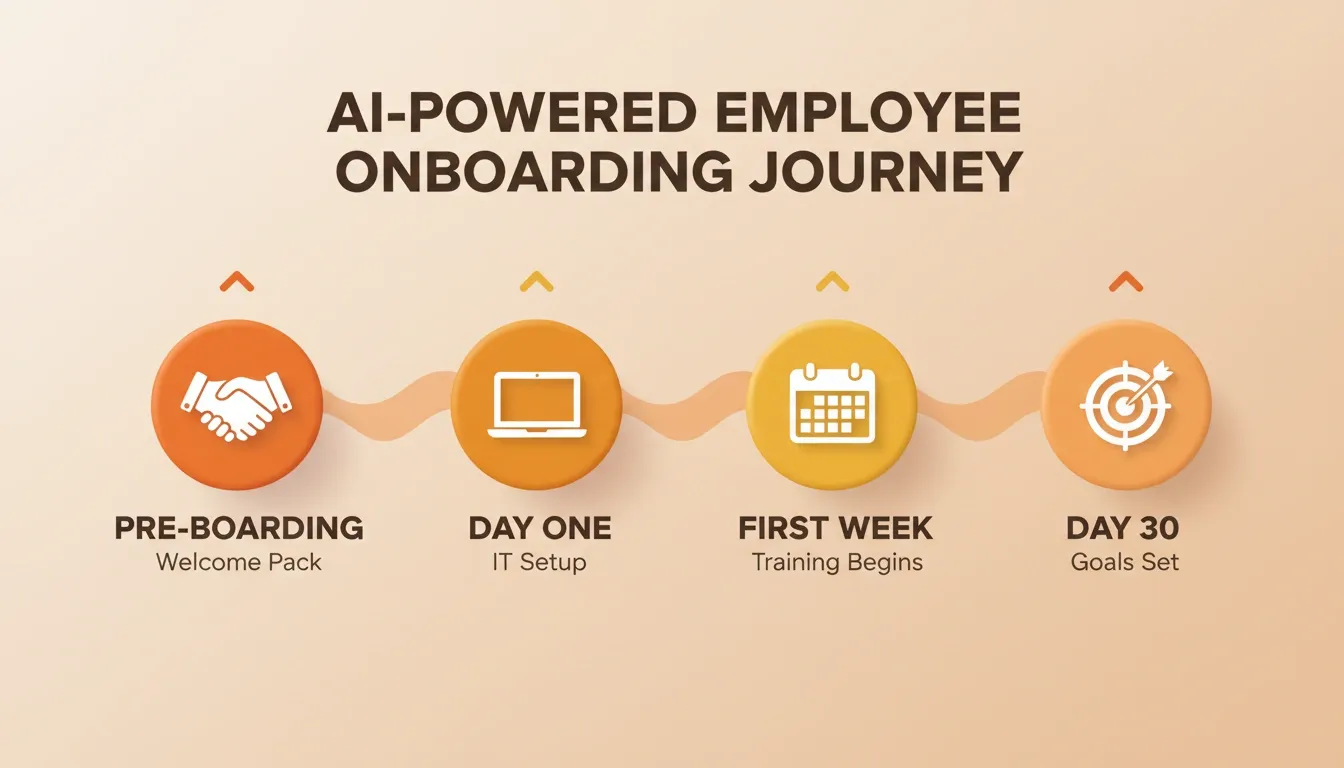
Each organization should tailor these prompts based on company size, remote vs. in-person setup, and specific compliance requirements. For a broader look at how AI tools reshape HR and operations workflows, see AI productivity tools for faster workflows.
AI Prompts for Performance Management and Employee Retention
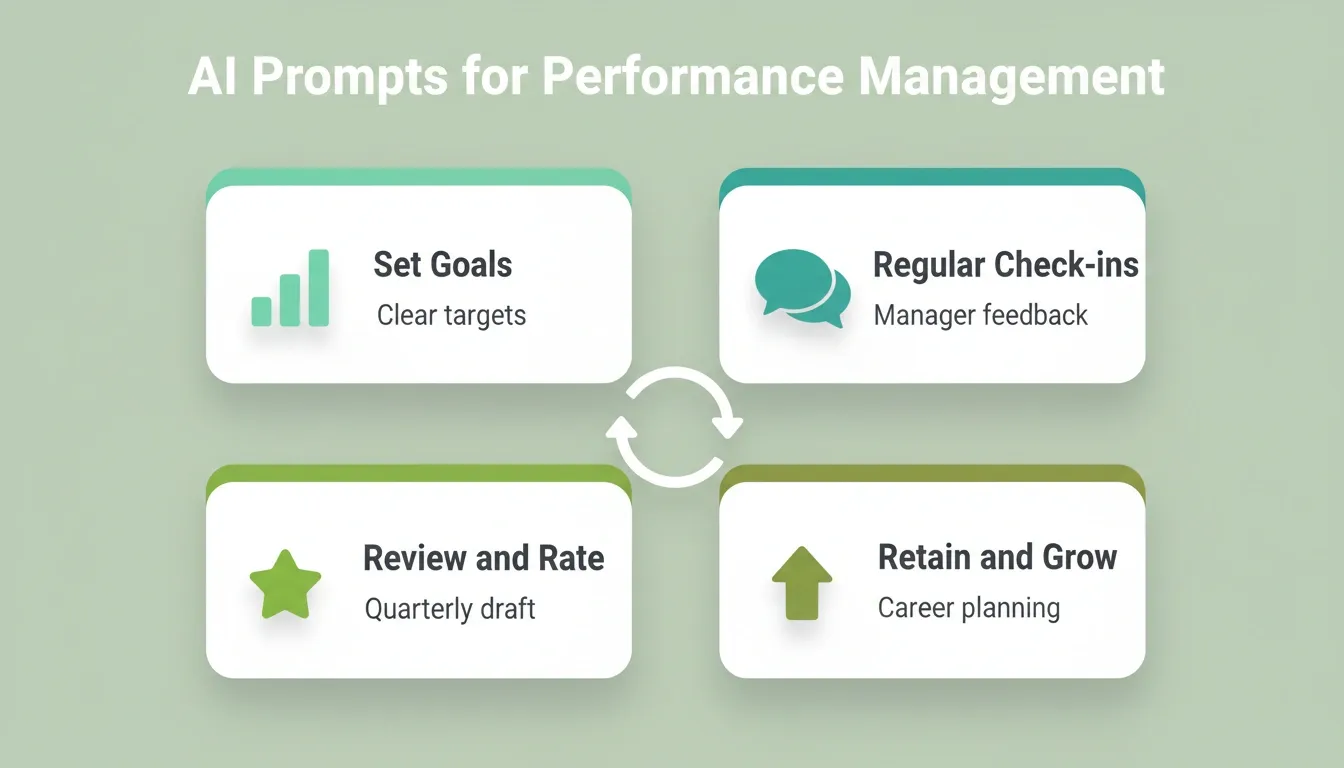
Performance management and employee retention are tightly connected. When HR professionals use AI prompts to build better review processes, employee engagement scores typically follow.
Performance Review Prompts
- Summarize this employee's quarterly performance data and generate a performance review draft. Highlight 3 strengths, 2 areas for improvement, and suggest specific goals for next quarter. Use a supportive, growth-oriented tone.
- Create a self-assessment template for employees in the engineering department. Include sections for accomplishments, challenges, skills developed, and career goals. Keep it to one page.
- Write a performance improvement plan (PIP) for an employee in the [role] who is struggling with [specific issue]. Include clear measurable goals, a 30-day timeline, a weekly check-in structure, and success criteria.
- Generate a calibration discussion guide for managers preparing for performance review cycles. Include prompts for assessing impact vs. effort, avoiding recency bias, and comparing across team members fairly.
Employee Retention and Engagement Prompts
- Analyze these engagement survey results and identify the top 3 patterns driving employee turnover in our sales department. Recommend 5 actionable retention strategies based on these findings.
- Draft a stay interview question set for managers to use with high-performing direct reports. Include 7 questions that uncover satisfaction levels, growth expectations, and potential flight risks without making the employee feel interrogated.
- Generate an employee recognition announcement for [person] who achieved [accomplishment]. Make it suitable for a company-wide Slack channel. Keep it upbeat, specific about the impact, and roughly 100 words.
- Write a career development conversation guide for managers. Include questions that help employees articulate their goals, identify skill gaps, and co-create a development plan. Format as a structured 45-minute conversation outline.
- Create a pulse survey with 8 questions to measure employee sentiment after a major organizational change. Include a mix of rating scales and open-ended questions. Focus on clarity, trust, and psychological safety.
AI Prompts for Performance Management
Gartner's 2026 research involving 426 CHROs across 23 industries found that organizations embedding desired culture into daily work see up to 34% increases in employee performance. These ChatGPT prompts help HR leaders build the feedback loops and check-in structures that drive retention without consuming senior leaders' entire calendars.
A thoughtful performance management approach supported by AI frees managers to focus on coaching conversations rather than paperwork. The prompts produce the scaffolding. The human connection does the rest.
AI Prompts for HR Policies, Compliance, and Communication
Drafting HR policies, handling compliance documentation, and communicating changes to staff are time-consuming tasks. These prompts help streamline HR processes while keeping sensitive employee data protected.
Policy Drafting Prompts
- Write a work-from-home policy for a company of [size] in the [industry] sector. Include eligibility, equipment provisions, expectations for availability, data security guidelines, and manager approval procedures. Keep it under 800 words in a formal but friendly tone.
- Create a new policy announcement email informing all staff about updated parental leave benefits. Explain what changed, who is covered, the effective date, and where to find the full policy. Maintain a positive, inclusive tone.
- Draft open enrollment communication for our healthcare benefits package. Include key dates, what employees need to do, a comparison of plan options, and a reminder about the enrollment deadline. Make it scannable with bullet points and short paragraphs.
- Write an AI usage policy for employees. Cover acceptable use of generative AI tools, data privacy requirements, prohibited inputs, and consequences for violations. Tone: clear and practical, not punitive.
Compliance and Sensitive Topic Prompts
- Review this termination letter draft for compliance with [state] employment laws. Flag any language that could create legal risk. Suggest revisions that maintain clarity while reducing liability.
- Generate a data privacy notice for our HR department. Explain how we collect, store, and use people data. Include employee rights under GDPR and CCPA.
- Draft a reasonable accommodation request response template for HR when employees submit ADA accommodation requests. Include acknowledgment language, next steps, timeline, and contact information.
- Create a workplace investigation checklist for HR when a formal complaint is filed. Include intake steps, documentation requirements, interview protocols, confidentiality reminders, and resolution timeline.
Always run AI-generated compliance content through legal review before distribution. Regulations vary by location and change frequently. According to SHRM's guidance on AI in HR, HR professionals should establish clear review protocols before deploying AI-generated policy documents.
As a result, the prompts above give HR professionals a solid foundation to build internal compliance tools that generate first drafts in seconds.
AI Prompts for HR by Function: Quick Reference
Use this table as a fast lookup for the right prompt type by HR function:
| HR Function | Best Prompt Type | Key Constraint to Include |
|---|---|---|
| Job descriptions | Role + format + word count | Inclusive language requirement |
| Interview questions | Role + competencies + scoring rubric | Behavioral vs. technical split |
| Offer letters | Candidate name + terms + tone | Legal review before sending |
| Onboarding checklists | Department + format + timeline | Remote vs. in-person distinction |
| Performance reviews | Employee data + tone + goals | Growth-oriented framing |
| Policy drafts | Company size + jurisdiction + tone | Legal review before publishing |
| Engagement surveys | Topic + question count + format | Anonymous vs. attributed |
| Termination letters | Jurisdiction + reason + tone | Legal review mandatory |
| Stay interviews | Seniority level + relationship | Non-threatening framing |
| Training materials | Role + skill level + format | Compliance requirements |
Common Mistakes When Using AI for HR Tasks
AI prompts for HR work brilliantly when used correctly. However, some pitfalls trip up even experienced HR professionals.
Never paste employee names, salaries, performance ratings, or disciplinary records into a public AI session. Sensitive data requires private, secure environments with role-based access controls. Build a dedicated tool on a platform that keeps your data isolated.
Treat AI output as a first draft, not a final document. HR professionals still need to review every document for accuracy, tone, and compliance before sending. A vague request produces generic results. Better prompts include the role, level, department, company culture, and specific requirements.
AI models can reflect biases from their training data. Always check outputs for gendered language, age-related assumptions, and cultural bias before publishing. Effective ChatGPT prompts for HR usually require 2 to 3 rounds of refinement. Ask follow-up questions, request different formats, or add constraints to improve results.
Using AI in standalone chat tools means no audit trail, no automation, and no integration with your employee database. For compliance-sensitive HR functions, build your AI workflows inside a system that logs activity and maintains version history.
How Rocket Turns HR Prompts Into a Full HR Management System
Rocket is a vibe solutioning platform that combines strategic research (Solve), AI app building (Build), and competitive intelligence (Intelligence) in one place. For HR teams, the Build capability is the most immediately relevant. Describe the HR tool you need in plain language, and Rocket generates a fully functional, production-ready application with UI, backend logic, database, and authentication.
Rocket generates web applications in Next.js and mobile applications in Flutter. Every build ships with WCAG accessibility compliance, GDPR coverage, and performance optimization by default.
What HR Teams Can Build on Rocket
| HR Tool | What Rocket Generates |
|---|---|
| Employee onboarding portal | Multi-step onboarding flow with task checklists, document uploads, and manager notifications |
| Leave management system | Request submission, approval workflows, balance tracking, and calendar integration |
| Performance review dashboard | Review cycles, self-assessment forms, manager ratings, and calibration views |
| HR policy knowledge base | Searchable policy library with version control and employee acknowledgment tracking |
| Recruitment tracker | Candidate pipeline, interview scheduling, offer management, and hiring analytics |
| Compliance audit tracker | GDPR/CCPA documentation, DSAR management, and audit-ready reporting |
How to Build an HR Tool on Rocket
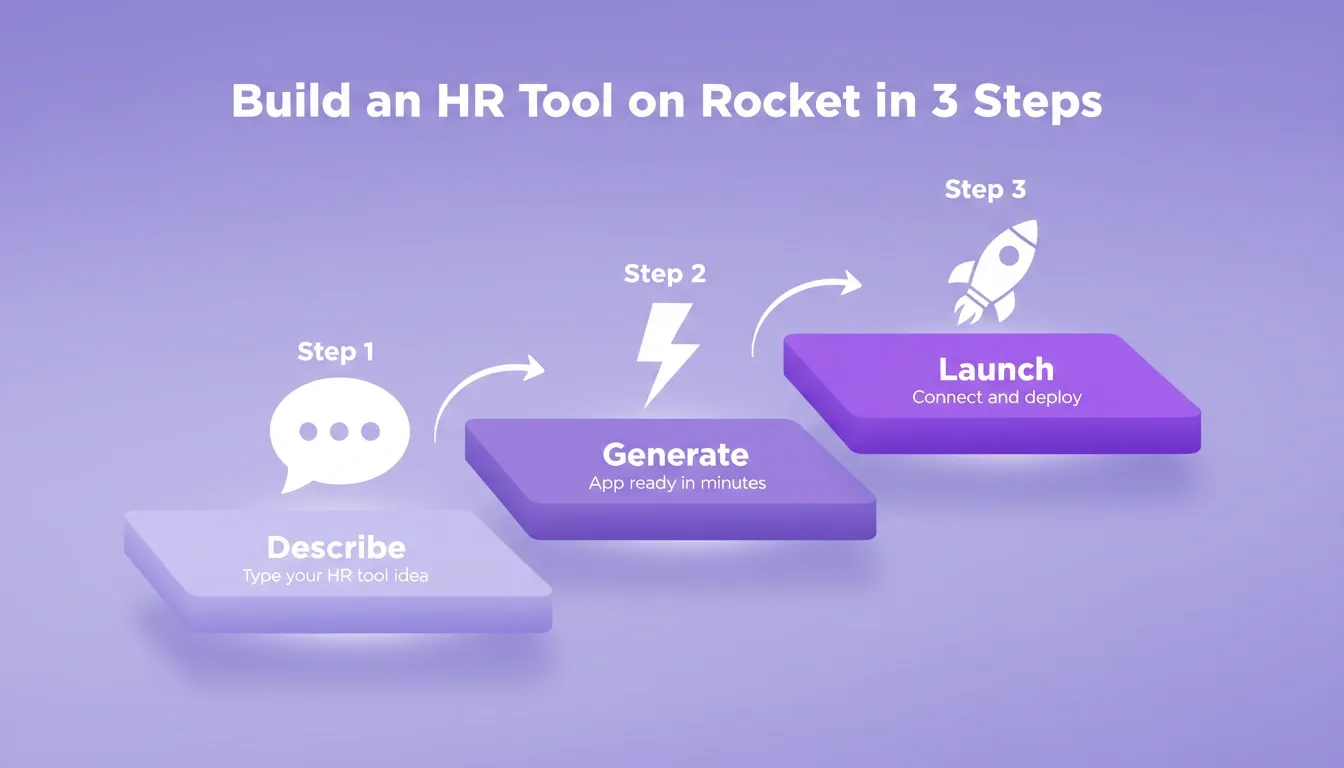
The process follows three steps:
- Describe — type what you want in plain language. For example: "Build an employee onboarding portal with a new hire checklist, document upload section, IT setup tracker, and manager sign-off workflow."
- Generate — Rocket plans the architecture, writes production-ready code, and shows a live preview. Most apps generate in 1 to 3 minutes.
- Refine and launch — iterate through chat, visual editing, or direct code access. Connect integrations and click Launch when ready.
Rocket integrates with 25+ services, including Supabase (database and authentication), Notion (knowledge management), Google Workspace (calendar and documents), Airtable (data management), and Mailchimp (automated communications).
Build an HR Tool on Rocket in 3 Steps
Rocket Pricing
| Plan | Price | Monthly Credits |
|---|---|---|
| Free | USD 0 | 20 (one-time) |
| Pro | USD 25/month | 100 |
| Rocket | USD 50/month | 250 |
| Booster | USD 250/month | 1,500 |
All paid plans include unlimited team members. Unused subscription credits roll over month to month. Credits cover Build, Solve, and Intelligence with one balance and no separate billing for compute or storage.
Traditional HR software forces teams into rigid templates that rarely fit specific workflows. Tools like BambooHR or Workday offer broad features. However, customizing them for a specific onboarding process or performance review cadence often requires expensive consultants and months of implementation.
Where AI Prompts and HR Systems Come Together
The right prompts turn hours of HR administration into minutes of productive work. From talent acquisition to employee retention, from onboarding to compliance, structured AI prompts for HR management systems give your team a starting line rather than a blank page.
The organizations seeing the biggest gains are not just using prompts in isolation. They are building dedicated systems that run these prompts automatically, at scale, whenever their HR workflows need them. Every new hire triggers the same onboarding sequence. Every performance cycle generates consistent review templates. Every policy change produces a compliant communication draft, without anyone manually copying prompts into a chat window.
As AI continues to evolve, HR teams that embed these workflows into purpose-built systems will be better positioned to scale their operations, reduce compliance risk, and focus on the work that actually requires human judgment.
Describe the HR tool your team needs at Rocket.new and ship your first build in minutes.
Table of contents
- -What Makes an HR Prompt Different from a Regular AI Prompt?
- -Best AI Prompts for Talent Acquisition and Recruitment
- -Writing Job Descriptions
- -Generating Interview Questions
- -Drafting Outreach and Offer Communications
- -AI Prompts for the Onboarding Process
- -AI Prompts for Performance Management and Employee Retention
- -Performance Review Prompts
- -Employee Retention and Engagement Prompts
- -AI Prompts for HR Policies, Compliance, and Communication
- -Policy Drafting Prompts
- -Compliance and Sensitive Topic Prompts
- -AI Prompts for HR by Function: Quick Reference
- -Common Mistakes When Using AI for HR Tasks
- -How Rocket Turns HR Prompts Into a Full HR Management System
- -What HR Teams Can Build on Rocket
- -How to Build an HR Tool on Rocket
- -Rocket Pricing
- -Where AI Prompts and HR Systems Come Together