
Looking for an easier UI design? Let's see the top AI UI generators and how teams create modern, user-friendly interfaces faster without complex wireframes or endless design iterations.
Curious if there’s a fast, creative way to build UI designs without headaches?
Yes, there absolutely is because today’s AI UI generator tools let people design modern web apps with less sweat and more fun.
The report shows that in 2025, about 78% of companies worldwide are using AI in at least one part of their workflow, including design tasks. That number shows how much AI is now a day‑to‑day tool, not just sci‑fi stuff anymore.
So if you want great UI design without drowning in wireframes, sketches, and endless edits, this blog is for you.
Let’s talk about the best AI UI generator tools and how they help generate ui, build ui screens, and design experiences that actually feel good to use.
What is an AI UI Generator?
Think of an AI UI generator like a creative assistant that helps you design interfaces with words, prompts, or sketches.
Instead of dragging and dropping each element manually in a design tool, you can:
- Describe what you want
- Adjust prompts
- Quickly generate UI screens that feel modern
Then you can edit layouts, customize components, or turn things into prototypes or code.
Basically, these tools let you skip some of the grunt work in the design process and focus more on what your users actually need.
Why AI Tools Matter in UI Design?
Let’s be honest. Traditional UI design can be slow and messy. You’re constantly guessing layouts, balancing styles, toggling between screens, or tweaking every pixel.
Designers and product people don’t have to waste time on repetitive tasks. Creativity gets a clearer runway.
How AI UI Generators Work: Plain Language & Prompts
Let’s slow it down for a second and talk about how this magic really happens.
Prompt to UI
Instead of building screen after screen manually, you give a prompt like:
“Create a dashboard with three cards, a header, and a dark theme.”
The AI UI tool reads that prompt and spits back high‑level layouts, sometimes complete screens, ready for editing. That’s UI generation at work.
You don’t need to draw anything. Just type.
This is huge for people who think visually and verbally. It turns ideas into screens fast.
Workflow With an AI UI Design Generator
Designing with AI doesn’t have to feel like rocket science.
Here’s a simple, friendly workflow to take your idea from a thought to a usable interface:
- Start with a prompt: "Describe your app or screen idea in everyday language." Keep it clear and concise.
- Generate UI screens: The AI spits back layouts, designs, and components based on your prompt.
- Review & refine: Tweak prompts, change colors, shift layouts, or adjust components until it feels right.
- Export or prototype: Turn designs into prototypes, clickable flows, or actual code you can work with immediately.
And there you have it. Just a few steps, and your idea has transformed into a high-fidelity design ready for testing, feedback, or development. No complicated manuals, no endless drag-and-drop, just a friendly workflow that actually makes sense.
What Can You Actually Build With These Tools?
AI UI generators aren’t just for show; they can produce real, usable designs for all kinds of apps.
Here’s what you can create with them:
- Landing Pages: Generate marketing site screens with hero banners, CTAs, and email forms in just minutes.
- Dashboards: Create complex admin panels with data tables, cards, charts, and filters all neatly organized.
- Profile Screens: Design personal pages for users with editable fields and interactive elements.
- Mobile App Layouts: Build responsive layouts that look great on phones, tablets, and desktops.
- Prototypes: Draft fully clickable versions that feel like real apps, without needing a dev team.
Start with a simple prompt, and these tools turn your ideas into interactive, editable screens.
The best part? You’re not stuck with static images; you get something you can actually work with, test, and show off. That’s the fun of AI-generated designs: fast, practical, and surprisingly playful.
Top AI UI Generators Out There
Here’s a friendly comparison of some of the most talked‑about AI UI generator tools:
| Tool Name | What It Does Best | Typical Output | Best For |
|---|---|---|---|
| Rocket.new | One‑shot prompt to full app + backend | Full applications with UI & code | Founders & product teams |
| GPT‑based UI prompts | Quick UI mockups | Single screens, concepts | Designers exploring ideas |
| Other AI tools | Varied UI components | Design ideas plus layouts | Quick prototyping |
This is just a starting point, but it shows that AI UI design isn’t one‑size‑fits‑all. Some tools help you make individual screens, and some help you go end‑to‑end.
Here's an honest look at the main players, so you can see where each one fits before deciding what's right for you.
1. Uizard: Best for rapid wireframing without design skills
Uizard is built for non-designers who need to show what an idea looks like fast. Its core feature, Autodesigner 2.0, takes a text prompt like "a fitness app with a dashboard, workout log, and progress charts" and produces multiple editable screens with navigation, buttons, and layout structure in seconds.
You can also upload a hand-drawn sketch and have it digitized automatically, a genuinely useful trick for anyone who still thinks on paper.
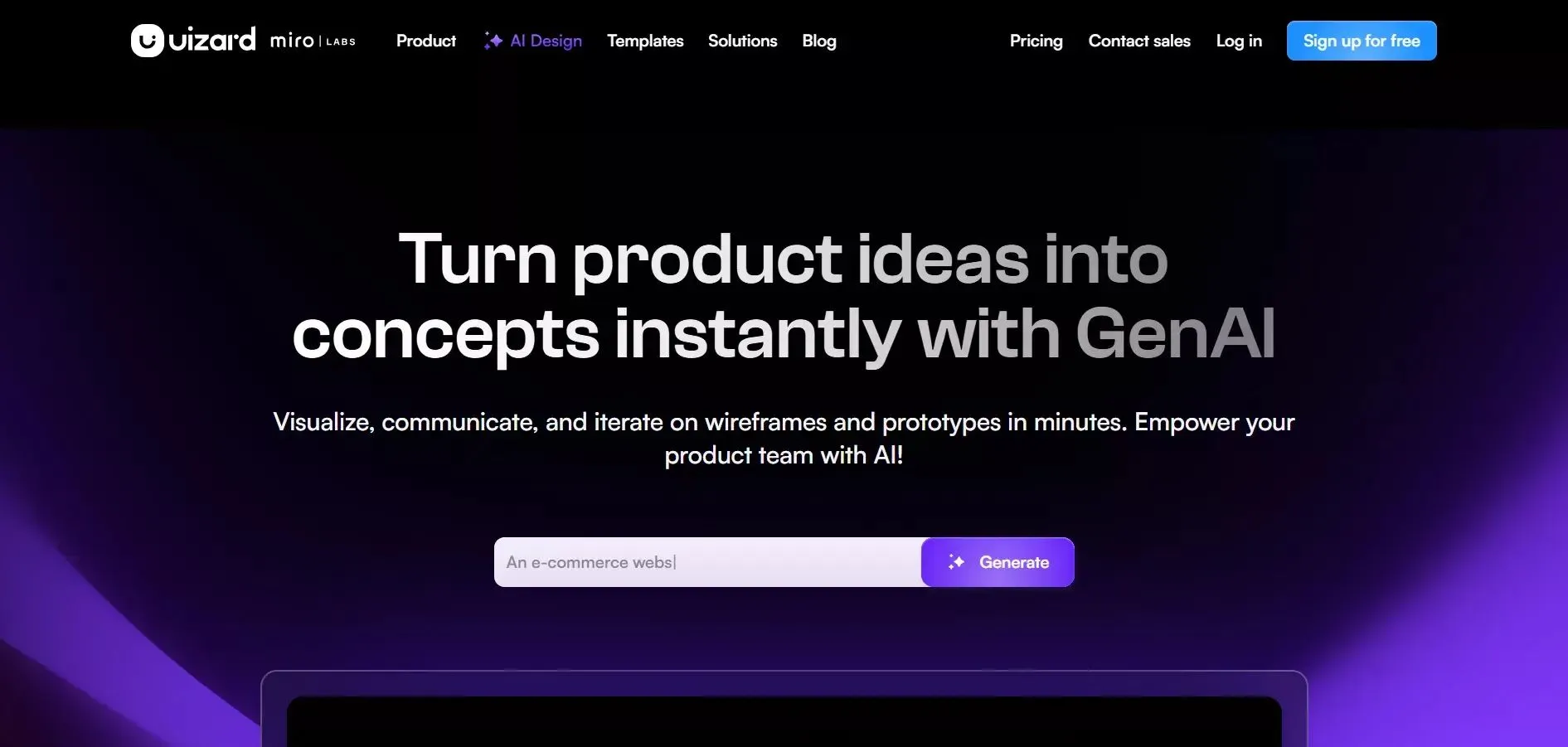 The interface is drag-and-drop, so there's no steep learning curve. It covers web, mobile, and tablet layouts and exports to Figma and SVG on paid plans.
Where it falls short: the AI output can look a little generic, the free plan limits you to just 3 generations per month, and even the Pro tier's 500-generation cap runs out quickly if you're iterating heavily.
Best for: Founders, product managers, and non-designers who need something on screen fast to discuss with their team.
Pricing: Free (3 generations/month) · Pro at $12/month (annual) · Business at $39/month
2. Visily: Best for teams who need the most flexible input
Visily stands out for one reason above all others: it accepts more types of input than almost any other tool. You can describe a screen in plain English, upload a screenshot of a competitor's UI, or scan a hand-drawn sketch, and Visily converts all of it into a fully editable design.
That flexibility makes it particularly useful at the very start of a project, when your idea exists in multiple half-formed formats at once.
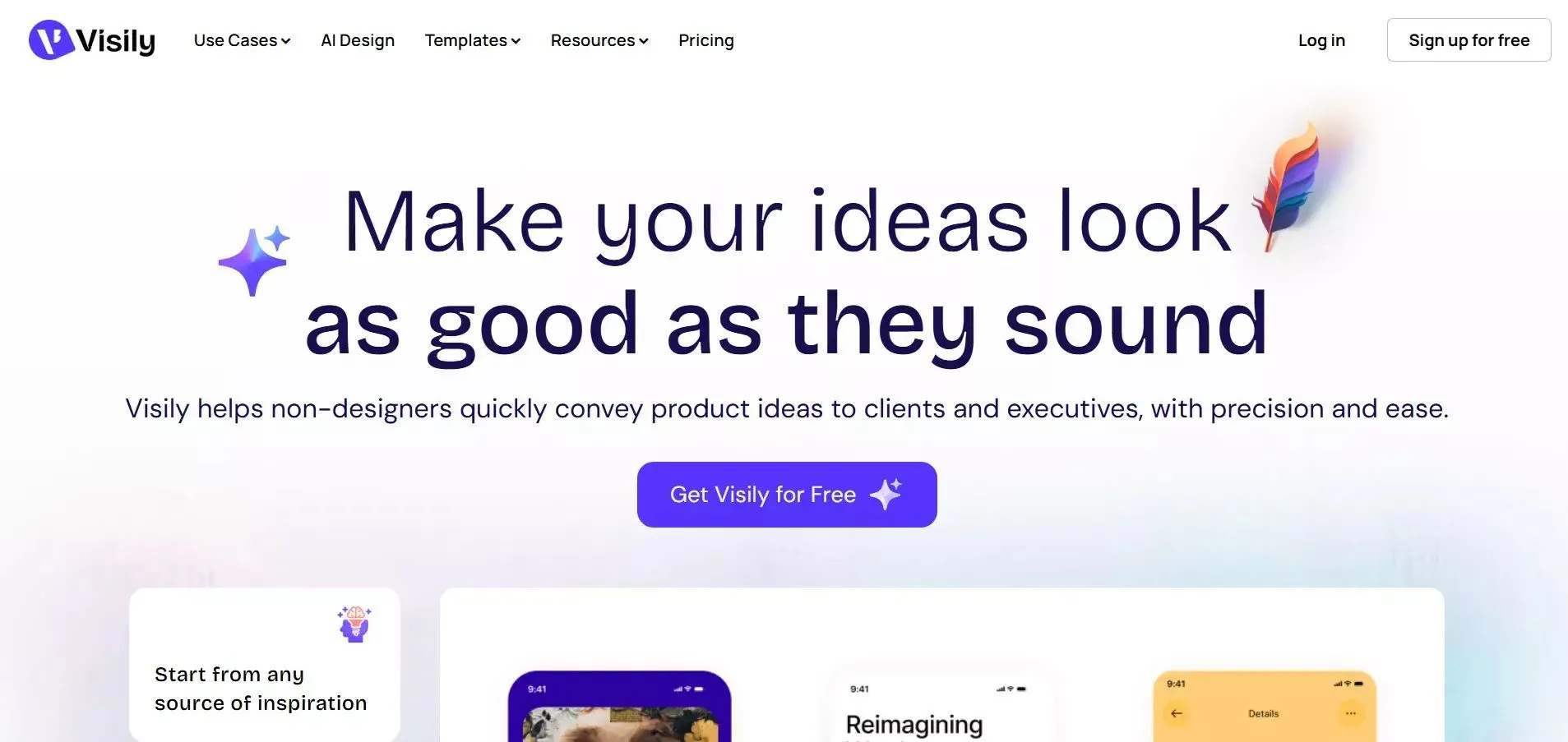 It ships over 1,500 templates covering dashboards, landing pages, onboarding flows, and more. Real-time collaboration features make it a strong fit for small teams where a PM, a designer, and a developer all need to contribute to the same canvas.
The main limitations: the AI-generated output can be inconsistent, and projects become harder to navigate as they scale to dozens of screens. Code export is also more limited than with developer-focused tools.
Best for: Product managers, startup founders, and business analysts who need to visualize ideas quickly and share them with their team without learning Figma.
Pricing: Free forever (unlimited projects) · Pro at $14/editor/month
3. Google Stitch (formerly Galileo AI): Best for high-fidelity mockups at no cost
Galileo AI was one of the most respected text-to-UI tools on the market, known for producing visually polished, production-quality screens that looked like they were made by a real designer, not a code generator. In May 2025, Google acquired it and relaunched it as Google Stitch, now powered by Gemini 2.5 Pro and completely free in beta.
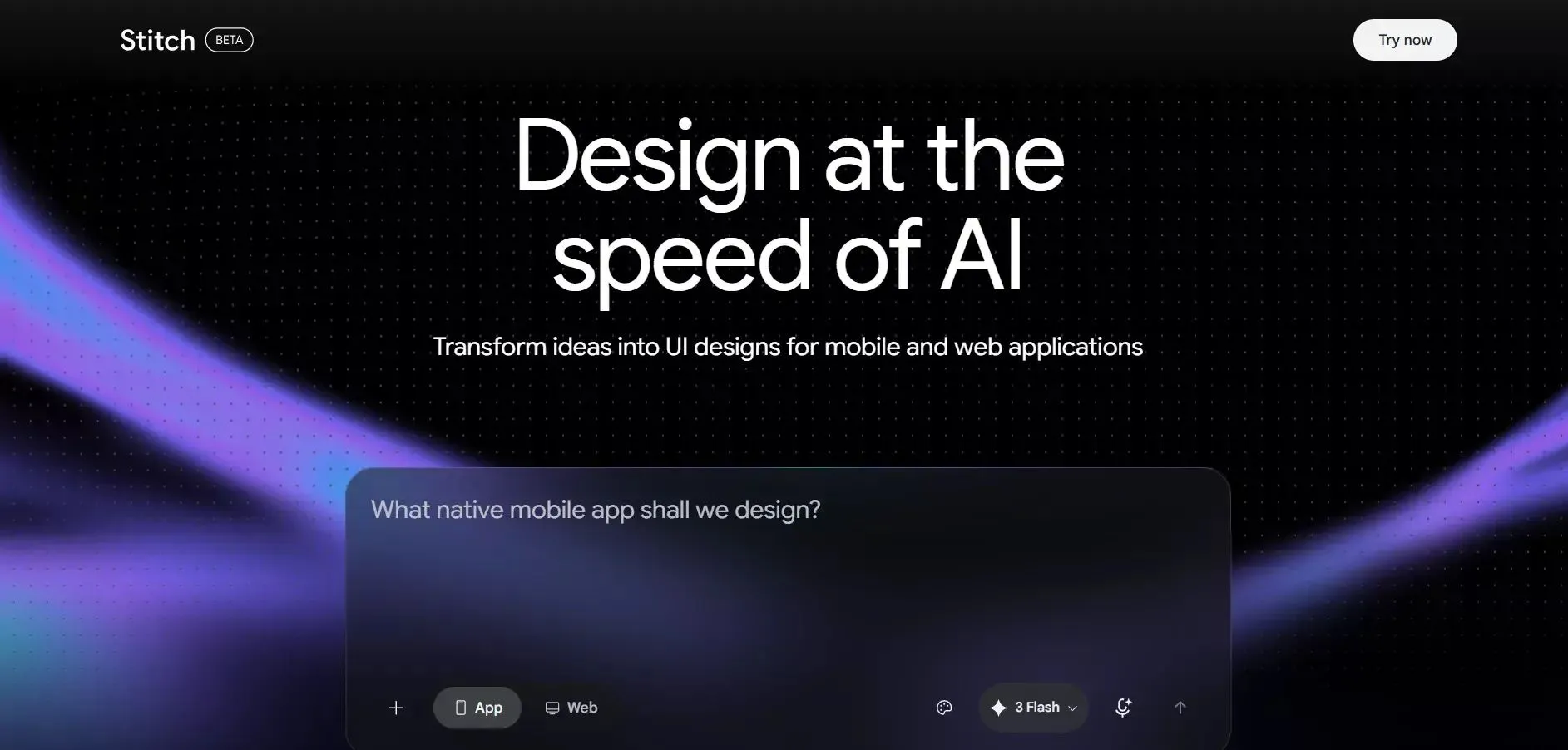 The March 2026 Stitch 2.0 update added an infinite canvas, voice commands, multi-screen consistency (all generated screens share the same colors, fonts, and component styles), and a direct pipeline to coding tools. One-click Figma export preserves editable layers, and HTML/CSS code export is available for developer handoff.
The catch: it's still in beta, daily generation credits are capped, and the in-tool editing experience is more limited than dedicated design tools like Figma or Uizard. It's best thought of as a powerful first-draft generator, not a full design environment.
Best for: Designers who want beautiful, high-fidelity UI screens for free, especially for pitches, client presentations, or early-stage prototypes.
Pricing: Free (350 standard generations/month + 200 experimental mode generations)
4. v0 by Vercel: Best for developers who want code, not just mockups
v0 is the only tool in this list that skips the mockup entirely and goes straight to code. Describe an interface in plain English or upload a screenshot, and v0 generates clean React components with Tailwind CSS and shadcn/ui, with proper TypeScript types, responsive design, and accessibility attributes baked in by default. If your stack is Next.js, it eliminates a significant chunk of frontend setup time.
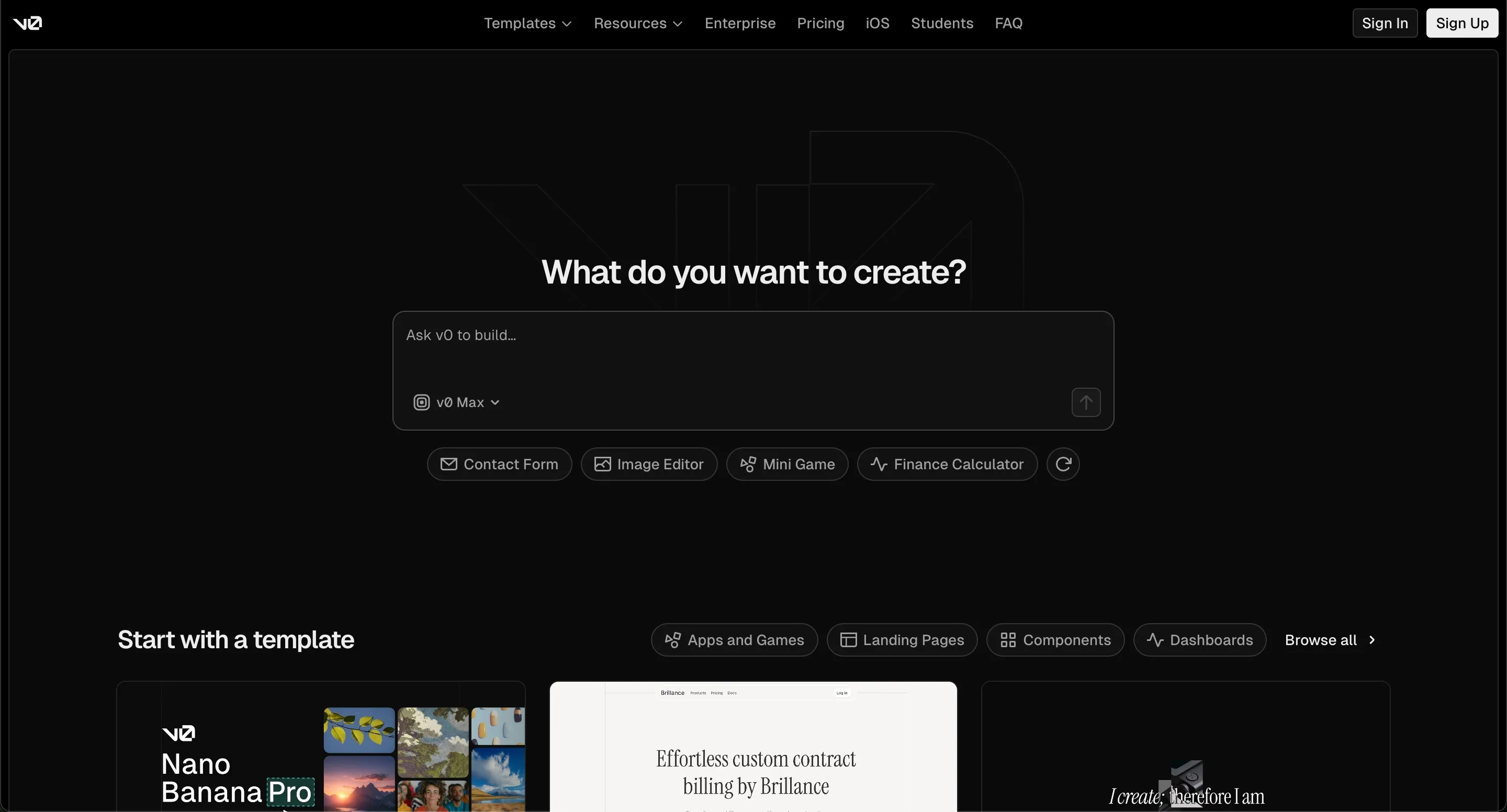 The 2026 update pushed v0 well beyond a component generator. It now scaffolds full Next.js applications with GitHub integration, database connectivity (Supabase, Neon), API routes, and one-click deployment to Vercel. Over 6 million developers were on the platform as of early 2026.
The trade-off: you need developer familiarity to get value from it. And the token-based pricing means costs for complex projects can be hard to predict, a full app generation can burn through your monthly credits in just a few prompts.
Best for: Frontend developers and engineering teams who want production-ready React/Next.js UI components without writing boilerplate from scratch.
Pricing: Free ($5 credits/month) · Premium at $20/month · Team at $30/user/month
5. Rocket.new: Best for going from idea to working app in one place
Most AI UI generators stop at the design layer. You get a polished screen, and then you're on your own, figuring out the backend, the logic, and the code. Rocket.new treats all of that as part of the same prompt.
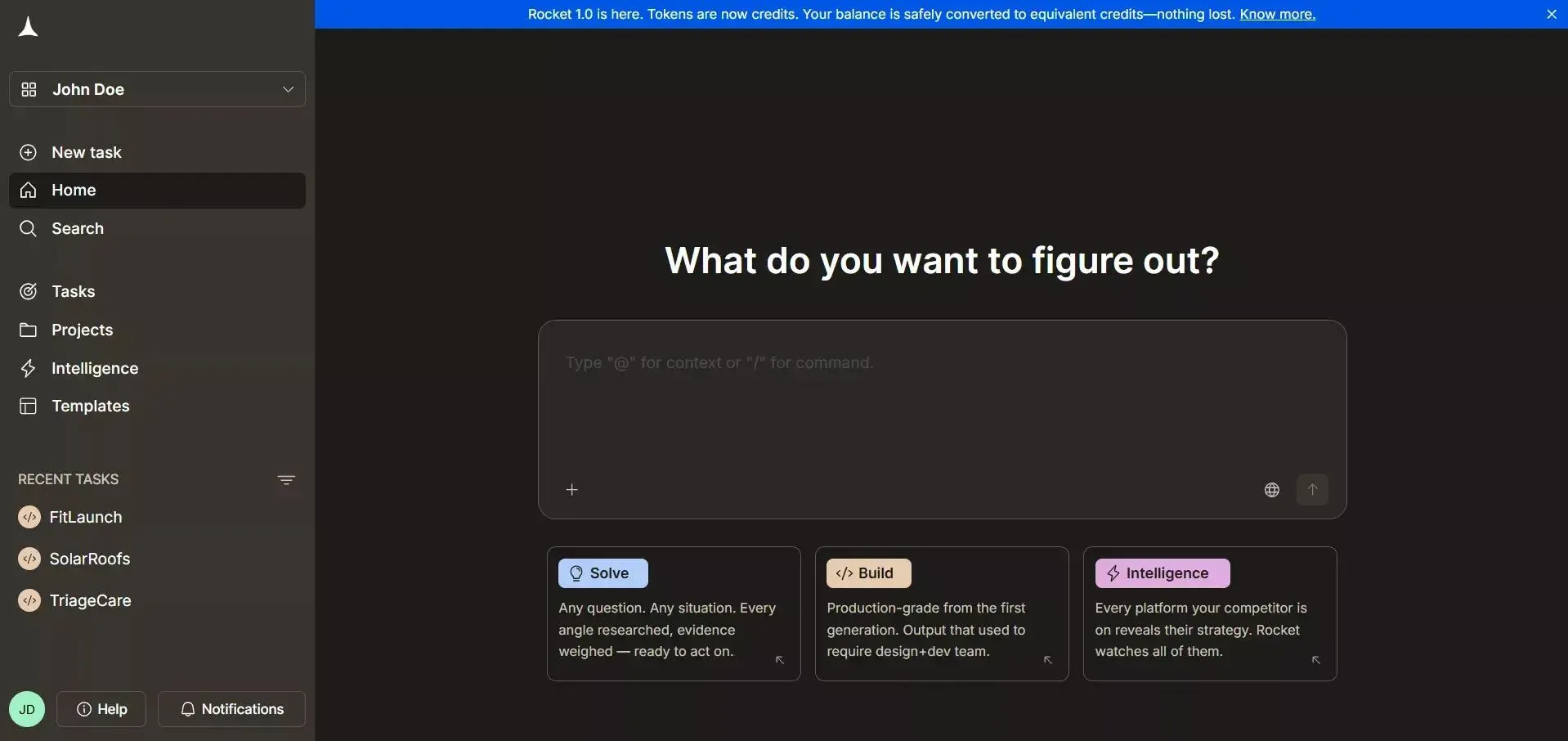 Describe what you want: "an app with a login screen, dashboard, and profile page"- and Rocket.new designs the UI, sets up the backend logic, and exports clean, runnable code. There's a live preview as you tweak screens, templates for common app structures like dashboards and landing pages, and no requirement to know CSS or React to get started. If you do know code, everything is exportable and fully customizable.
Where it stands apart from every other tool in this list: it's the only one that takes you from a plain-language prompt to a working app, frontend, backend, and code, without switching tools.
Best for: Founders, startups, and product teams who want a complete app, not just a mockup.
Pricing: Free to start · Paid plans for more builds and advanced features
Quick comparison at a glance
| Tool | Best for | Code export | Free tier | Needs dev skills? |
|---|---|---|---|---|
| Uizard | Fast wireframing | SVG / limited | 3 generations/mo | No |
| Visily | Flexible input, teams | CSS inspection | Unlimited projects | No |
| Google Stitch | High-fidelity mockups | HTML / CSS | 350 generations/mo | No |
| v0 by Vercel | Production React UI | React / Next.js | $5 credits/mo | Yes |
| Rocket.new | Full app (UI + backend) | Clean, exportable code | Free to start | No |
Most of these tools stop at the design layer. You get a beautiful screen, and then you're back on your own, figuring out how to turn it into something that actually runs. That's the gap Rocket.new fills, and it's worth looking at more closely.
How Rocket.new Makes UI Screens Real
Let’s zoom in on one tool that’s been getting a lot of real-world buzz:
Rocket.new doesn’t just help you generate UI. It goes several steps further.
Here’s what it does:
- Takes a simple prompt like “an app with login, dashboard, and profile screens”.
- Design UI screens that follow modern layout norms.
- Sets up backend logic.
- Exports clean code ready to run.
That sounds wild, but we’ve all tried tools that say they do amazing stuff and then... disappointing output.
But Rocket.new actually feels like it gets what you mean.
Rocket.new converts your plain language into high-fidelity UI designs and then into actual working interfaces for web and mobile apps.
What Makes Rocket.new Stand Out?
This platform does more than produce a screenshot.
Rocket.new gives you:
- Prompt‑based UI generation.
- Live preview while you tweak screens.
- Backend integration is ready out of the box.
- Templateslanding pages and website templates for every use case.
- Code you can export to continue working on later.
Here’s the twist: you don’t even need to know CSS or React to start.
But if you do know code, you can export the generated output and customize everything.
That’s the kind of flexibility both designers and builders appreciate.
What Users Are Saying
Real voices matter. In a LinkedIn post, one creator shared how a single sentence was enough to generate a complete, working app with mobile-ready UI and no setup or coding.
"I asked it to build a swipe-based book club app where users could match based on genre, location, and reading pace - with group chats for matches. Rocket asked a few smart questions… then delivered a full app with swipeable profiles, filters, chat, and a mobile-ready UI." - Chidanand Tripathi, LinkedIn
The Best AI UI Generator Depends on What You're Actually Building
Every tool covered here is good at something specific. Uizard and Visily are the fastest way to get an idea on screen without any design background. Google Stitch produces the most visually polished mockups, and it's free. v0 by Vercel is the go-to for developers who want production-ready React code without writing boilerplate.
But if you're building an actual app, not just a screen to show someone, you need more than a mockup. You need the UI, the logic behind it, and code you can ship. That's where Rocket.new sits in a category of its own.
The best AI UI generator isn't the flashiest one. It's the one that takes you furthest from where you start to where you need to be, with the least friction in between.
Table of contents
- -What is an AI UI Generator?
- -Why AI Tools Matter in UI Design?
- -How AI UI Generators Work: Plain Language & Prompts
- -Prompt to UI
- -Workflow With an AI UI Design Generator
- -What Can You Actually Build With These Tools?
- -Top AI UI Generators Out There
- -1. Uizard: Best for rapid wireframing without design skills
- -2. Visily: Best for teams who need the most flexible input
- -3. Google Stitch (formerly Galileo AI): Best for high-fidelity mockups at no cost
- -4. v0 by Vercel: Best for developers who want code, not just mockups
- -5. Rocket.new: Best for going from idea to working app in one place
- -Quick comparison at a glance
- -How Rocket.new Makes UI Screens Real
- -What Makes Rocket.new Stand Out?
- -What Users Are Saying
- -The Best AI UI Generator Depends on What You're Actually Building