
Compare the most cost-efficient AI coding tools in 2026. GitHub Copilot offers the best overall value, Cursor leads in AI-powered editing, Claude Code excels at complex reasoning, and Cline/Aider provide low-cost flexibility with your own API keys. For no-code app creation, Rocket.new lets you build and deploy apps directly from prompts or Figma designs.
Quick Answer
There's no single best cost-efficient AI coding tool; the right pick depends on your workflow:
| If you need... | Pick |
|---|---|
| Fast No-code app building without writing source code | Rocket.new ($25/mo) |
| Good for all-around value for daily coding tasks | GitHub Copilot ($10/mo) |
| Deepest reasoning for complex projects | Claude Code ($17–$20/mo) |
| Best in-editor agent mode experience | Cursor ($20/mo) |
| Free coding agent, bring your own API keys | Cline or Aider (free + token cost) |
Below is the full breakdown, pricing models, free tiers, individual vs. team vs. enterprise costs, and what changed in the market this year.
Why Cost-Efficient AI Coding Tools Matter in 2026
AI coding assistants are no longer optional add-ons; they're part of the entire development lifecycle, from writing code and code review to documentation generation and debugging guidance.
The data backs this up:
- 84% of developers now use or plan to use AI tools in their workflow, up from 76% in 2024, and 51% of professional developers use them daily (Stack Overflow 2025 Developer Survey).
- AI coding tools can rapidly scaffold full-stack applications from natural language descriptions, which is especially useful for client demos and rapid prototyping.
- Organizations report savings from needing fewer developers for routine tasks and reducing manual effort on testing and maintenance.
- Budget-friendly AI tools increasingly include self-healing test cases that adapt automatically to frontend changes, lowering long-term maintenance costs.
One honest caveat: the same survey found trust in AI-generated code has dropped; only 29% of developers say they trust AI output, down from 40% in 2024, and 66% say AI solutions are often "close but not quite right." A growing number of developers also report no productivity drop after stopping AI tool use. Translation: pick tools that fit your workflow; don't assume more AI automatically means more speed.
What "Cost-Efficient" Actually Means
A genuinely cost-efficient AI coding tool isn't just the cheapest option; it's the one that avoids hidden costs. Look for:
- ✅ Free tiers generous enough to evaluate real usage, not just a demo
- ✅ Predictable pricing models, flat subscription or clear usage-based billing, no surprise overages
- ✅ Advanced code completion that goes beyond simple code completion / autocomplete
- ✅ IDE integration with your existing development environments (VS Code extension, JetBrains, CLI)
- ✅ Flexibility to use your own API keys to control spend directly
- ✅ Multi-model support so you're not locked into one AI model
- ✅ Agent mode for multi-step coding tasks across multiple files, not just single-file completions
Which Tool Fits Your Workflow
Full Pricing Comparison Table
Note: All prices were verified against official pricing pages as of June 2026. AI tool pricing changes may vary; always confirm on the vendor's site before subscribing.
| Tool | Key Features | Free Tier / Trial | Individual | Team | Enterprise |
|---|---|---|---|---|---|
| Rocket.new | Prompt-to-app, Figma import, AI-powered backend, GitHub sync, 26+ integrations, | ||||
| Solve, Build and Intelligence features | Free, 20 one-time credits, no card required | $25/mo ($20/mo annual), 100 credits/mo | $50/mo (Rocket plan), 250 credits/mo, unlimited team members | $250/mo (Booster), 1,500 credits/mo, SSO, premium support | |
| GitHub Copilot | Code completions, Copilot Chat, agent mode, deep GitHub/VS Code & JetBrains IDE integration | Free plan, 2,000 completions/mo | $10/mo (Pro) · $39/mo (Pro+, heavy users) | $19/seat/mo (Business) | $39/seat/mo (+ GitHub Enterprise Cloud $21/seat) |
| Claude Code (Anthropic) | Deep codebase reasoning, agent mode, terminal + IDE + web, multi-file refactors, MCP support | No standalone free tier, included from Pro up | $17/mo billed annually ($20/mo monthly) · Max: $100–$200/mo | $100/seat/mo annual ($125 monthly), 5-seat minimum, includes Claude Code | Custom, contact sales, 500K context window option |
| Cursor | AI-native editor, Composer agent, multi-file edits, cloud agents, MCP integrations | Hobby: free, 2,000 completions/mo | $20/mo (Pro) · $60/mo (Pro+) · $200/mo (Ultra) | $40/seat/mo (Teams) | Custom, pooled usage, SCIM, invoicing |
| Windsurf (rebranded Devin Desktop, June 2026) | Cascade agentic workflows, Codemaps, multi-file context, ACP cross-editor support | Free, daily/weekly quotas | $20/mo (Pro) · $200/mo (Max) | $40/seat/mo + $80 base (Teams) | Custom |
| Amazon Q Developer ⚠️ sunsetting | AWS-native suggestions, security scanning, Java code transformation | Free, 50 agentic requests/mo | $19/user/mo (Pro) | $19/user/mo (same tier) | Contact AWS |
| Cline | 100% open-source VS Code/JetBrains extension, bring-your-own API keys, MCP support, Plan/Act modes | Free forever, pay only model provider | Free + token cost (~$5–$50/mo typical) | $20/mo/seat (10 free seats included) | Custom |
| Aider | Terminal-based, git-native auto-commits, model-agnostic, fully local model support via Ollama | Free forever, pay only model provider | Free + token cost (~$0.01–$0.10 per edit) | N/A, no team tier | N/A |
| Bolt.new | Browser-based full-stack scaffolding, instant preview, one-prompt deployment | Free, 1M tokens/mo | $20–25/mo (Pro, ~10M tokens) | $30/seat/mo (Teams) | Custom |
Tool-by-Tool Breakdown
GitHub Copilot: Best All-Around Value
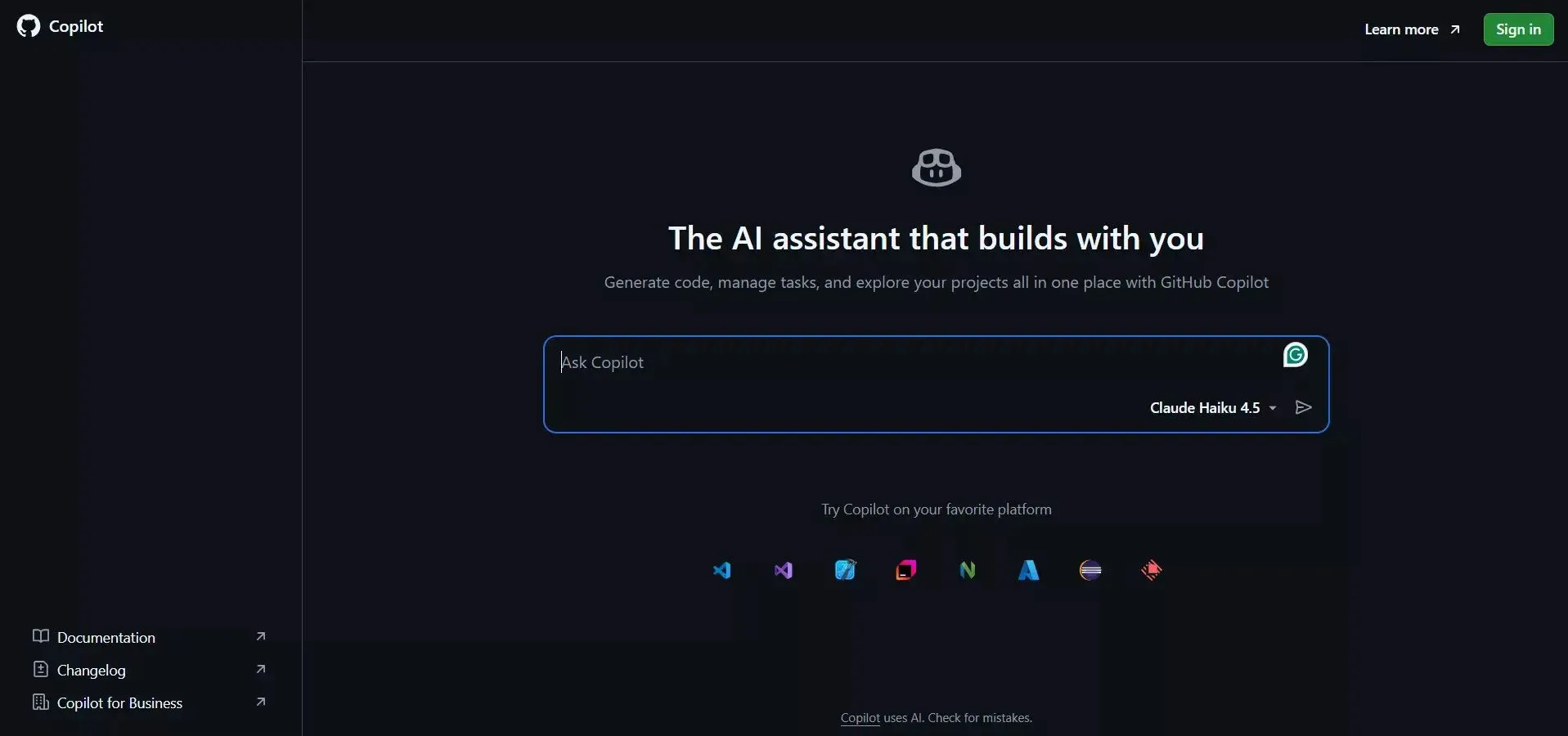
GitHub Copilot remains the safest entry point for individual developers who want reliable advanced code completion without a steep learning curve.
- Best for: Everyday coding tasks, teams that want predictable per-seat pricing
- Key features: Code completions, context-aware suggestions, Copilot Chat, agent mode, VS Code extension, JetBrains IDE plugin
- 2026 change: Switched from Premium Request Units to usage-based AI Credits billing on June 1, 2026, same list prices, different metering
- Limitations: Less depth on multi-step coding tasks compared to Cursor or Claude Code's agent mode
Claude Code: Best for Complex Reasoning
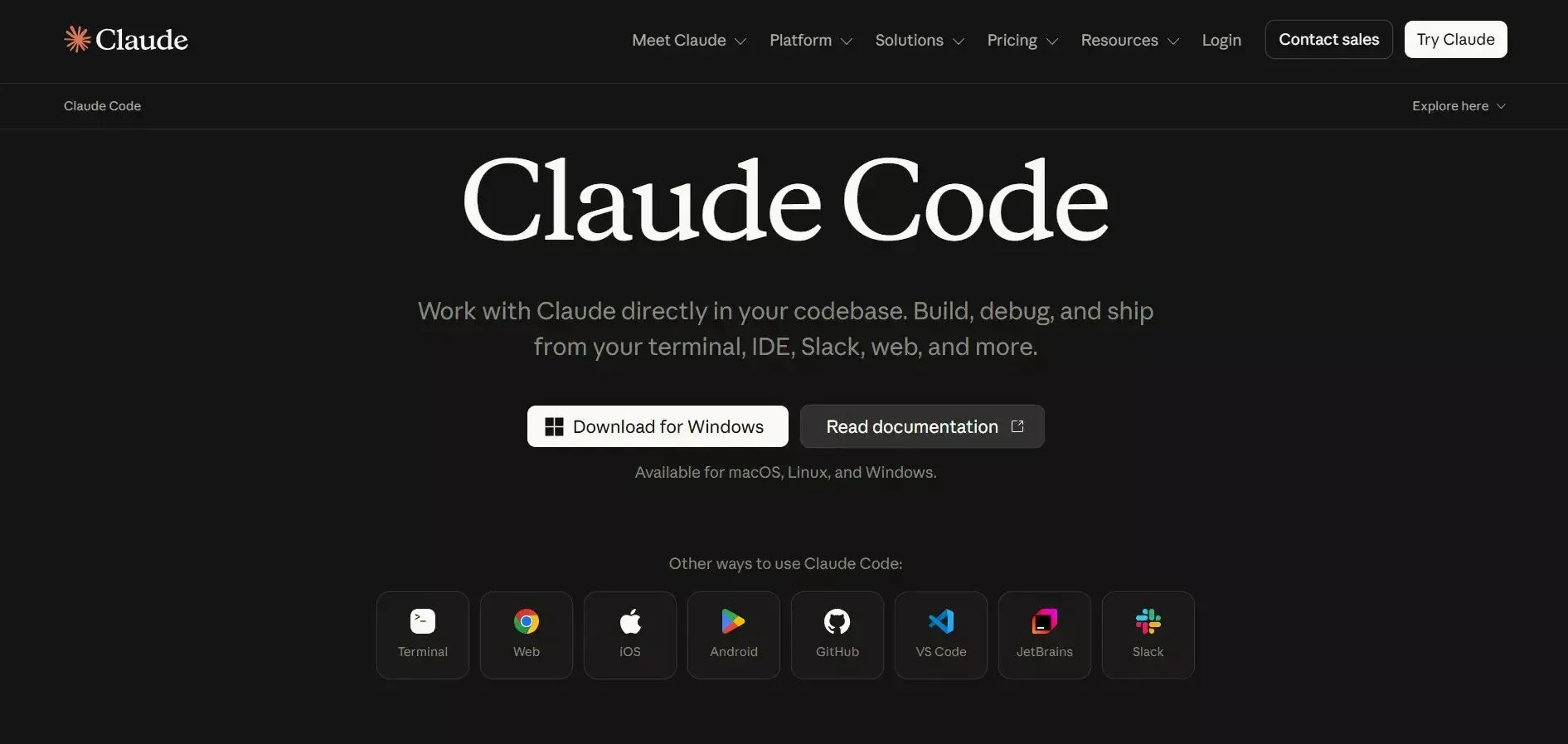
Claude Code is built for developers handling complex projects that need deep context across multiple files rather than single-file code generation.
- Best for: Large codebases, multi-step coding tasks, teams that value code explanation alongside code generation
- Key features: Agent mode, terminal + IDE + web access, MCP support, strong multi-file refactoring
- No free tier: Unlike Copilot or Cursor, Claude Code isn't available on Claude's free chat plan; it ships starting at Pro ($17–$20/mo)
- Limitations: Steeper learning curve for command-line workflows; heavy daily use benefits from Max ($100–$200/mo) to avoid session limits
Cursor: Best In-Editor Agent Experience
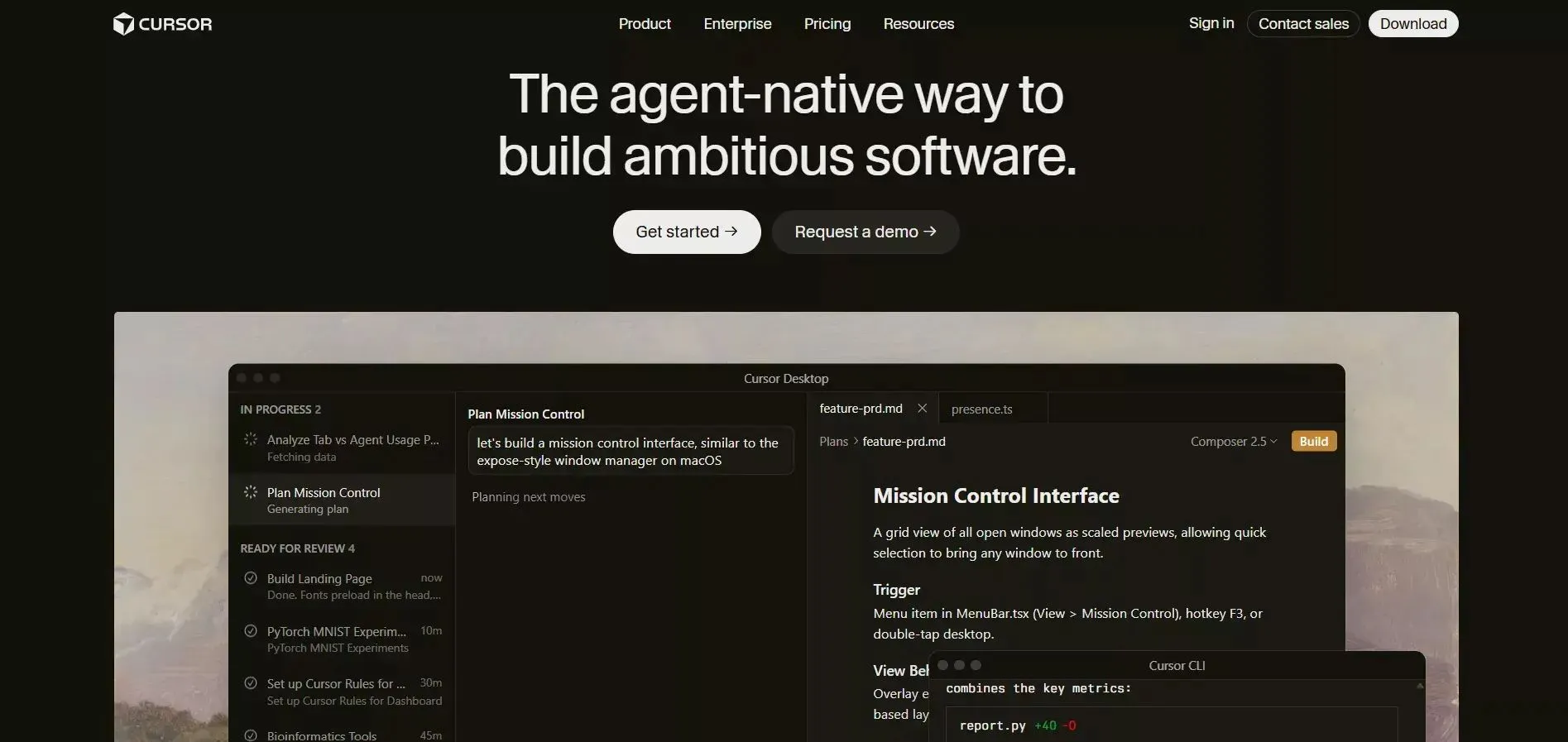
Cursor is built specifically as an AI-powered development environment, not a plugin bolted onto an existing editor.
- Best for: Developers who want agent mode, multi-file handling, and cloud agents inside one VS Code-based editor
- Key features: Composer (multi-file agent), Auto mode (unlimited routing), MCP integrations, credit-based premium model usage
- Limitations: Roughly 2x the price of Copilot Pro; Business tier ($40/seat) is more than double Copilot Business
Windsurf (now Devin Desktop): Agentic Workflows at a Mid-Tier Price
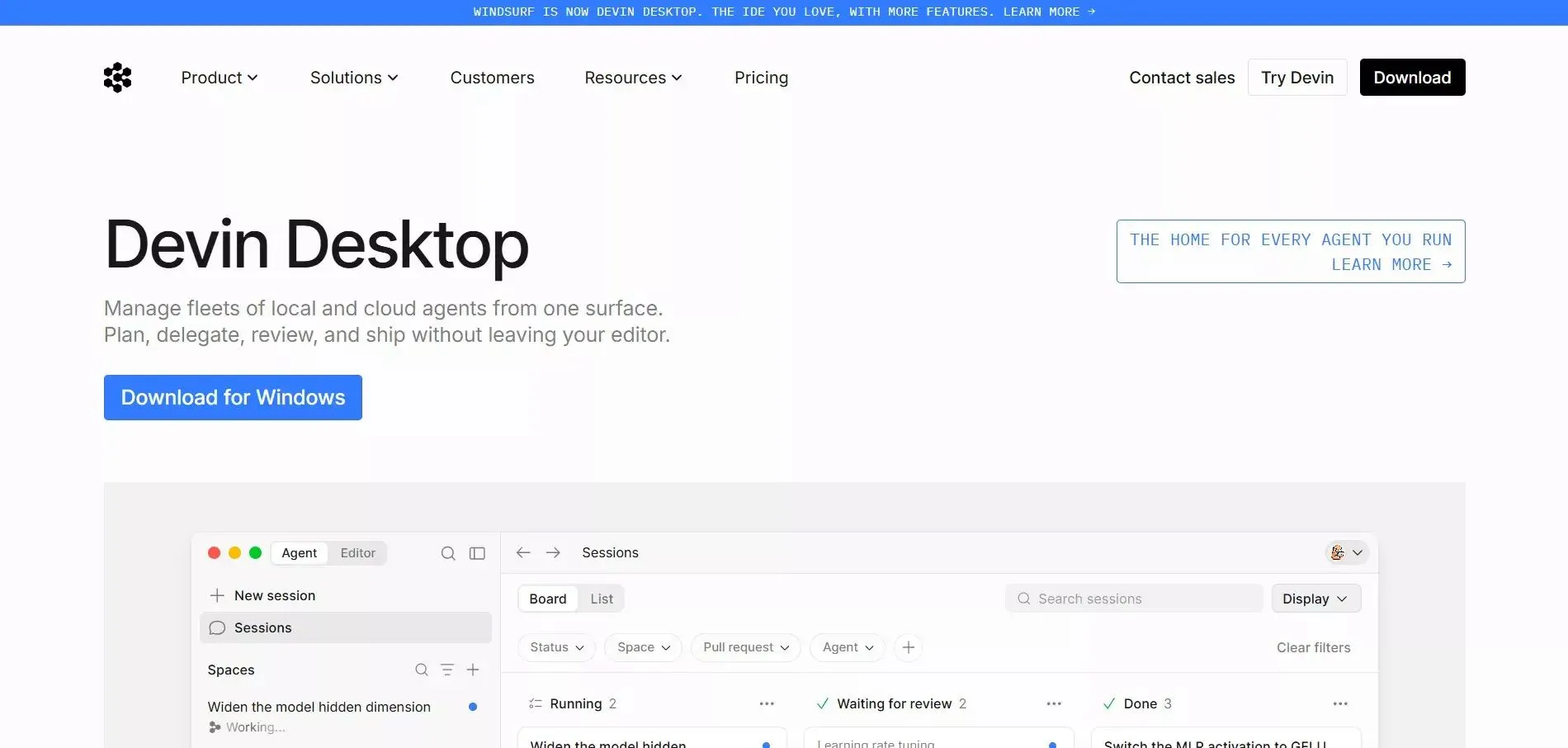
Codeium rebranded to Windsurf in 2025, and Cognition AI (maker of Devin) acquired it in December 2025, folding it under the Devin Desktop brand on June 2, 2026.
- Best for: Developers who want agentic, multi-file "Cascade"-style workflows without Cursor's price tag
- Key features: Multi-file context, Codemaps, Agent Client Protocol (ACP) for cross-editor agent compatibility
- 2026 change: Cascade is being phased out by July 1, 2026, replaced by "Devin Local" under the new branding
- Limitations: Mid-rebrand naming confusion, check current docs before assuming legacy "Codeium" features still apply
Cline & Aider: Free, Open-Source, Bring-Your-Own-Key
For budget-conscious developers comfortable managing their own API keys, these are genuinely free AI coding tools, not free trials.
- Cline: Open-source VS Code/JetBrains extension, full MCP support, Plan/Act approval modes, runs against Claude, GPT, Gemini, or local models
- Aider: Terminal-based, git-native, every AI edit becomes a reviewable git commit, supports 100+ programming languages
- Real cost: Typically $5–$50/month in API usage for moderate use, depending on which AI model and how much advanced reasoning you need
- Limitations: No built-in autocomplete UI like Copilot; requires comfort with command line and managing your own api keys
Amazon Q Developer: Use With Caution
Amazon Q Developer has a strong free tier and tight AWS integration, but AWS is sunsetting it: new signups closed May 15, 2026, and support ends April 30, 2027. AWS's successor tool is Kiro.
If you're AWS-native and starting fresh today, evaluate Kiro, GitHub Copilot, or Cursor instead.
2026 Market Updates You Should Know
- Windsurf → Devin Desktop: Cognition AI rebranded Windsurf to Devin Desktop on June 2, 2026, after its ~$250M acquisition of Codeium in December 2025.
- Amazon Q Developer sunsetting: New signups closed May 15, 2026; AWS is steering developers toward its new tool, Kiro.
- GitHub Copilot billing overhaul: Premium Request Units were replaced by usage-based AI Credits on June 1, 2026.
- Claude pricing held steady: Pro ($17–$20/mo), Max ($100–$200/mo), and Team Premium ($100–$125/seat) prices have stayed flat through June 2026, though usage quotas inside each tier shift periodically; confirm current limits at claude.com/pricing.
- Cline's growth: Crossed 60,000+ GitHub stars and 4M+ installs by mid-2026, fueled by developers moving away from subscription tools toward bring-your-own-key options.
Free Tier Comparison
Not all "free" is equal. Here's what you actually get before paying anything:
| Tool | Free Tier Includes |
|---|---|
| GitHub Copilot | 2,000 code completions/mo, limited chat |
| Cursor | 2,000 completions/mo, 50 slow premium requests |
| Cline | Unlimited, pay only your model provider |
| Aider | Unlimited, pay only your model provider |
| Windsurf | Daily/weekly usage quotas, unlimited Tab completions |
| Amazon Q Developer | 50 agentic requests/mo (new signups closed) |
| Bolt.new | 1M tokens/mo, 300K daily cap |
| Rocket.new | 20 one-time credits, no credit card required |
| Claude Code | None, requires a Pro subscription minimum |
Tips to Maximize ROI
- Mix tools strategically, e.g., GitHub Copilot for routine tasks, Claude Code or Cursor for complex reasoning
- Use your own API keys with Cline or Aider to cut subscription costs for variable workloads
- Reserve premium models for genuinely complex tasks; route simple code completion to cheaper models
- Track usage before upgrading, most overage problems come from manually triggering premium models, not basic suggestions
- Start on free tiers to test real fit before committing to a specific workflow
Rocket.new: Solve, Build, Intelligent with No Code
Rocket.new is the complete vibe solutioning platform. Validate ideas with Solve, build web and mobile apps, and monitor competitors with Intelligence. Start free, no credit card needed.
If managing multiple AI coding assistants feels like a juggling act, Rocket.new takes a different approach: instead of generating source code for you to maintain, it builds the app directly from a prompt or a Figma file.
Key features (validated against Rocket.new documentation and Pricing page June 2026):
- Solve, Build, and Intelligence features: Validate ideas with Solve, build web and mobile apps, and monitor competitors with Intelligence.
- Prompt-to-App Creation: describe an app in natural language prompts and get a working build
- Figma Import: converts Figma designs into live, editable layouts with preserved typography and spacing
- AI-Powered Backend: handles logic, data, and workflows automatically
- Code Export & GitHub Sync: two-way sync to Next.js/Flutter projects, so you're never locked in
- 26+ Integrations: Stripe, Supabase, HubSpot, GitHub, and more, connected with a single prompt
- Custom Domain Support: with automatic HTTPS
- Version History: every build is saved; roll back to any previous version
Pricing (confirmed via official docs, June, 2026):
| Plan | Price | Credits | Best for |
|---|---|---|---|
| Free | $0 | 20 (one-time) | Testing the platform |
| Pro | $25/mo ($20/mo annual) | 100/mo | Solo builders, side projects |
| Rocket | $50/mo | 250/mo | Teams needing research + competitive intelligence |
| Booster | $250/mo | 1,500/mo | Power teams needing SSO, premium support |
All paid plans include unlimited team members; you pay for credits, not seats.
AI-powered, prompt-to-app platforms like Rocket.new are part of a broader shift: AI tools can now reduce development cycles from months to weeks by accelerating both implementation and testing, letting teams skip repetitive coding tasks entirely for early-stage builds.
Bottom Line
There's no universal "best AI coding" tool, only the most cost-efficient AI coding tool for your specific workflow and project complexity. Start with a free tier, track where you actually hit limits, and upgrade only the parts of your workflow that need it.
Table of contents
- -Why Cost-Efficient AI Coding Tools Matter in 2026
- -What "Cost-Efficient" Actually Means
- -Which Tool Fits Your Workflow
- -Full Pricing Comparison Table
- -Tool-by-Tool Breakdown
- -GitHub Copilot: Best All-Around Value
- -Claude Code: Best for Complex Reasoning
- -Cursor: Best In-Editor Agent Experience
- -Windsurf (now Devin Desktop): Agentic Workflows at a Mid-Tier Price
- -Cline & Aider: Free, Open-Source, Bring-Your-Own-Key
- -Amazon Q Developer: Use With Caution
- -2026 Market Updates You Should Know
- -Free Tier Comparison
- -Tips to Maximize ROI
- -Rocket.new: Solve, Build, Intelligent with No Code
- -Bottom Line