

Cursor is a capable AI coding IDE, but usage limits, pricing, and workflow quirks push many developers to explore cursor alternatives. This guide covers eight verified tools, Rocket, GitHub Copilot, Claude Code, Windsurf, Tabnine, Replit Agents, Amazon Q Developer, and local open-source options, with updated 2026 pricing, real feature comparisons, and clear guidance on which cursor alternative fits your workflow.
AI coding tools have changed how developers write, review, and ship code, but Cursor isn't the only Tool in the available.
Whether you're hitting usage limits, looking for a better free tier, or need something that goes beyond in-editor suggestions, there are strong cursor alternatives worth knowing. This guide breaks down eight verified tools with updated 2026 pricing and honest feature comparisons.
All competitor pricing and features are independently verified against official documentation as of June 2026.
Quick Picks
| Use Case | Best Pick |
|---|---|
| Best overall for full-stack builders | Rocket |
| Best free cursor alternative | Windsurf |
| Best for VS Code power users | GitHub Copilot |
| Best for enterprise / privacy | Tabnine |
| Best for heavy agentic tasks | Claude Code |
Why Developers Look Beyond Cursor AI
If Cursor AI feels like the go-to tool for many, why look beyond it?
Usage limits, pricing, model support, or workflow quirks push developers to check other AI coding assistants. Some devs want open-source tools, some want AI coding that runs locally, and some just want solid code completion without paying a premium.
On average, 30–40% of code on professional teams is now AI-generated, underscoring how much these tools matter. Stack Overflow's 2024 Developer Survey found that 76% of developers are using or planning to use AI coding tools.
Real community voices show this is not just a nerdy itch. People actually ask, "Is there another dependable full IDE for beginners?" in threads about alternatives to Cursor. Cursor alternatives provide varying features targeting productivity bottlenecks, from inline code completion to full agentic execution and app generation. Next up, a lineup of tools that many developers are watching this year.
Quick Comparison: 8 Best Cursor Alternatives
Here is a quick look at the top cursor alternatives. Some work inside VS Code, some run in the cloud, and a few let you keep everything local.
| Tool | Core Strength | VS Code Support | Free Tier | Starting Price |
|---|---|---|---|---|
| Rocket | Full-stack app generation | No (platform) | Yes | $25/mo (Pro) |
| GitHub Copilot | AI coding assistant in VS Code | Yes | Yes (2,000 completions/mo) | $10/mo |
| Claude Code | Large context, agentic execution | Partial | No | Usage-based |
| Windsurf | AI-native IDE + VS Code extension | Yes | Yes | $20/mo (Pro) |
| Tabnine | Privacy-first, enterprise-grade | Yes | No | $39/user/mo |
| Replit Agents | Multi-agent, cloud-based | No | Yes | $25/mo (Core) |
| Amazon Q Developer | AWS-integrated AI coding | Yes | Yes | $19/user/mo |
| Local / Open Source | Full privacy, offline use | Yes | Free | Free |
Each tool has its vibe. Pick the one that fits how you write code and handle code quality.
The 8 Best Cursor Alternatives in 2026
Here is a lineup of the current heavy-hitters, each bringing its own flavor to AI coding, code completion, and code generation. Think of this as your cheat sheet before diving in.
1. Rocket: AI-Powered App Building Beyond Traditional Coding
One sentence: Rocket is the complete vibe solutioning platform, a single workspace where you research what to build, generate production-ready apps from a text prompt, and monitor competitors continuously.
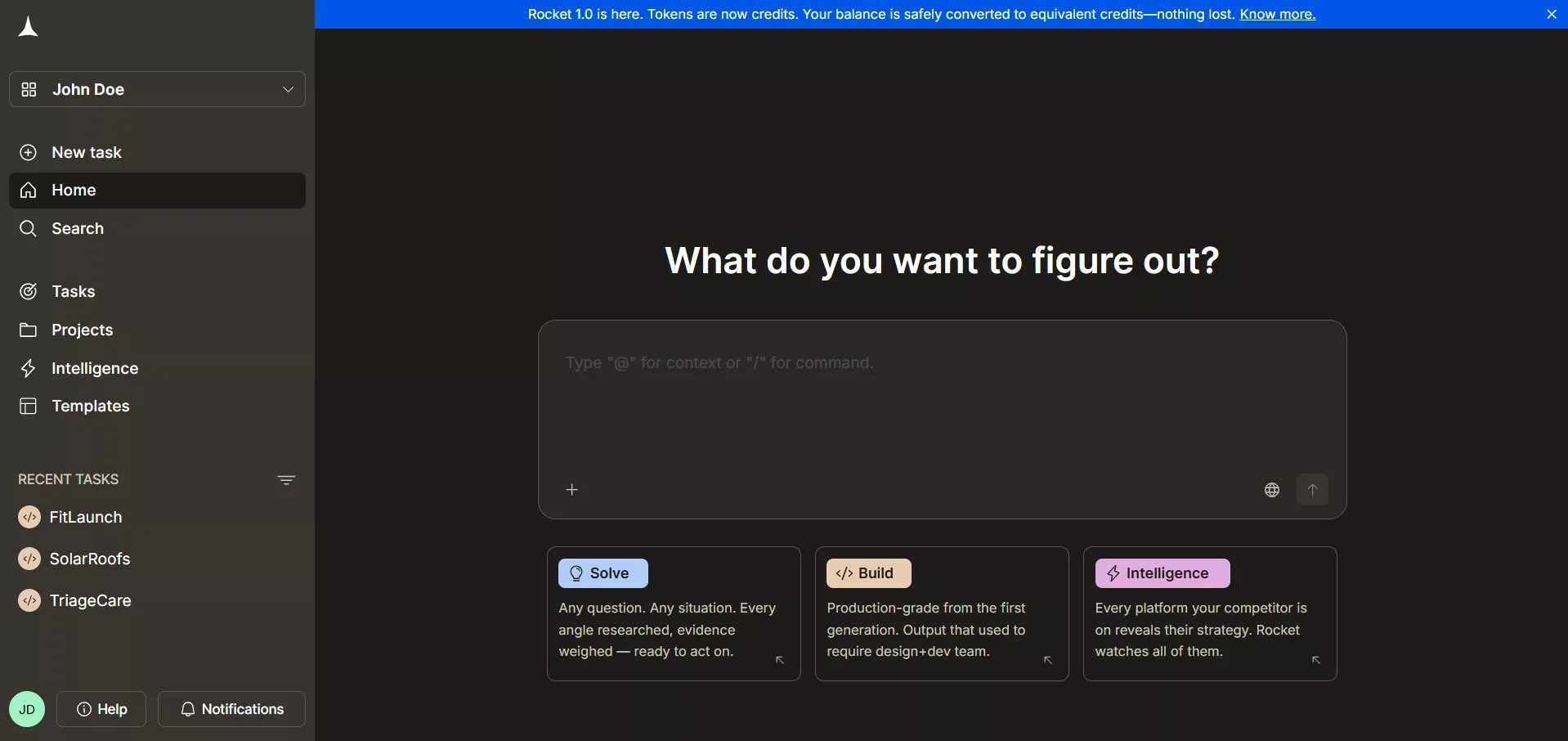
Rocket turns a plain text prompt into a deployed full-stack application
Rocket is not a classic cursor alternative like Copilot or Claude Code. But if you think of AI coding tools as helpers for building projects, Rocket takes a fundamentally different approach.
Instead of suggesting code or completing lines, it generates entire production-ready apps from plain text prompts. Rocket is organized around three pillars: Solve, Build, and Intelligence, each of which works independently, and you can use one, two, or all three depending on what you need.
When Solve and Build tasks live inside the same project, they share context, uploaded files, and connected services, so a build can start from research you've already done instead of a blank prompt.
The pillars don't merge automatically by default; you decide when to carry Solve insights or an Intelligence signal into a build. For teams who want to understand what makes vibe coding work in practice, Rocket is where that thinking and building can connect.
Key Features
- Prompt to App Creation: Builds production-ready web and mobile apps (Next.js / Flutter) from a single prompt
- Figma Import: Converts design files into live, editable code, preserving typography, spacing, and visual hierarchy
- 26+ Integrations: Stripe, Supabase, Notion, Google Analytics, and more, all wired up from chat
- Custom Domain Support: Connect your own domain with automatic HTTPS
- Code Export / GitHub Sync: Download source code or connect to GitHub for full ownership
- Live Preview: Instant updates while editing; staging and production environments with one-click rollback
Best For
- Founders building MVPs without a dedicated dev team
- Designers turning Figma files into working apps
- Teams who want research, building, and competitive intelligence in one platform
Pricing (verified June 2026)
Free (20 one-time credits); Pro $25/mo (100 credits/mo); Rocket $50/mo (250 credits/mo, includes Solve and Intelligence); Booster $250/mo (1,500 credits/mo).
Pros
- Handles the full project lifecycle: frontend, backend, database, and deployment in one place
- Shared context architecture means every build inherits prior research and decisions automatically
- 26+ integrations authenticate once and flow into every build
- Ships with SEO-ready structure, WCAG accessibility, and GDPR compliance by default
Cons
- Not an in-editor assistant, does not drop into VS Code or existing codebases (except via GitHub Sync / Codebase Pickup for Next.js)
- Credit-based model means heavy iteration can consume credits faster than a flat-rate IDE subscription
Rocket is not competing with traditional cursor AI alternatives in the editor space. It shows how AI tools can go beyond snippets or code completion; it is the right choice for developers and teams who want to combine strategic research with full-stack app generation in a single workflow.
2. GitHub Copilot: The Familiar VS Code Mate
One sentence: GitHub Copilot is an AI coding assistant that lives inside VS Code and other editors, providing context-aware code completion and agentic task execution.
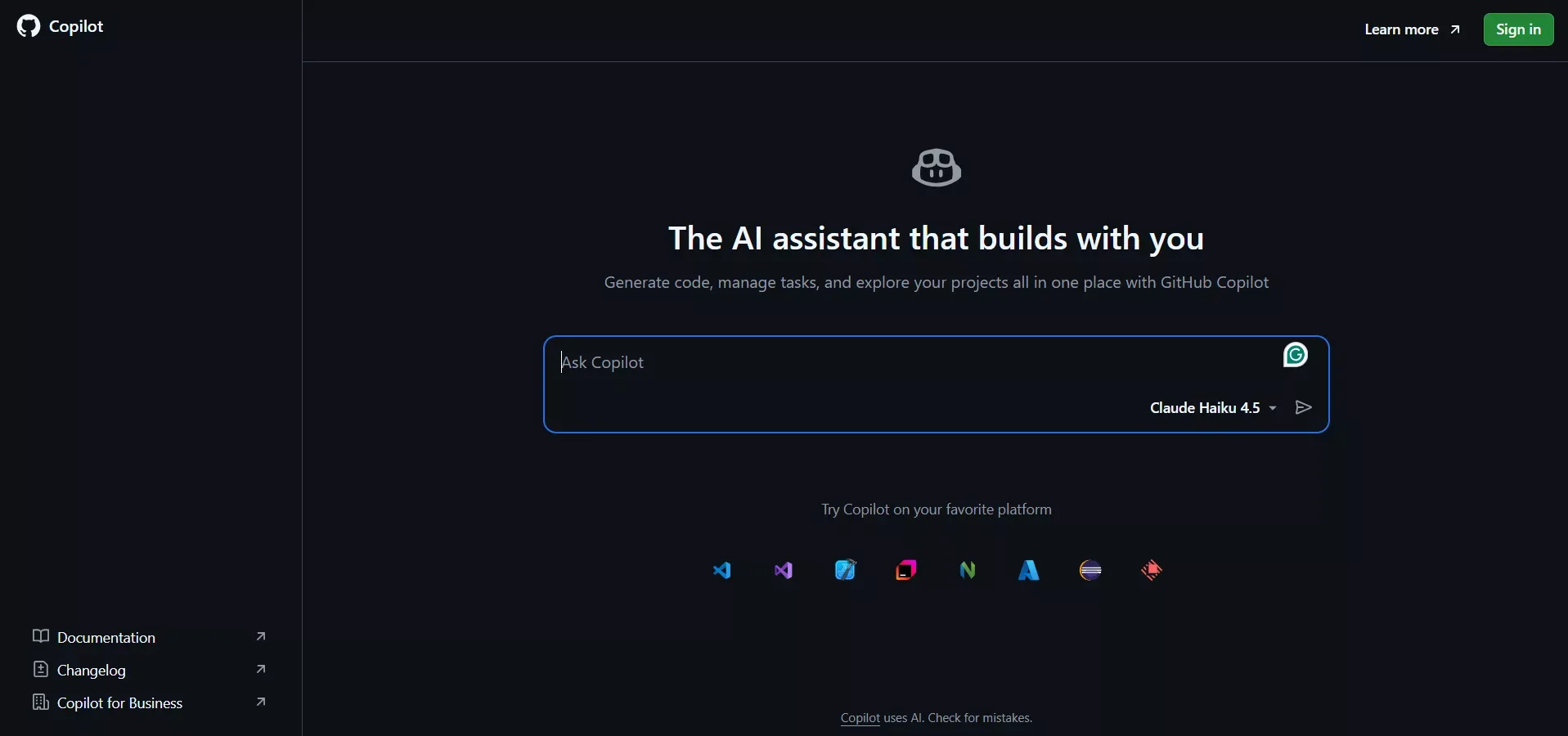
GitHub Copilot is the tool everyone seems to know when talking about cursor alternatives. If you are a VS Code fan, it quietly sits next to you while you code, suggesting snippets, completing lines, and helping with context-aware code completion.
It does not scream for attention but makes your life easier, especially for small and mid-sized projects. Copilot integrates with VS Code for multi-file editing and chat features and now supports agent mode, cloud agents, and MCP server integrations across VS Code, JetBrains, Xcode, and more.
Key Features
- AI-powered code completion in multiple languages
- Context-aware inline suggestions in VS Code
- Multi-file editing and chat features via VS Code integration
- Agent mode with cloud agent support
- Pull request code review and Copilot CLI
Best For
- Daily VS Code users wanting smooth AI coding without leaving the editor
Pricing (verified June 2026)
Free (2,000 completions/mo); Pro $10/mo; Pro+ $39/mo; Max $100/mo.
Pros
- Reliable code suggestions across many languages
- Tight VS Code and GitHub integration with multi-file editing and chat
- Smooth workflow for small and mid-sized projects
Cons
- Free tier has limited completions per month
- Less flexible for offline or local-only setups
If you live in VS Code, Copilot feels like home. It is simple, reliable, and one of the most recognized cursor alternatives.
3. Claude Code: Heavy-Duty Code Helper
One sentence: Claude Code is an agentic terminal tool from Anthropic that executes complex, multi-file coding tasks autonomously using large-context AI models.
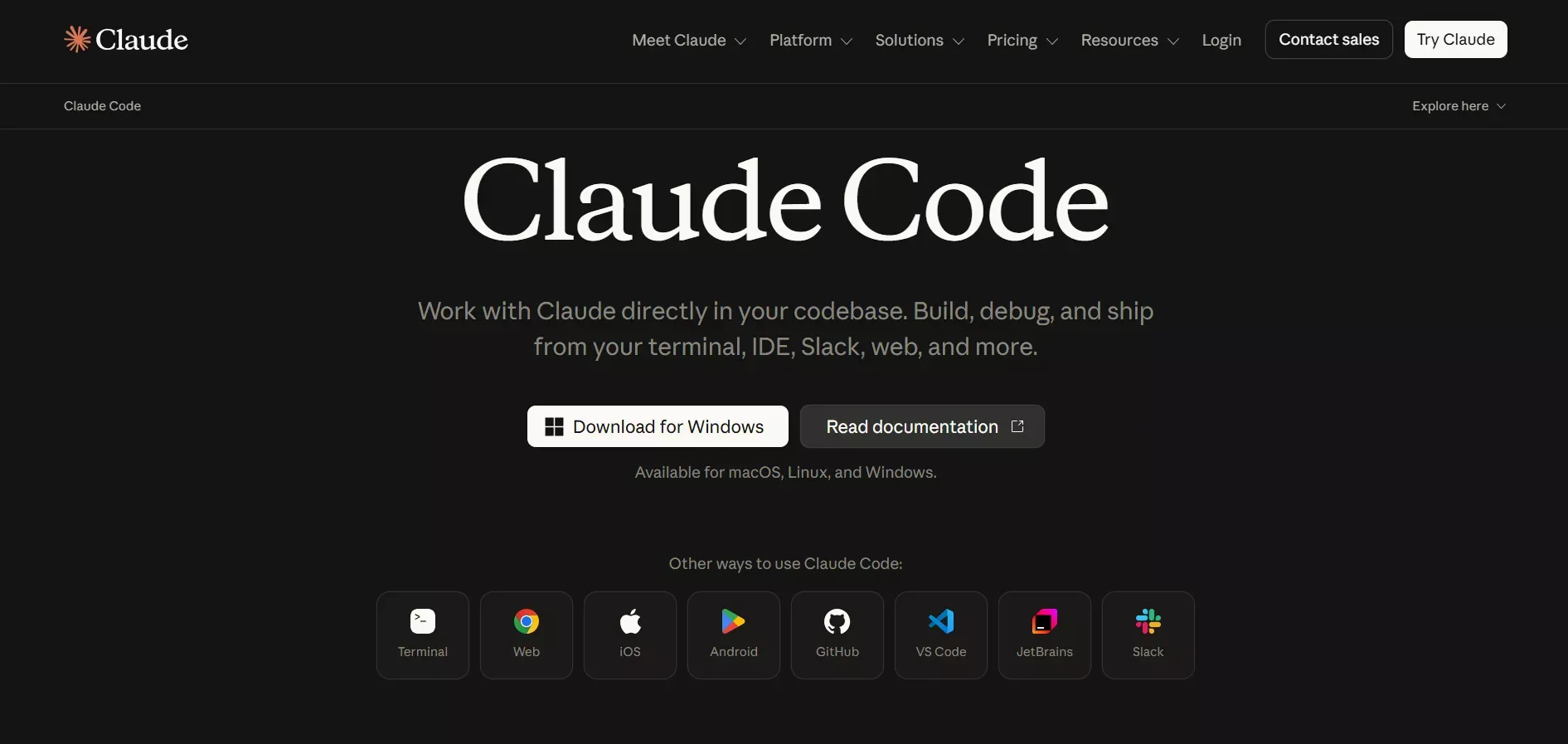
Claude Code is the brainy heavyweight in the cursor AI alternatives world. It goes beyond small scripts and understands broader context across multiple files. If you have ever wished your AI coding assistant could "get" what your entire project is doing, Claude Code comes close.
It operates as an agentic terminal tool, executing tasks autonomously across your codebase. It is pricier, but sometimes you need the muscle for complex logic or larger prompts.
Key Features
- Handles large prompts and complex, multi-file functions
- Agentic terminal execution with autonomous task handling
- Works with multiple models in some toolchains
Best For
- Developers needing heavy-duty AI for large codebases
- Teams using internal tools across multiple files
Pricing (verified June 2026)
Usage-based via Anthropic API. Claude.ai Pro at $20/mo includes Claude Code access. No standalone flat-rate plan.
Pros
- Excellent at code generation and large-context tasks
- Can handle multi-file projects autonomously
Cons
- Less intuitive than VS Code-native tools
- Higher cost at scale for heavy usage
- No pre-build intelligence layer or shared team memory, you manage context yourself
Claude Code is like the muscle car of AI coding assistants: powerful and heavy-duty, but it needs the right driver.
4. Windsurf (Is now Devin Desktop): Free, Simple, Fast
One sentence: Windsurf is a free-first AI-native IDE and VS Code extension that provides code completion and multi-step agentic editing with minimal setup.
Windsurf, formerly known as Codeium, rebranded in late 2024 and now offers a full AI-native IDE alongside its VS Code extension. Codeium was originally built as a free AI coding assistant, and that commitment to accessibility carries through in Windsurf's generous free tier today. It is not flashy and will not hit you with big bills on its base tier.
It quietly provides solid AI-assisted code completion and inline suggestions. The Cascade agentic editing feature handles multi-step tasks automatically, making it a strong cursor alternative for developers who want more than just completions.
Key Features
- AI-assisted code completion in VS Code and the Windsurf IDE
- Cascade multi-step agentic editing
- Supports multiple languages with minimal setup
Best For
- Beginners or students wanting a free cursor alternative
- Developers learning new syntax and patterns
Pricing (verified June 2026)
Free (unlimited Tab completions, light quota); Pro $20/mo; Max $200/mo; Teams $40/user/mo.
Pros
- Generous free tier with unlimited Tab completions
- Works inside VS Code and its own IDE
- Simple setup with no credit card required
Cons
- Free tier has light usage quotas on agents
- Lacks multi-agent support on the free plan
Windsurf keeps it simple. No frills, no big bills, just clean AI coding help.
5. Tabnine: Privacy-First AI Completion
One sentence: Tabnine is an enterprise-grade AI coding assistant that runs models locally or in a private cloud, with zero code retention and deep codebase awareness.
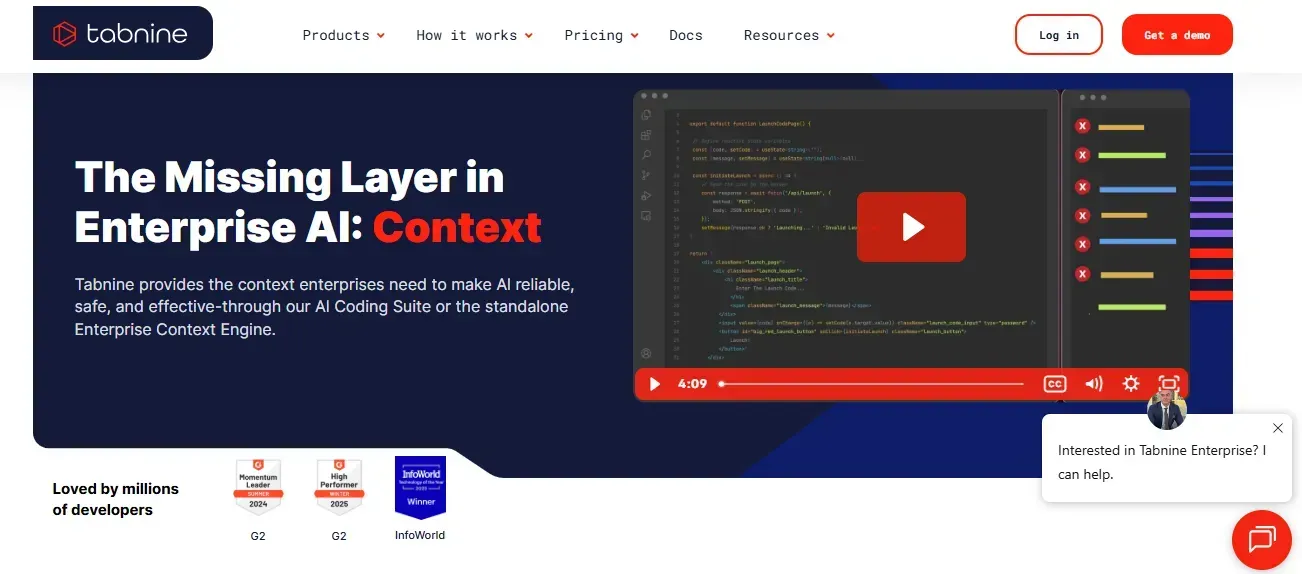
Tabnine is one of the original AI coding assistants and has evolved significantly. Its key differentiator in 2026 is privacy. It can run models locally or in a private cloud, making it a strong cursor alternative for teams with strict data governance requirements. Tabnine offers AI-powered autocompletion for various code editors including VS Code, JetBrains, and more, making it one of the most widely compatible tools in this list.
Tabnine was named a Visionary in the 2026 Gartner Magic Quadrant for AI Code Assistants. The Agentic Platform tier adds autonomous workflows and the Tabnine Context Engine, which understands your architecture and organizational standards.
Key Features
- Local and private cloud model deployment options
- AI-powered autocompletion for various code editors
- Context-aware code completion across the codebase
- Integrates with VS Code, JetBrains, and more
- Zero code retention and no training on your code
Best For
- Enterprise teams with compliance and data governance requirements
- Developers who want AI coding without cloud data exposure
Pricing (verified June 2026)
Code Assistant $39/user/mo (annual); Agentic Platform $59/user/mo (annual).
Pros
- Strong privacy controls with flexible deployment
- Works in many IDEs with broad editor compatibility
- Codebase-aware suggestions with organizational standards
Cons
- No individual free tier
- Higher cost than most alternatives for small teams
If data privacy is non-negotiable, Tabnine is the most mature cursor alternative in that space. Developers who want to understand how AI coding connects to full-stack development will find that context useful when choosing a tool.
6. Replit Agents: Multiple AI Agents in Action
One sentence: Replit Agents is a cloud-based platform that deploys multiple AI agents in parallel to handle editing, testing, and refactoring simultaneously.
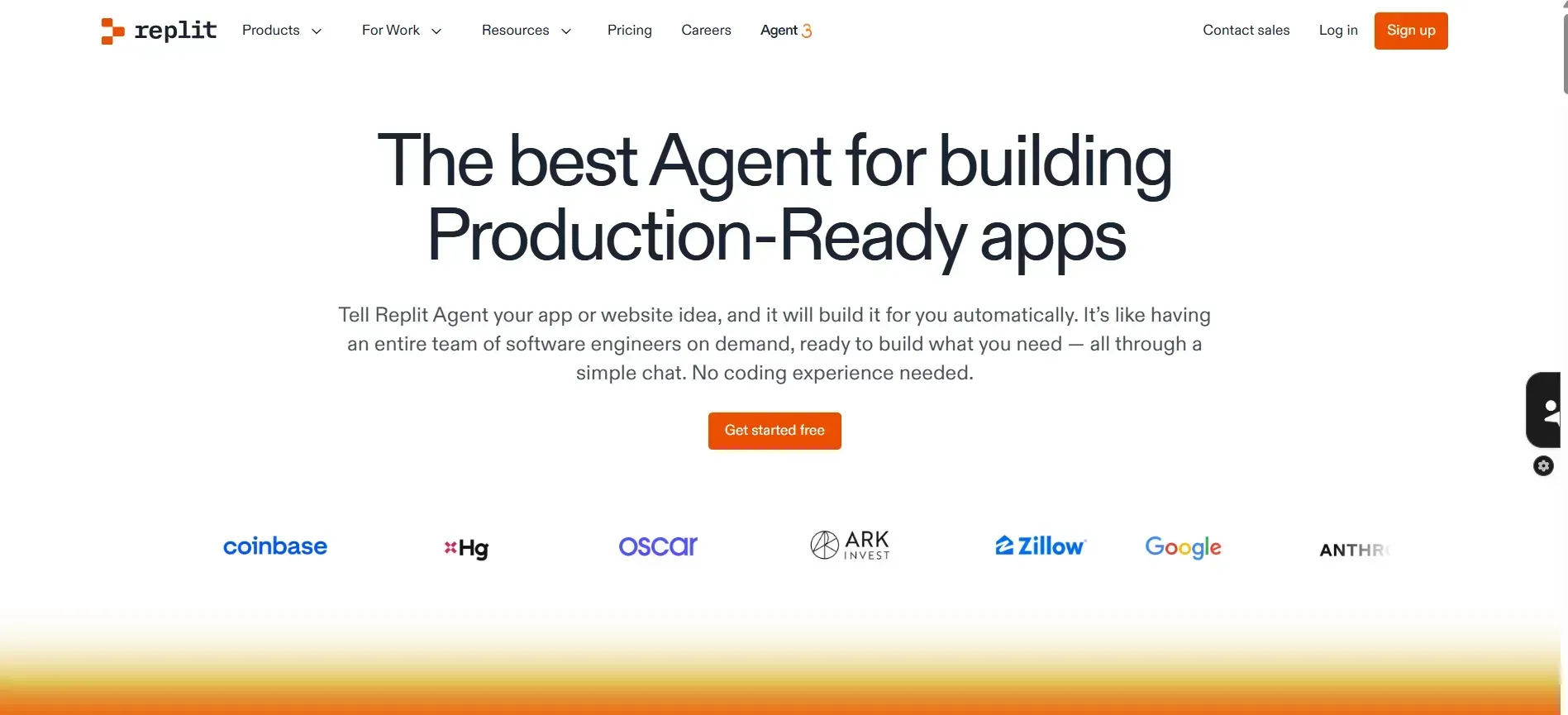
Replit Agents take things up a notch. Instead of one sidekick, you get a small orchestra of AI agents that tackle different parts of your workflow: editing, testing, and refactoring on their own. Ghostwriter, Replit's original AI assistant, has evolved into this full multi-agent system, integrating AI assistance directly in the browser for web development workflows.
If you have ever wanted some independence in your AI coding, this multi-agent setup delivers. It is a little experimental, but fun for devs who like to try new workflows.
Key Features
- Multi-agent frameworks for parallel task handling
- Handles editing, testing, and refactoring automatically
- Cloud-based platform with instant environment spin-up
- AI assistance integrated directly into the browser
Best For
- Developers who want parallel task handling
- Experimenting with agent-based workflows
Pricing (verified June 2026)
Free tier available; Core $25/mo; Teams $40/user/mo.
Pros
- Autonomy across multiple simultaneous tasks
- Great for complex, multi-step workflows
Cons
- Cloud-dependent, requires an internet connection
- Not integrated directly into VS Code
Replit Agents are like having a coding orchestra: fun if you like multiple voices working at once.
7. Amazon Q Developer: AWS-Native AI Coding
One sentence: Amazon Q Developer is an AWS-integrated AI coding assistant with built-in security scanning and code transformation, optimized for Java and .NET modernization.
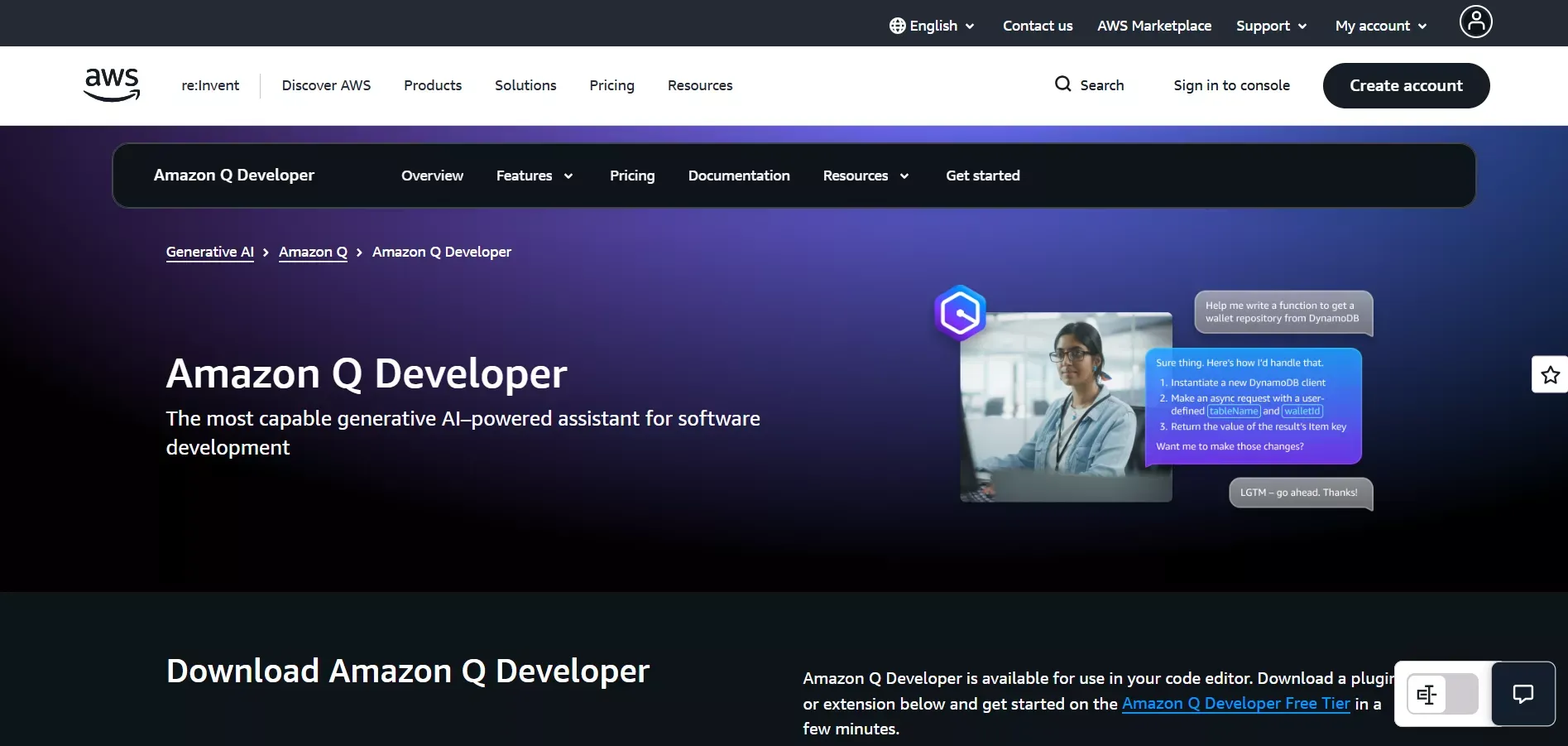
Amazon Q Developer, formerly known as CodeWhisperer, is the cursor alternative built for teams already living in the AWS ecosystem. CodeWhisperer by Amazon was one of the first tools to offer a genuinely free tier for individual developers, and that commitment carries through in Amazon Q Developer today. The free tier remains available for individual use with no credit card required.
It provides AI-powered code completion, security scanning, and code transformation, all deeply integrated with AWS services. It is particularly strong for Java and .NET modernization tasks.
Key Features
- AI code completion with AWS service awareness
- Built-in security vulnerability scanning
- Code transformation for Java and .NET upgrades
- Works in VS Code and JetBrains
Best For
- AWS-heavy development teams
- Developers who need security scanning alongside code suggestions
Pricing (verified June 2026)
Free tier for individual use (no credit card required); Pro $19/user/mo.
Pros
- Free for individual developers
- Deep AWS integration and security scanning
- Strong for Java and .NET modernization
Cons
- Less useful outside the AWS ecosystem
- Code generation quality lags for non-AWS architectures
8. Local and Open Source Tools: No Vendor Lock
One sentence: Local and open-source tools like Continue.dev, Tabby, and LM Studio let developers run AI coding models entirely on their own hardware with no data leaving their machine.
Some developers are a bit paranoid about sending their source code to cloud servers, and that is where local and open-source tools come in. These setups let you run local models, avoid vendor lock-in, and keep full control over your AI coding environment.
Popular options include Continue.dev with Ollama, LM Studio with Codestral, and Tabby. It is not the smoothest experience for beginners, but if you like tinkering, privacy, and total control, these tools are ideal.
Key Features
- Run local models in VS Code via Continue.dev or Tabby
- Avoid vendor lock-in with open-source model options
- Full control over AI usage and data
Best For
- Privacy-focused workflows and teams with strict data policies
- Developers who like to configure and tweak everything
Pricing (verified June 2026)
Free (hardware and compute costs only).
Pros
- Full control with no vendor lock-in
- Works completely offline
Cons
- Requires technical knowledge to set up
- Less polished UI than commercial tools
It is worth noting that Zed, a free open-source code editor, also ships with built-in AI features and is gaining traction among developers who want a lightweight, fast editor with native AI assistance — without the overhead of a full extension ecosystem. It is not covered in depth here but is worth watching as the open-source AI coding space matures.
Local and open-source tools are for those who prefer their AI coding to be strong, private, and fully under control. These cursor alternatives each bring something unique. The key is matching the tool to how you write code, manage code quality, and handle multiple files or entire projects.
Cursor Pricing vs Alternatives: 2026 Update
Before picking a cursor alternative, here is what you are comparing against.
Cursor Pricing (verified June 2026):
| Plan | Price | What's Included |
|---|---|---|
| Hobby | Free | Limited Agent requests, limited Tab completions |
| Pro | $20/mo | Extended Agent limits, frontier models, MCPs, cloud agents |
| Teams | $40/user/mo | Centralized billing, Bugbot, team context, SSO |
| Enterprise | Custom | Pooled usage, audit logs, SCIM, priority support |
Cursor's Pro plan is competitive for individual developers. Teams often find the $40/user/mo tier adds up quickly, which is one reason many developers explore cursor alternatives with better team pricing or stronger free tiers.
Community Insights
Here is a real community insight from Reddit that reflects broader developer conversations around cursor alternatives:
"Tried multiple AI coding tools. Cursor felt limiting. Claude Code is faster and better for quality, while other tools work smoothly in VS Code at a lower cost."
It keeps the main points in focus: comparison, code quality, workflow, and pricing in just one sentence.
How We Evaluated These Tools
Each tool in this list was evaluated against its official documentation and pricing pages as of June 2026. Free tiers were tested directly where available. Pricing is sourced from each vendor's live pricing page and marked with a "verified June 2026" timestamp. Where features could not be independently confirmed, we link directly to the relevant documentation page.
Updated June 2026: refreshed Cursor, Tabnine, Copilot, and Windsurf pricing; added Amazon Q Developer Pro tier; verified Rocket integrations count.
Picking the Right Tool for Your Workflow
Choosing the right cursor alternative is not one-size-fits-all. Every tool has strengths, quirks, and a vibe that fits different coding styles. Before deciding, think about what matters most in your daily workflow.
Key considerations:
- Local vs. cloud: Do you want everything running locally, or are cloud-based tools acceptable?
- Pricing and usage limits: Free alternatives like Windsurf and Copilot exist, but premium options like Claude Code offer more power at scale.
- Code quality and completion: How smart should your context-aware code completion be?
- Multi-file and project handling: Tools like Cursor and Copilot excel at managing entire codebases.
- App generation and prototyping: Platforms like Rocket excel at turning ideas into full-stack projects quickly.
For a deeper side-by-side breakdown of how Rocket stacks up against Cursor specifically, check the Rocket vs Cursor vs Windsurf comparison on the blog.
No single tool does it all. The trick is to pick a mix that fits your workflow, whether that is VS Code integration, free AI coding tools, or advanced code generation for larger projects. Matching the tool to your style is what really makes coding flow.
Which Cursor Alternatives Want Your Attention?
Cursor AI has raised expectations for AI coding tools, but usage limits, vendor lock-in, and a niche IDE style have led some developers to seek alternatives. Explore cursor alternatives like Copilot for VS Code power, Claude Code for heavy prompts, Windsurf for free code completion, and platforms with multiple AI agents if autonomy is your goal.
Finding the right cursor alternatives means knowing what part of your code workflow you cannot live without, whether that is rich code completion, deep code generation, or building apps from plain text.
Build Your Next App Without the Editor Limits
If you have outgrown editor-based AI tools and want to generate, deploy, and iterate on full-stack apps from a single prompt, Rocket is built for exactly that. No boilerplate, no juggling tools, just ideas turned into working software.
Start building on Rocket.new for free and see how far a single prompt can take you.
Table of contents
- -Quick Picks
- -Why Developers Look Beyond Cursor AI
- -Quick Comparison: 8 Best Cursor Alternatives
- -The 8 Best Cursor Alternatives in 2026
- -1. Rocket: AI-Powered App Building Beyond Traditional Coding
- -Key Features
- -Best For
- -Pricing (verified June 2026)
- -Pros
- -Cons
- -2. GitHub Copilot: The Familiar VS Code Mate
- -Key Features
- -Best For
- -Pricing (verified June 2026)
- -Pros
- -Cons
- -3. Claude Code: Heavy-Duty Code Helper
- -Key Features
- -Best For
- -Pricing (verified June 2026)
- -Pros
- -Cons
- -4. Windsurf (Is now Devin Desktop): Free, Simple, Fast
- -Key Features
- -Best For
- -Pricing (verified June 2026)
- -Pros
- -Cons
- -5. Tabnine: Privacy-First AI Completion
- -Key Features
- -Best For
- -Pricing (verified June 2026)
- -Pros
- -Cons
- -6. Replit Agents: Multiple AI Agents in Action
- -Key Features
- -Best For
- -Pricing (verified June 2026)
- -Pros
- -Cons
- -7. Amazon Q Developer: AWS-Native AI Coding
- -Key Features
- -Best For
- -Pricing (verified June 2026)
- -Pros
- -Cons
- -8. Local and Open Source Tools: No Vendor Lock
- -Key Features
- -Best For
- -Pricing (verified June 2026)
- -Pros
- -Cons
- -Cursor Pricing vs Alternatives: 2026 Update
- -Community Insights
- -How We Evaluated These Tools
- -Picking the Right Tool for Your Workflow
- -Which Cursor Alternatives Want Your Attention?
- -Build Your Next App Without the Editor Limits

