
The best no-code website tools in 2026 are Rocket.new for AI-generated full-stack apps, Webflow for design-controlled sites, Wix for simple stores, Bubble for complex web apps, Glide for Sheets-to-app, and Softr for portals. Pick based on what you need to build.
The best no-code website tools help entrepreneurs, creators, and startups build professional sites and web apps quickly, without writing a single line of code. No-code platforms reduce development time while maintaining flexibility, control, and scalability, making them the go-to choice for anyone who wants to launch fast.
How We Evaluated These Tools
We assessed each platform across six criteria: ease of use for non-developers, output quality (real production code vs. locked-in builders), mobile support, pricing transparency, scalability, and depth of integrations. Rocket.new's features were verified directly against its official documentation.
Webflow, Wix, Bubble, Glide, and Softr pricing was confirmed against each platform's public pricing page. This article is published by Rocket; comparisons were tested independently against each platform's documented capabilities.
Why No Code Is Growing So Fast
No-code platforms have changed the development process. Before, building a web app meant weeks of writing code. Now, a website builder with drag-and-drop interfaces handles most of the heavy work.
**According to Statista, 43% of developers use low-code or no-code tools in their workflow.** That number keeps rising.
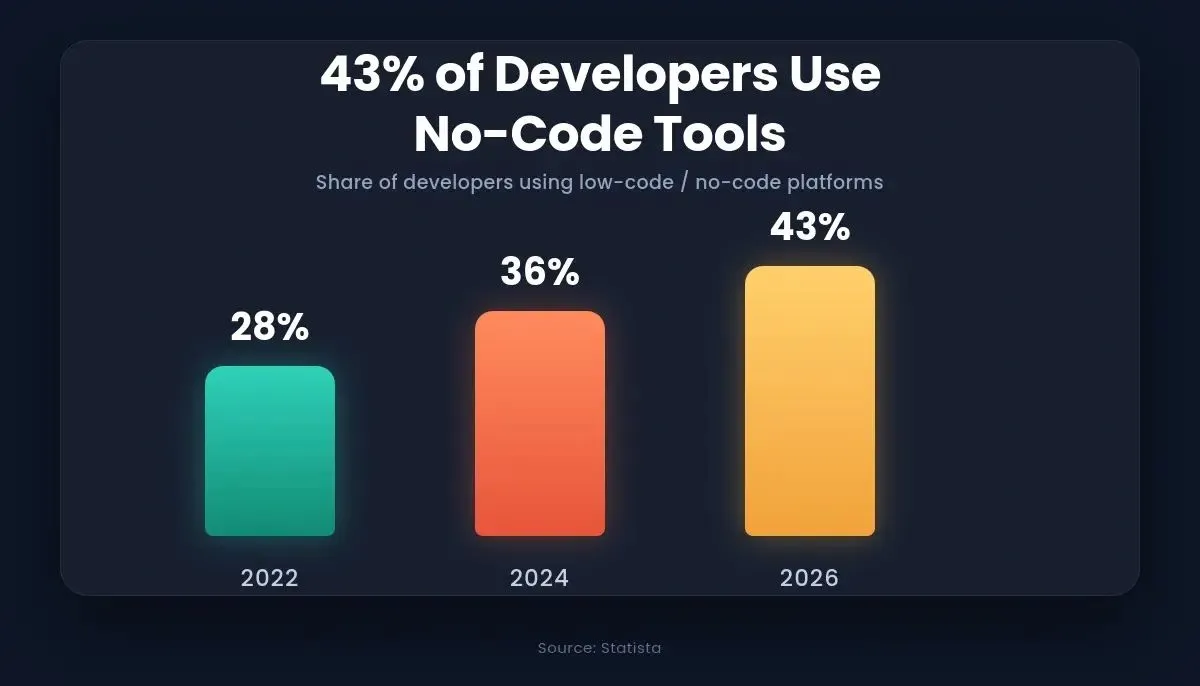
No-code adoption has accelerated sharply, with nearly half of all developers now incorporating these tools into their workflow.
No-code tools reduce the need for coding expertise. Many no-code website builders offer advanced features, custom domain support, and user accounts. Some even allow custom code for extra flexibility.
The key difference between traditional software development and a no-code platform is speed. With drag-and-drop tools, visual programming replaces manual coding. Most no-code platforms also provide a free plan, making testing ideas simple for new users.
Small business owners want speed. Creators want control. Startups want to build apps without waiting six months. The best no-code website tools deliver all three. Research shows that no-code adoption is accelerating across every industry, from healthcare to fintech to eCommerce.
How No-Code Platforms Compare
The table below uses real, verifiable data. Pricing reflects the lowest-paid plan on monthly billing.
| Platform | Tech Output | Mobile Support | Starting Paid Price | Free Plan | Best For |
|---|---|---|---|---|---|
| Rocket.new | Next.js + Flutter (real code, GitHub sync) | iOS + Android app | $25/mo (Pro) | Yes, 20 credits | AI-generated full-stack apps, mobile apps, internal tools |
| Webflow | Hosted site (HTML/CSS export on paid) | No native app | $14/mo (Basic) | Yes, limited | Design-controlled marketing sites |
| Wix | Hosted site (no code export) | Wix Owner app | $17/mo (Light) | Yes, ads shown | Simple sites, online stores, blogs |
| Bubble | Hosted web app (code export on paid) | No native app | $29/mo (Starter) | Yes, Bubble branding | Complex logic-heavy web apps, SaaS MVPs |
| Glide | Hosted app (no code export) | Android + web | $49/mo (Maker) | Yes, 500 rows | Mobile apps from Google Sheets |
| Softr | Hosted app (no code export) | No native app | $49/mo (Basic) | Yes, 5 users | Client portals, internal dashboards |
Each no-code platform serves a distinct use case. Matching the tool to your project type is the single most important decision.
1. Rocket.new
Rocket.new is the world's first vibe solutioning platform built around three integrated pillars: Solve (market research, PRDs, and structured business reports), Build (production-ready Next.js web apps and Flutter mobile apps), and Intelligence (continuous competitor monitoring and pricing-change alerts). It is the only platform on this list that combines pre-build research, AI-powered development, and post-launch competitive intelligence in a single product.
1.5 million people have tried Rocket.new across 180 countries, making it one of the fastest-growing platforms in the no-code space.
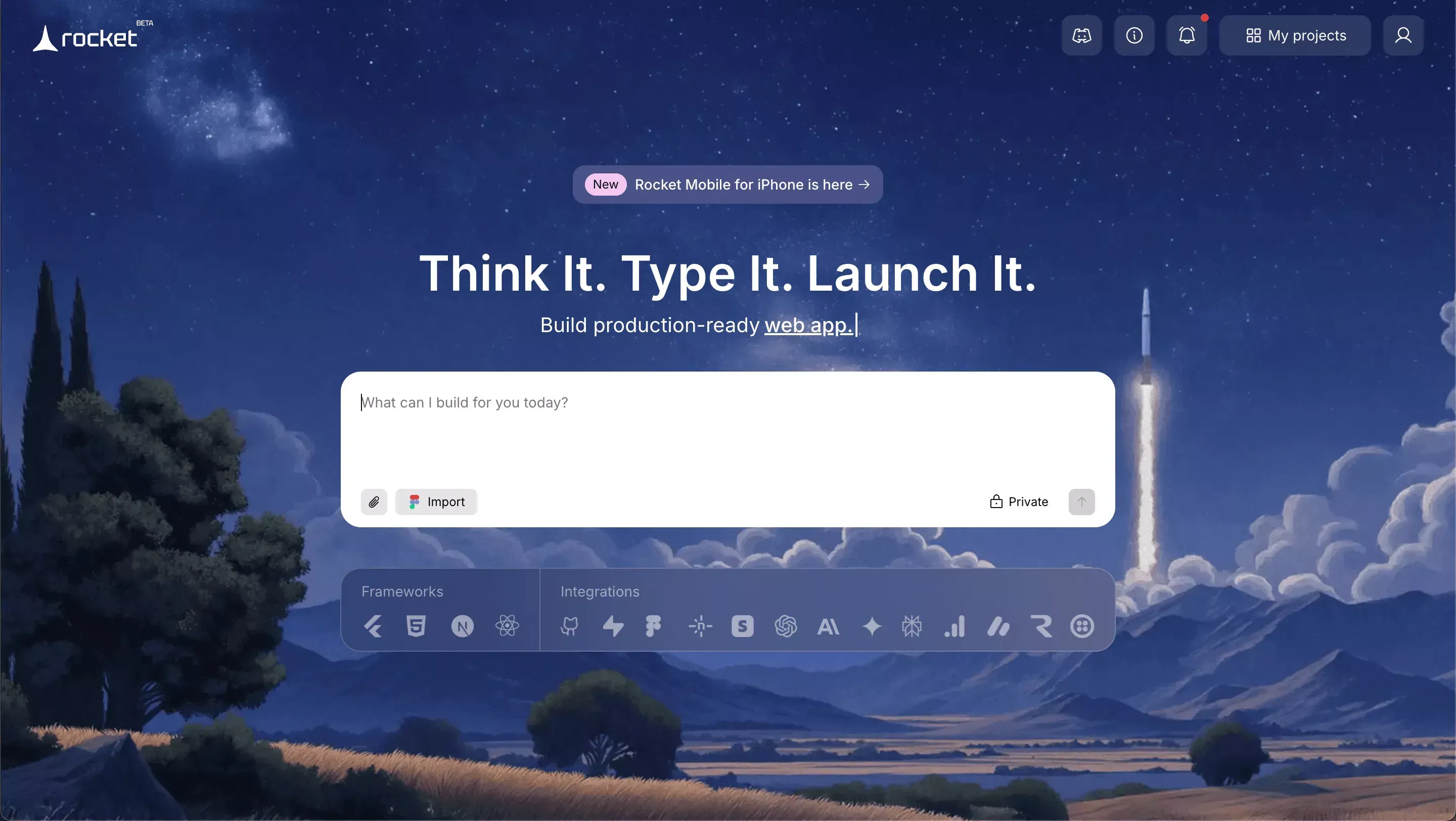
Rocket.new platform
What Makes Rocket.new Different
Most no-code website tools start with a blank canvas. Rocket.new starts with Solve, you ask a business question (market sizing, competitive teardown, pricing strategy) and get a structured, evidence-backed report before writing a single prompt. That research context flows directly into Build, so the app Rocket.new generates is grounded in real market intelligence rather than guesswork.
Build outputs are real, production-grade code. Next.js TypeScript for web apps and Flutter for iOS and Android mobile apps. You can download the full codebase as a .zip file on paid plans, or connect a GitHub repository for two-way sync. For Next.js projects, Rocket.new automatically pushes to a rocket-update branch and opens a pull request to main on every change. This is a meaningful differentiator from Wix or Glide, where output is locked inside the platform.
Intelligence runs continuously in the background, monitoring competitors for pricing changes, new feature launches, job posting signals, and ad spend shifts. It delivers a weekly digest and real-time alerts so you are never building in a vacuum. You can learn more about how Rocket.new's Intelligence pillar works and why it matters for product teams.
Features
- Prompt to App Creation: Builds Next.js web apps and Flutter mobile apps from a single prompt
- Figma Import: Converts Figma frames into production-ready React code with pixel accuracy
- Redesign: Eight slash commands to reimagine any existing website from a URL
- AI-Powered Backend: Automatically handles logic, data, and workflows
- Custom Domain Support: Publishes projects with a branded domain via Netlify
- GitHub Sync: Two-way code sync for Next.js TypeScript projects; full codebase ownership
- Code Export: Download the full project .zip on paid plans
- Live Preview: Shows instant updates while editing
- Solve Reports: Market research, competitive teardowns, PRDs, and pricing strategy, exportable as PDF or PPT
- Intelligence Dashboard: Continuous competitor monitoring with weekly digests and real-time alerts
- Mobile App: iOS and Android app for managing tasks and reviewing Solve reports on the go
- 25+ Integrations: Supabase, Stripe, Airtable, OpenAI, Anthropic, GitHub, Netlify, HubSpot, and more
- Built-in Analytics: Tracks visitors, conversions, and Core Web Vitals after launch
- Staging and Production: Separate environments, full version history, one-click rollback
Every build ships with SEO-ready structure, WCAG accessibility compliance, and GDPR coverage by default, not as optional add-ons. If you want to understand what kinds of products you can build, the full capability overview covers everything from SaaS dashboards to customer portals.
Best For
Startups building web applications, small business owners creating internal tools, teams needing project management dashboards, founders testing custom app ideas, and anyone who wants to own their code rather than rent a hosted builder.
Pricing
Rocket.new uses a credit-based system with no per-seat pricing. Unlimited team members on every plan.
| Plan | Monthly Fee | Monthly Credits | Annual Discount |
|---|---|---|---|
| Free | $0 | 20 credits | None |
| Pro | $25 | 100 credits | 20% off |
| Rocket | $50 | 250 credits | 20% off |
| Booster | $250 | 1,500 credits | 20% off |
Credits never expire. Additional credits can be purchased on any plan. Intelligence tracking costs $100/month per competitor tracked. Full pricing details at rocket.new/pricing.
Limitations
- Newer platform than Webflow or Wix, so the template library is still growing
- Credit consumption can add up if prompts are under-scoped. The docs recommend the 3-5 feature rule for initial builds to avoid fix-loops
- Figma import is web-only and not available in the mobile app
Real Build Example
The real estate agency website below was built using Rocket.new's Build pillar. The prompt used was: "Build a premium, minimal real estate agency website with property listings, a contact form, and a branded hero section. Soft neutral colors, clean layouts." The initial generation took one prompt and two refinement iterations to reach the final layout.
The design focuses on soft neutral colors, clean layouts, and smooth interactions, creating a luxurious yet simple browsing experience for users exploring properties. This demonstrates how Rocket.new turns a single prompt into a polished, production-ready product.
2. Webflow
Webflow is a design-focused website builder that gives strong visual control without forcing users into rigid templates. It feels close to visual programming and appeals to designers who want precision without writing code daily.
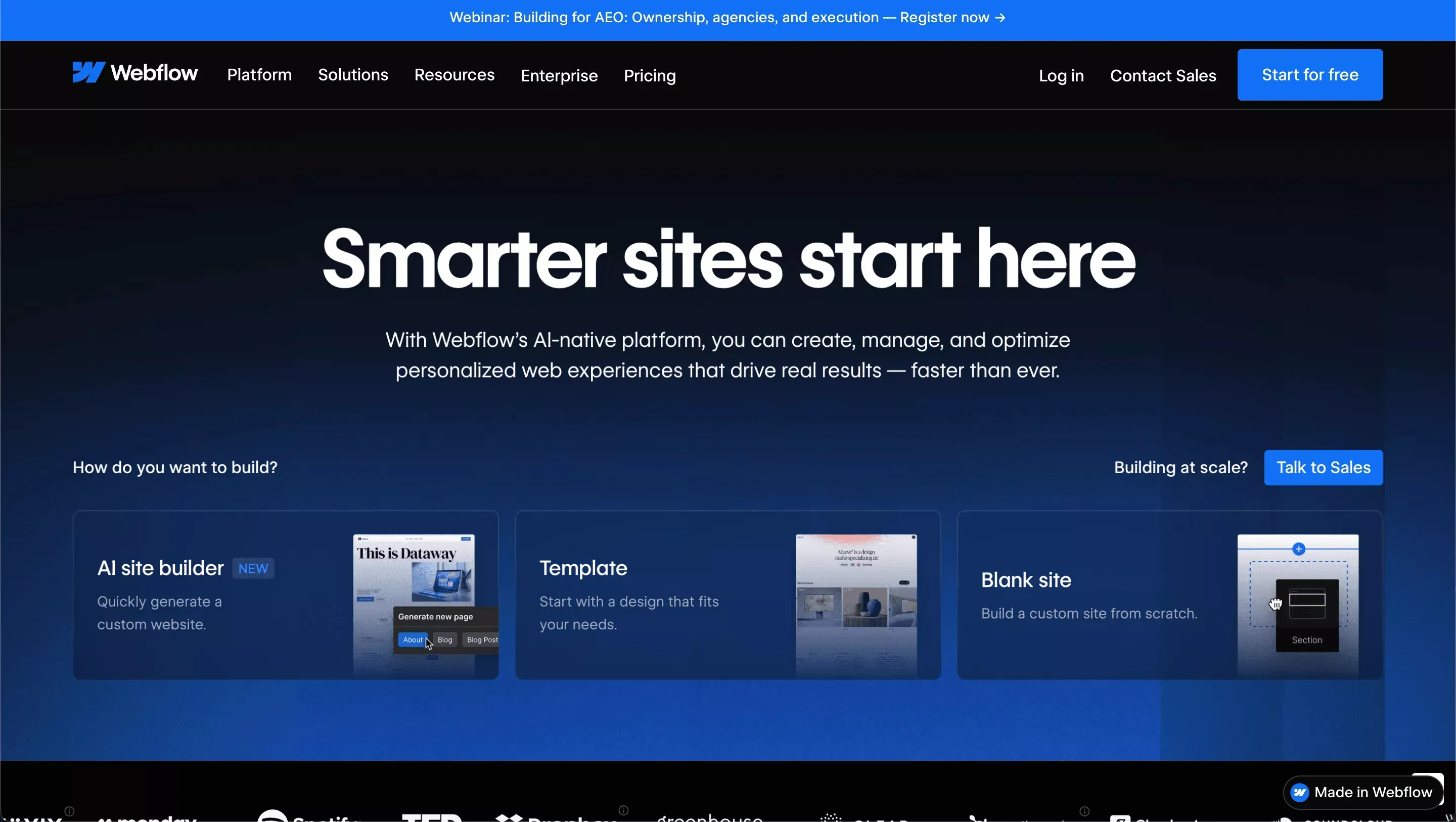
Webflow Platform
Features
- Drag-and-drop builder with CSS-level control
- Custom domain support
- CMS for content management (blog posts, product pages, dynamic collections)
- Advanced features including 100+ animation triggers, scroll-based effects, and custom CSS
- Optional custom code insertion
- Developer handoff via Webflow's Inspect mode
Webflow is a web-based code editor and website builder with strong layout control and advanced functionality. It does not generate a downloadable framework codebase by default. HTML/CSS export is available on paid plans, but the output is not a modern framework like Next.js.
Best For
Designers, agencies building multiple client sites, and brands needing professional marketing websites with rich animations.
Pricing
Free plan available with Webflow branding shown. Paid plans start at approximately $14/month for simple sites. CMS and Business plans run $23 to $39/month. Team and Enterprise pricing is custom.
Limitations
- Moderate learning curve. Webflow's power comes with complexity
- No native mobile app output, web only
- HTML/CSS export does not produce a modern framework codebase
Is Webflow good for beginners? Webflow has a steeper learning curve than Wix or Glide. It rewards patience: once you understand its layout model, it becomes one of the most powerful no-code website tools available. Beginners should expect 10 to 20 hours of learning before feeling comfortable.
3. Wix
Wix is one of the most beginner-friendly no-code platforms available. It focuses on simplicity and quick setup, with a drag-and-drop editor that requires no prior design experience.
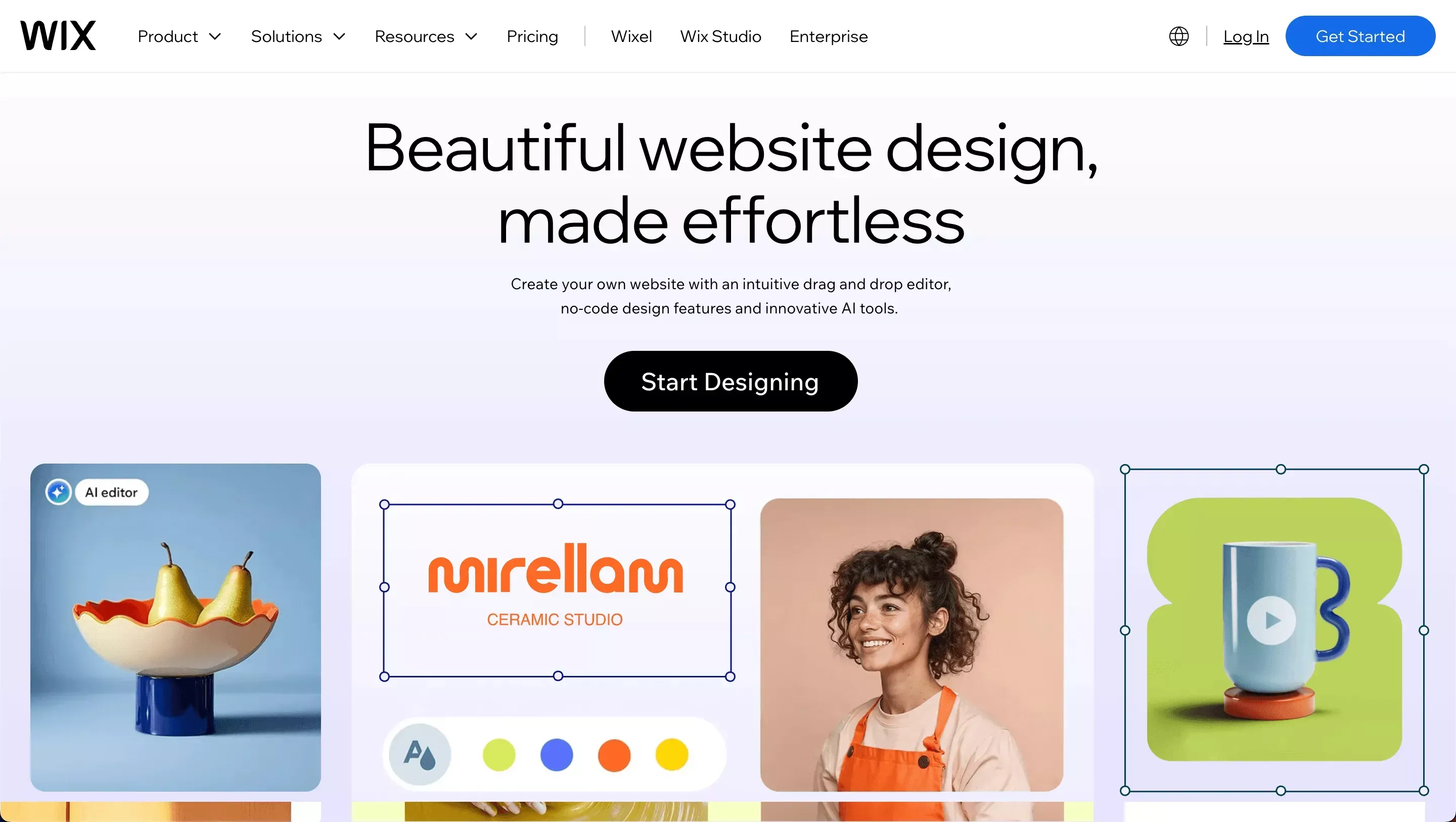
Wix Platform
Features
- Drag-and-drop interfaces with 900+ templates
- Easy-to-use interface with Wix ADI (AI-assisted design)
- App builder options via Velo (JavaScript-based)
- Mobile site management via the Wix Owner app
- Custom domain support
- Basic custom code support via Velo
Best For
Small business owners, bloggers, and eCommerce beginners who need a site live quickly without any technical knowledge.
Pricing
Generous free plan with Wix ads shown. Paid plans start at approximately $17/month. eCommerce features require a Business plan or higher.
Limitations
- Output is locked inside Wix with no code export
- Less flexible than advanced no-code platforms for complex logic
- Complex web applications feel restricted compared to Bubble or Rocket.new
Is Wix good for serious businesses? Yes, for marketing sites, service businesses, and small eCommerce stores. For web apps with user authentication, databases, or custom logic, Wix becomes limiting quickly.
4. Bubble
Bubble is a powerful no-code platform focused on building web apps. It supports logic-heavy workflows and database management, allowing users to create structured workflows without writing code. The no-code build process has become remarkably simple: describe what you need, let AI generate it, then launch.
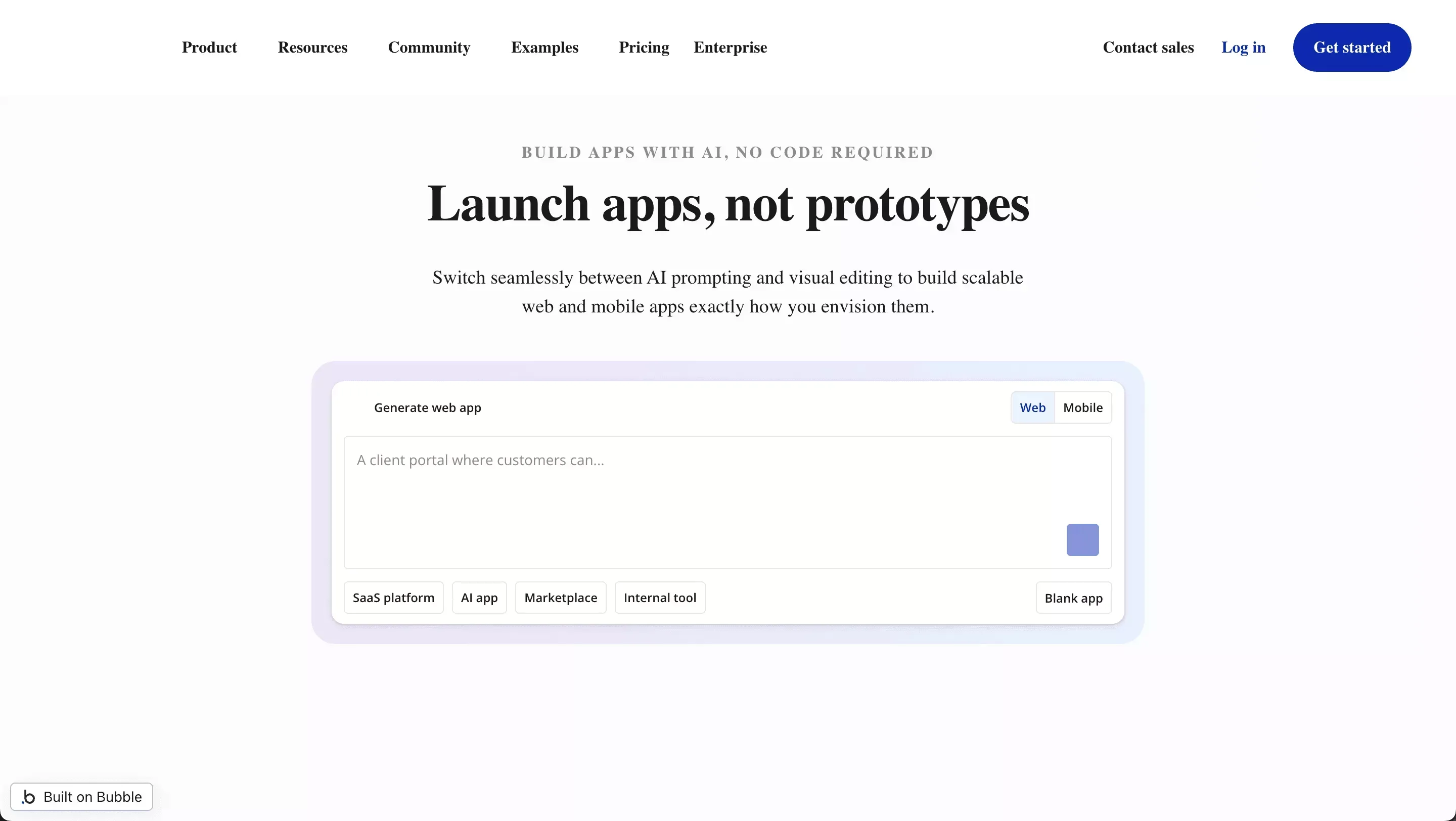
Bubble Platform
Features
- Visual programming with conditional logic and workflows
- User authentication and user accounts built-in
- Database management with data types and relationships
- Advanced functionality including API connections, custom states, and repeating groups
- Custom code extensions via plugins
- Code export available on paid plans
Bubble has the largest no-code community of any platform on this list, with over 4 million registered users and an active forum. It is strong for building web applications without traditional coding.
Best For
SaaS startups, complex custom solutions, and founders building web app products who need logic that goes beyond what drag-and-drop builders support.
Pricing
Free plan available with Bubble branding shown. Paid plans start at $29/month (Starter). Growth runs $119/month. Team is $349/month.
Limitations
- Steepest learning curve of any platform on this list
- Initial configuration can feel technical for true beginners
- Full code export requires a paid plan and produces Bubble-specific output, not a portable framework
Is Bubble good for scaling? Bubble apps can handle significant traffic on higher-tier plans. The platform has powered funded SaaS companies past $1M ARR. The main scaling concern is infrastructure cost, as Bubble's pricing scales with capacity units at high concurrency.
5. Glide
Glide turns Google Sheets into mobile apps. It is one of the simplest app builder options, and the setup process is fast and does not require coding knowledge.
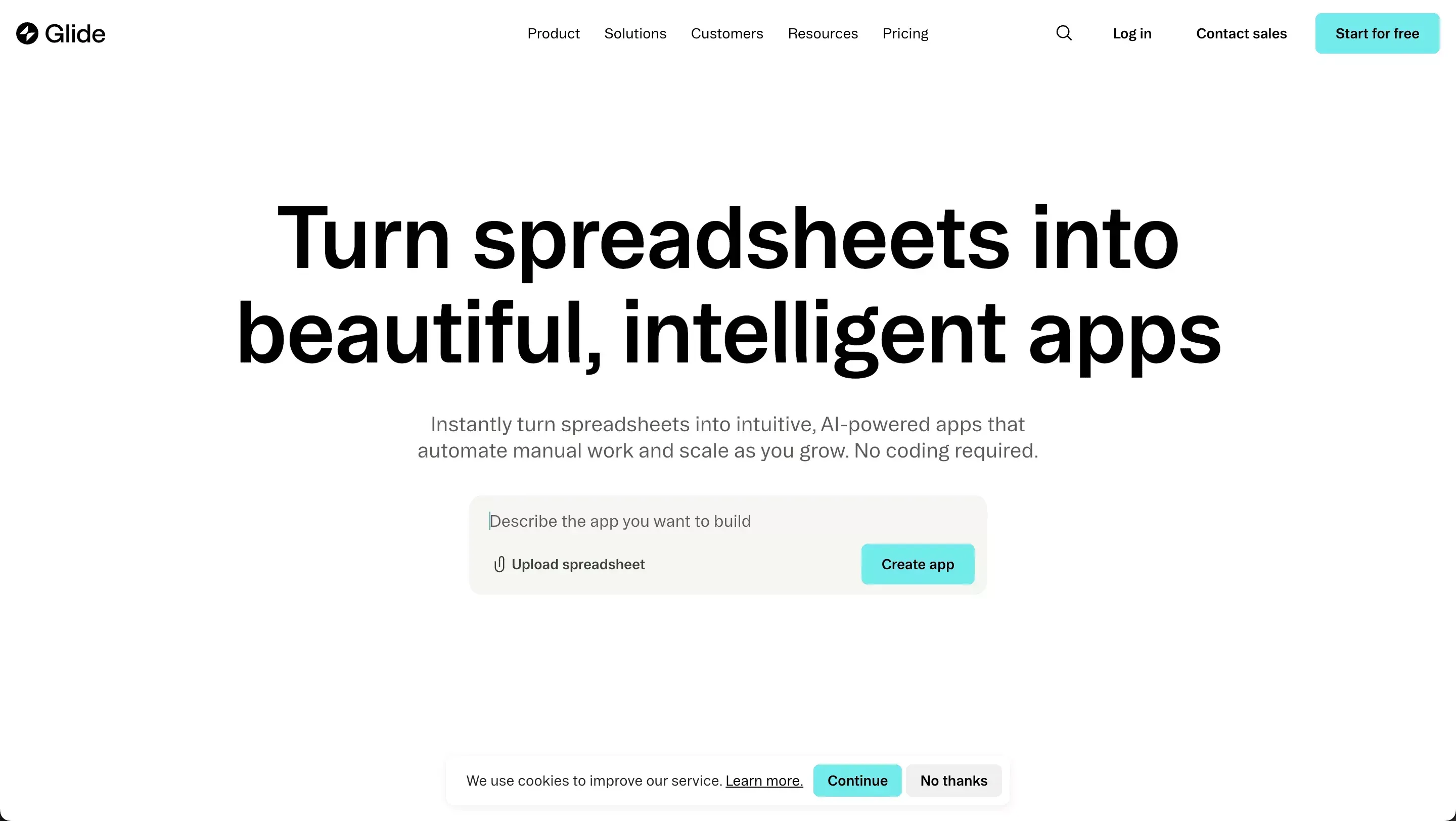
Glide Platform
Features
- Drag-and-drop builder with a component library
- Google Sheets and Airtable integration as the data source
- Android app publishing and web app deployment
- Custom domain on paid plans
- Glide Tables (built-in database) on paid plans
Best For
Internal tools, directory apps, field service apps, and quick MVP projects where the data already lives in a spreadsheet.
Pricing
Free plan available with 500 rows and Glide branding. Paid plans start at $49/month (Maker, 10,000 rows). Business runs $249/month.
Limitations
- Limited advanced features compared to Bubble or Rocket.new
- Not ideal for complex web applications with custom logic
- No code export; output is locked in Glide's hosted environment
Is Glide good for non-developers? Yes. Glide is arguably the most beginner-friendly app builder on this list. If your data is already in Google Sheets, you can have a working mobile app in under 30 minutes. The trade-off is limited flexibility as your app grows.
6. Softr
Softr is focused on client portals and internal tools. It connects well with structured data sources like Airtable and Google Sheets, providing a user-friendly interface and a smooth drag-and-drop experience.
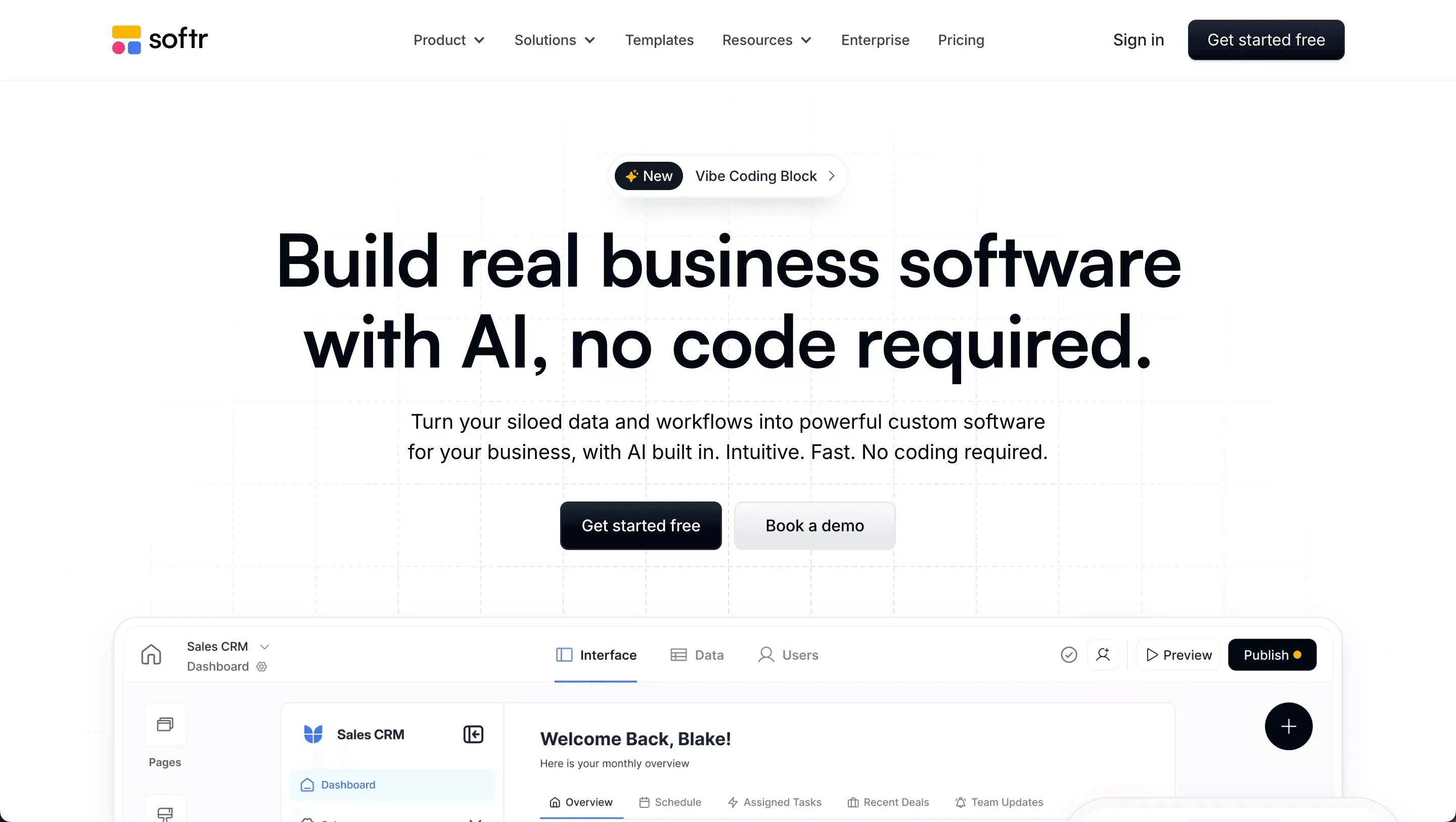
Softer Platform
Features
- Drag-and-drop interfaces with pre-built blocks
- Native Airtable and Google Sheets connectors
- User authentication and membership features
- Database management via connected sources
- Landing page builder
Best For
Agencies building client portals, membership sites, and internal dashboards, especially teams already using Airtable as their data layer.
Pricing
Free plan available with 5 users and Softr branding. Paid plans start at $49/month (Basic, 20 users). Professional runs $139/month. Business is $269/month.
Limitations
- Less control compared to Bubble for complex logic
- Advanced functionality is limited for very large-scale apps
- No code export; output is locked in Softr's hosted environment
Is Softr good for agencies? Yes. Softr is one of the best no-code website tools for agencies that need to deliver client portals quickly. The Airtable integration is particularly strong: changes in the Airtable base reflect in the Softr app in real time, which makes it easy for non-technical clients to manage their own data.
How to Choose the Best No-Code Platform
Choosing the right no-code platform starts with clarity about what you are building, not what sounds popular.
What Matters Most
- Start with the project: Define the goal first. Is it a professional website, an online store, an internal tool, or a full web app?
- Need to own your code? Only Rocket.new (Next.js/Flutter + GitHub sync) and Bubble (paid code export) give you a portable codebase. Wix, Glide, and Softr lock output inside their platforms.
- Need professional websites with rich animations? Choose Webflow for better design control and advanced features.
- Want online stores quickly? Wix works well for small business owners who need eCommerce and a simple drag-and-drop setup.
- Planning to build apps with advanced functionality and user management? Bubble or Rocket.new fits better for structured web applications.
- Working with Google Sheets? Glide or Softr makes sense for turning data sources into mobile apps or dashboards.
- Check the free plan first: Test the platform before upgrading. Every platform on this list has a free tier.
- Consider the learning curve: Wix and Glide are the easiest to start. Webflow and Bubble reward patience. Rocket.new's AI handles complexity for you.
The right no-code choice is practical, not trendy. Match the website builder to the goal and future growth plans.
If you are still unsure which platform fits your project, the no-code vs. low-code comparison guide breaks down the key differences in detail. For teams building SaaS products specifically, the best no-code app builder for startups guide covers the decision in depth.
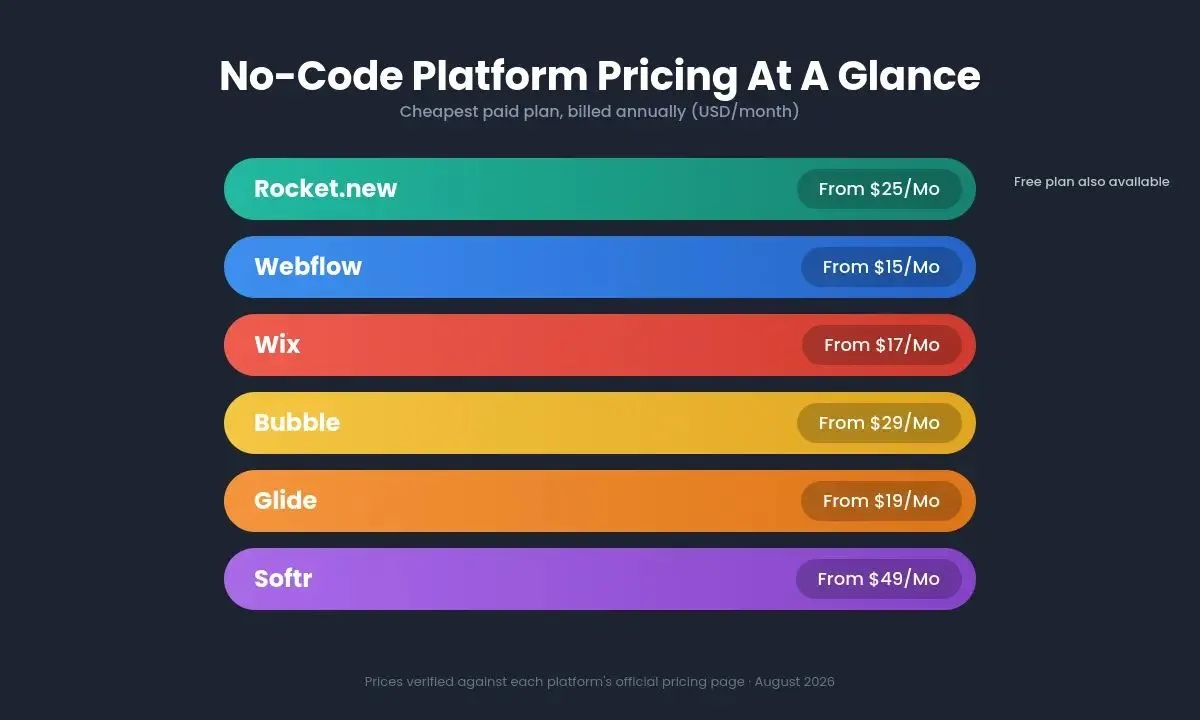
Pricing structures vary significantly across platforms. Rocket.new's credit-based model with unlimited team members offers a different value proposition than per-seat pricing.
Build Your Next Website with the Best No-Code Tool
Ready to build your next web app or website without writing a single line of code?
Rocket is the fastest, most intelligent way to go from idea to live product, with real Next.js and Flutter code you own, market research built in, and competitor intelligence running continuously.
Start building for free on Rocket.new and see how quickly your idea becomes reality.
Table of contents
- -How We Evaluated These Tools
- -Why No Code Is Growing So Fast
- -How No-Code Platforms Compare
- -1. Rocket.new
- -What Makes Rocket.new Different
- -Features
- -Best For
- -Pricing
- -Limitations
- -Real Build Example
- -2. Webflow
- -Features
- -Best For
- -Pricing
- -Limitations
- -3. Wix
- -Features
- -Best For
- -Pricing
- -Limitations
- -4. Bubble
- -Features
- -Best For
- -Pricing
- -Limitations
- -5. Glide
- -Features
- -Best For
- -Pricing
- -Limitations
- -6. Softr
- -Features
- -Best For
- -Pricing
- -Limitations
- -How to Choose the Best No-Code Platform
- -What Matters Most
- -Build Your Next Website with the Best No-Code Tool