
Comparing the top OutSystems alternatives across pricing, vendor lock-in, deployment flexibility, and AI capabilities, so teams can choose the right low-code or AI-powered platform without repeating the same mistakes.
Why do teams switch from OutSystems?
The low-code development platform market hit $37.39 billion in 2025, growing at a 32% CAGR toward $264 billion by 2032.
Yet teams keep switching platforms. The reasons are consistent: unpredictable pricing, a steep learning curve, and vendor lock-in that makes migration painful.
This blog covers ten strong OutSystems alternatives, from enterprise heavyweights to AI-native platforms, to help you find the right fit.
Why are Teams Moving Away from OutSystems?
OutSystems is a powerful low-code development platform built for large enterprises. It ships with near-native mobile experiences, a visual development environment, and a mature ecosystem of pre-built components. That said, the platform's strengths come with real trade-offs that push many teams toward other options:
-
Pricing is opaque and expensive. OutSystems uses a proprietary model based on application objects (AOs), making total cost nearly impossible to predict. Per-user licensing on top of base fees frequently catches growing teams off guard.
-
Vendor lock-in is severe. Applications run in a proprietary environment. Moving to another platform means rebuilding from scratch, because your code, logic, and data models are all locked inside the ecosystem.
-
The learning curve frustrates professional developers. The integrated development environment demands specialists familiar with OutSystems' proprietary logic and patterns, even for teams that already have strong engineering talent.
-
Deployment flexibility is limited. Teams with strict security requirements or specific cloud preferences often find fewer deployment options than they expected going in.
These pain points explain why the search for better-fitting OutSystems alternatives has accelerated across organizations of all sizes.
Who Should Not Use OutSystems
Before evaluating alternatives, it is worth noting when OutSystems is actually the right choice. It makes sense for large enterprises that need a single governed platform for hundreds of internal apps, have dedicated certified developers on staff, require deep SAP or Salesforce integration, and operate in regulated industries where compliance certifications outweigh cost concerns. If that does not describe your team, read on.
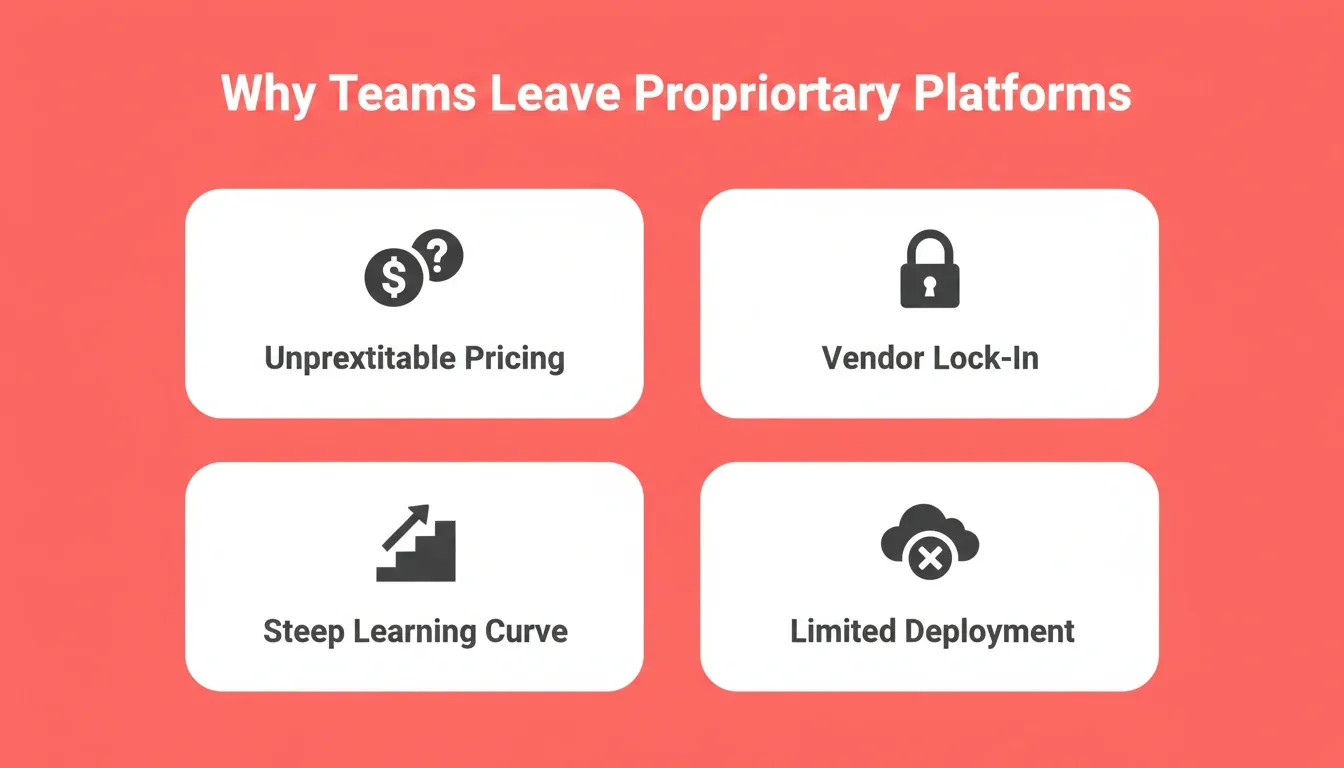
The four most common reasons teams start evaluating OutSystems alternatives: unpredictable pricing, vendor lock-in, steep learning curves, and limited deployment flexibility.
The Top 10 OutSystems Alternatives
1. Mendix
Mendix is one of the strongest direct competitors in the low-code application development space. It targets both professional developers and business users through two separate IDEs. Mendix Studio Pro serves technical teams with Git-based versioning and full code extensibility. Mendix Studio, on the other hand, gives business analysts a more guided environment for building applications.
AI-assisted development through Mendix Assist suggests next steps, auto-completes logic flows, and helps teams standardize patterns across large projects. Teams can define complex data models visually while maintaining version control underneath. Deployment options include on-premises and private cloud hosting.
Even so, Mendix still carries enterprise-level complexity and cost. Smaller teams often find it overkill, and its licensing structure scales sharply with user counts.
Best for: Enterprise development teams that need Git-based versioning, multi-cloud deployment, and dual IDEs for both technical developers and business analysts.
| Plan | Price | Best For |
|---|---|---|
| Free | $0 | Individuals exploring Mendix, single-app projects |
| Basic | $50/user/month | Small teams building on Mendix Cloud |
| Standard | $800/app/month | Multi-cloud deployment with SLA and full IDE access |
| Premium | Custom (contact sales) | On-premises hosting, dedicated support, enterprise SLA |
2. Microsoft Power Apps
Microsoft Power Apps is the default choice for organizations already invested in the Microsoft ecosystem. It connects natively to SharePoint, Dynamics 365, Teams, and Azure services, making it a natural extension for Microsoft-centric teams.
Canvas apps give business users a drag-and-drop interface to build from a blank canvas. Model-driven apps, by contrast, generate interfaces automatically from data models stored in Dataverse. Power Fx is a user-friendly scripting language similar to Excel formulas, lowering the barrier for non-technical users who want to create custom logic without writing code.
Outside the Microsoft universe, however, things get painful quickly. Teams that need to connect to non-Microsoft systems or build customer-facing apps with precise visual control often find Power Apps too limiting for the task.
Best for: Organizations already using Microsoft 365, SharePoint, or Dynamics 365 that need to build internal tools and workflow apps without leaving the Microsoft ecosystem.
| Plan | Price | Best For |
|---|---|---|
| Power Apps Developer | $0 | Personal use and learning, no production deployment |
| Power Apps Premium | $20/user/month | Full production use with all connectors and Dataverse |
| Pay-as-you-go | $10/user/app/month | Teams needing per-app licensing for specific use cases |
| Microsoft 365 (included) | From $6/user/month | Basic Power Apps access for existing Microsoft 365 subscribers |
3. Appian
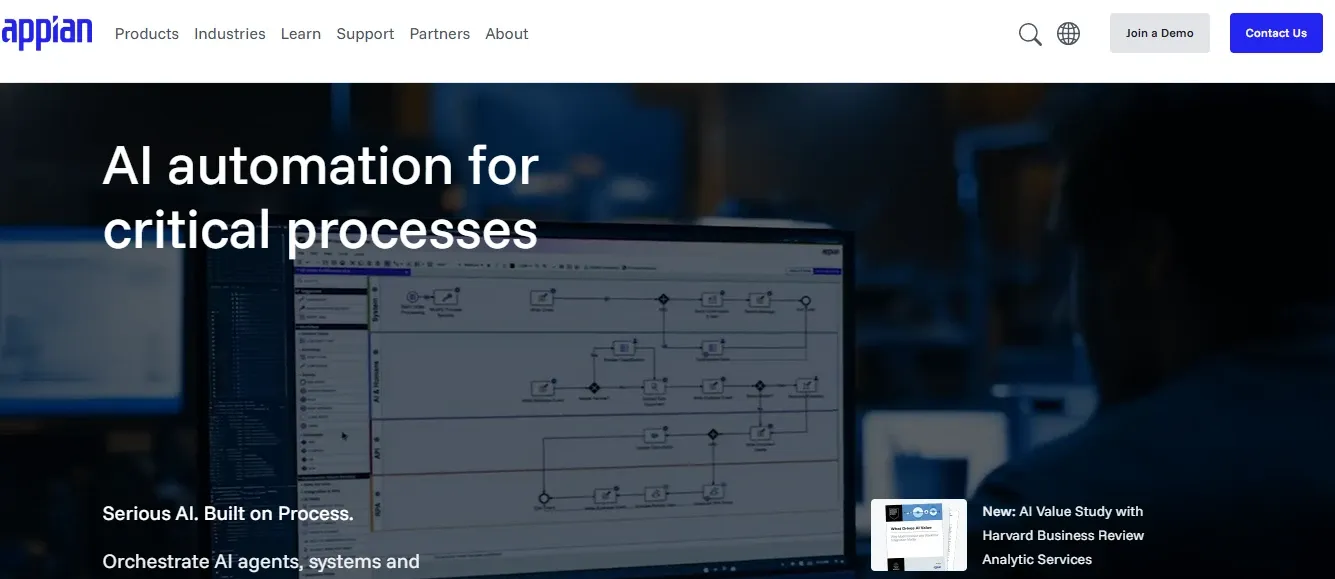
Appian positions itself as a process automation platform with low-code building blocks, rather than a general-purpose app development environment. Understanding the benefits of low-code platforms for business process automation helps clarify where Appian fits best.
A visual process modeler lets business analysts design workflows using BPMN diagrams without writing code. Robotic process automation is built directly into the platform, so teams can combine human workflows with automated bots working in parallel. AI-powered decision modeling can also analyze existing processes and suggest improvements.
Appian is a strong fit for organizations that need to streamline complex business processes across multiple departments. For teams that want to quickly build customer-facing products at speed, the process-first approach can feel constraining.
Best for: Large enterprises in regulated industries that need end-to-end business process management, RPA, and AI-powered workflow automation in a single governed platform.
| Plan | Price | Best For |
|---|---|---|
| Free | $0 | Up to 15 users exploring core BPM features |
| Application | Custom (contact sales) | Full BPM, RPA, and AI features with enterprise support |
| Platform | Custom (contact sales) | Unlimited apps, advanced analytics, and SLA guarantees |
| Unlimited | Custom (contact sales) | Full suite access with a dedicated success manager |
4. Salesforce Lightning Platform
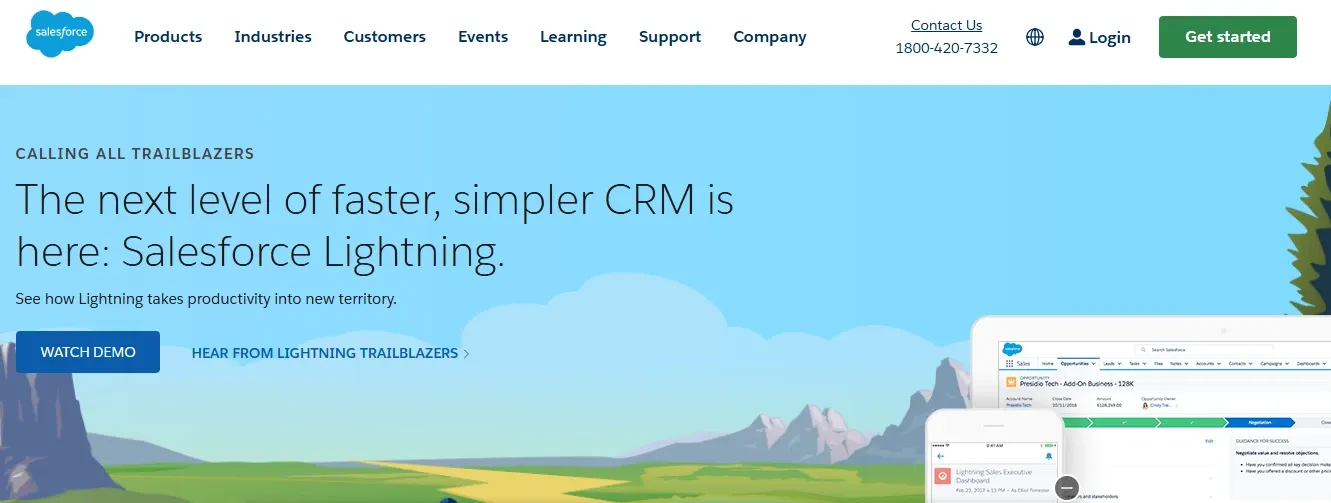
The Salesforce Lightning Platform is Salesforce's low-code offering for building custom apps on top of the Salesforce ecosystem. It includes pre-built sales, service, and marketing modules with ready-made CRM capabilities.
Lightning components provide a drag-and-drop interface for building custom interfaces. The Apex programming language, meanwhile, enables custom code for more complex business logic. Salesforce Flow handles workflow automation within the Salesforce ecosystem, allowing business users to automate tasks without writing code.
The platform is a strong choice for teams already running Salesforce CRM. For teams outside the Salesforce world, however, the dependency creates its own form of vendor lock-in. It is a different vendor, but the same underlying problem.
Best for: Sales and service teams already running Salesforce CRM who need to extend their existing workflows with custom apps, automation, and AI features without switching platforms.
| Plan | Price | Best For |
|---|---|---|
| Platform Starter | $25/user/month | Basic custom app building on top of Salesforce data |
| Platform Plus | $100/user/month | Advanced automation, custom objects, and full API access |
| Unlimited | $300+/user/month | Full Salesforce suite with unlimited customization and 24/7 support |
| Einstein (AI add-on) | $50+/user/month | AI predictions, Einstein Bots, and advanced analytics |
5. Zoho Creator
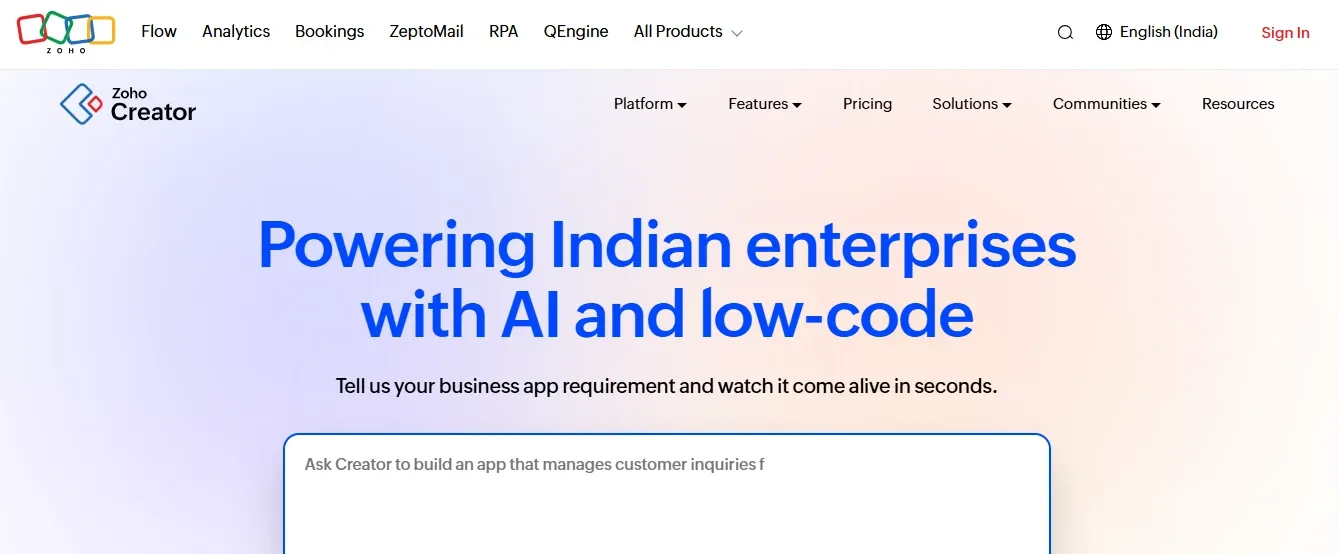
Zoho Creator is a low-code platform within the broader Zoho ecosystem, designed for small to medium-sized businesses that need to build business apps and internal tools without heavy custom code.
Zoho's proprietary scripting language handles custom logic and workflow automation beyond simple drag-and-drop. Deep integration with other Zoho products, including CRM, Books, Desk, and Analytics, makes it ideal for teams already working within the Zoho ecosystem.
Zoho Creator works well for straightforward database-driven applications. Teams that need native mobile capabilities or large-scale app development, however, may find its limitations frustrating compared to a broader platform.
Best for: Small to medium-sized businesses already using Zoho CRM or other Zoho products that need to build lightweight database-driven apps and automate internal workflows affordably.
| Plan | Price | Best For |
|---|---|---|
| Free | $0 | Solo users building a single simple app |
| Basic | $8/user/month | Small teams needing up to 3 apps with basic integrations |
| Premium | $20/user/month | Growing teams needing unlimited apps and advanced workflows |
| Ultimate | $25/user/month | Teams needing AI capabilities and premium support |
6. Kissflow
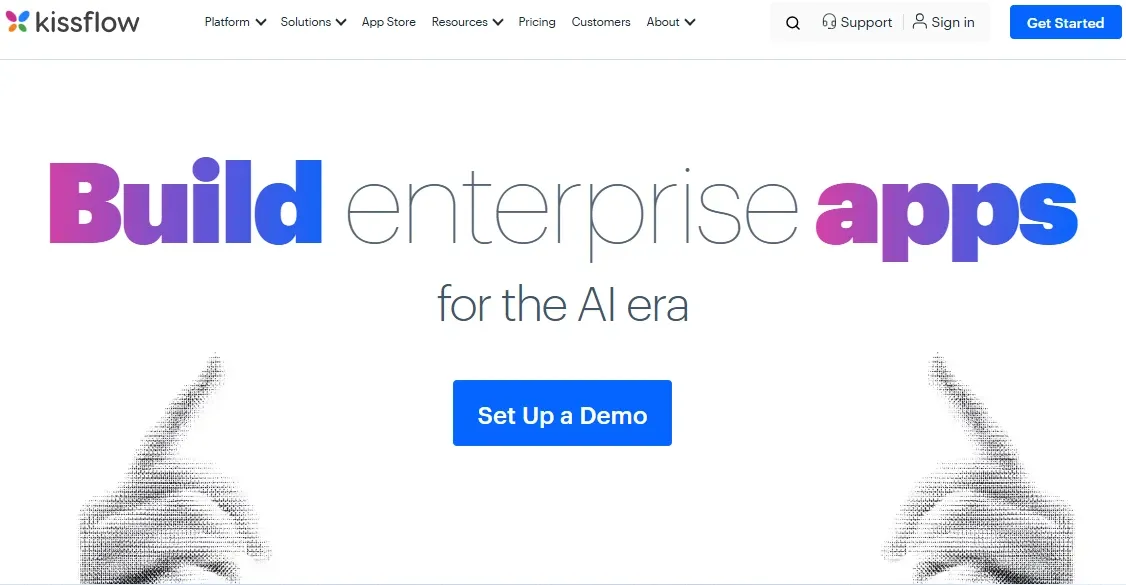
Kissflow markets itself as a leading no-code platform for business users who need to automate workflows without depending on IT. The platform focuses primarily on process automation and internal tools, rather than full application development.
Visual workflow designers let non-technical users map out approval workflows, purchase requests, and employee onboarding processes without writing code. Project management tasks, project boards, and a form builder all ship out of the box.
Kissflow is a good choice when your primary need is workflow automation for business teams. It tends to struggle, though, with complex business logic or custom interfaces that professional developers would typically build.
Best for: Business operations teams that need to automate approval workflows, HR processes, and purchase requests without involving IT, using a flat-rate pricing model that is easy to budget.
| Plan | Price | Best For |
|---|---|---|
| Basic | $1,500/month | Teams of up to 50 users needing core workflow automation |
| Enterprise | Custom (contact sales) | Large organizations needing unlimited users, SSO, and dedicated support |
7. Pega Infinity
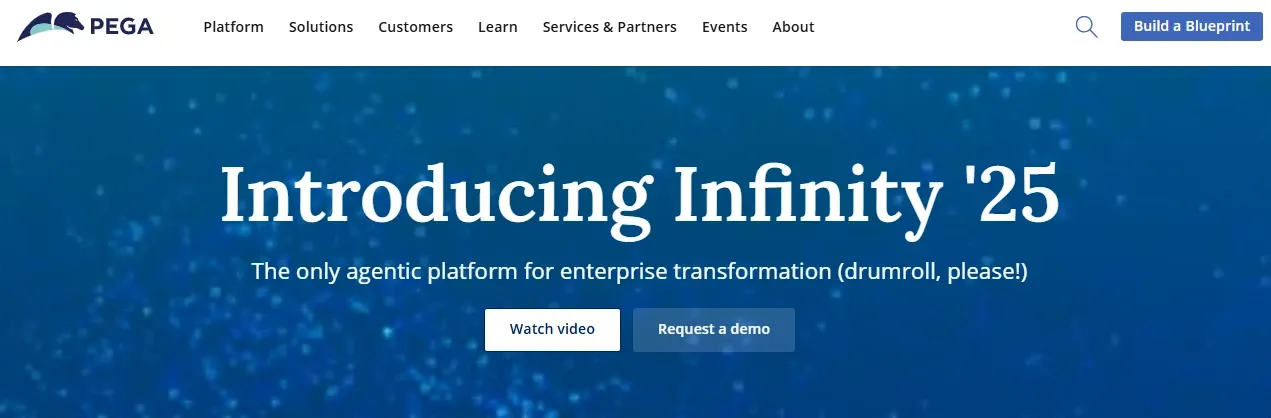
Pega's platform operates at the high end of enterprise complexity. It combines business process management, dynamic case management, and AI-powered decision modeling in one system, targeting regulated industries like insurance, banking, and government agencies.
Case management is Pega's core strength. It handles unstructured processes where the next step depends on outcomes rather than fixed workflows. Pega also includes native tools for robotic process automation, process mining, and AI agents that can analyze processes for bottlenecks and suggest improvements.
Implementing Pega Infinity requires certified developers and significant professional services investment, which adds to the overall budget. Pega's licensing costs are among the highest in the market, and it is designed for large enterprises handling complex processes at massive scale, not for teams building basic apps on a limited budget.
Best for: Large regulated enterprises in insurance, banking, healthcare, and government that need dynamic case management, AI decisioning, and RPA at enterprise scale with full compliance support.
| Plan | Price | Best For |
|---|---|---|
| Pega Platform | Custom (contact sales) | Full BPM, case management, and AI decisioning capabilities |
| Pega Cloud | Custom (contact sales) | Managed cloud hosting with enterprise SLA and security |
| Industry Solutions | Custom (contact sales) | Pre-built vertical apps for insurance, banking, and healthcare |
8. ServiceNow App Engine
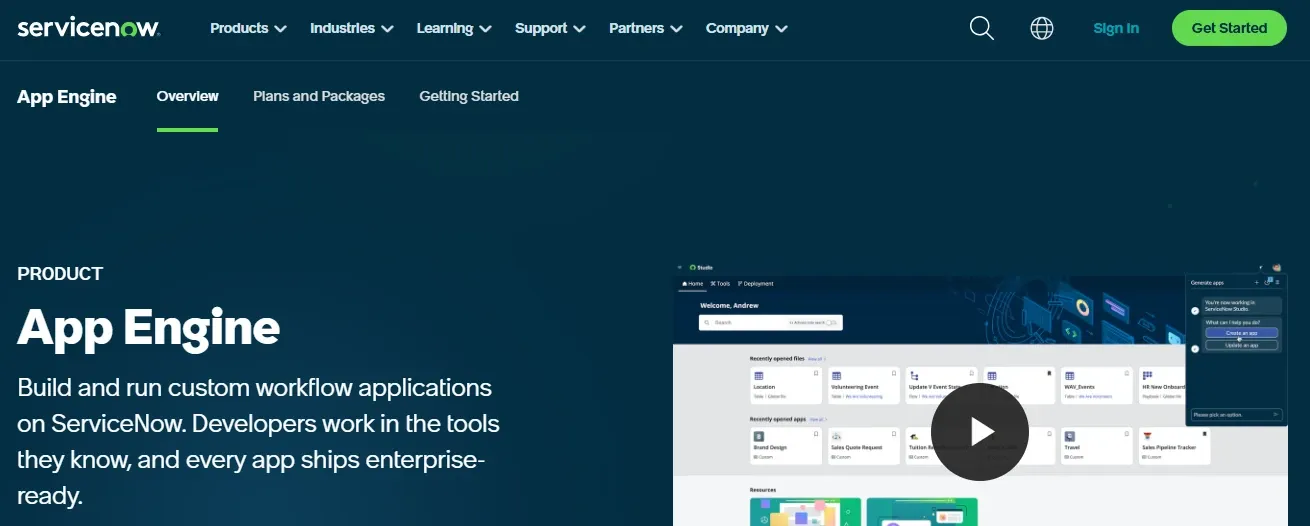
ServiceNow started as an IT service management platform and later expanded into low-code application development through its App Engine. Today, it excels at building internal tools and automating IT and operations workflows.
Flow Designer provides visual workflow automation with pre-built connectors to hundreds of enterprise systems. Built-in service management, access controls, and audit logs make it popular with IT teams that need governance built into every internal application.
ServiceNow is a strong choice for IT-centric organizations. For customer-facing apps, native mobile development, or teams outside IT operations, however, it is not the right fit.
Best for: IT and operations teams in large enterprises that need to build internal service tools, automate IT workflows, and maintain strict governance and audit trails across all applications.
| Plan | Price | Best For |
|---|---|---|
| App Engine Starter | Custom (contact sales) | Basic internal app building with limited users |
| App Engine Professional | Custom (contact sales) | Advanced workflows, full integration, and SLA guarantees |
| Now Platform Enterprise | Custom (contact sales) | Full ITSM suite with unlimited apps and dedicated support |
ServiceNow pricing typically runs $100 or more per user per month depending on modules selected.
9. Bubble
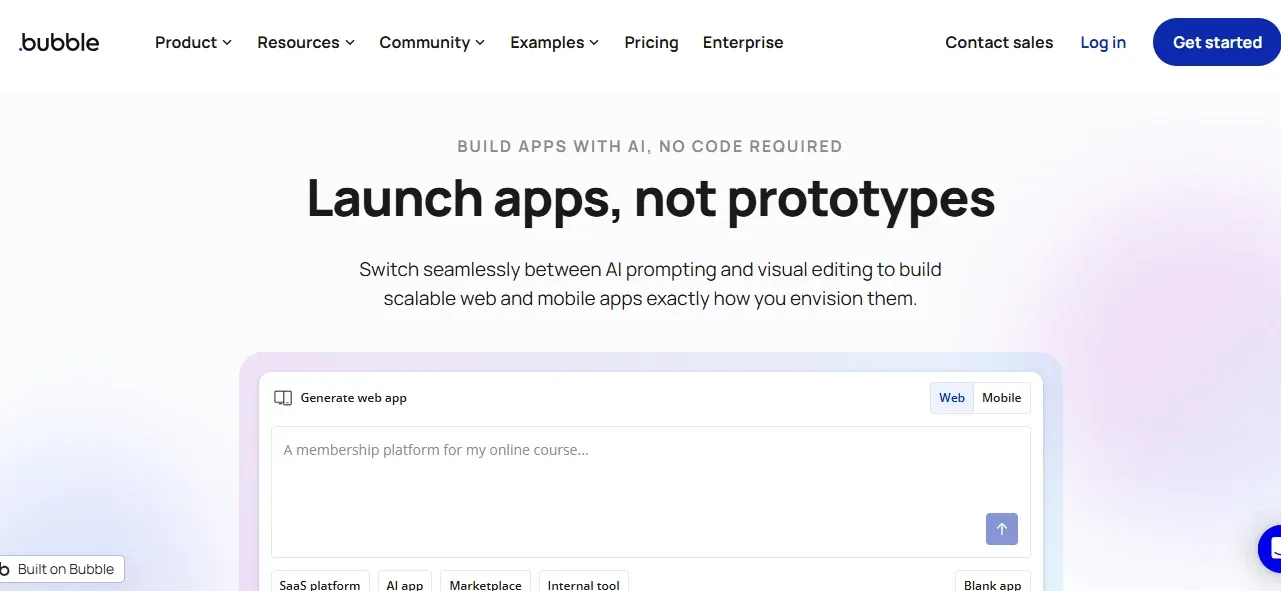
Bubble is a no-code development platform that gives non-technical founders full visual control over application logic. Unlike most platforms on this list, Bubble generates web applications entirely through a visual interface.
A drag-and-drop canvas with pixel-precise control over UI elements, responsive design across screen sizes, and custom logic through visual workflows gives builders more flexibility than template-based tools. A built-in database with a user-friendly interface for creating data models, plus REST APIs and community plugins for connecting to third-party services, completes the core feature set.
That said, applications built on Bubble can suffer from performance issues at scale. The platform also lacks native mobile capabilities entirely, which is a significant constraint for teams that need to ship on iOS or Android.
Best for: Non-technical founders and freelancers who need to build and launch web applications visually without writing code, particularly for MVPs, marketplaces, and SaaS prototypes.
| Plan | Price | Best For |
|---|---|---|
| Free | $0 | Testing and learning Bubble with a subdomain app |
| Starter | $29/month | Launching a first app with a custom domain |
| Growth | $119/month | Growing products needing version control and priority support |
| Team | $349/month | Teams building multiple apps with collaboration features |
| Enterprise | Custom (contact sales) | High-traffic apps needing custom capacity, SLA, and SSO |
10. Rocket
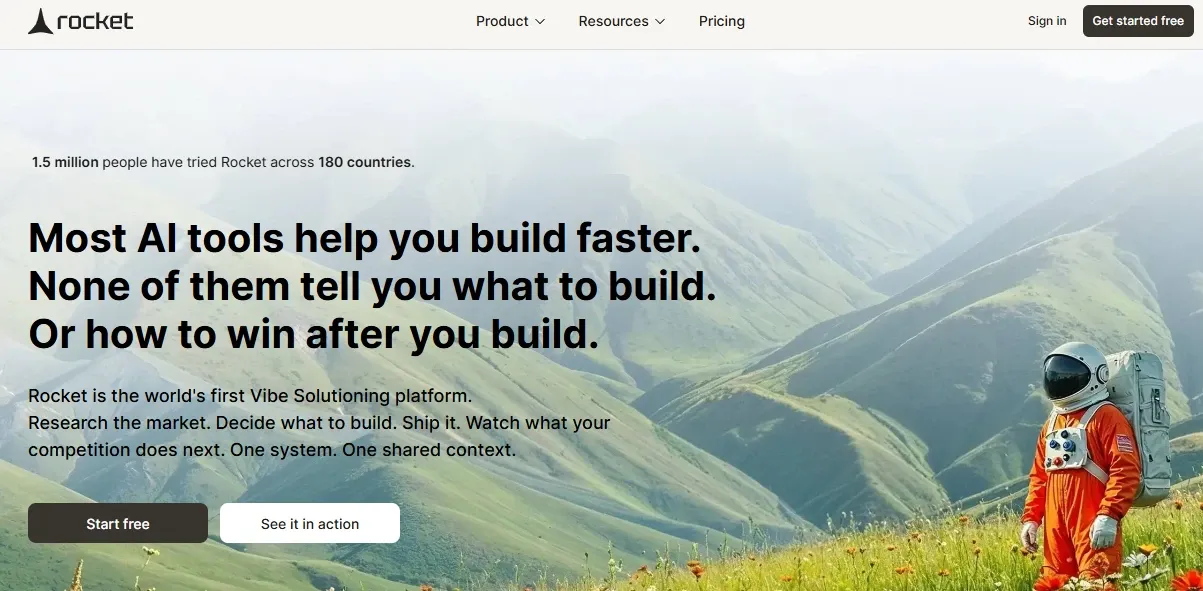
Every platform above asks you to learn its proprietary system, adapt to its constraints, and accept its deployment limitations. Rocket takes a fundamentally different approach.
Rocket is an AI-powered platform where you describe what you want to build in natural language, and it generates a production-ready web or mobile app in minutes. There is no drag-and-drop canvas to learn, no proprietary scripting language to master, and no steep learning curve blocking your team from shipping.
Backed by Salesforce Ventures and Accel, 1.5 million people have tried Rocket across 180 countries. Here is what sets it apart from every other platform on this list:
-
Real code, full ownership. Rocket generates production-grade Next.js (web) and Flutter (mobile) code. You can download the source, host it anywhere, and modify it with standard tools. Zero vendor lock-in.
-
Production standards built in by default. Every build ships with SEO-ready structure, WCAG accessibility compliance, GDPR coverage, and performance optimization as the baseline, not optional extras.
-
Native mobile and web from one platform. Build iOS and Android apps using Flutter and web apps using Next.js on the same platform, without separate tools or additional costs.
-
Transparent pricing with no hidden fees. Start free and pay only when you need more. Pricing tiers are visible on the website.
-
Most apps generate in one to three minutes. After that, you can iterate through natural language conversation, visual editing, or direct code changes. Pre-built templates accelerate common use cases even further.
-
25+ integrations including Stripe, Supabase, Google Analytics, Notion, Airtable, OpenAI, Anthropic, Gemini, Mailchimp, Mixpanel, and more. Authenticate once and they flow into every build.
-
Staging and production environments with full version history and one-click rollback, so you can improve without risk.
Rocket is also more than a builder. Solve answers any business question before you build, covering market sizing, competitive analysis, and pricing strategy. Build generates the product from that thinking. Intelligence monitors competitors continuously after you ship. Research, build, and operate in one platform.
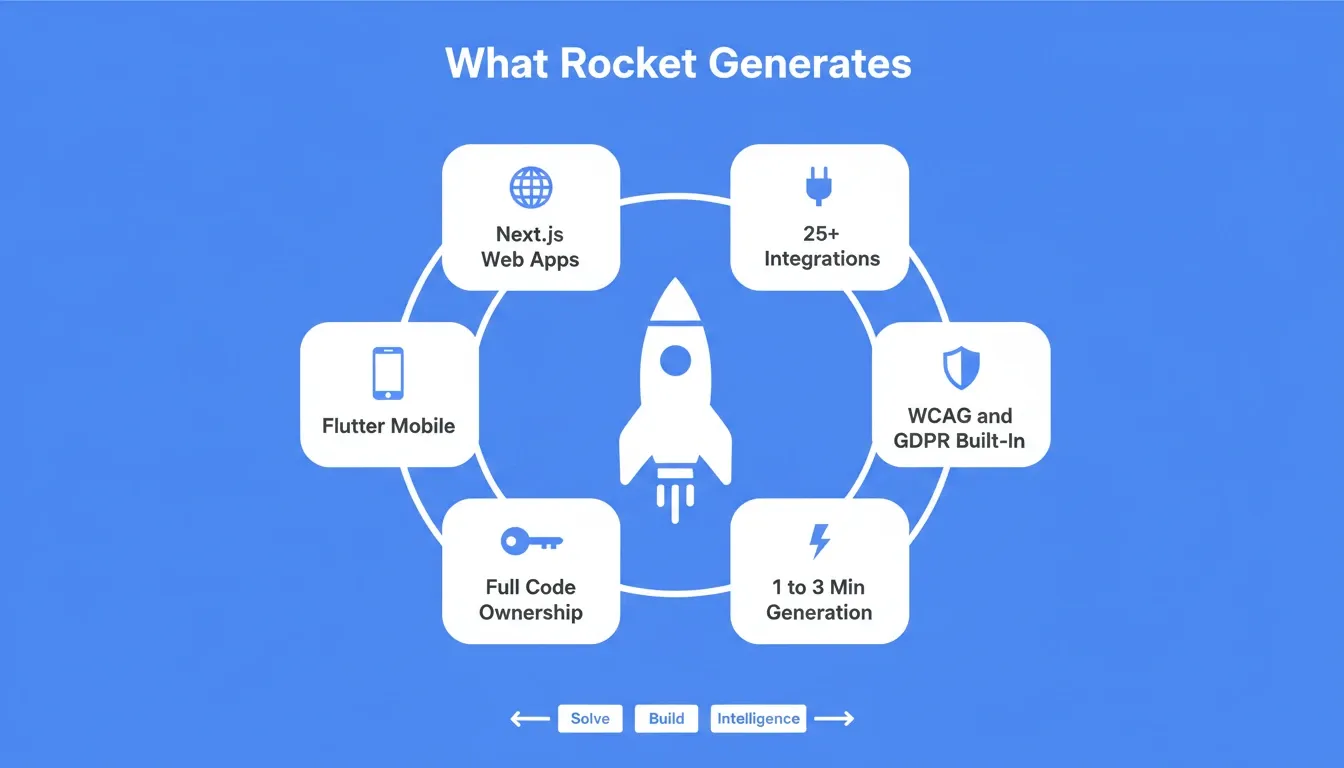
Rocket generates production-grade Next.js and Flutter code with WCAG, GDPR, and SEO compliance built in by default, with no extra configuration required.
Best for: Founders, developers, and teams who want to go from idea to production-ready web or mobile app in minutes, with full code ownership, no vendor lock-in, and transparent credit-based pricing.
| Plan | Price | Credits Included | Best For |
|---|---|---|---|
| Free | $0/month | 20 one-time credits | Exploring Rocket and building personal projects |
| Pro | $25/month | 100 credits/month | Individuals building apps regularly |
| Rocket | $50/month | 250 credits/month | Teams and frequent builders |
| Booster | $250/month | 1,500 credits/month | Power users and fast-moving teams |
All plans include unlimited team members. Additional credits can be purchased at any time and never expire. A 20% discount applies on all paid plans when billed annually.
Full Platform Comparison
Platforms at a Glance
| Platform | Best For | Vendor Lock-in | Learning Curve | Native Mobile | Code Ownership |
|---|---|---|---|---|---|
| Rocket | Speed-first builders | None | Very Low | Yes (Flutter) | Full |
| Mendix | Enterprise dev teams | Medium | Moderate | Yes | Partial |
| Microsoft Power Apps | Microsoft-centric orgs | High (Microsoft) | Low-Medium | Limited | No |
| Appian | Process automation | Medium | Moderate | Yes | No |
| Salesforce Lightning | Salesforce customers | High (Salesforce) | High | Limited | No |
| Zoho Creator | Small business teams | Low-Medium | Low | Basic | No |
| Kissflow | Workflow-first teams | Low | Low | No | No |
| Pega Infinity | Regulated enterprises | High | Very High | Limited | No |
| ServiceNow | IT operations | High | High | Limited | No |
| Bubble | Non-technical founders | Medium | Medium | No | No |
Pricing at a Glance
| Platform | Starting Price | Pricing Model |
|---|---|---|
| Rocket | Free tier available | Credits-based (no per-seat fees) |
| Mendix | $50/user/month | Per user |
| Microsoft Power Apps | $20/user/month | Per user |
| Appian | Custom (contact sales) | Enterprise |
| Salesforce Lightning | $25/user/month | Per user |
| Zoho Creator | $8/user/month | Per user |
| Kissflow | $1,500/month | Flat rate |
| Pega Infinity | Custom (contact sales) | Enterprise |
| ServiceNow | Custom ($100+/user) | Enterprise |
| Bubble | $29/month | Per workspace |
How Should You Pick the Right Platform?
Choosing the right low-code platform depends on what you are building, who is building it, and how much flexibility you need long-term. The decision framework below helps narrow the field based on your team's specific situation:
The right platform is not always the one with the longest feature list. It is the one that matches your team's technical skills, budget constraints, existing systems, and deployment requirements without creating new lock-in problems down the line.
For a broader perspective on how AI-driven approaches compare to traditional tooling, see this guide on vibe coding vs low-code platforms.
How Difficult Is It to Migrate Away from OutSystems?
Migration from OutSystems is notoriously difficult. The platform uses proprietary logic and data structures that do not export cleanly to other systems. Most teams report that moving to another platform means rebuilding applications from scratch, which can take months. For that reason, evaluating vendor lock-in risk before committing to any platform is well worth the upfront effort.
Here is what migration typically looks like across the three main paths:
-
To another proprietary platform (Mendix, Appian, Pega): You will need to rebuild your application logic in the new platform's proprietary language. For a medium-complexity application, expect three to six months of work.
-
To a no-code platform (Bubble, Kissflow): Simpler applications can be rebuilt faster, but you are still rebuilding from scratch. In practice, you trade one set of constraints for another.
-
To an AI-native platform (Rocket): Because Rocket generates standard Next.js or Flutter code, you can describe your existing application in natural language and Rocket rebuilds it as production-ready code you own outright. The generated code is fully portable, with no runtime dependency on any single vendor.
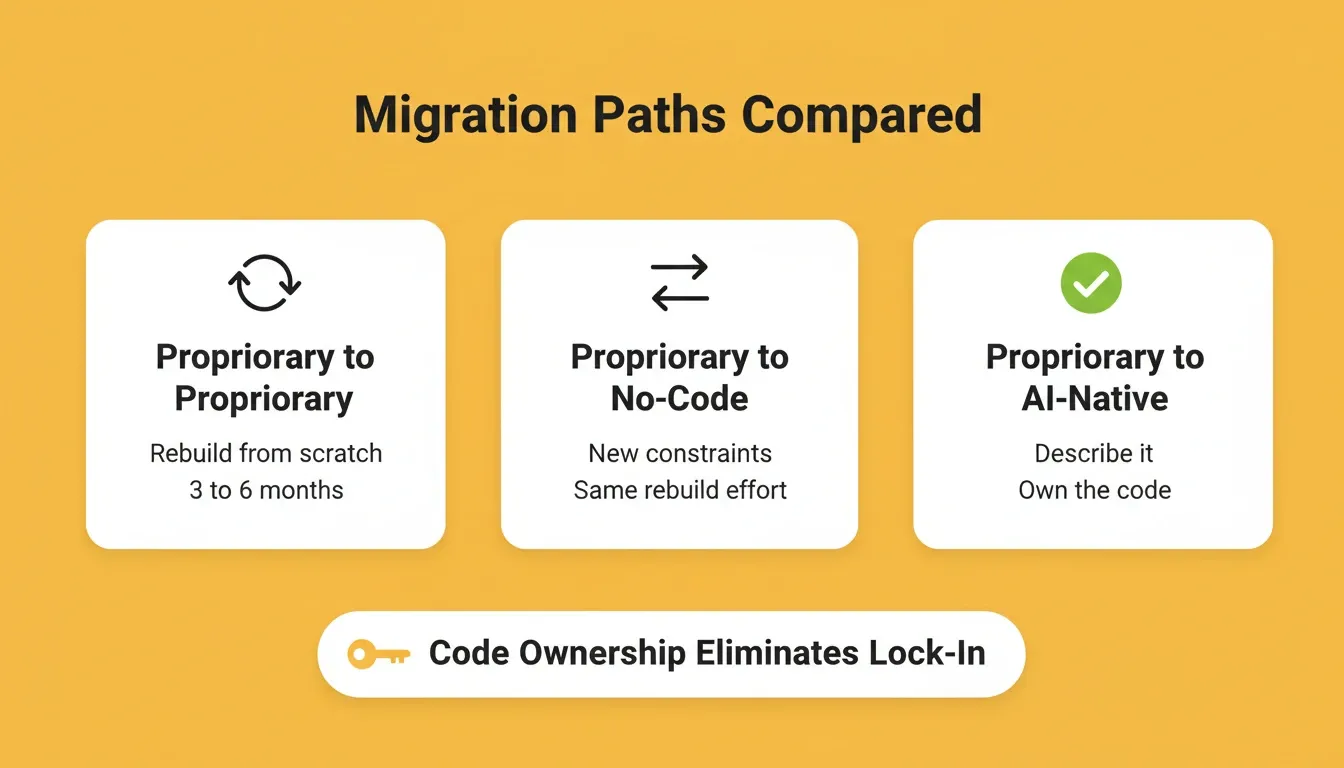
Three migration paths from OutSystems. Only the AI-native route produces portable, vendor-independent code you own outright.
The Right OutSystems Alternative Starts with the Right Question
The OutSystems alternatives market has matured significantly. Whether your team needs enterprise-grade process automation, a familiar ecosystem extension, or a fast path from idea to deployed product, there is a platform that fits without forcing compromises on pricing, ownership, or flexibility.
The question is no longer just which platform has the features you need. It is which platform lets you build, ship, and keep what you create without getting locked in again. As AI-native development continues to reshape what is possible in minutes rather than months, that distinction will only matter more.
Describe your app idea and get a working prototype in minutes, with full code ownership and zero vendor lock-in — start building free on Rocket.new.
Table of contents
- -Why are Teams Moving Away from OutSystems?
- -Who Should Not Use OutSystems
- -The Top 10 OutSystems Alternatives
- -1\. Mendix
- -2\. Microsoft Power Apps
- -3\. Appian
- -4\. Salesforce Lightning Platform
- -5\. Zoho Creator
- -6\. Kissflow
- -7\. Pega Infinity
- -8\. ServiceNow App Engine
- -9\. Bubble
- -10\. Rocket
- -Full Platform Comparison
- -Platforms at a Glance
- -Pricing at a Glance
- -How Should You Pick the Right Platform?
- -How Difficult Is It to Migrate Away from OutSystems?
- -The Right OutSystems Alternative Starts with the Right Question