
Building MVPs with no-code AI tools lets you go from idea to working product in days. No dev team needed. Validate your concept, gather real user feedback, and iterate without writing a single line of code.
Can you build a real MVP without coding?
Building MVPs with no-code AI tools is no longer just an option; it's a practical and cost-effective approach that saves time and resources.
No-code AI tools let teams create functional prototypes, test market demand, and gather user feedback without extensive coding knowledge. From web app interfaces to native mobile apps, these platforms accelerate development while keeping costs manageable.
Let's break down exactly how to take an idea from concept to a working MVP in a smooth, step-by-step way.
Why No-Code AI Tools Work So Well for MVPs
Traditional MVP development usually involves software development, backend developers, and extensive coding. This process can take months and often strain budgets.
No-code AI tools, on the other hand, let anyone quickly design user flows and prototypes. They make it easy to experiment with key features using drag-and-drop functionality and to collect user feedback for real-time iteration.
Think of no-code as a fast lane for turning ideas into products. It allows teams to focus on solving pain points instead of wrestling with programming languages or frameworks.
Some benefits of no-code AI tools include:
- Quickly designing intuitive user flows and user-friendly interfaces
- Integrating AI features for automation or intelligent responses
- Testing core features without extensive coding knowledge
- Rapid prototyping to validate ideas before committing resources
By removing technical barriers, no-code platforms make building an MVP more accessible than ever. According to Gartner, by 2025, 70% of new applications developed by organizations will use low-code or no-code technologies. This shift signals that no-code is no longer a shortcut. It is the standard path for fast-moving teams.
For a curated list of platforms to consider, see the best AI MVP builders for startups.
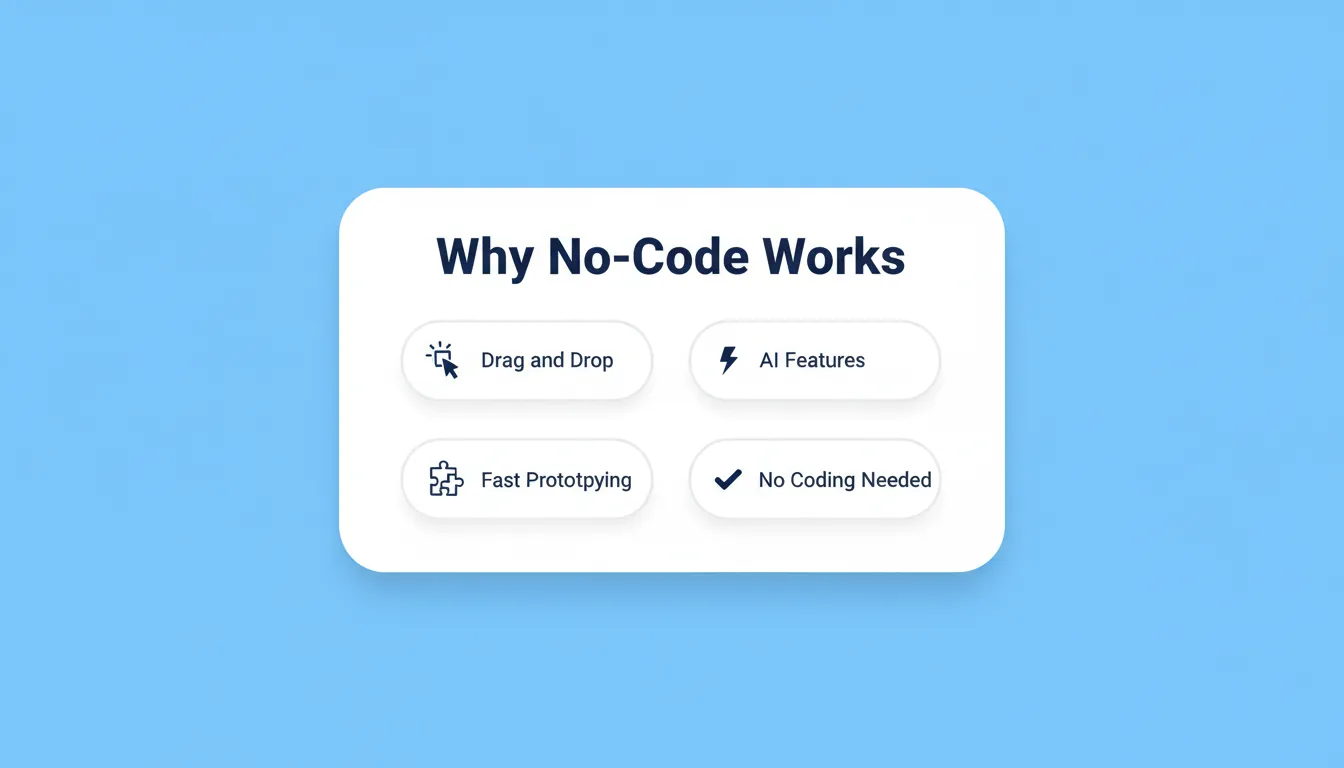
Core advantages that make no-code AI tools the fastest path to a validated MVP.
Mapping User Flows Before You Build
Before creating apps, it helps to map out your user flows first. Visualizing each step users take from the landing page to the main feature can prevent costly mistakes down the line.
Start by identifying the pain points you aim to solve and outlining the essential features for your initial MVP. Then design the user experience to be as seamless as possible by eliminating unnecessary clicks and confusing navigation.
Think of it like drawing a treasure map. The clearer the path, the faster users reach your MVP gold. Planning user flows upfront also makes testing and gathering feedback much smoother.
The no-code MVP workflow: from idea to validated launch, with a continuous user feedback loop.
Rapid Prototyping With No-Code MVP Tools
No-code MVP tools such as Bubble, Rocket, or Adalo make rapid prototyping simple and efficient.
A practical workflow might look like this:
- Start with templates that include pre-built components to reduce setup time
- Add core features that allow users to test the main functionality
- Connect databases like Google Sheets to store user data
- Integrate AI tools to add chatbots, recommendations, or automation
- Test internally to ensure the interface is intuitive and bugs are resolved
This approach lets you validate ideas without extensive coding or hiring a full development team. The process is iterative, which enables continuous improvement based on user feedback.
The faster you prototype, the faster you learn what your users actually need. That learning is the real product.
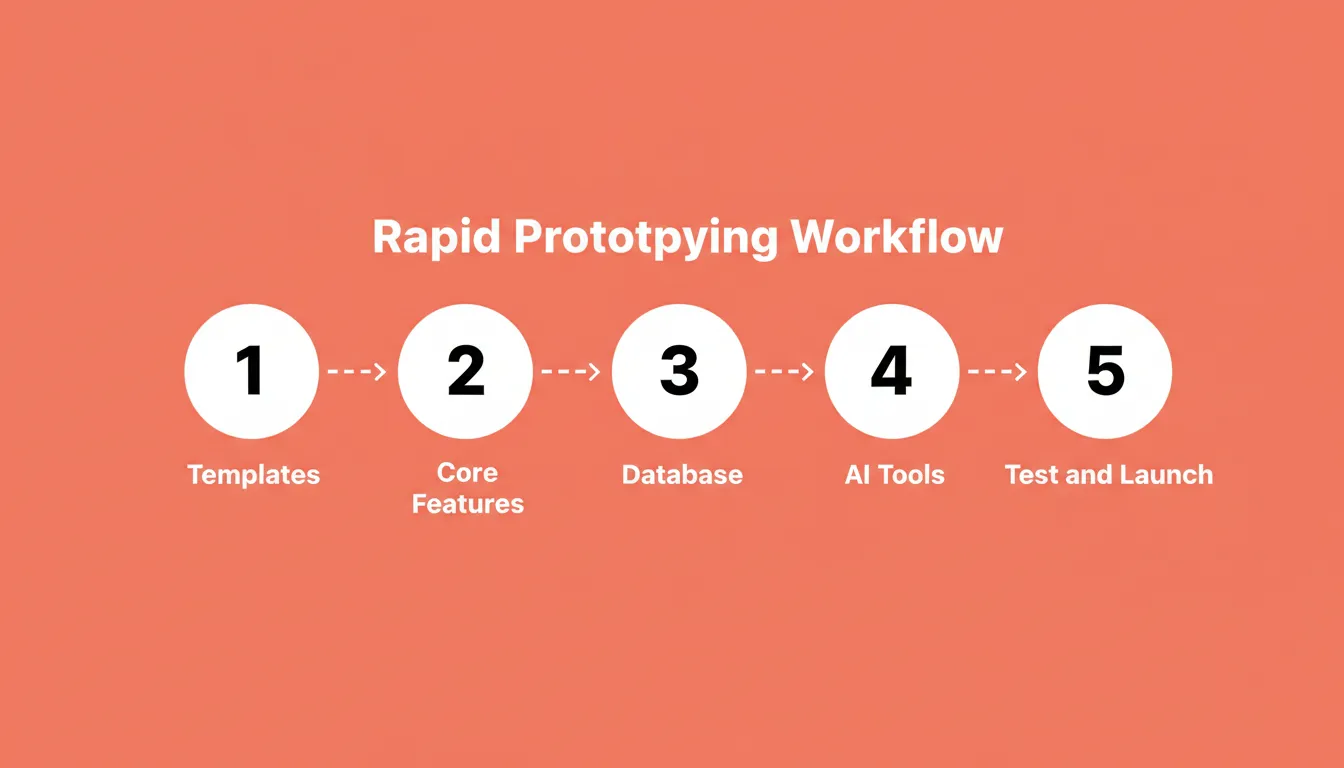
The five-step no-code prototyping workflow, from initial setup to internal testing and launch.
Benefits of No-Code Platforms for MVPs
Here's a quick table that summarizes why no-code tools are ideal for MVP development:
| Benefit | Why It Matters |
|---|---|
| Drag-and-Drop Interface | Speeds up UI design without coding knowledge |
| Pre-Built Components | Lets you implement features in minutes |
| Integration With AI Tools | Adds automation and intelligence easily |
| User-Friendly Interface | Simplifies testing with real users |
| Rapid Prototyping | Get feedback before committing to full development |
| Multiple Device Testing | Ensures MVP works on web, native mobile, or responsive apps |
| Automation Capabilities | Streamlines workflows and reduces manual tasks |
Speed to feedback, not just speed to build, is the core advantage no-code platforms deliver.
Adding Advanced Features Without Coding
Even with no-code tools, adding advanced functionalities is entirely possible. Many platforms now allow AI integration, automation, and limited custom code snippets.
For instance, you can:
- Automate notifications, emails, and database updates
- Integrate AI tools for content suggestions, chatbots, or predictions
- Add small custom code snippets to extend capabilities
- Connect third-party APIs for payments, analytics, or SaaS functionality
In short, no-code does not mean limiting yourself to basic features. Instead, it shifts the technical burden to the platform so you can focus on the user experience.
Building Mobile-Friendly MVPs
Mobile-friendly design is critical whether you're building a web app or a native mobile app. According to DataReportal, mobile devices now account for nearly 60% of all global web traffic, making mobile-first design essential for any MVP targeting real users.
Follow these tips to make your MVP accessible and engaging on all devices:
- Start with mobile-first templates on your no-code platform
- Optimize the user interface for touch navigation
- Test your app across multiple devices and screen sizes
- Use landing pages to capture early adopters and validate interest
Taking this approach ensures your MVP delivers a seamless experience across web and mobile. As a result, you significantly increase the likelihood of gathering meaningful user feedback. A mobile-first MVP reaches more early adopters from day one, and early adopters are your most valuable source of product insight.
If you're going mobile, the guide on how to build a mobile app with AI walks through the process step by step.
Rocket: Jump Straight From Idea to App
Rocket is a no-code platform that fits naturally into this workflow. It allows teams to move from concept to a usable product almost instantly. The platform is especially useful for rapid prototyping and deploying internal tools or public apps.
Features include:
- Plain-Language App Generation: Build working apps from natural language prompts.
- Auto Backend Setup: Automatically configures databases, authentication, and API endpoints.
- Figma-to-Functional App: Converts Figma designs into interactive web or mobile interfaces.
- Templates for Fast Starts: Pre-built templates speed up MVP creation.
- Multi-Platform Output: Generate web (React/Next.js) and native mobile (Flutter) apps.
- Integrated Services: Connects easily with Supabase, Stripe, Google Analytics, and AI models.
- Live Preview and Editing: Update apps and view changes in real time without coding.
- Code Ownership and Export: Inspect, edit, and export production-ready code for external use.
Rocket is a strong option for anyone who wants to test ideas fast, gather user feedback, and iterate efficiently.
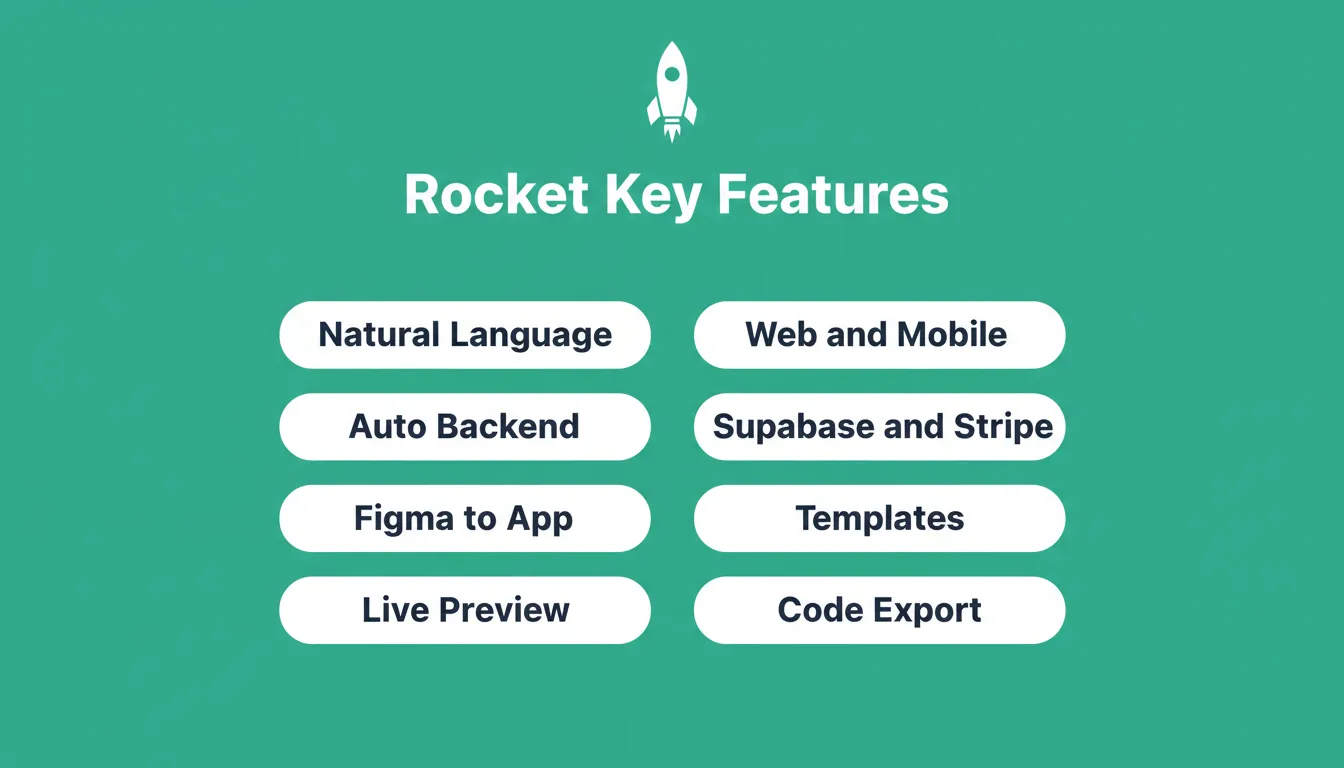
Rocket's core capabilities that take a product from idea to deployed app without writing code.
Managing Your Development Process
Even with no-code platforms, managing your development process carefully helps maximize results. A clear workflow guides iterations and keeps improvements on track.
As your MVP evolves, revisit your user flows regularly. Real feedback often reveals gaps that weren't visible during planning. Staying close to that feedback loop is what separates products that grow from products that stall.
Integrating AI Tools Into No-Code MVPs
AI tools enhance no-code platforms by automating workflows and providing intelligence without heavy coding. For example, AI chatbots can handle customer inquiries while predictive analytics can help improve user engagement. By integrating these tools into your MVP, you can deliver smarter experiences while keeping the development process simple.
Integration typically involves:
- Connecting AI APIs to your platform
- Setting triggers for automated actions
- Using AI to analyze customer data or predict behavior
This combination of no-code and AI makes building sophisticated MVPs surprisingly approachable. According to a McKinsey report, software developers using AI-assisted tools completed tasks up to 56% faster. That speed advantage compounds at every stage of your MVP cycle.
Teams that integrate AI into their no-code workflow ship faster and learn faster. Choosing the right no-code app builder is the first step toward that advantage.
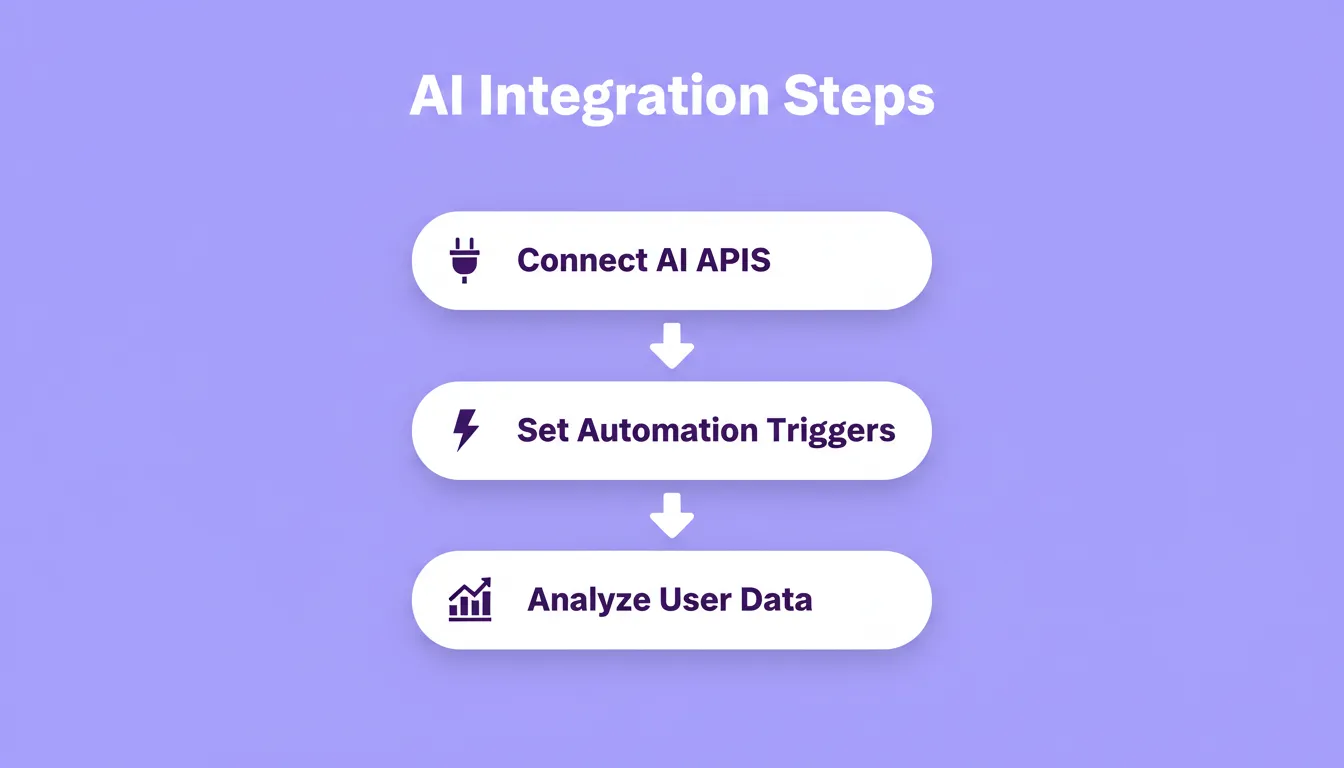
The three-step AI integration process that makes no-code MVPs smarter without added complexity.
Building MVPs With No-Code AI Tools
Building MVPs with no-code AI tools delivers speed, flexibility, and cost efficiency. It allows teams to validate ideas, test user flows, and refine key features without needing extensive programming skills.
With the right no-code platforms, pre-built components, and a clear focus on user experience, creating apps becomes approachable, practical, and even enjoyable. No-code platforms accelerate MVP development, make it more collaborative, and better align with real market demands.
The Future of Building MVPs With No-Code AI Tools
Building MVPs with no-code AI tools is already the fastest path from idea to market, and the gap between no-code and traditional development keeps widening. As AI capabilities advance, these platforms will handle more complexity automatically, making sophisticated products accessible without a dedicated engineering team.
The teams that validate before they build will consistently outperform those that don't. You have an idea. Type it into Rocket.new, and Rocket handles the research, architecture, and build. Start your MVP today.
Table of contents
- -Why No-Code AI Tools Work So Well for MVPs
- -Mapping User Flows Before You Build
- -Rapid Prototyping With No-Code MVP Tools
- -Benefits of No-Code Platforms for MVPs
- -Adding Advanced Features Without Coding
- -Building Mobile-Friendly MVPs
- -Rocket: Jump Straight From Idea to App
- -Managing Your Development Process
- -Integrating AI Tools Into No-Code MVPs
- -Building MVPs With No-Code AI Tools
- -The Future of Building MVPs With No-Code AI Tools