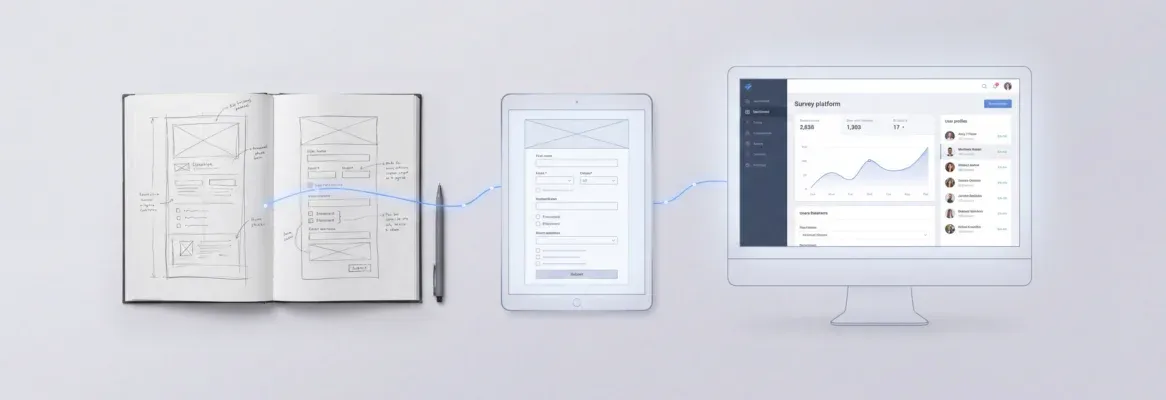
AI tools now generate working REST endpoints from plain text in minutes. This blog covers how prompt to API workflows operate, what features matter, how to write effective prompts, and where the category is headed.
Can a single sentence replace weeks of backend engineering?
Prompt to API is the practice of describing an API endpoint in plain English and receiving production-ready code in return. Instead of manually writing route handlers, defining request schemas, and wiring authentication middleware, a developer types a sentence. The AI then generates the complete, deployable unit.
The term covers a spectrum of tools. At one end sit basic code completers that return a single function. At the other end sit full-stack AI platforms that generate an entire backend layer, wire it to a database, handle auth, and deploy it live.
Anything short of that list is a code snippet, not a production endpoint. Understanding this difference is the most important evaluation decision a team can make.
What Does a Natural Language to Endpoint Workflow Look Like?
The concept is straightforward. You describe what you need in plain English, and the system generates a working API endpoint with routes, data validation, and response schemas.
-
Step 1: Describe the intent. Write a natural language prompt specifying the endpoint purpose, expected inputs, output format, and business logic. For example: "Create a REST API that accepts a user email and returns their subscription status with a JSON response."
-
Step 2: Parse and plan. The system breaks the description into structured components. These include the HTTP method, route path, request parameters, response shape, and error handling patterns.
-
Step 3: Generate code. Based on the parsed intent, the AI generates production-ready code. This includes route handlers, authentication middleware, input validation schemas, and database queries.
-
Step 4: Deploy and document. The generated endpoint deploys to a staging environment. Auto-generated API documentation covers request and response examples plus authentication instructions.
Teams already familiar with natural language to code workflows will recognize this pattern. The shift from manual coding to guided generation means fewer handoffs, fewer bugs, and faster iteration cycles.
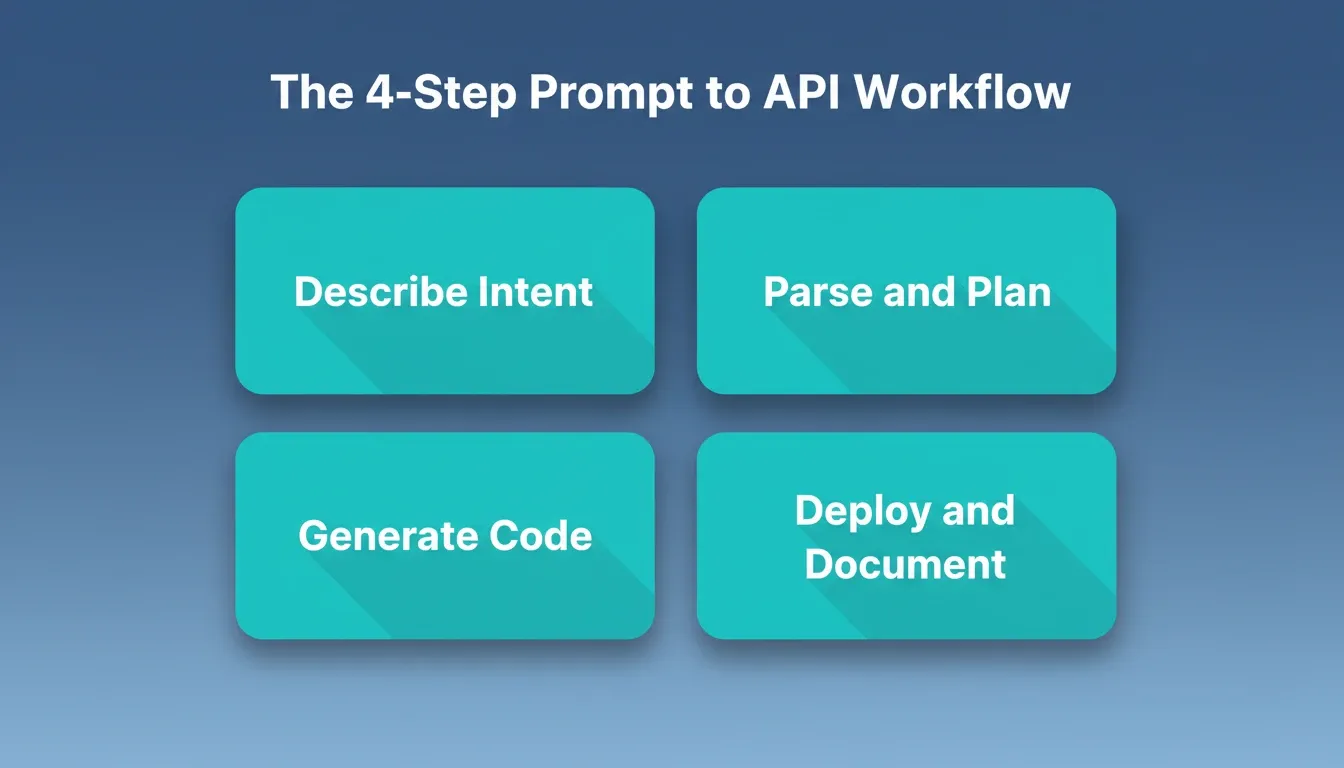
The 4-Step Prompt to API Workflow: from plain English description to deployed, documented endpoint.
Why Are Development Teams Adopting AI-Generated Endpoints?
The numbers paint a clear picture of where the industry is moving, and how fast.
-
Automated API generation cuts development time by 85% for organizations scaling AI-driven projects, according to TechRT's 2026 API growth report.
-
Global AI-related API calls surged by 73% in 2025 as the AI market reached \$250 billion. Teams building at this pace cannot afford multi-week backend sprints.
-
78% of companies globally now use AI tools in daily operations. The majority of those tools depend on well-structured API layers underneath.
-
The global AI API market is projected to grow from \$44.41 billion in 2025 to \$179.14 billion by 2030, signaling massive demand for faster endpoint creation.
-
Developer productivity improves by 39% with AI-powered tools, with routine coding tasks dropping by 43% when teams use generation-based approaches.
According to Postman's 2025 State of the API report, 82% of organizations now follow an API-first strategy. That is a 12% jump from the year prior. The speed at which teams build and ship endpoints directly impacts product velocity, and the gap between idea and working backend has never been smaller.
As a result, even non-technical founders now generate admin panels and backend layers from AI prompts rather than hiring backend teams. Speed-to-market depends on how quickly you can express intent and receive working infrastructure.
Who Should Use Prompt to API Tools?
Prompt to API tools serve distinct audiences with different needs. Knowing which category you fall into determines which tool is right for you.
| User Type | Primary Need | What to Look For |
|---|---|---|
| Solo founders | Ship a working backend without a dev hire | Full-stack generation with auth and DB included |
| Frontend developers | Generate backend endpoints to match existing UI | OpenAPI spec output, REST API support |
| Product managers | Prototype and validate API-driven features | Natural language input, no-code deployment |
| Startup engineering teams | Accelerate sprint velocity on new services | Framework compatibility (Next.js, Express, FastAPI) |
| Agencies | Deliver client backends faster | Multi-project context, version history, one-click deploy |
| Non-technical builders | Build a complete product without writing code | Integrated auth, database, and deployment in one step |
The tools that serve solo founders best are not the same ones that serve engineering teams. Full-stack AI platforms handle the entire stack in one generation. Code-completion tools require you to assemble the pieces yourself.
How to Write a Good Prompt for API Generation
The quality of a generated API endpoint is directly proportional to the quality of the input prompt. Vague descriptions produce loose type definitions and missing error handling. Specific, structured prompts produce endpoints that need minimal revision.
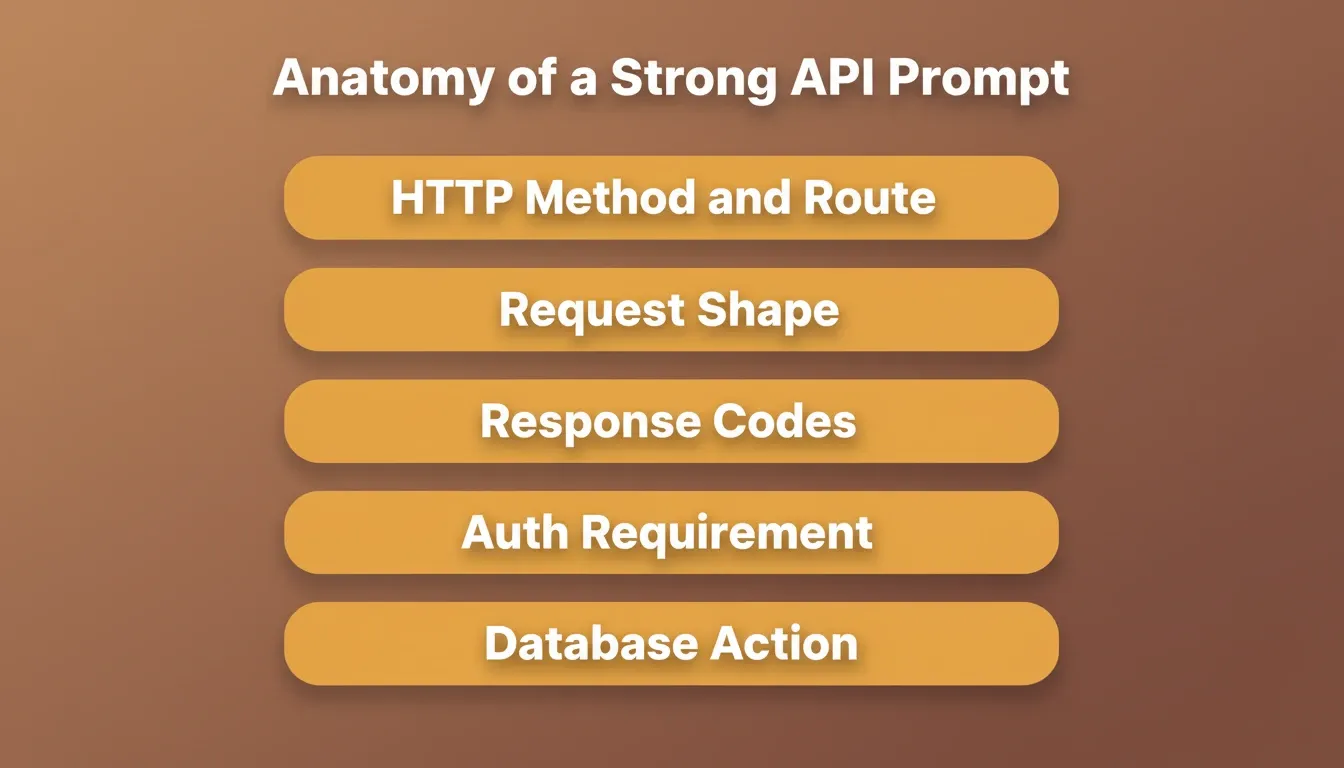
The anatomy of a strong API prompt:
-
State the HTTP method and route. "Create a POST endpoint at /api/users/subscribe"
-
Define the request shape. "Accept a JSON body with email (string, required) and plan_id (string, required)"
-
Specify the response. "Return 200 with
{success: true, subscription\_id: string}on success, 400 on validation failure, 409 if email already subscribed" -
Name the auth requirement. "Require a valid JWT in the Authorization header"
-
Describe the database action. "Insert a row into the subscriptions table in Supabase with user_id, plan_id, and created_at"
Prompt example — weak:
"Make an API for subscriptions"
Prompt example — strong:
"Create a POST endpoint at /api/subscriptions that accepts email and plan_id in the request body. Validate both fields. Check Supabase for an existing subscription with that email. Return 409 if one exists. Otherwise, insert a new row and return the subscription_id with a 201 status. Require a Bearer token in the Authorization header."
The strong prompt produces a complete, deployable endpoint on the first generation. The weak prompt produces a skeleton that needs multiple follow-up iterations.
General rules for better prompts:
-
Name every field with its type and whether it is required
-
Specify every status code the endpoint should return
-
Name the database table or service the endpoint should interact with
-
State the auth mechanism explicitly. Do not assume the tool will choose correctly.
-
Include edge cases: missing fields, unauthorized users, and records that do not exist
How AI Translates Plain English Into Production-Ready Code
The translation from human language to executable code involves multiple processing stages working in sequence.
-
Natural language understanding (NLU) layer. The system tokenizes the prompt and identifies entities such as resource names, data types, and relationships. It then maps them to API design patterns. This is where intent classification happens. The system decides whether you need a CRUD endpoint, a webhook, a batch processor, or a real-time stream.
-
Schema generation. Once the system classifies intent, it produces an OpenAPI specification. This includes request body schemas with type validation, response formats with status codes, and authentication requirements.
-
Code synthesis and framework selection. The AI selects the appropriate framework (Next.js API routes, Express, FastAPI) based on project context. It then generates handler functions, middleware chains, and database connection layers.
-
Testing and validation pass. Before output, the system runs generated code through linting, type checking, and basic end-to-end tests. Research from Index.dev confirms that 85% of developers report better code quality when using AI generation tools with built-in validation.
AI translation pipeline: from natural language prompt to deployed, documented API endpoint.
Key Features of Modern AI-Based API Generators
Not all tools offer the same depth. Here is what separates production-grade AI API generators from simple code completers.
Knowing how to auto-generate API routes with AI is only part of the picture. The platform's feature depth determines whether the output is production-ready or just a starting point.
| Feature | Basic Code Assistants | Full-Stack API Generators |
|---|---|---|
| Endpoint generation | Single route snippets | Complete CRUD with relations |
| Authentication | Manual setup required | OAuth, JWT, API keys built-in |
| Database connection | No DB awareness | Schema plus queries auto-generated |
| Documentation | None or manual | OpenAPI spec auto-created |
| Deployment | Copy-paste to hosting | One-click staging plus production |
| Testing | No automated tests | End-to-end tests included |
| API versioning | Not handled | Version management built-in |
| External API import | Not supported | Postman, cURL, Swagger/OpenAPI import |
-
Authentication and security matter because 57% of organizations experienced at least one API-related security incident in the past two years. A tool that skips auth is not production-ready.
-
Documentation generation eliminates the bottleneck where 55% of teams struggle with inconsistent or outdated API docs, according to Postman's findings.
-
External API import is a critical differentiator. Production apps rarely operate in isolation. Tools that let you import Postman collections, cURL commands, or Swagger/OpenAPI specs and bind responses directly to UI elements eliminate an entire category of manual integration work.
If a tool cannot handle at least six of the eight features above, it is better suited for prototyping than production.
How Rocket Converts Simple Prompts Into Deployable Applications
Most AI code generators stop at the snippet level. You get a function, maybe a route handler, and then you are on your own for authentication, database connections, deployment pipelines, and documentation. Rocket works differently.
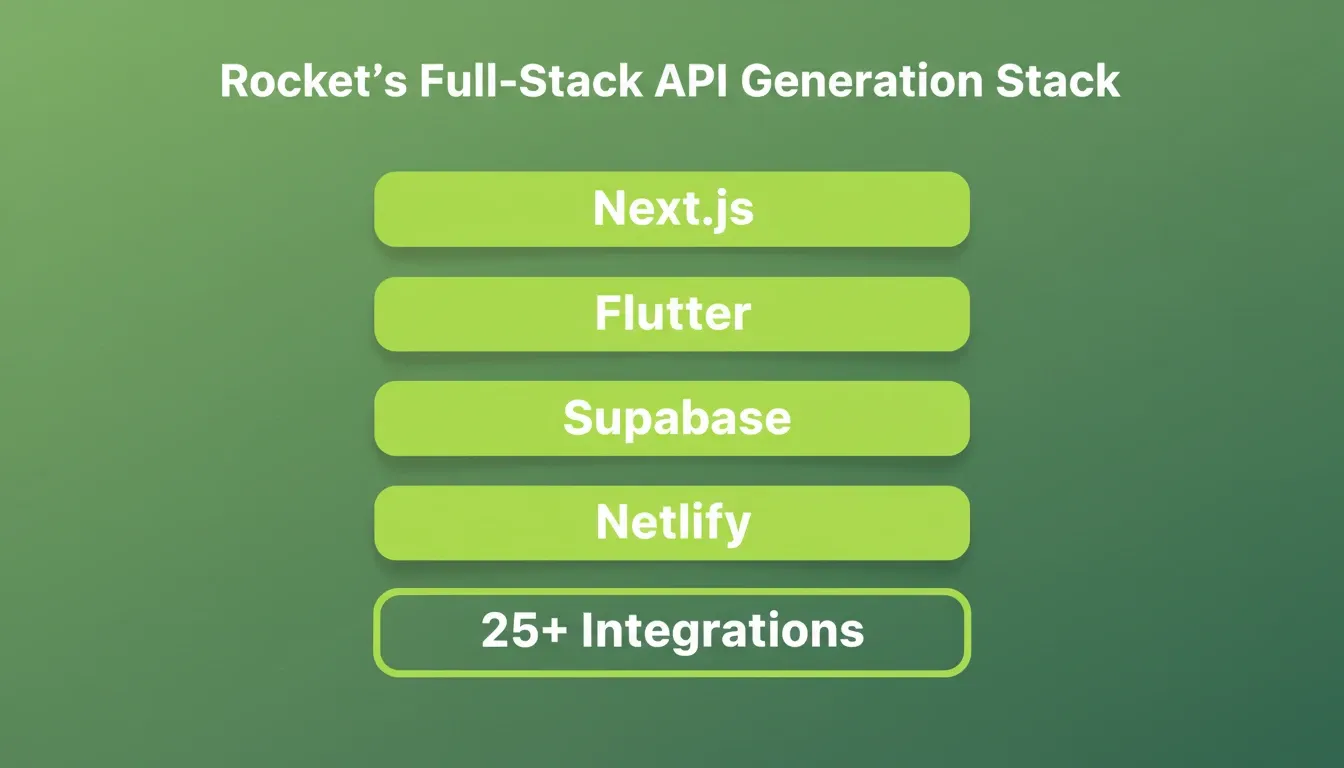
Rocket's Build pillar generates production-grade Next.js web applications and Flutter mobile apps from natural language. Every build starts from the accumulated intelligence of the project. That includes Solve research, Intelligence signals, brand guidelines, and connected services. As a result, the first generation reflects genuine product thinking, not a blank-slate guess.
The full-stack generation includes:
-
Complete Next.js API routes with typed request/response handling
-
Supabase backend integration with schema, auth, queries, and edge functions handled automatically
-
Authentication middleware covering JWT, OAuth, and social auth via Supabase
-
Input validation and error handling
-
Auto-generated documentation
-
One-click deployment to staging and production via Netlify
Importing external APIs into your build:
Rocket's API panel (accessible from the Build editor) lets you import endpoints from four sources. These are: Postman workspace (via API key), cURL commands, Postman collection export files (.json), and Swagger or OpenAPI specs (JSON or YAML).
Once imported, you select a route, pick a UI element, and configure the trigger. Rocket then generates all connection code, error handling, and data mapping automatically. A payment processor, a shipping API, or your own internal microservice can be wired into your app without writing a single line of integration code.
25+ connected services flow into every build:
Rocket connects Stripe, Google Analytics, AdSense, Perplexity, Anthropic, Gemini, OpenAI, Supabase, PayPal, Postman, Cal.com, Google, Linear, Notion, Airtable, Mailchimp, Mixpanel, Typeform, Strapi, Directus, Tally, Brevo, Calendly, MailerLite, SendGrid, Twilio, and Resend directly into generation. Authenticate once and they flow into every build.
Iterate through conversation:
After the initial generation, you refine through natural language. For example, "Add rate limiting to the subscription endpoint" or "change the response format to include pagination" produces targeted changes. Rocket applies changes in context with no change limit.
Context compounds across tasks:
Every Solve research session, every previous build, and every uploaded spec feeds into the next task. When you describe an API need, Rocket already knows your data model, auth patterns, and deployment preferences from prior work in the same project.
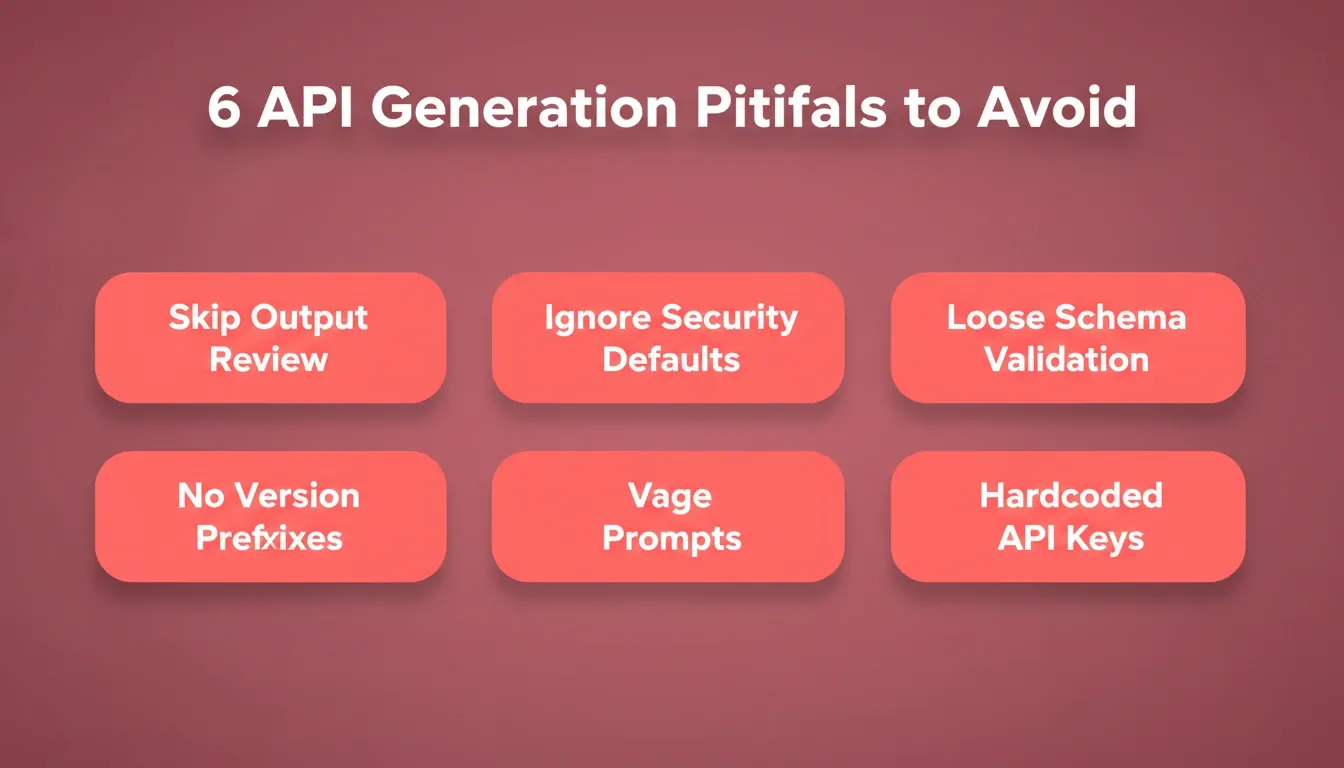
Common Pitfalls and How to Avoid Them
AI generation is powerful. However, teams still hit predictable problems when they skip basic quality gates.
-
Over-relying on generated output without review. Research shows that 66% of developers encounter AI outputs that look correct but contain hidden mistakes. Always run generated endpoints through manual testing before production traffic hits them.
-
Ignoring security defaults. API attacks surged by 400% in 2025. If your AI API generator does not include auth and rate limiting by default, add them before deployment.
-
Skipping schema validation. Generated endpoints sometimes produce loose type definitions. Pin down request and response schemas with strict validation to prevent malformed data from entering your database.
-
Not versioning from day one. APIs evolve. Start with version prefixes (/v1/) even if you only plan one version today. This prevents breaking changes from affecting existing consumers.
-
Using vague prompts. The single biggest cause of poor first-generation output is an underspecified prompt. Follow the prompt anatomy framework above before generating, not after.
-
Skipping environment variable management. API keys hardcoded in generated code are a security risk. Store all secrets as environment variables. Rocket handles this at the server level, so keys are never exposed in client code.
Teams that structure prompts with clear requirements, constraints, and edge cases consistently produce better first-generation output. This discipline matters most in natural language API generation workflows.
The Next Chapter for Natural Language API Generation
The trajectory is clear. Natural language will become the primary interface for backend development within the next two years. Three signals confirm this direction.
OpenAPI as the universal contract. The industry is converging on OpenAPI specifications as the standard interface definition. AI tools that generate and consume OpenAPI specs natively are positioned to become the default backend generation layer.
Context-aware generation is replacing stateless prompting. The next generation of tools does not start from a blank prompt. Instead, it starts from accumulated project context: previous builds, research findings, data models, and integration history. This is the difference between a code snippet and a production system.
The integration layer is collapsing. As more services expose REST APIs and AI tools learn to import and bind them automatically, the manual integration work that consumed 30 to 40% of backend development time is disappearing.
The tools exist today. The statistics confirm adoption is accelerating. The only remaining variable is when your team starts. Understanding best practices for API integrated code automation is the foundation that makes every generation step more reliable.
Start Building APIs That Ship
Prompt to API is no longer experimental. It is how production backends get built today. The gap between describing an endpoint and deploying it has collapsed from weeks to minutes, and teams that adopt this workflow now are building compounding speed advantages with every project.
As AI generation matures, context-aware platforms that start from accumulated intelligence will define the next standard for backend development. The question is not whether to adopt prompt to API workflows. It is how quickly your team can make the shift.
Describe your next endpoint on Rocket, get a fully deployed, authenticated, and documented API, and ship the same day.
Table of contents
- -What Does a Natural Language to Endpoint Workflow Look Like?
- -Why Are Development Teams Adopting AI-Generated Endpoints?
- -Who Should Use Prompt to API Tools?
- -How to Write a Good Prompt for API Generation
- -How AI Translates Plain English Into Production-Ready Code
- -Key Features of Modern AI-Based API Generators
- -How Rocket Converts Simple Prompts Into Deployable Applications
- -Common Pitfalls and How to Avoid Them
- -The Next Chapter for Natural Language API Generation
- -Start Building APIs That Ship