
Rocket and Codeium serve different users entirely. One accelerates coding inside an IDE. The other takes an idea from research through deployment, with no code required. Here is how to choose.
What Is the Real Difference Between Rocket and Codeium?
Rocket and Codeium are both AI-powered development tools. However, they solve different problems for different people. Rocket is a vibe solutioning platform: research, build, and monitor in one place. Codeium (now Devin Desktop) is an AI coding assistant that lives inside a developer's editor.
The comparison matters because picking the wrong tool category costs time. GitHub's 2024 Octoverse report found a 59% surge in contributions to generative AI projects, with over 70,000 new AI repositories created in a single year. The market is full of options. The real question is which category fits how you actually work.
What Is Codeium and Where Does It Stand Today?
Codeium launched in 2022 as an AI code completion tool. It offered a free tier that attracted individual developers quickly. Since then, it has moved through two rebrands and a major acquisition.
-
Started as Codeium: autocomplete and chat-based code generation across popular IDEs
-
Rebranded to Windsurf in late 2024, adding the Cascade agent for multi-file editing
-
Acquired by Cognition and rebranded as Devin Desktop on June 2, 2026
-
Current positioning: an Agent Command Center for managing local and cloud coding agents
-
Scale: over 1 million users and 4,000+ enterprise customers, including Citi, Goldman Sachs, and NVIDIA
Three names in under two years reflects how fast the AI coding category is redefining itself. For a deeper look at the Windsurf era, see the Rocket vs Windsurf AI comparison.
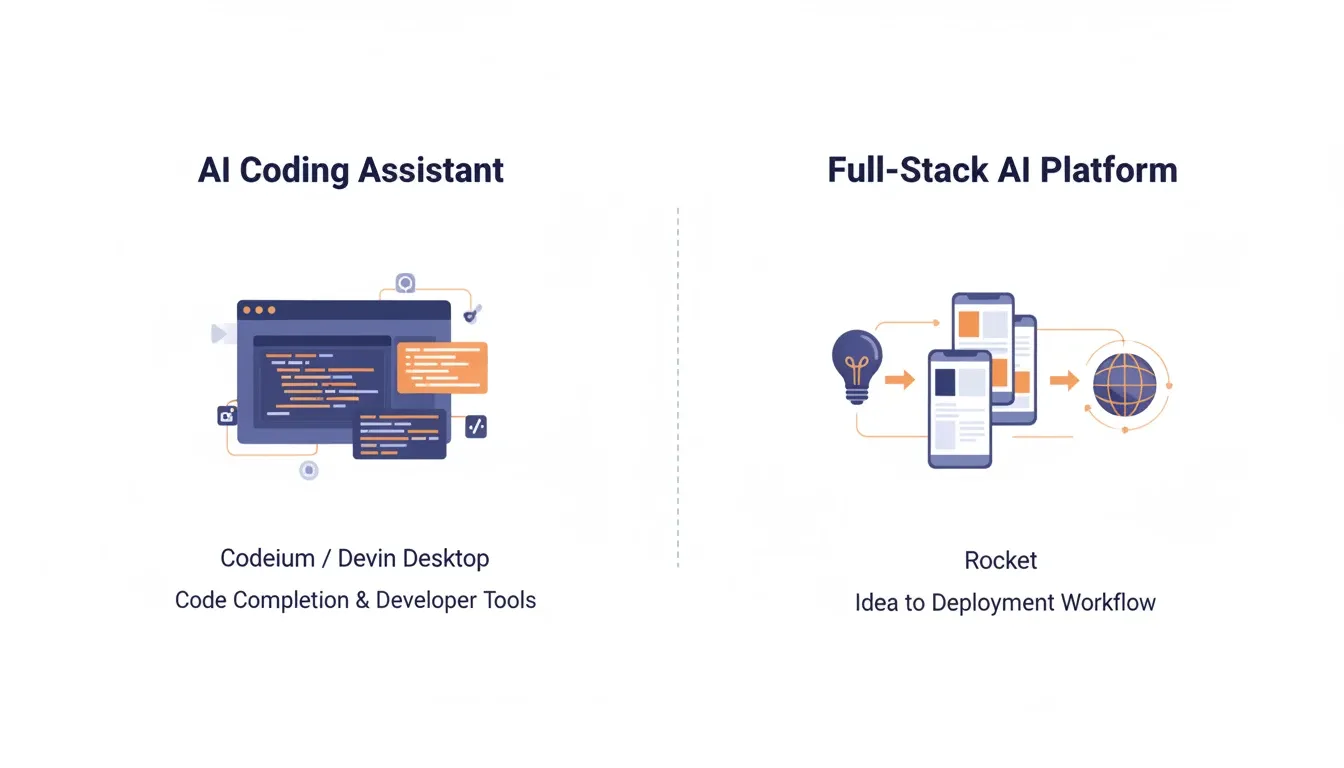
AI coding assistant scope vs. full-stack AI platform scope
How Codeium Handles the Development Workflow
Devin Desktop assists developers who already know how to code. It also assumes they have a project structure in mind. Its core capabilities include:
-
Code completion and generation using Supercomplete, which predicts intent rather than just the next line
-
Multi-file editing through the Devin Local agent with full codebase context
-
Agent orchestration via Spaces: run Devin Cloud, Claude Agent, Codex, and OpenCode from one interface
-
Automated code review with diff analysis before pushing changes
The workflow assumes an existing project, a configured environment, and technical knowledge to direct an agent. It speeds up coding. It does not decide what to build or handle deployment.
Where AI Coding Assistants Fall Short
This is the dividing line between tool categories. AI coding assistants serve developers who already know what they are building. For everyone else, several gaps remain.
-
Environment management stays with you: dependencies, API keys, server configs, and deployment pipelines are your responsibility
-
No pre-build thinking layer: the tool has no view on whether what you asked it to build is worth building
-
Context resets between sessions: no memory of previous decisions, research, or team context carries forward
-
Deployment is a separate problem: generating code is one step; SEO, accessibility, analytics, and hosting require separate tooling
For founders, product managers, and teams without engineering resources, these gaps are the actual bottleneck. The Stack Overflow 2024 Developer Survey confirmed that 76% of developers are using or plan to use AI tools in their workflow. Yet most of those tools still assume coding knowledge as a starting point.
Understanding how vibe coding tools shape modern development workflows helps clarify why the split between coding assistants and full-platform builders matters more now than ever.
What Makes Rocket Different
Rocket is the world's first vibe solutioning platform. It is the first system where the thinking before the build and the build itself happen in the same place. Most AI tools help you build faster. Rocket tells you what to build, then builds it.
It operates across three connected pillars:
Pillar 1: Solve — Research Before You Build
Solve is Rocket's research engine. Type any business question in plain language. You get back a structured, evidence-backed report built from live data. Solve runs in two modes, automatically routed by plan and prompt complexity:
-
Light Solve: fast, conversational research with visual summaries. Available on all plans. Exports as PDF, PPT, HTML, or PRD
-
Full Solve: deep, multi-section research for high-stakes decisions. Available on Rocket and Booster plans. Takes approximately 45 minutes and delivers an executive summary, supporting evidence, and clear recommendations
This is the layer no IDE-based coding assistant provides. There is no "is this worth building?" step in Codeium, Cursor, or any tool that starts at execution.
Pillar 2: Build — From Description to Deployed App
Build generates production-ready web apps (Next.js), mobile apps (Flutter), landing pages, and multi-page websites from natural language. Every build ships with SEO-ready structure, WCAG accessibility compliance, GDPR coverage, and performance optimization by default. These are the baseline, not optional extras.
There are six ways to start a build:
-
From an idea: describe what you want in plain language
-
From an attachment: upload a screenshot, wireframe, PDF, or spreadsheet
-
From Figma: import a design and convert it to working code
-
From GitHub: import an existing Next.js TypeScript repository and continue building
-
From a template: start from a pre-built template (zero credits consumed until you customize)
-
Redesign: provide a URL and transform an existing website using eight slash commands
Pillar 3: Intelligence — Continuous Competitive Monitoring
Intelligence watches companies you follow across nine signal pillars simultaneously: website, social media, news, GTM activity, traffic, product and technology, people and hiring, business and finance, and reviews and community.
Findings are packaged as ranked, personalized Intel cards that surface in your feeds automatically. Intelligence also detects absence signals, meaning when a competitor goes quiet, and cross-pillar patterns that reveal strategy before it becomes obvious.
Codeium/Devin Desktop starts at code. Rocket starts before it.
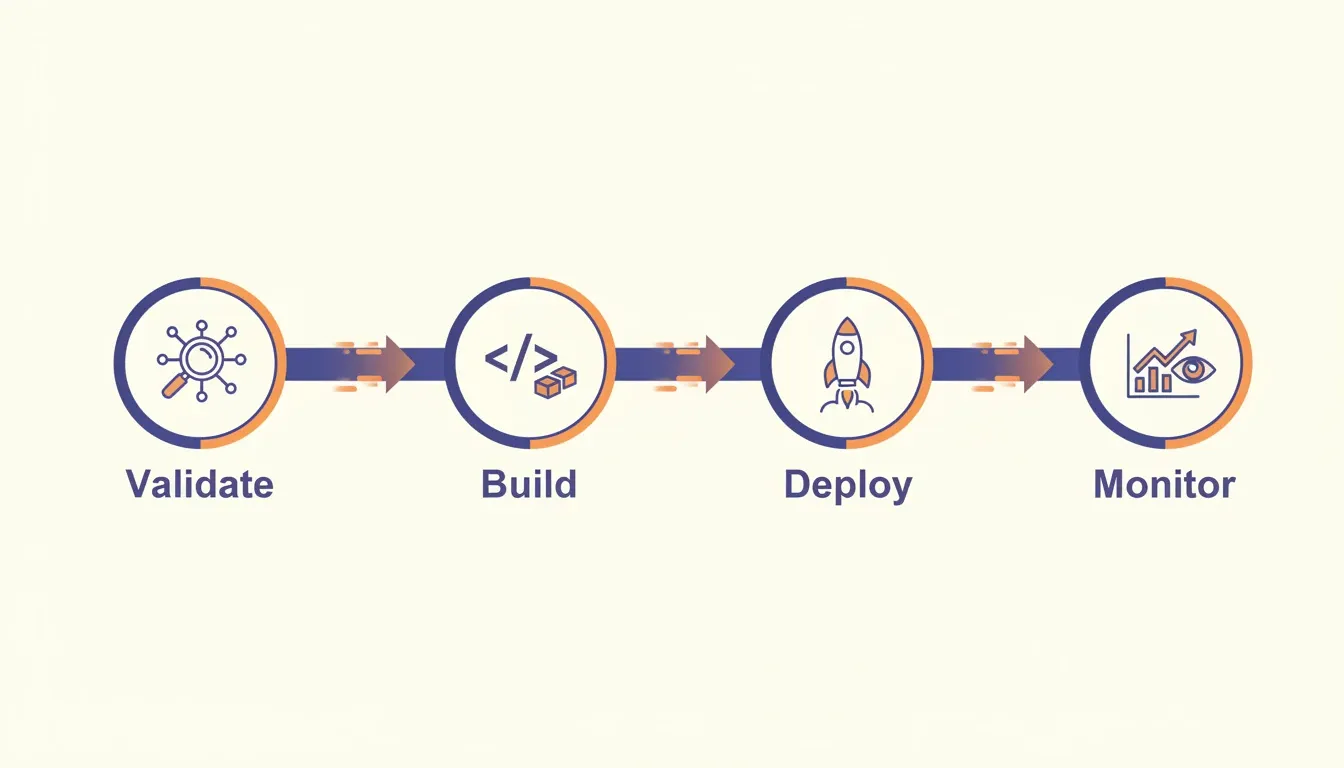
Rocket's three-pillar workflow: Solve validates the direction, Build generates the product, and Intelligence monitors what happens after launch.
How Shared Context Changes Team Work
Most AI coding tools treat every session as a blank slate. In contrast, Rocket's persistent project context architecture works differently.
Add files once, and every task in the project inherits them. Pitch decks, brand guidelines, competitive research, and financial models are uploaded once. They become available to every subsequent task, with no re-explaining and no context lost at handoffs.
Connected services such as Notion, Google Docs, Google Sheets, Airtable, and Linear keep live team knowledge flowing into the project without re-uploading. Multiple roles (Editor and Viewer) work inside the same accumulated intelligence. Access is managed at workspace, project, and task level.
Codeium's Spaces feature shares context between agents in the same workspace. That is useful for code-level coordination. However, it does not carry strategic decisions, research outcomes, or business context across different types of work over time.
Choosing the right AI-powered development workflow platform often comes down to one thing: whether the tool remembers what your team decided last week, or makes you explain it again.
From Idea to Live App Without Writing Code
This is where the two platforms diverge most clearly. Codeium speeds up how developers write code. Rocket removes the need to write code entirely for most common application types.
-
Describe what you want, and Rocket generates a working app in 1 to 3 minutes
-
Web apps ship in Next.js with real design systems, dark/light theming, and responsive layouts
-
Mobile apps ship in Flutter, ready for both App Store and Google Play
-
Iterate through conversation: change the data model, add features, or connect integrations without re-explaining what exists
-
Deploy with one click to a live URL with staging and production environments, full version history, and one-click rollback
-
Built-in analytics tracks visitors, conversions, and Core Web Vitals after launch, with zero additional setup
By contrast, Codeium requires managing your own hosting, configuring CI/CD pipelines, handling environment variables, and assembling deployment tooling. Every step between "code works locally" and "app is live" stays your problem.
That quote captures what Codeium is optimized for: managing coding agents inside an IDE. Rocket covers the complete arc, from validating whether an idea is worth building, to producing the app, to monitoring its performance after launch.
Who Should Use Each Platform
The right tool depends on who is doing the work and what the goal is. Here is a direct breakdown.
Choose Codeium (Devin Desktop) if you:
-
Write code professionally and want AI pair-programming inside your editor
-
Have an existing codebase that needs multi-file editing assistance
-
Work on a technical team with infrastructure already configured
-
Need agent orchestration across Devin Cloud, Claude Agent, or Codex
Choose Rocket if you:
-
Are a founder, product manager, or operator without deep engineering resources
-
Want to validate an idea before building anything
-
Need a production-ready app deployed to a live URL without managing infrastructure
-
Want competitive intelligence alongside your build workflow
-
Are a developer who wants to ship complete products faster
The dividing line: Codeium assumes you already know how to ship. Rocket handles shipping for you.
Pricing Compared
Rocket runs on a credit-based system. One credit balance covers Build, Solve, and Intelligence. All paid plans include unlimited team members and a 20% discount on annual billing.
| Plan | Price | Credits per Month | What Is Included |
|---|---|---|---|
| Free | $0 | 20 (one-time) | Build apps + Light Solve |
| Pro | $25/mo | 100 | Build + Light Solve |
| Rocket | $50/mo | 250 | Build + Light/Full Solve + Intelligence |
| Booster | $250/mo | 1,500 | Build + Light/Full Solve + Intelligence |
Codeium (Devin Desktop) pricing reflects its developer-focused positioning. Note that Codeium moved to a quota-based system in March 2026.
| Plan | Price | What Is Included |
|---|---|---|
| Free | $0 | Limited autocomplete (25 monthly credits) |
| Pro | $20/mo | Standard AI coding features |
| Max | $200/mo | Higher usage quotas |
| Enterprise | Custom | FedRAMP, HIPAA, and ITAR compliance; unlimited users |
Rocket's model assumes you have an idea and want a live product without managing the technical pipeline. Codeium's model assumes you have the skills to turn AI-generated code into a live product yourself.
Side-by-Side Capability Summary
| Capability | Rocket | Codeium (Devin Desktop) |
|---|---|---|
| Platform type | Vibe solutioning platform | AI coding assistant / IDE |
| Primary user | Founders, PMs, operators, developers | Developers |
| Coding knowledge required | No | Yes |
| Pre-build market research | Yes, via Solve | No |
| App generation | Yes, Next.js and Flutter | Code only, no deploy |
| One-click deployment | Yes | No |
| Competitive intelligence | Yes, 9 pillars, continuous | No |
| Persistent project context | Yes | Session-based only |
| Built-in analytics | Yes | No |
| Figma import | Yes | No |
| GitHub import | Yes, Next.js and TypeScript | Yes |
| Mobile app output | Yes, Flutter, App Store ready | No |
| WCAG/GDPR compliance | Default on every build | No |
| 25+ integrations | Yes, Stripe, Supabase, Notion, and more | Limited |
For a broader look at how context depth separates these platforms at scale, see the Rocket vs Cursor vs Windsurf context depth comparison.
The Right Tool for the Right Job
Codeium (now Devin Desktop) is a strong choice for developers who want AI pair-programming inside their IDE. It handles multi-file edits, orchestrates agents, and fits well into technical teams with their infrastructure already sorted.
Rocket serves a different purpose. The AI development industry spent two years solving how to build faster. Rocket solves what to build and why, then handles the build, the deployment, and the monitoring. That is not a feature advantage. It is a category difference.
1.5 million people have tried Rocket across 180 countries. The question is not which tool is better at its own job. It is which job matches what you are actually trying to do.
The Decision Comes Down to Where You Start
Rocket vs Codeium is not a close call once you know what each tool is built for. Codeium accelerates coding for developers already inside a workflow. Rocket is where the thinking and the building happen in the same place, for anyone who wants to go from a validated idea to a live product without assembling the pieces yourself.
The AI development category is moving fast. The gap between tools that assist coding and platforms that handle the full arc will only widen. If your work starts before the first line of code, with a question, a market, or a decision, Rocket is built for that moment.
Describe what you want to build at Rocket.new and see a production-grade app take shape in minutes.
Table of contents
- -What Is Codeium and Where Does It Stand Today?
- -How Codeium Handles the Development Workflow
- -Where AI Coding Assistants Fall Short
- -What Makes Rocket Different
- -Pillar 1: Solve — Research Before You Build
- -Pillar 2: Build — From Description to Deployed App
- -Pillar 3: Intelligence — Continuous Competitive Monitoring
- -How Shared Context Changes Team Work
- -From Idea to Live App Without Writing Code
- -Who Should Use Each Platform
- -Pricing Compared
- -Side-by-Side Capability Summary
- -The Right Tool for the Right Job
- -The Decision Comes Down to Where You Start