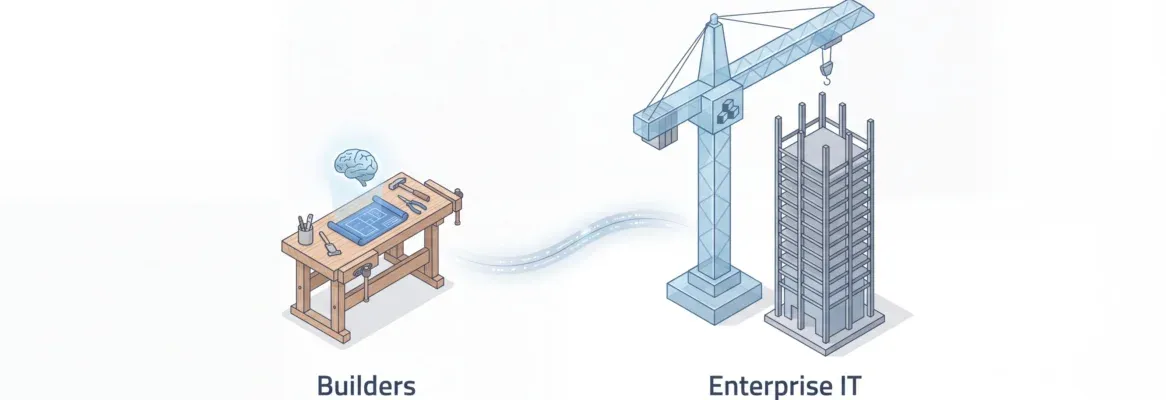
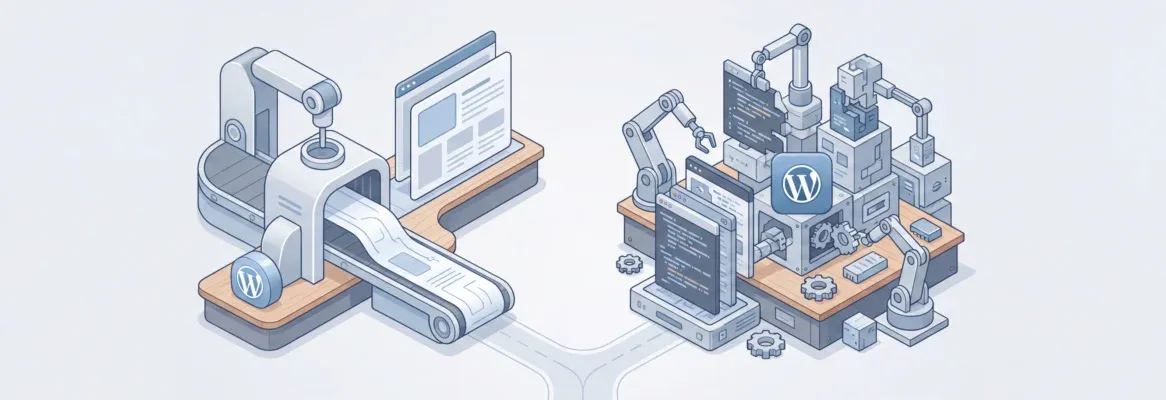
Rocket.new generates complete web and mobile apps from a single prompt, handling UI, logic, and deployment. Firebase provides backend services you still wire up yourself. For founders who want the fastest path to a live product, Rocket.new is the smarter choice.
Choosing between Rocket.new vs Firebase comes down to one question: do you want backend services you wire up yourself, or a complete app generated from a single prompt?
Rocket.new generates full-stack web and mobile apps with UI, logic, and deployment included. Firebase provides backend services that technical teams connect to their own frontend code. For founders and small teams who want the fastest path to a live product, Rocket.new is the smarter choice.
I Want an App, Not Just a Backend
You have a product idea.
You search for tools to build it.
Within minutes, you are reading about Firebase: authentication, Firestore, cloud functions, hosting. It sounds like everything you need.
Then you realise: Firebase gives you the backend.
You still have to build the entire app yourself.
You need a developer to write the frontend. You need someone to wire up every service. You need a framework, a design system, and a deployment pipeline.
According to research, the average custom software project costs around $36,000 and takes 4.5 months to deliver. That timeline kills most product ideas before they reach a single user.
This is the gap Rocket.new was built to close.
The question is not "which backend should I use?" It is "do I need Firebase plus a developer, or can AI just build the whole thing?"
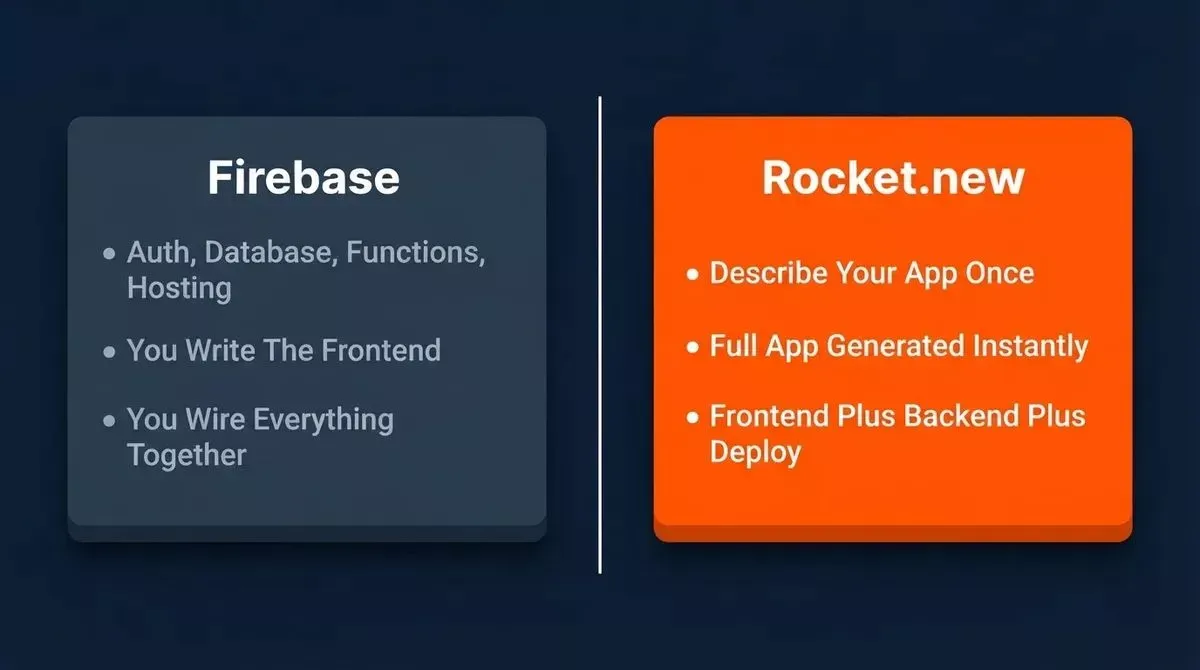 Firebase gives you backend building blocks. Rocket.new gives you the finished app.
What is Rocket.new?
Rocket.new is the world's first Vibe Solutioning platform.
It covers the full arc of how a product gets built, from market research and decision-making to shipping production-ready apps, all in one system with one shared context.
The Build capability is what most founders come for.
Describe your product idea in plain language once. Rocket.new researches your market, decides the feature set, designs the UX, writes SEO-ready copy, and ships production-grade code without prompting page by page.
The output is a complete Next.js web app or Flutter mobile app, with a Supabase backend, authentication, and REST endpoints already configured.
You can start from more than just a blank prompt. Rocket.new accepts a Figma file, a screenshot, a Notion doc, or an existing Supabase schema as your starting point. 25+ integrations, including Stripe, GitHub, OpenAI, and Mixpanel, are wired in-chat, and every build inherits them automatically.
It is a strong choice as a no-code app builder for startups that need to move fast without a full engineering team.
What is Firebase?
Firebase is Google's backend-as-a-service (BaaS) platform.
It handles the server-side work that most web and mobile apps need, giving technical teams a solid set of modular backend services that plug into their own frontend code.
Here is what Firebase actually includes:
- Authentication covers email sign-in, Google auth, phone verification, and federated identity providers out of the box.
- Firestore and Realtime Database offer two NoSQL database options with real-time sync and offline support.
- Cloud Functions let developers write server-side logic that runs in response to events, like processing a Stripe webhook.
- Firebase Hosting serves static assets over a global CDN with auto-scaling.
- The free Spark plan includes 50K monthly active users for auth, 1 GiB of Firestore storage, and 10 GB of hosting at no cost. Paid plans use the Blaze pay-as-you-go model.
Firebase is powerful, but it is a toolkit, not a finished product.
You still need to build your own frontend, design your own UI, write your own application logic, and connect every service yourself through code.
Where Firebase Hits A Ceiling For Non-Developers
Setting up a Firebase project requires creating a console project, configuring SDK dependencies, initialising the app in your frontend code, and managing environment variables. None of this is drag-and-drop.
So, it demands coding knowledge from step one.
Building the frontend is entirely on you.
Firebase provides zero UI components, no page layouts, and no design system.
You need React, Vue, Flutter, or another framework, and you need to know how to use it well enough to ship something good.
Cloud functions require writing Node.js or Python code, testing locally, and debugging edge cases. One misconfigured Firestore security rule can expose user data to anyone.
For a founder searching for the fastest path from idea to live product, Firebase creates a setup process that still demands a developer and multiple tools.
The Key Difference: Full-App Generation vs Backend Infrastructure
This is the core split between the two tools.
“Firebase is infrastructure”
It gives you the plumbing: auth, database, functions, and hosting, and expects you to build the house on top.
“Rocket.new is the whole house”
It’s an AI-powered app builder for web applications, so instead of assembling separate layers yourself, you describe what you want, and it generates the frontend, backend, and deployment in a single pass.
It can produce full-stack applications from natural language prompts, with no separate setup for each piece, no wiring, and no framework decisions. You go from prompt to deployed app in minutes.
Compared to the traditional development approach, this is a fundamental shift in how products get built. The Stack Overflow 2024 Developer Survey found that 76% of developers now use or plan to use AI tools in their workflow, not just to write code faster, but to eliminate the steps that slow non-technical builders down entirely.
Tools like Emergent also support full-stack applications this way, but the key distinction here is still Rocket.new versus Firebase’s backend-first model.
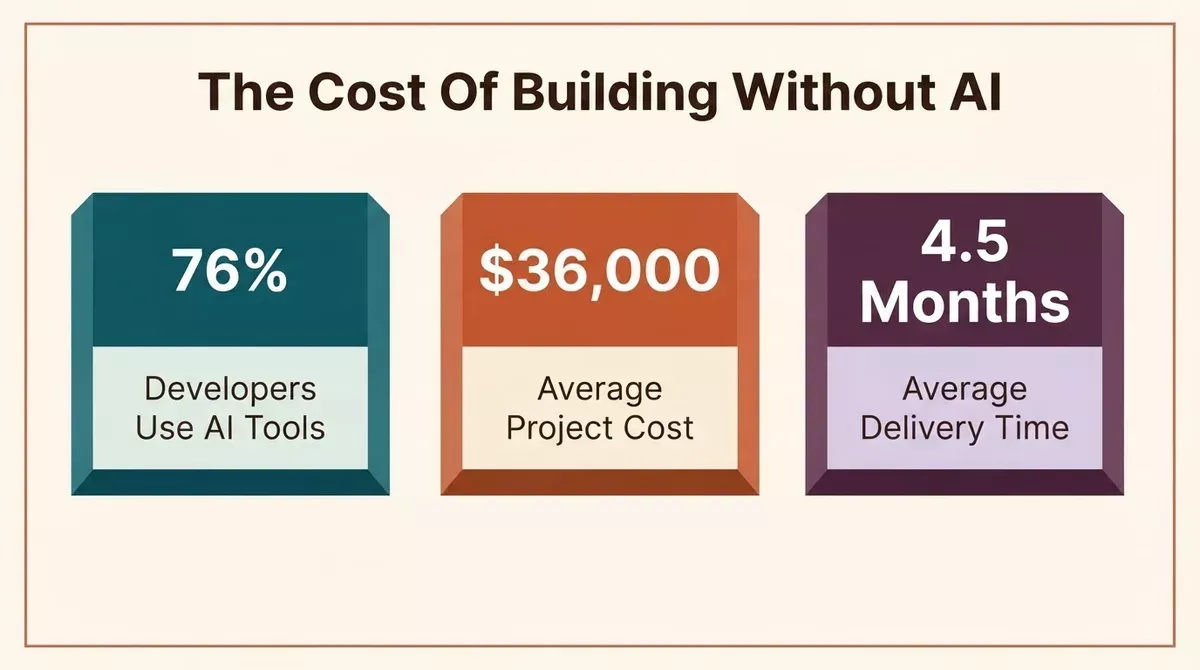 The numbers behind why AI app generation is changing how products get built.
Rocket.new vs Firebase: Feature Comparison
| Feature | Firebase | Rocket.new |
|---|---|---|
| Setup time | Hours to days | Minutes from first prompt |
| Coding required | Yes, frontend, logic, wiring | No, generated automatically |
| Frontend included | No | Yes, full UI and navigation |
| Backend included | Yes, auth, DB, functions, hosting | Yes, Supabase auto-configured |
| Authentication | Built-in, requires code setup | Generated with login flows ready |
| Hosting | Firebase Hosting, CDN | Rocket hosting, one-click deployment to Netlify, or custom domains |
| Mobile support | SDKs for iOS, Android, Flutter | Flutter app generation built in |
| GitHub sync | Manual setup | Built in |
| Code ownership | You own what you write | Full source download, no lock-in |
| Visual editor | None | Click-to-edit live preview |
| Staging environment | Manual CI/CD setup | Built-in staging and production |
| Free tier | Spark plan | Free tier offers 1 million tokens |
| Paid plans start | Pay-as-you-go, Blaze | $25/month, Pro plan |
| Compliance | Google Cloud compliance | SOC 2, ISO 27001, GDPR, CCPA |
| Rapid prototyping | Requires custom code | Working prototype from one prompt |
When to Choose Rocket.new
Rocket.new is built for non-technical founders, PMs, and designers who need a working product, not a backend to wire up.
If you want to build a full-stack app from a single prompt, validate an idea before committing to a full development cycle, or ship a SaaS tool, dashboard, internal tool, or mobile app without hiring a developer, Rocket.new is the right choice.
1.5 million people across 180 countries have already used it to build and ship products.
The platform handles every category: customer-facing web apps, e-commerce stores, internal tools, admin panels, booking systems, and marketplaces. You also get credit-based pricing with no per-seat fees, starting free with 20 credits and scaling up as your team grows.
You own every line of generated code, can download the full source, sync to GitHub, and deploy anywhere with no vendor lock-in.
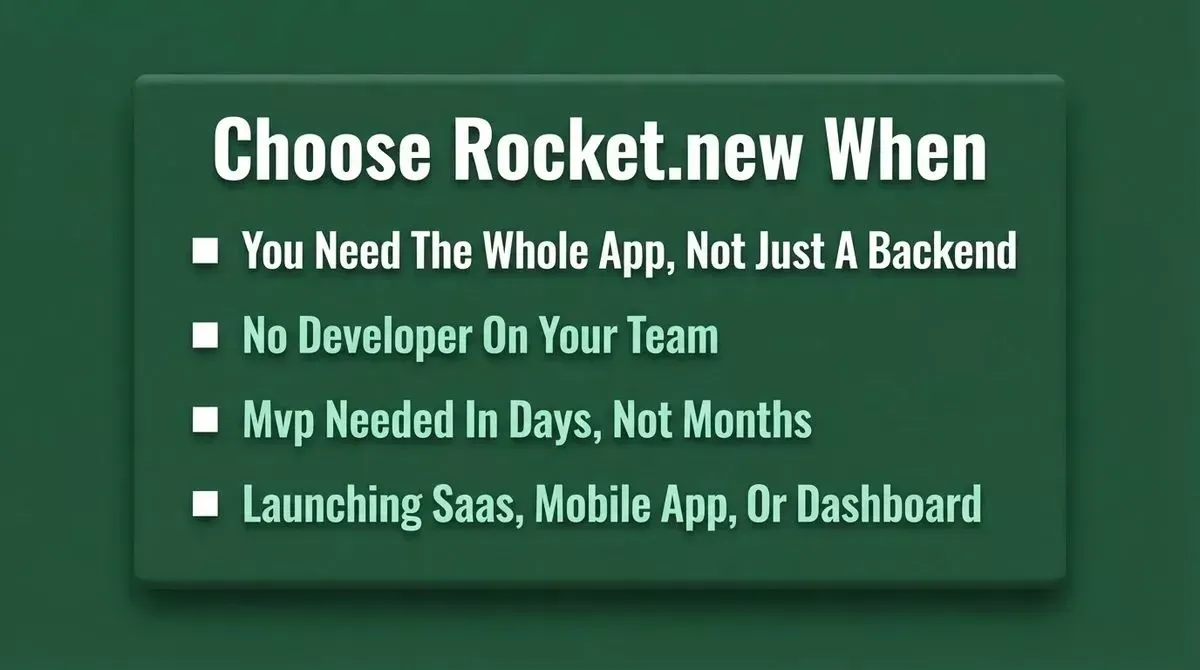 Rocket.new is the right choice when you need the whole product, not just the plumbing.
When To Choose Firebase
Firebase is the right choice when your team includes experienced developers who want granular control over every backend service.
It is best suited for teams building complex apps with custom real-time data pipelines, teams that already have a frontend codebase and just need a scalable backend, or enterprise teams that want to select each infrastructure component themselves.
Firebase integrates deeply with the Google Cloud ecosystem and has a mature, well-documented developer community.
The tradeoff is development time and cost. You are trading speed for control, and that trade is worth it only when your team has the technical capacity to execute on both sides of the stack.
If you want to understand how Rocket.new handles the backend side automatically, the guide on how to build a backend without writing code covers the full workflow.
How Rocket.new Builds Your App
From prompt to live app, Rocket.new handles every step automatically:
- Type Your Idea
- Market Research Done
- UI And Screens Built
- Backend Wired In
- One-Click Deploy
Can You Use Both?
The choice is not always binary. Technical teams with specific backend requirements can combine both approaches in a single workflow.
Rocket.new uses Supabase as the default backend and lets you auto-configure your database schema without writing a single line of SQL.
Because the generated code is standard Next.js or Flutter, developers can add Firebase services including push notifications, Crashlytics, or real-time analytics, alongside the existing Supabase architecture.
Google has also moved in this direction. Firebase Studio is Google's own AI-powered development environment built on Gemini.
The GitHub Octoverse 2024 report showed a 59% surge in contributions to generative AI projects and 98% more AI projects overall.
Both signals point toward AI app building becoming the default workflow for web and mobile development.
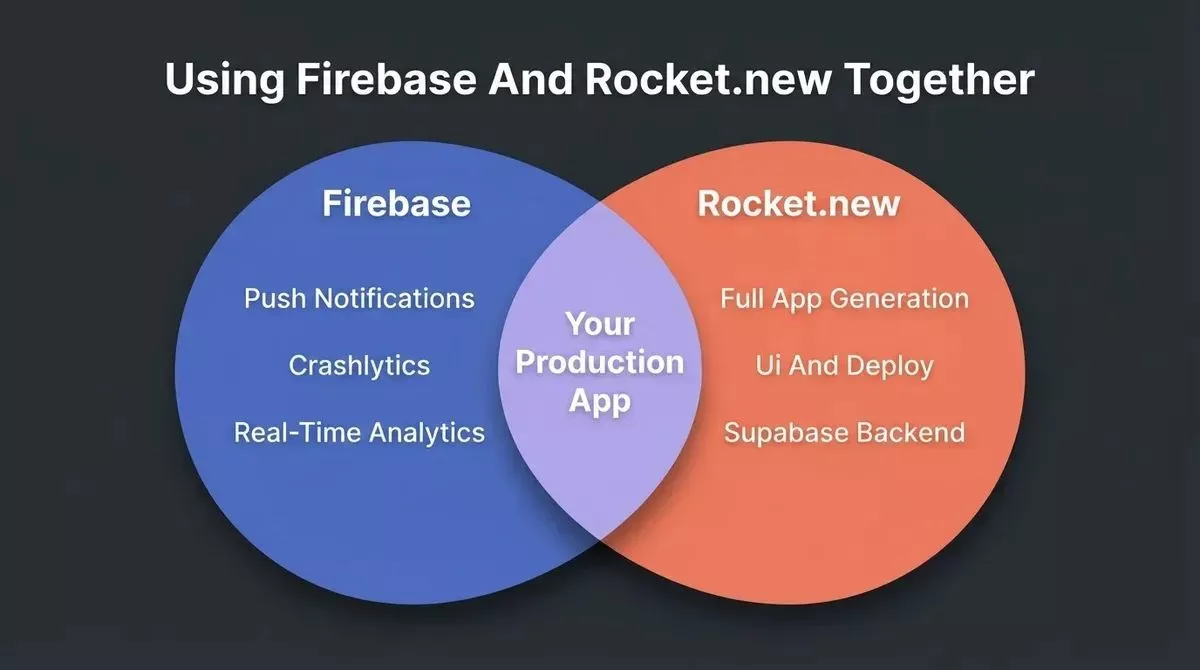 Rocket.new generates the full app. Firebase can be added for specific services like push notifications and analytics.
How Rocket.new Generates the App Step by Step
Most people are surprised by how little they need to do. Here is what actually happens after you type your first prompt into this AI-powered app:
- Market Research And Feature Set. Rocket.new analyses your idea from natural language input and returns a structured brief with recommended features, target users, and product direction.
- UX, Copy, And SEO Structure. Screens, navigation flows, and page copy are generated based on your brief. No design tool required.
- Code Generation. Rocket.new generates full-stack apps with a complete Next.js or Flutter codebase, including routing, state management, and responsive design.
- Backend Configuration. Supabase tables, authentication, and REST endpoints are created and connected automatically as part of full-stack generation across frontend, backend logic, and connected services.
- Staging And Deployment. Your app is deployed to a staging environment first, then pushed live with one click to a Rocket-hosted URL or your custom domain.
The entire process takes minutes, not months. If you have ever wondered whether you can build a production-grade web app without a developer, this is the workflow that makes it possible. You can also start from 25,000+ templates across every use case instead of a blank prompt.
Some alternatives, such as CodeConductor.ai, emphasize persistent memory across sessions, while Rocket.new’s advantage here is end-to-end generation and deployment.
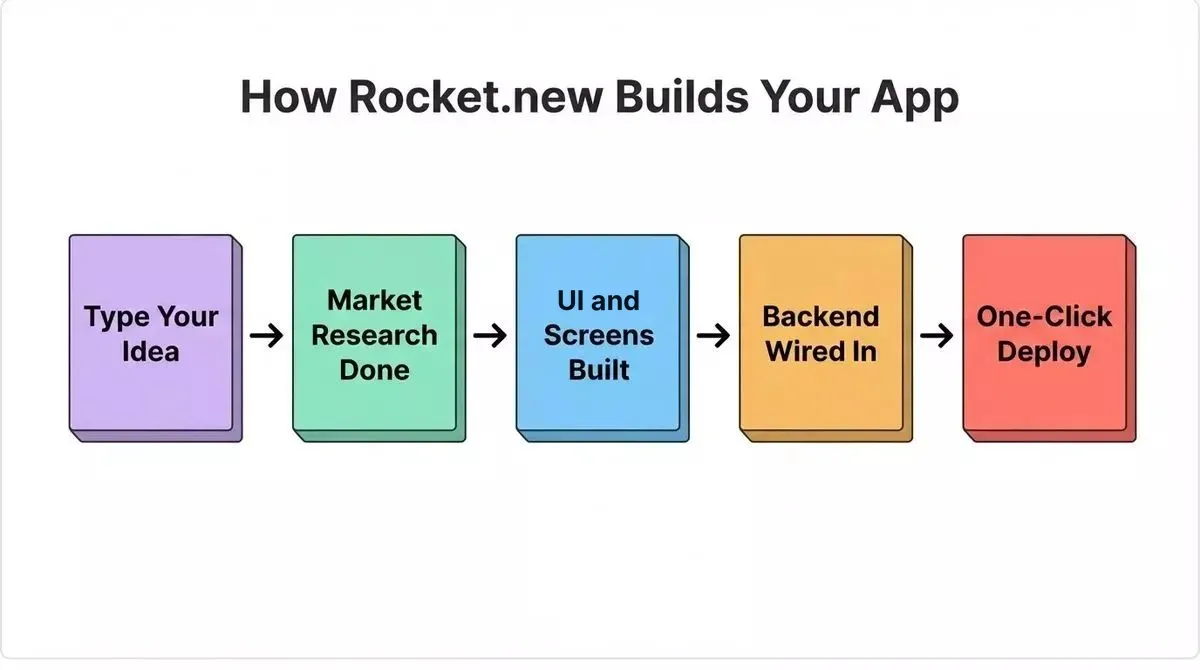 Every step from idea to live app happens automatically inside Rocket.new.
Verdict
If you want to build the backend yourself and have a developer to create the rest, Firebase is a solid choice.
It is mature, well-documented, and gives technical teams precise control over every infrastructure component.
If you want to describe your whole product and get a working app back, Rocket.new is the answer.
It is the only platform that handles research, generation, and deployment in one shared context, with no re-explaining, no starting over, and no separate frontend sprint.
It is especially strong for lightweight apps, landing pages, and SaaS tools when speed matters most.
For teams that need both speed and scalability, starting with Rocket.new and adding Firebase services later is the most time-efficient path.
The no-code AI platform market is projected to reach $24.8 billion by 2029, which is a good reminder of how AI today is changing how teams approach app development.
The question is not which tool to pick. It is which one handles the work you want automated versus the work you want to control yourself.
If you want to skip the wiring and go straight from product idea to live application, sign up for Rocket.new and describe what you need in plain language to ship your full-stack product today.
Table of contents
- -I Want an App, Not Just a Backend
- -What is Rocket.new?
- -What is Firebase?
- -Where Firebase Hits A Ceiling For Non-Developers
- -The Key Difference: Full-App Generation vs Backend Infrastructure
- -Rocket.new vs Firebase: Feature Comparison
- -When to Choose Rocket.new
- -When To Choose Firebase
- -How Rocket.new Builds Your App
- -Can You Use Both?
- -How Rocket.new Generates the App Step by Step
- -Verdict