
Compare 14 AI app builder tools for 2026. Rocket.new leads with research, build, and competitor monitoring in one place. Bubble, Lovable, and Bolt.new cover web apps. Adalo, FlutterFlow, and Thunkable cover native mobile. Glide and Softr turn spreadsheet data into apps fast.
The best AI app builder tools let you go from idea to a working app using natural language, visual editors, and built-in automation. No coding required.
This blog covers every major platform with verified facts, pricing, and honest comparisons, for non-developers, small businesses, marketers, and template-first builders alike.
What are AI App Builder Tools?
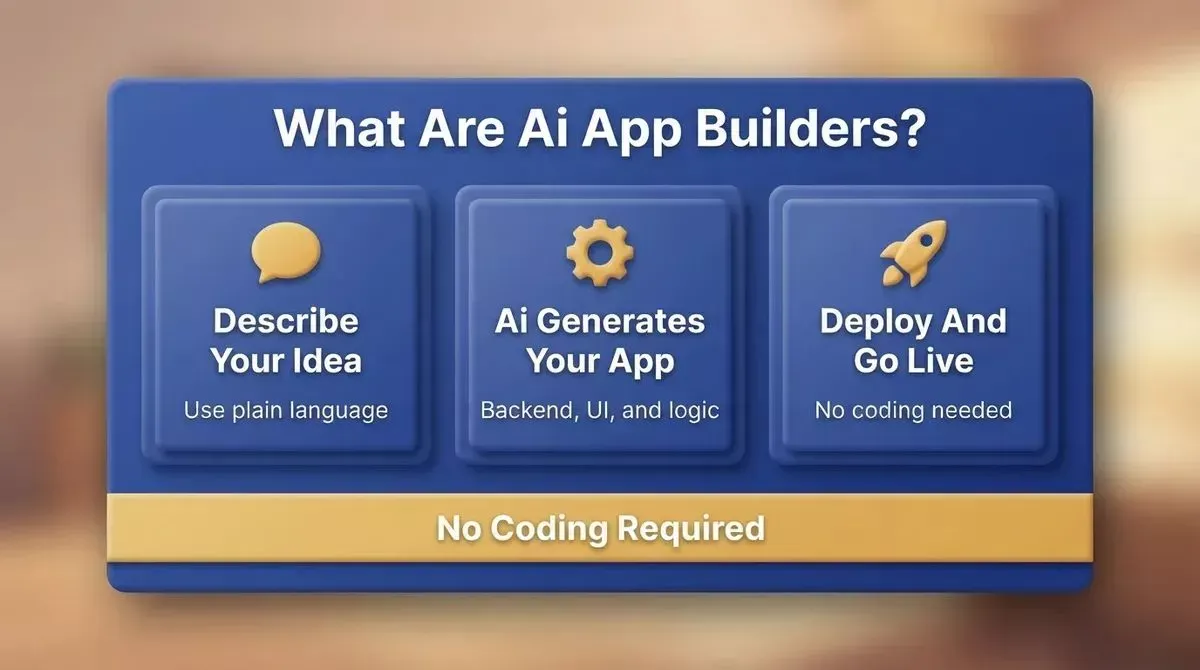
AI app builders convert natural language prompts into complete, deployable applications
AI app builders turn plain-language descriptions into fully working apps. They handle backend logic, user interface, and authentication systems automatically. You describe what you want, and the tool handles the rest. You still get control to tweak generated code, adjust UI elements, and connect API keys when needed.
These tools are also called AI app makers, AI app generators, and no-code AI builders. The names are interchangeable. What matters is whether the platform generates real, deployable code or stops at a UI prototype.
Many are built for non-technical users who want to ship web apps, mobile apps, or internal tools without a development team. AI app builders can automatically generate basic functionality beyond just the user interface, and many integrate backend logic and database management automatically, reducing the need for manual coding.
Why AI App Builders are Growing Fast
App development used to take weeks or months. Now you can go from an app idea to a functioning product in hours. The low-code and no-code market is expected to cross $65 billion by 2027.
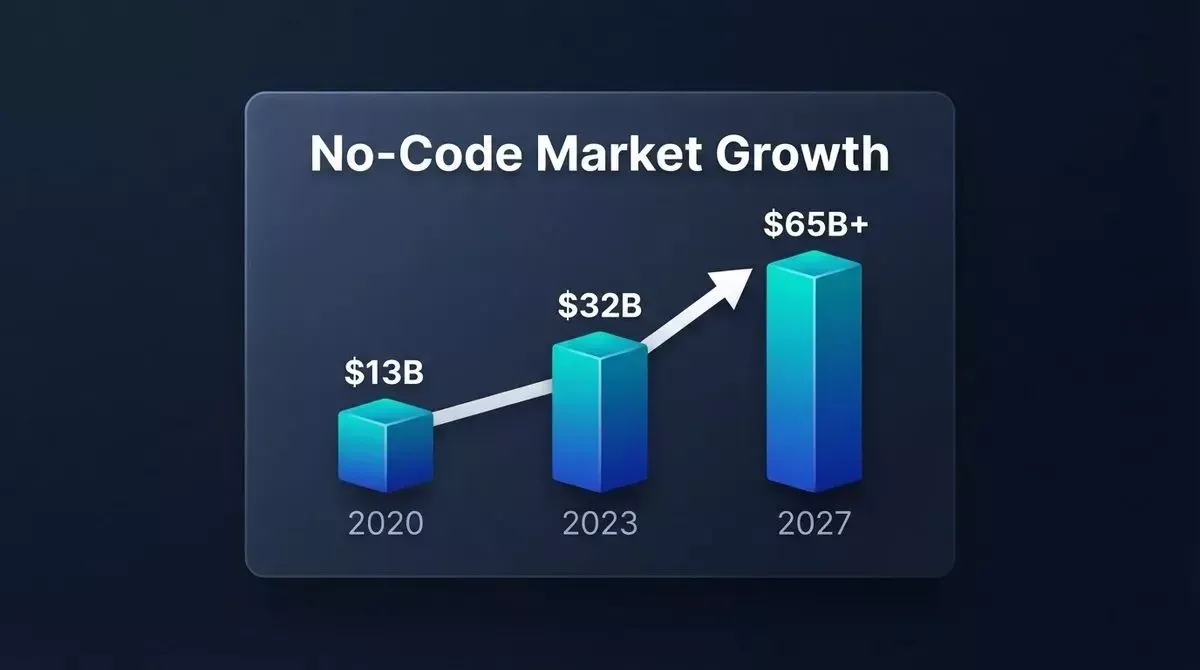
The no-code and low-code market has grown more than 4x since 2020
Here is what is driving the shift:
- Faster app creation using natural language prompts
- Less reliance on writing code manually
- Built-in AI that fixes errors and improves flows
- Easy connection with Google Sheets, file storage, and API integrations
- Full-stack generation covering frontend, backend, and database in one place
AI app builders can generate deployable code for production environments, not just prototyping. 63% of AI app builder users have no coding background, and the global no-code development platform market is growing at over 23% annually. AI app builders can facilitate collaboration among team members by allowing multiple users to work on the app simultaneously.
Who is This Guide For?
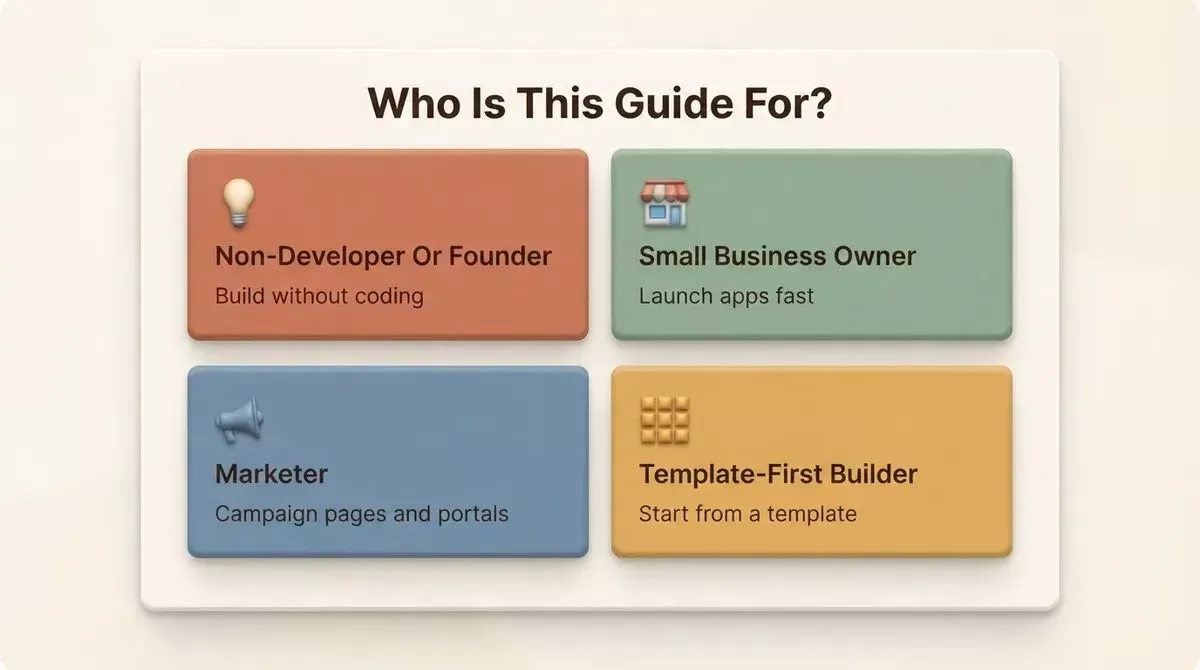
Jump to the section that matches your use case
Most tools build what you tell them to. The real question is which tool fits who you are and what you are building. Jump to your section:
| I am... | Jump to |
|---|---|
| A non-developer or non-technical founder | Best AI App Builder for Non-Developers |
| A small business owner | Best AI App Builder for Small Businesses |
| A marketer building campaign pages | Best AI App Builder for Marketers |
| Someone who wants to start from a template | Best AI App Builders with Template Libraries |
| Ready to compare all 14 tools | Full Rankings |
How to Choose the Right AI App Builder
Not every platform is right for every use case. Before picking a tool, answer these six questions:
- What are you building? Web app, mobile app, internal tool, or landing page? Some tools specialize, while others cover all types.
- What is your technical level? Pure no-code tools suit beginners. Code-export platforms work well for developers too.
- Do you need mobile? Only Rocket.new, FlutterFlow, Adalo, and Thunkable produce true native iOS and Android apps.
- Do you need research and building in one place? Rocket.new is the only platform that combines market research, app building, and competitor monitoring in a single workspace.
- Do you need templates to start fast? Look for platforms with real template libraries rather than blank-canvas builders.
- Is this for a client-facing or internal use case? Client-facing apps need polished UI, custom domains, and authentication systems. Internal tools prioritize data connectivity and speed.
The key difference among AI app builders is whether they support real execution, data, and deployment or stop at UI generation. Choosing the right AI app builder upfront can save time, rewrites, and architectural debt later.
Best AI App Builder for Non-Developers
You do not need to write code to build a production-ready app in 2026. AI app builders have fundamentally changed what non-technical founders can ship on their own.
What "No-Code" Actually Means
No-code does not mean no capability. It means the platform handles the underlying code for you. You describe what you want in natural language, and the AI generates the backend logic, database structure, and user interface automatically.
There is an important distinction between assisted building and fully generated building. Assisted builders (like Bubble) give you a visual editor where you drag and drop components. You still make every decision manually. Generated builders (like Rocket.new and Lovable) take a plain-language description and produce a complete, working app that you refine from there.
For non-technical founders, generated builders are almost always faster and less frustrating. Learn more about building your first app without a developer.
Quick-Pick for Non-Developers
| Tool | Why It Works for Non-Developers |
|---|---|
| Rocket.new | Research, build, and monitor in one place. No coding knowledge required. Generates Next.js and Flutter from a prompt |
| Softr | Fastest path from Airtable or Google Sheets data to a working portal. No technical setup |
| Glide | Turns spreadsheets into apps in minutes. Zero backend work required |
| Adalo | Drag-and-drop native mobile apps. No Swift or Kotlin needed |
Build your first app without writing code. Start with Rocket.new free.
Best AI App Builder for Small Businesses
Small businesses need something that launches fast, does not require a developer on retainer, scales with your customer base, and stays affordable as you grow.
The 7-Criteria Framework for Small Business App Builders
Evaluate every platform on these seven dimensions before committing:
- Speed to launch: Can you go from idea to live app in a day or a week?
- No-code depth: Does the platform handle backend logic, authentication systems, and database relationships, or does it only generate basic UI?
- Mobile and web coverage: Only Rocket.new, FlutterFlow, Adalo, and Thunkable cover native mobile apps.
- Pricing that scales: Does the cost stay reasonable as your user base grows, or do per-user fees make it expensive fast?
- AI generation depth: Does the AI generate complete apps from a prompt, or does it only assist with individual components?
- Connectivity: Can it connect to Google Sheets, Airtable, Stripe, and the other tools your business already uses?
- Support: Is there documentation, community, and a support tier that matches your team's technical ability?
Quick-Pick for Small Businesses
| Tool | Best For | Starting Price |
|---|---|---|
| Rocket.new | Full-stack web and mobile apps; research-backed building | Free / $25/mo |
| Bubble | Complex web apps with advanced backend logic | Free / $69/mo |
| Glide | Data-driven internal tools from spreadsheets | Free / $25/mo |
| Adalo | Native mobile apps for consumer-facing products | Free / $45/mo |
| Softr | Client portals and member directories from Airtable | Free / $59/mo |
Real Small Business Use Cases
- Booking apps: Service businesses can build appointment scheduling apps with Rocket.new or Adalo without a developer.
- Client portals: Agencies and freelancers can build branded client portals with Softr or WeWeb in hours, not weeks.
- Internal dashboards: Operations teams can turn Google Sheets or Airtable data into live dashboards with Glide or Softr.
- E-commerce stores: Rocket.new generates full-stack e-commerce apps with Stripe integration, product catalogs, and checkout flows.
- Loyalty apps: Retail businesses can build customer loyalty apps with Adalo's native mobile output and built-in database.
If you want to build a small business site, see how Rocket.new's AI website builder gets you from description to live site in under an hour.
Best AI App Builder for Marketers
Marketers need to move fast. A campaign idea that takes two weeks to get a dev ticket approved is a campaign that misses its window. AI app builders let marketing teams build landing pages, campaign microsites, lead-gen forms, and A/B-testable pages without touching a development queue.
What Marketers Actually Need from an AI App Builder
- SEO-ready output by default: Rocket.new ships every build with SEO-ready structure, Core Web Vitals compliance, and WCAG accessibility built in.
- Custom domain support: Every campaign page needs its own URL. Most paid plans on all major platforms support custom domains.
- Fast iteration: You should be able to change a headline, swap a CTA, or add a section without re-deploying the entire app.
- Analytics built in: Rocket.new includes visitors, conversions, and Core Web Vitals tracking with zero setup.
- No dev dependency: The whole point is that you do not need to file a ticket to ship a page.
Learn how Rocket.new builds SEO-optimized applications by default.
Quick-Pick for Marketers
| Tool | Why It Works for Marketers |
|---|---|
| Rocket.new | SEO-ready and Core Web Vitals by default; built-in analytics; custom domains; no dev required |
| Softr | Fast client-facing portals and lead-gen pages from Airtable data |
| WeWeb | Visual front-end builder with code export; strong for campaign microsites |
Launch a campaign page in minutes. Start with Rocket.new for free.
Best AI App Builders with Template Libraries
Starting from a template is faster than starting from a blank prompt. A good template gives you a working structure, pre-built components, and a visual reference. You spend your time customizing, not architecting.
Why Templates Matter for Speed-to-Launch
AI app builders fall into two camps: blank-canvas builders and template-first builders. Blank-canvas builders (like Replit and Bolt.new) are powerful but require you to describe everything from scratch. Template-first builders give you a head start with pre-built patterns for common app types.
In Rocket.new, templates consume zero credits. The template itself is free, and credits only apply when you start customizing via chat. Browse templates by category: Technology, Professional Services, Health, Blog, Retail, Food, and more.
Which Tools Have Real Template Libraries
| Tool | Template Depth | What Is Available |
|---|---|---|
| Rocket.new | Deep | Web apps, mobile apps, landing pages, dashboards, e-commerce, portals |
| Adalo | Moderate | Component library with pre-built screens for mobile apps |
| FlutterFlow | Moderate | Flutter templates for common mobile app patterns |
| Glide | Moderate | Data-app templates for common spreadsheet-to-app patterns |
| Bubble | Moderate | Plugin ecosystem and community templates for web apps |
| Replit | Minimal | Starter projects, not purpose-built app templates |
| Bolt.new | Minimal | Blank canvas; no template library |
Best AI App Builder Tools in 2026 (Full Rankings)
Here are the top AI app builder tools with full breakdowns of features, pricing, and real use cases.
1. Rocket.new: Research, Build, and Monitor in One Place
Best for: Non-technical founders, small businesses, marketers, and any team that wants to build the right thing, not just build fast.
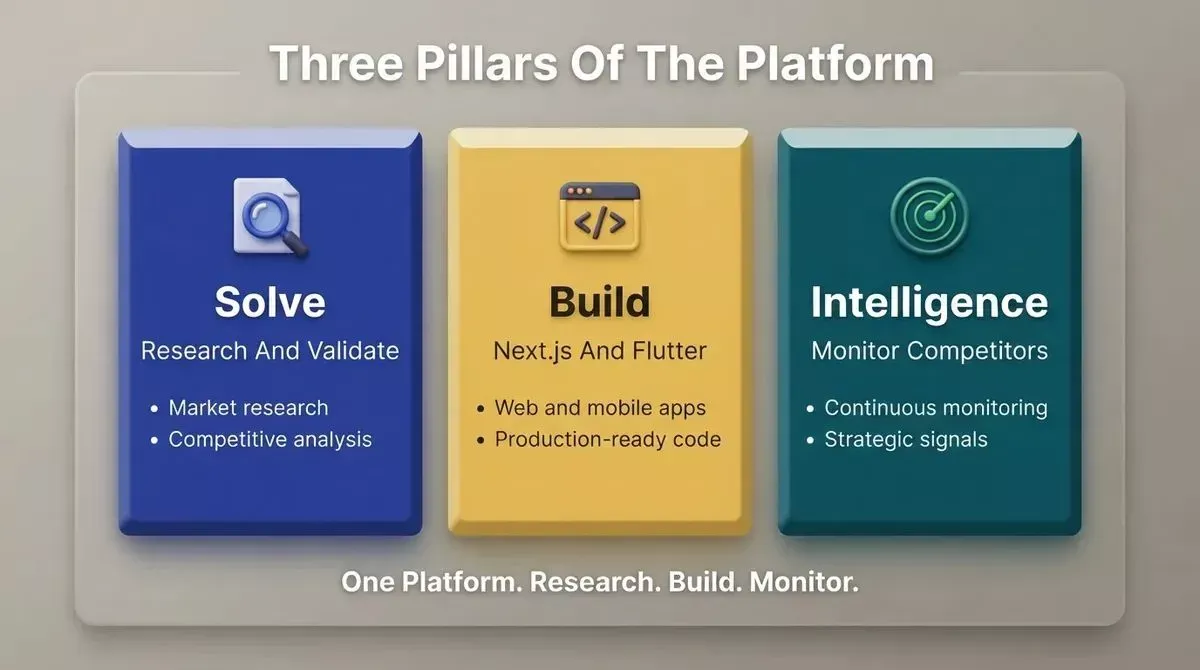
Rocket.new combines market research, app building, and competitive intelligence in one platform
Rocket.new is a vibe solutioning platform. It is the first system where business thinking and building happen in the same place.
1.5 million people have tried Rocket.new across 180 countries, from solopreneurs to enterprise teams. It is backed by Salesforce Ventures and Accel, and headquartered in Surat, India, with operations in Palo Alto. Rocket.new is built on one belief: the work is only as good as the thinking kfvk vswrr before it.
Three Pillars
Solve brings research and decision intelligence into your workflow. You type a business question, a market to enter, or a product to validate. Rocket.new researches it, maps the competitive landscape, and delivers findings with evidence and a clear recommendation. Outputs are exportable as PDF or PPT.
Build generates web apps in Next.js and mobile apps in Flutter. Every build ships with SEO-ready structure, WCAG accessibility compliance, GDPR coverage, and performance optimization by default. These are the baseline, not optional extras.
Intelligence monitors every public platform a competitor operates on, continuously, and interprets what signals mean for your business. Pricing shifts, new features, and hiring spikes appear as they happen. Delivered as daily, weekly, or monthly briefs.
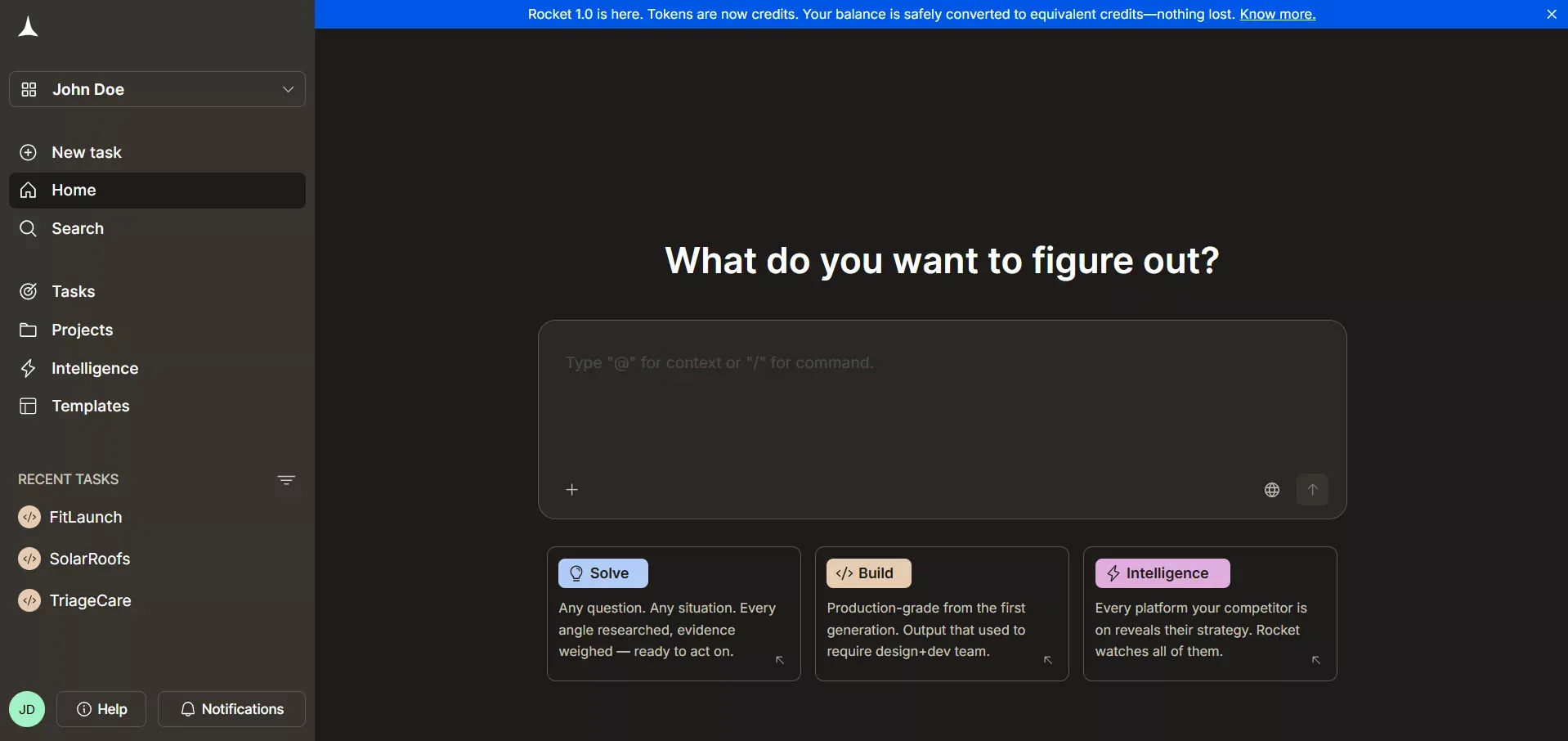 Rocket.new Interface
What You Can Build
Rocket.new handles web apps, mobile apps, landing pages, e-commerce stores, internal dashboards, customer portals, compliance tools, and investor data rooms. You can start from a natural language prompt, a Figma file, an existing GitHub repository (Next.js TypeScript only), a website URL, or a template.
The three pillars share context. The Solve research you ran last week is available when you start building today. Nothing is re-explained. Everything compounds.
Features
- Next.js and Flutter generation: production-grade frameworks for web and mobile apps
- Figma import: converts designs into working code, preserving typography, spacing, and color system
- GitHub Codebase Pickup: import existing Next.js TypeScript repos and continue building
- Redesign with 8 slash commands: three categories: Reimagine, Insight-Driven, and Brand and Consistency
- 25+ integrations: Stripe, Google Analytics, Supabase, OpenAI, Anthropic, Gemini, PayPal, Notion, Linear, Airtable, Mailchimp, Mixpanel, Twilio, Resend, SendGrid, and more. Authenticate once, and they flow into every build.
- Built-in analytics: visitors, conversions, and Core Web Vitals with zero setup
- Staging and production environments: full version history and one-click rollback
- Team collaboration: three-level role-based access (Admin, Creator, Viewer), inline comments, and per-user credit limits
Pricing
| Plan | Price | Credits | Included |
|---|---|---|---|
| Free | $0 | 20 one-time | Build and Light Solve |
| Pro | $25/mo | 100/mo | Build and Light Solve |
| Rocket | $50/mo | 250/mo | Build, Full Solve, and Intelligence |
| Booster | $250/mo | 1,500/mo | Build, Full Solve, Intelligence, and Premium Support |
Annual billing saves 20%. All paid plans include unlimited team members.
User Rating: 4.8/5 on G2 | 4.9/5 on Capterra
2. Bubble
Best for: Developers and technical founders building complex web apps with advanced backend logic.
Bubble is one of the best AI app builder platforms for creating functional web apps. It offers strong control over design and backend logic, and suits complex workflows with user accounts and role-based access. Bubble is known for building scalable web applications with robust AI-powered visual workflows and a strong plugin ecosystem.
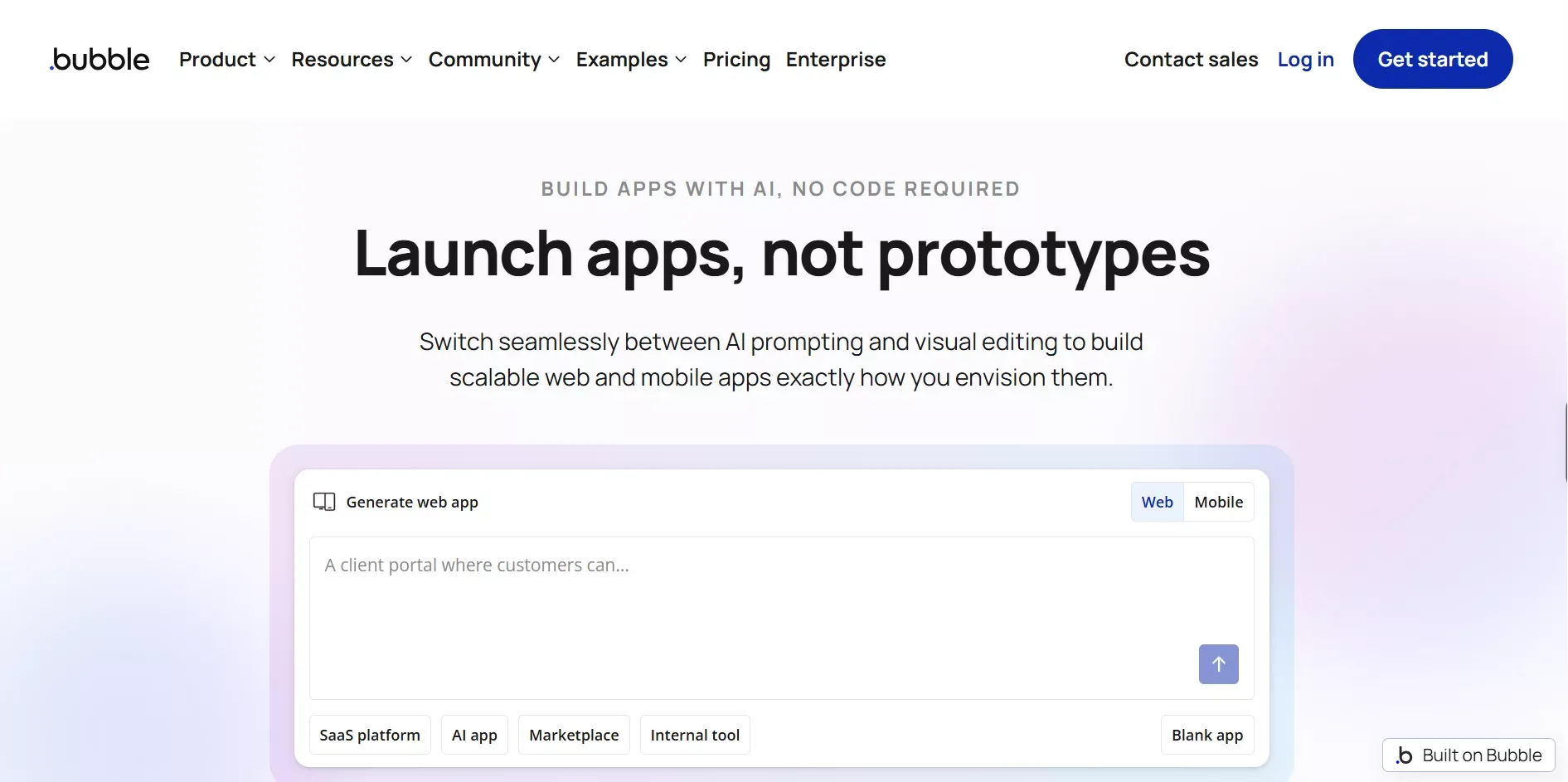 Bubble Platform
Features
- Powerful visual editor with drag-and-drop UI elements
- Strong backend logic and workflow builder
- Supports API keys and third-party integrations
- Flexible UI elements and responsive design
Pricing
| Plan | Starting Price |
|---|---|
| Free | $0 |
| Starter | $69/mo |
User Rating: 4.4/5 on G2
Bubble is a solid choice for control and flexibility. The learning curve is real, so plan for it.
3. Glide
Best for: Teams turning spreadsheet data into internal tools and dashboards without writing code.
Glide is a simple AI app builder focused on internal tools and productivity tools. It connects directly with Google Sheets and Airtable, making it ideal for teams that already live in spreadsheets. Glide transforms spreadsheets into interactive apps, making it effective for beginners creating simple applications.
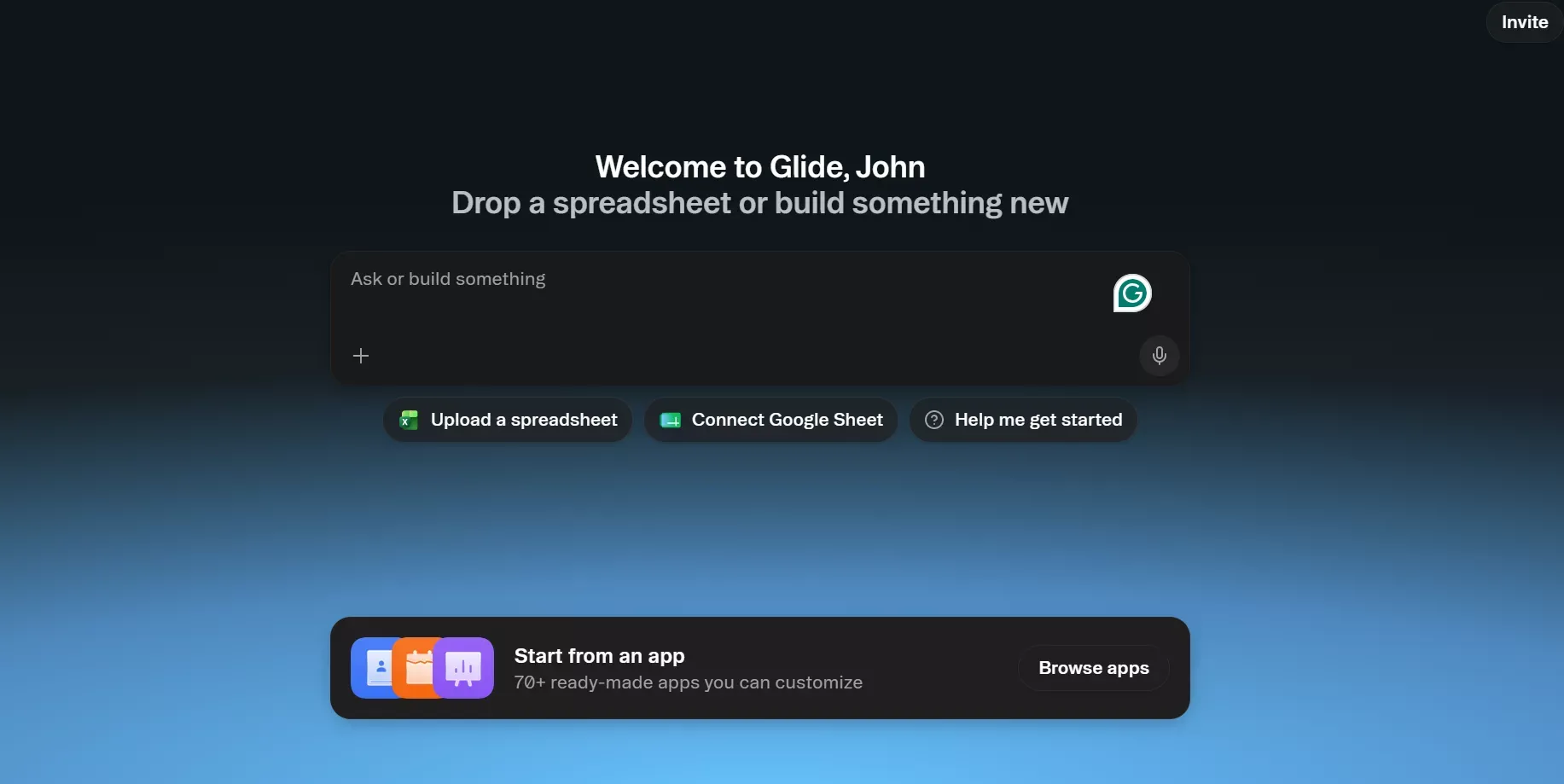 Glide: Best for teams using Spreadsheets
Features
- Google Sheets and Airtable integration
- Clean visual builder with no-code setup
- Built-in data sync and real-time updates
- Simple backend logic for data-driven apps
Pricing
| Plan | Starting Price |
|---|---|
| Free | $0 |
| Maker | $25/mo |
User Rating: 4.5/5 on Capterra
Glide is perfect for quick projects and internal tools without a developer. If you need more capability, there are powerful Glide alternatives worth exploring.
4. Adalo
Best for: Mobile-first founders and small businesses building native iOS and Android apps for the app store.
Adalo is designed for building mobile apps with a focus on simplicity. It supports native iOS and Android apps with app store publishing built in. Adalo allows for native mobile app creation using drag-and-drop AI tools, and simplifies publishing native apps to stores without coding knowledge.
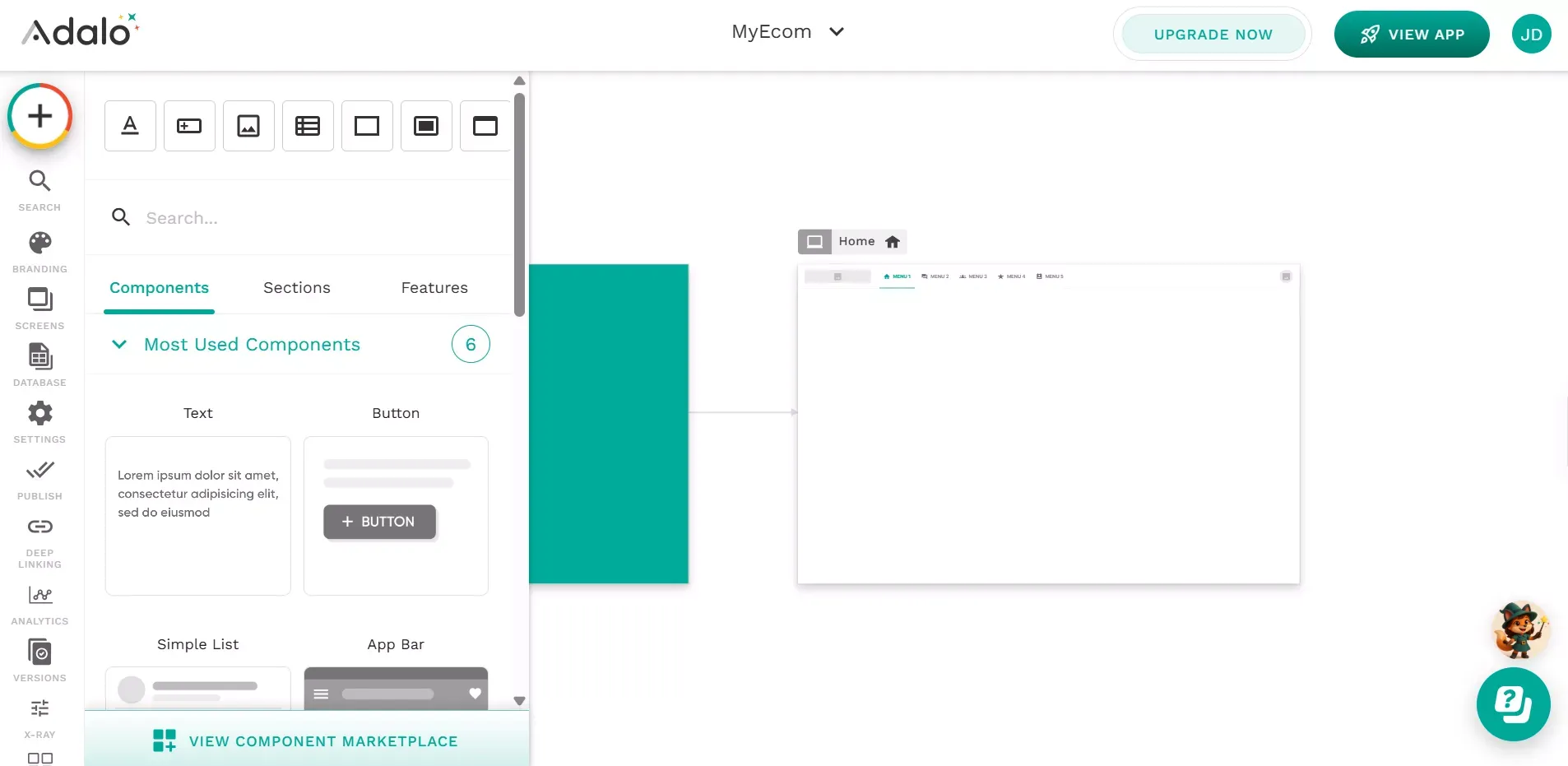 Adalo: For Mobile First Founders
Features
- Native iOS and Android app output
- Drag-and-drop visual editor
- Built-in database with relationships
- Authentication systems and app store publishing
Pricing
| Plan | Starting Price |
|---|---|
| Free | $0 |
| Starter | $45/mo |
User Rating: 4.2/5 on G2
Adalo is a good pick for mobile-first ideas. It keeps app building focused on native mobile output.
5. Softr
Best for: Marketers and small businesses building client portals, member directories, and lead-gen pages from Airtable data.
Softr is ideal for building internal tools directly from Airtable or Google Sheets using AI templates. It focuses on speed and simplicity, working well for client portals, member directories, and simple web apps. Softr is known for its ease of use and speed in app development.
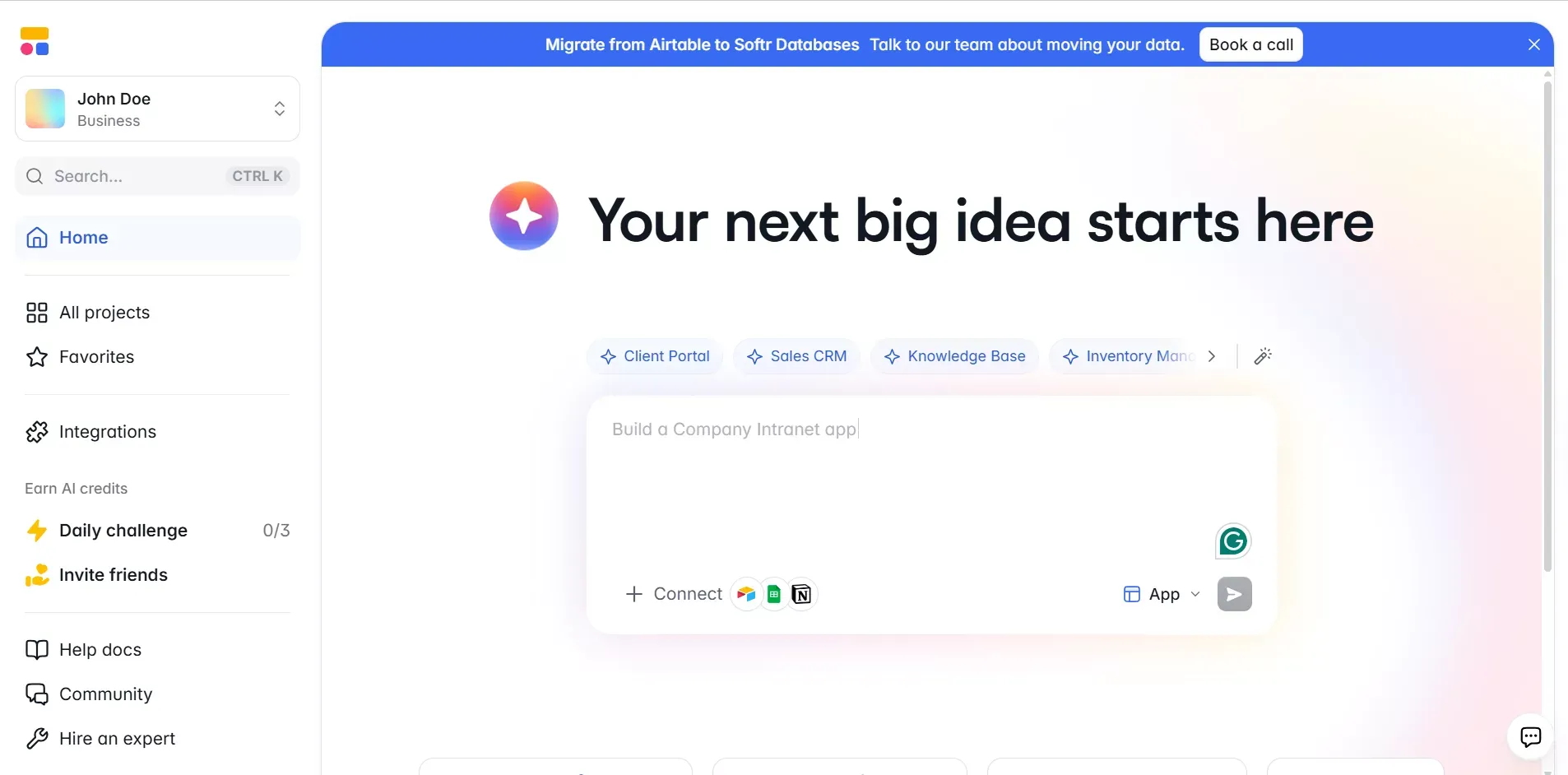 Softr: Marketers and small businesses
Features
- No-code simplicity with strong Airtable integration
- Authentication systems and user roles
- File storage support and clean visual editor
- Works with external data sources
Pricing
| Plan | Starting Price |
|---|---|
| Free | $0 |
| Basic | $59/mo |
User Rating: 4.4/5 on G2
Softr works well when your data already lives in Airtable and you need a portal around it fast.
6. FlutterFlow
Best for: Developers and technical founders building scalable cross-platform apps with full code ownership.
FlutterFlow supports advanced app development with full Flutter and Dart code export. It is a strong choice for cross-platform apps, combining drag-and-drop interfaces with AI component generation for complex app development. FlutterFlow allows for generating complete app screens and logic from prompts, despite its steeper learning curve.
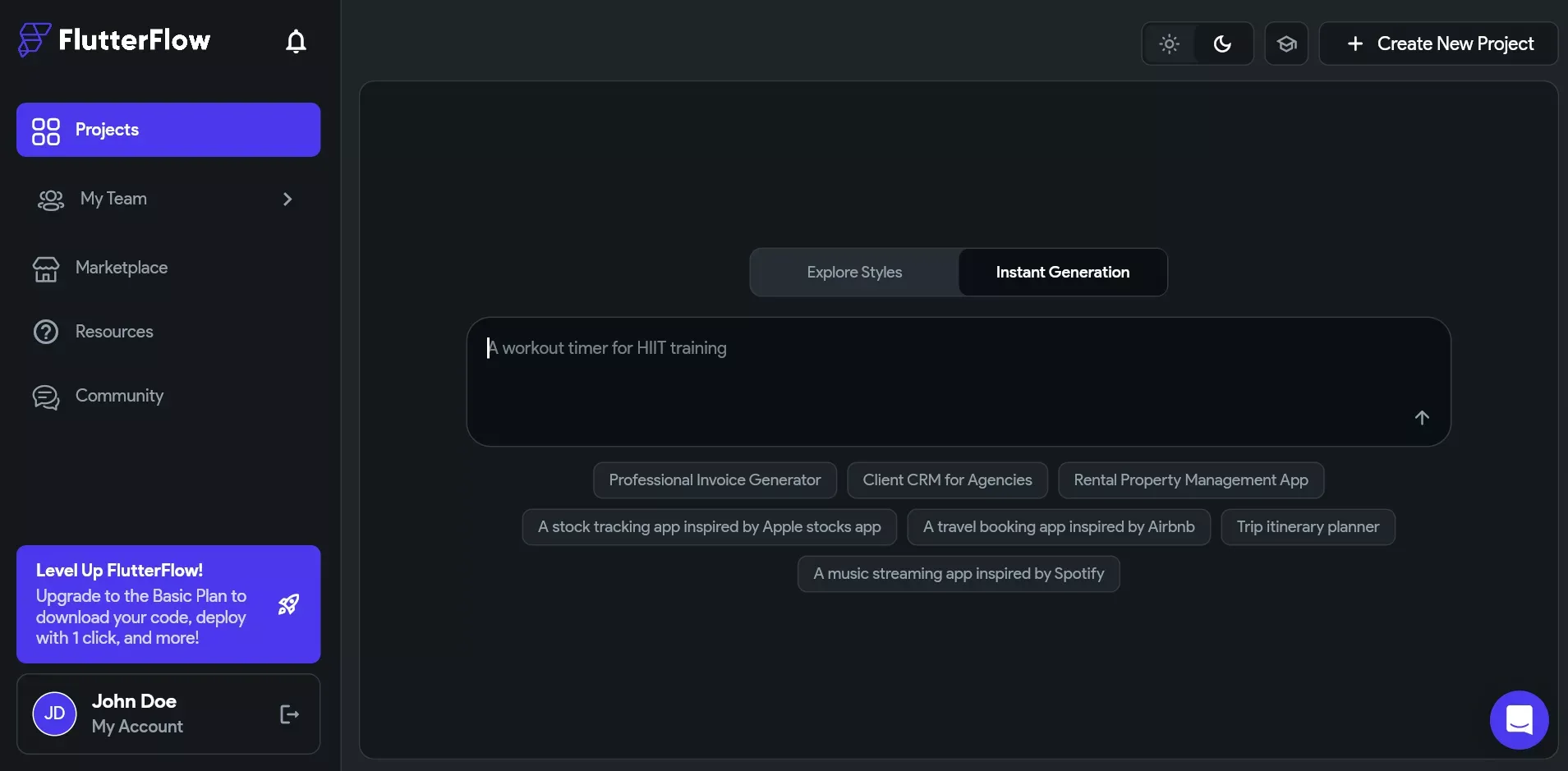 FlutterFlow: For Developers and Founders
Features
- Full Flutter and Dart code export
- Advanced visual editor with responsive design
- Strong Firebase and Supabase integration
- Cross-platform support: iOS, Android, and Web
Pricing
| Plan | Starting Price |
|---|---|
| Free | $0 |
| Standard | $39/mo |
User Rating: 4.3/5 on G2
FlutterFlow bridges no-code and traditional app development well. FlutterFlow alternatives are worth exploring if you want more design quality or research capabilities built in.
7. Lovable
Best for: Non-technical founders who want to go from a text prompt to a deployed SaaS MVP as fast as possible.
Lovable generates React-based applications with a built-in Supabase backend, authentication, and GitHub sync, all from plain-language descriptions. Lovable generates high-quality, editable code for web applications, and many modern AI tools like Lovable allow users to keep and edit the generated code, preventing vendor lock-in.
Agent Mode provides autonomous AI development with independent codebase exploration, proactive debugging, and automated problem-solving.
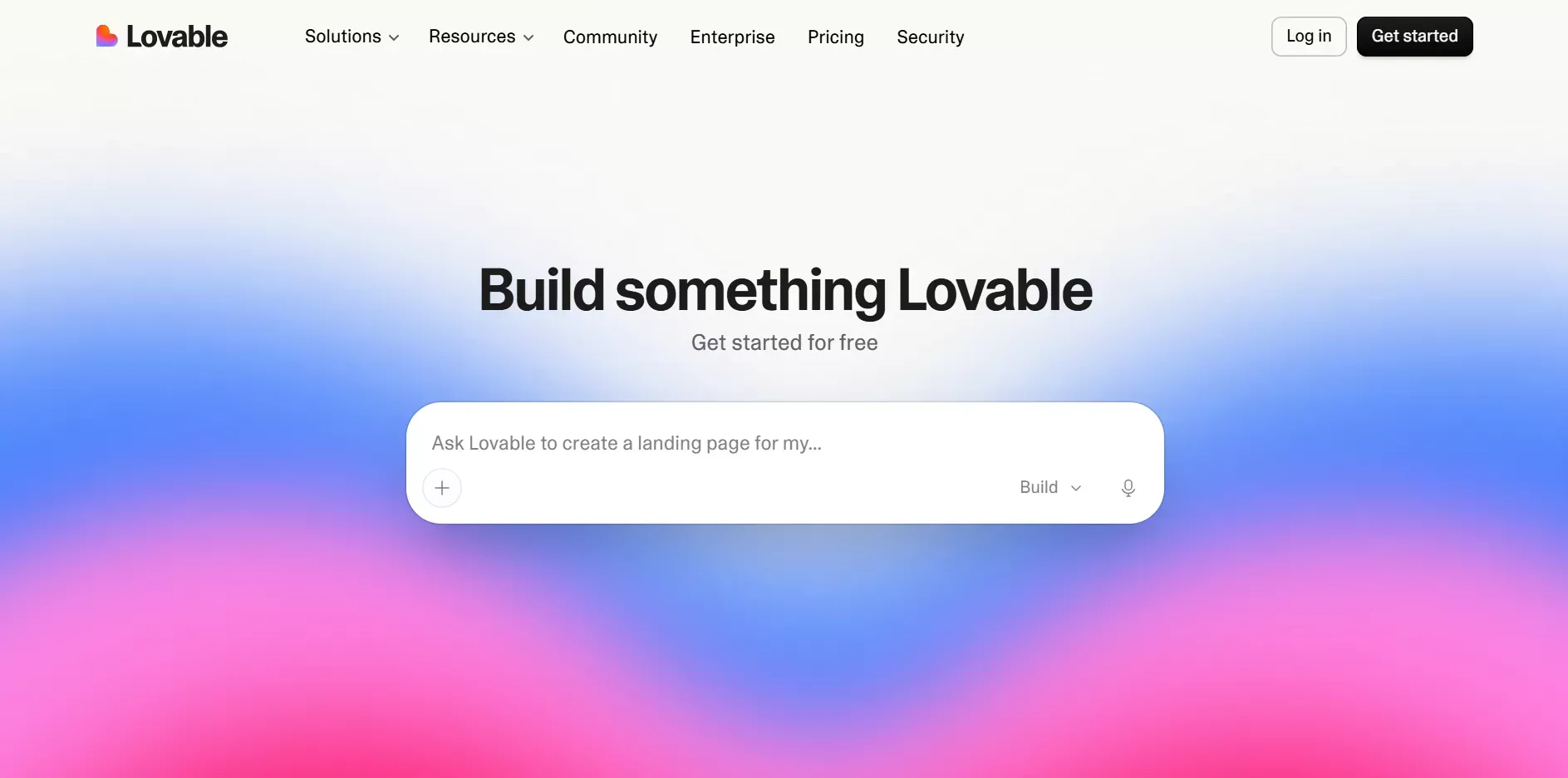 Lovable: For Non-Technical Founders
Features
- Prompt-to-app generation with full-stack React output
- Built-in Supabase backend, auth, and database
- GitHub sync for code ownership and version control
- Agent Mode for autonomous debugging and problem-solving
- Visual editing mode for styling without consuming credits
Pricing
| Plan | Price | Credits |
|---|---|---|
| Free | $0 | 5 credits/day |
| Pro | $25/mo | 100/mo |
| Business | $50/mo | Team features and SSO |
User Rating: 4.7/5 on G2
Lovable is one of the fastest ways to turn a product idea into a working app. It is best suited for founders who want speed over deep customization.
8. Bolt.new
Best for: Developers who want full-stack web app generation with a live browser preview and direct code access.
Bolt.new generates complete full-stack web applications directly in your browser with no local setup required. You describe your app, and the AI builds it immediately with a live preview updating in real time. Bolt.new excels in context retention and direct code access.
It installs npm packages automatically, sets up routing, components, and styles, and finishes with one-click Netlify deployment.
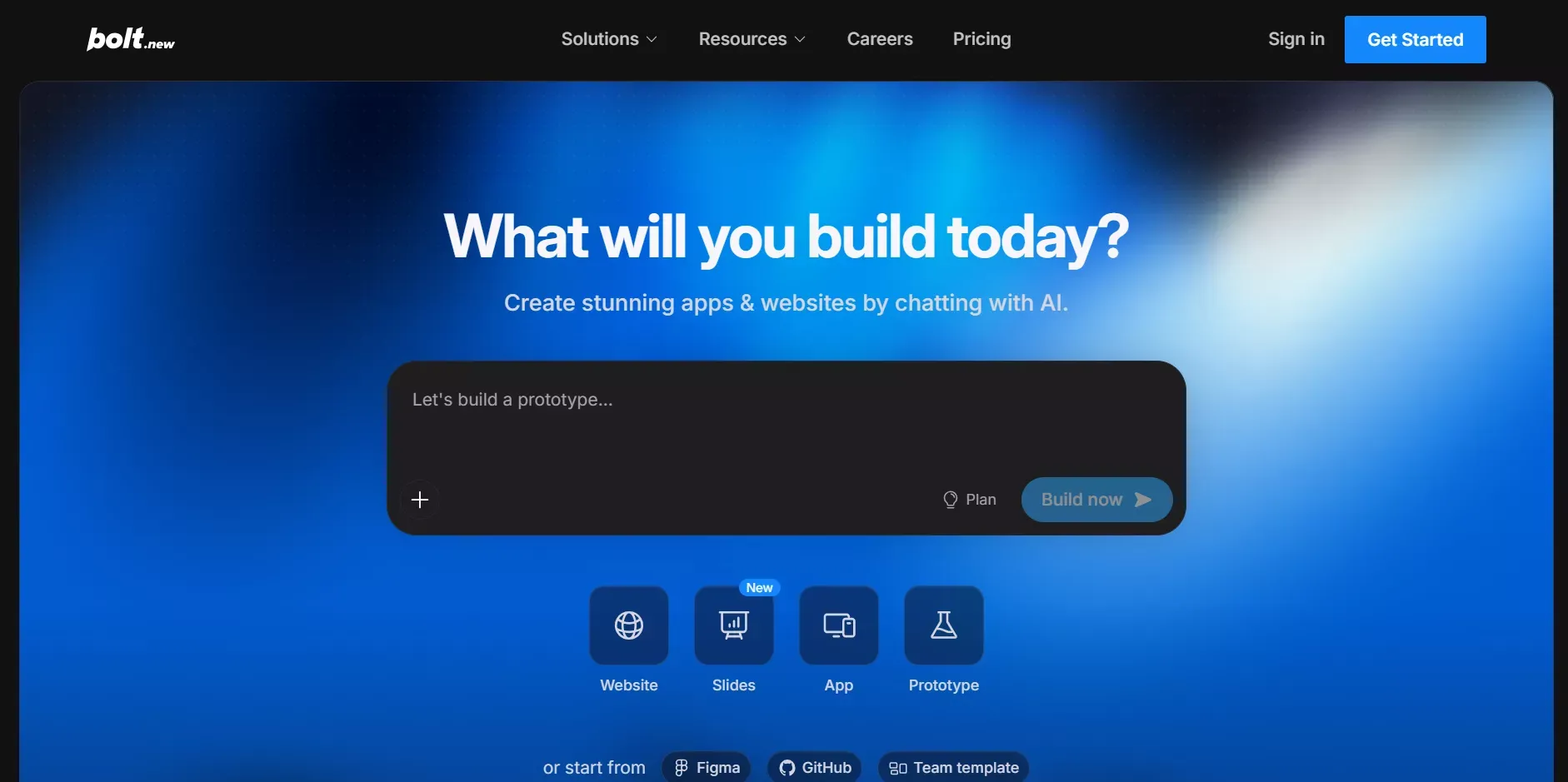 Bolt: For Full-stack developers
Features
- Full-stack generation: frontend, backend, and database from one prompt
- WebContainers technology so code runs live inside the browser
- Real-time preview while building
- One-click deployment to Netlify, Vercel, or StackBlitz
- Supports npm packages and modern JavaScript frameworks
Pricing
| Plan | Price | Tokens |
|---|---|---|
| Free | $0 | 1M/mo (300K daily limit) |
| Pro | $25/mo | 10M/mo, no daily limit |
User Rating: 4.6/5 on G2
Bolt.new is ideal if you want full control over generated code and a live build preview.
9. Replit
Best for: Developers, students, and teams who want an all-in-one cloud coding and AI deployment environment.
Replit is a cloud-based collaborative coding environment. Its AI Agent builds, debugs, and deploys full-stack apps from natural language prompts, entirely in the browser. Replit Agent is an autonomous AI agent designed to build, code, test, and deploy full-stack apps from natural language. Replit allows users to create full-stack applications without coding experience.
It supports 50+ programming languages and is popular in educational settings for its real-time collaboration features.
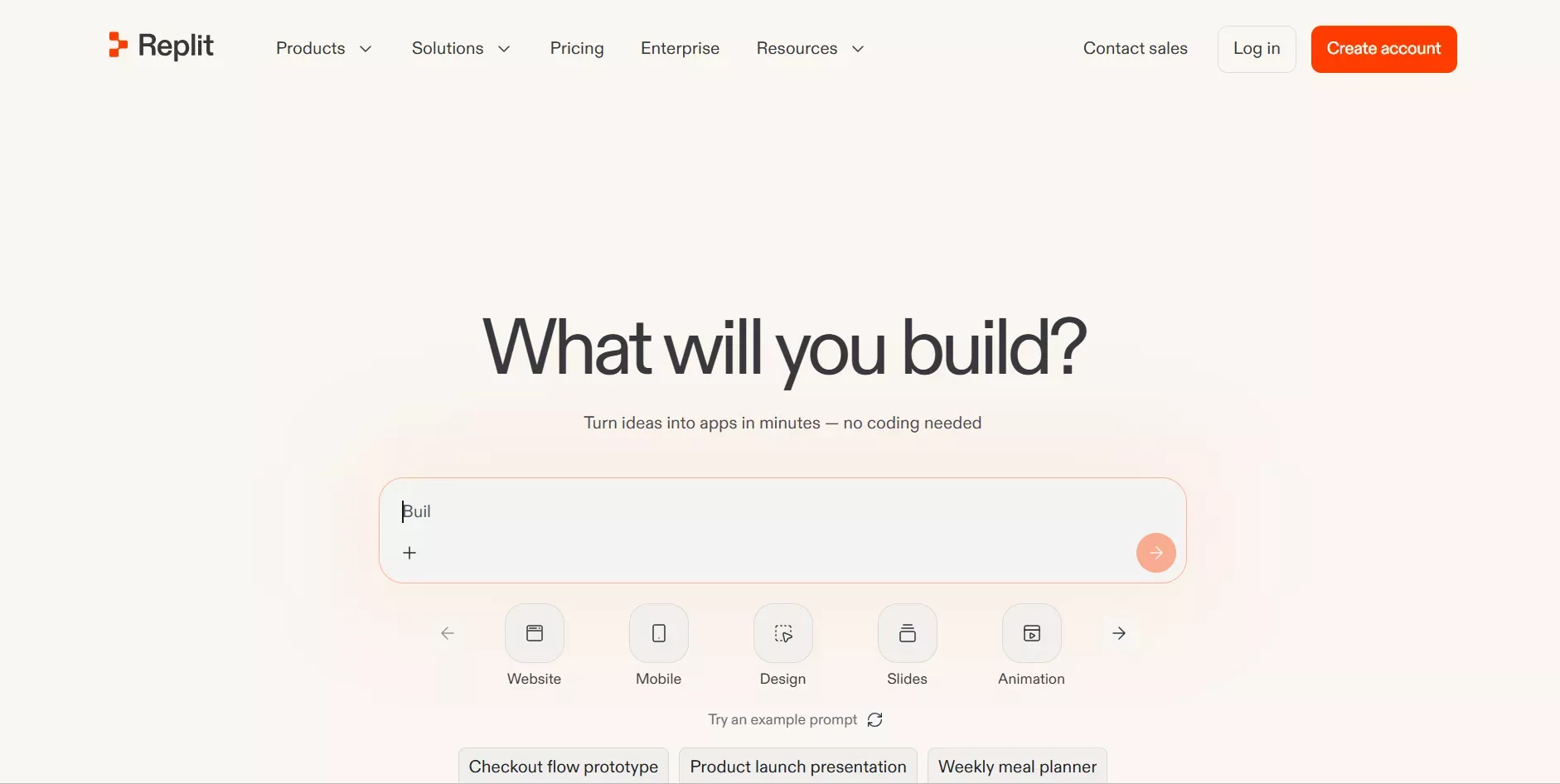 Replit: For Developers Students and Teams
Features
- AI Agent that writes, debugs, and deploys apps from plain-English prompts
- Supports 50+ programming languages
- Real-time collaborative editing with voice chat and shared workspaces
- Instant public URLs so apps go live without any export step
- Built-in hosting, database, and secrets management
Pricing
| Plan | Price |
|---|---|
| Free (Starter) | $0 |
| Core | $25/mo |
| Teams | $40/user/mo |
User Rating: 4.5/5 on G2
Replit is the go-to choice for teams and developers who want AI to accelerate coding without leaving the browser.
10. Thunkable
Best for: Mobile-first creators, educators, and students building native iOS and Android apps without writing Swift or Kotlin.
Thunkable is purpose-built for creating truly native iOS and Android mobile apps. It uses a drag-and-drop visual editor with block-based logic, and its AI Builder generates fully functional apps from simple text prompts.
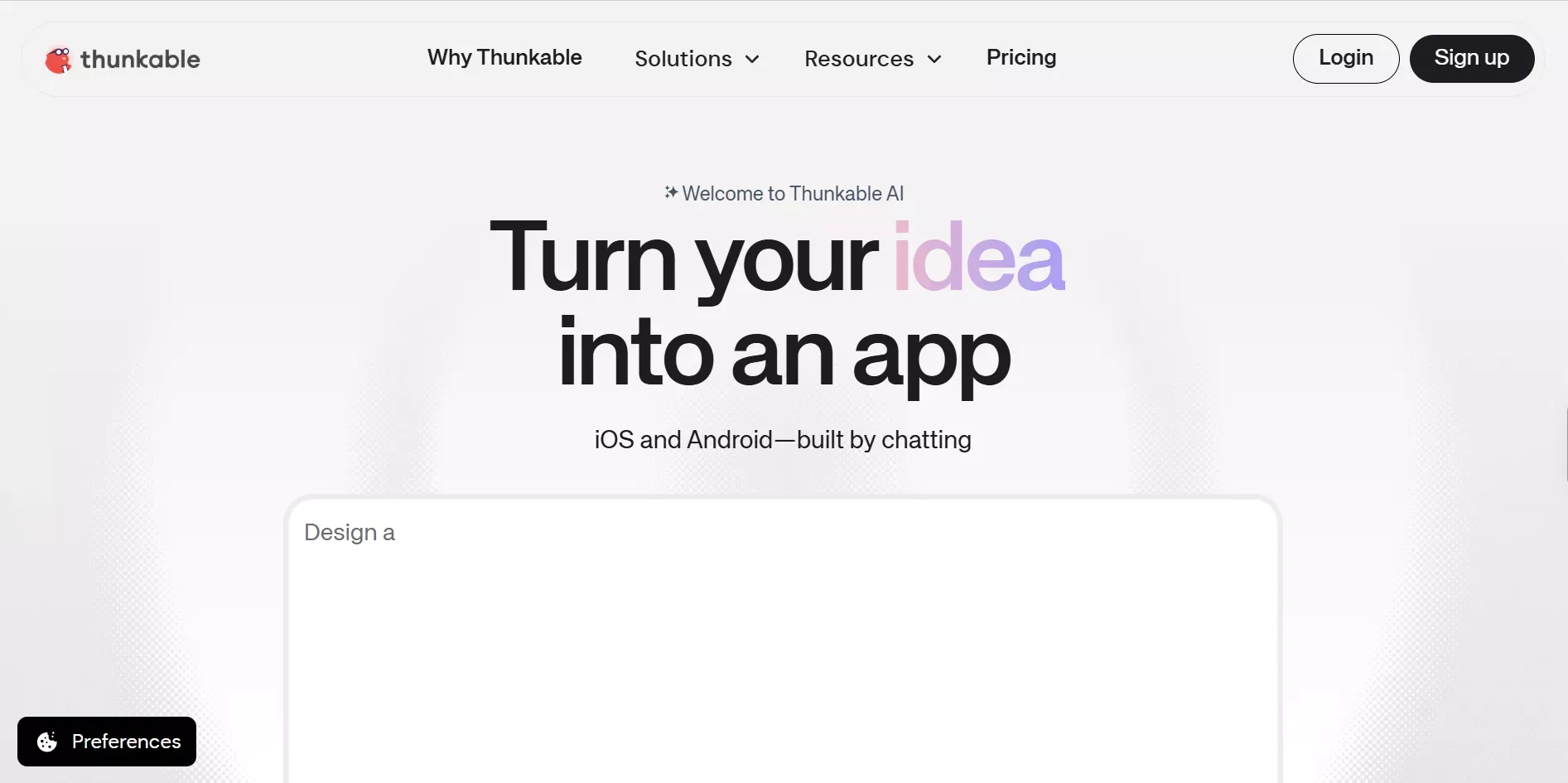 Thunkable: For Mobile First Creators
Features
- AI Builder for generating mobile apps from text prompts
- Drag-and-drop visual editor with block-based logic
- True native iOS and Android app output
- Real-time collaboration with voice chat
- App store publishing built-in
Pricing
| Plan | Price |
|---|---|
| Free | $0 |
| Core | $25/mo |
| Teams | $40/user/mo |
User Rating: 4.3/5 on G2
Thunkable is one of the strongest options for building native mobile apps without writing Swift or Kotlin.
11. WeWeb
Best for: Agencies and freelancers building client-facing apps and SaaS products with a visual front-end and flexible backend.
WeWeb is a visual front-end builder that has grown into a full-stack no-code platform. In April 2026, WeWeb launched WeWeb Tables, a native Postgres backend with auto-generated CRUD APIs, backend logic workflows, built-in auth, and storage.
You can build with WeWeb alone or mix its native backend with Supabase, Xano, Airtable, or your own API.
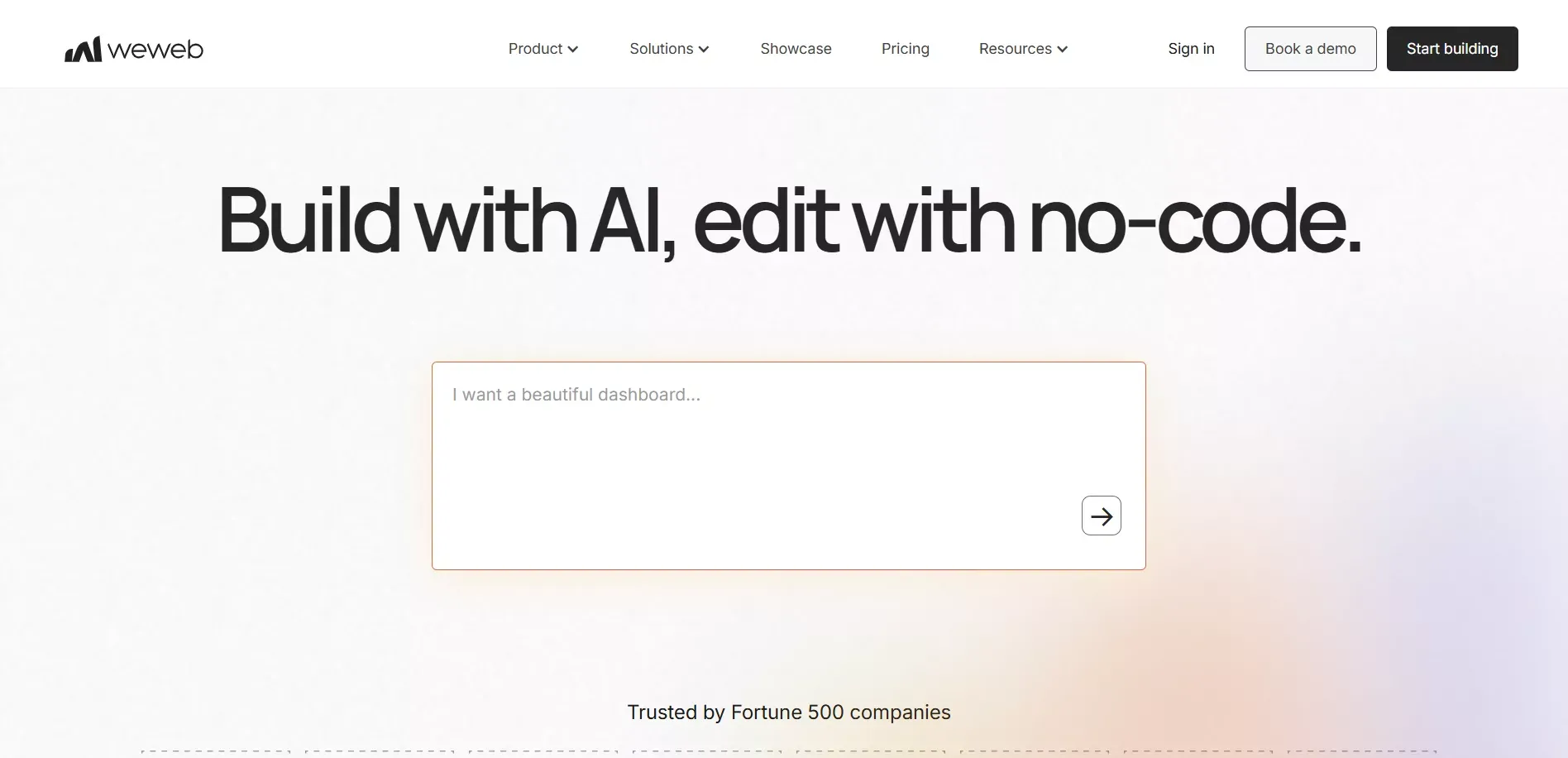 WeWeb: For Agencies and freelancers
Features
- Drag-and-drop visual builder with responsive design
- AI prompt generation for components and layouts
- Full-stack capability with WeWeb Tables (native Postgres backend)
- Code export: download clean Vue.js files and self-host anywhere
- HIPAA- and GDPR-friendly compliance options
Pricing
| Plan | Price |
|---|---|
| Free | $0 |
| Essential | $16/mo (billed annually) |
| Pro | From $42/mo per seat |
User Rating: 4.6/5 on Capterra
WeWeb is the right choice if you want the freedom of a visual builder without getting locked into one ecosystem.
12. Knack
Best for: Operations teams and HR departments building custom CRMs, dashboards, and data management tools.
Knack is built specifically for creating database-driven web applications. It is one of the best options for businesses that need to manage and display structured data without engineering support. Knack supports unlimited users, automation, integrations, and no-code logic, making it a practical choice for building internal tools like CRMs, dashboards, and operational systems.
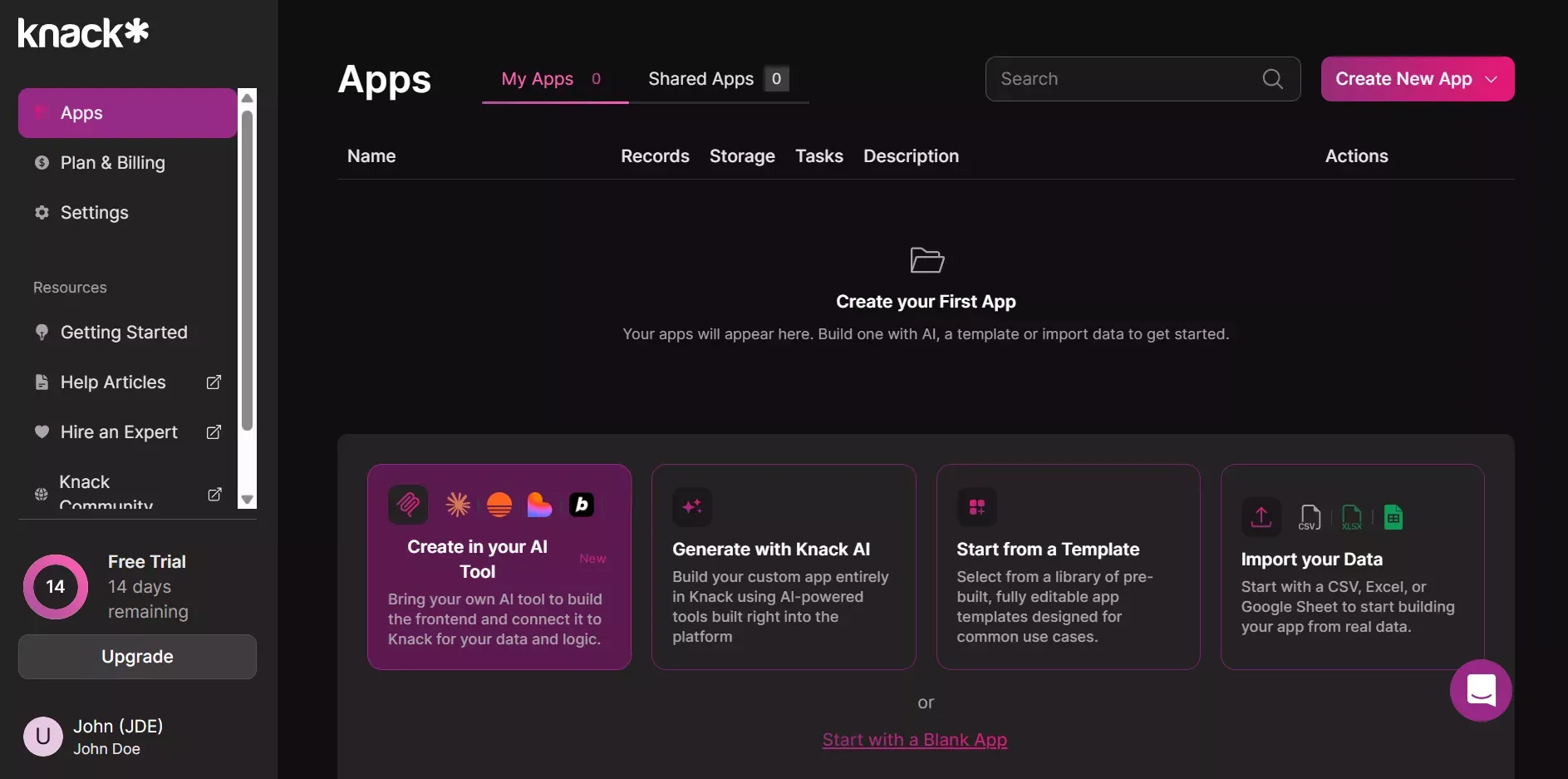 Knack For Operations Teams and HR
Features
- AI App Builder for generating database apps from natural language
- Visual data modeling with tables, fields, and relationships
- Built-in automation and workflow logic
- Role-based access controls and user permissions
- No per-user fees for app end users
Pricing
| Plan | Starting Price |
|---|---|
| 14-day trial | $0 |
| Starter | $39/mo |
User Rating: 4.5/5 on G2
Knack is the right pick when your app is fundamentally about organizing and acting on data.
13. OutSystems
Best for: Enterprise IT teams and large organizations that need governance, compliance, and scalable app delivery.
OutSystems is an enterprise-grade low-code platform built for IT teams managing complex, regulated environments. It supports full-stack app development with built-in DevOps pipelines, role-based access, and enterprise security controls. Unlike the AI-generation-first tools on this list, OutSystems is designed for organizations that need governance and auditability alongside speed.
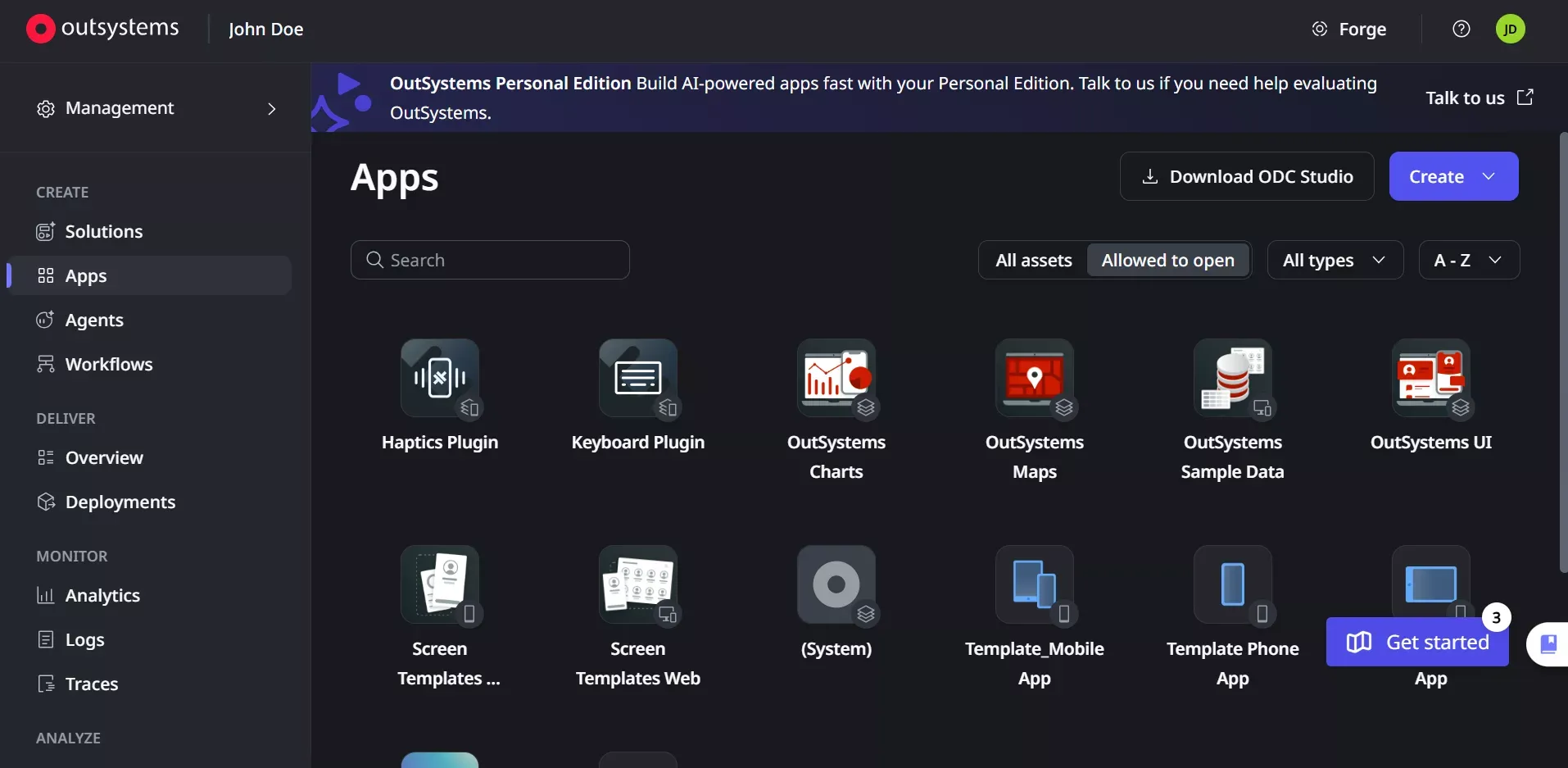 OutSystems: Enterprise IT teams and large organizations
Features
- Enterprise-grade low-code development with AI assistance
- Built-in DevOps, CI/CD pipelines, and version control
- Role-based access and enterprise security controls
- Integration with enterprise systems (SAP, Salesforce, legacy databases)
- Compliance and audit trail support
Pricing
Contact OutSystems for enterprise pricing. A free tier is available for individual developers.
User Rating: 4.4/5 on G2
OutSystems is the right choice when your organization needs IT governance and compliance alongside speed. It is not designed for solo founders or small teams.
14. Appsmith
Best for: Engineering teams and technical operators who want an open-source, self-hosted internal tool builder with full data connectivity.
Appsmith is an open-source platform for building internal tools quickly and efficiently. It connects to databases, REST APIs, and GraphQL endpoints, and lets teams build dashboards, admin panels, and data management tools with a drag-and-drop visual editor. Because it is open-source, you can self-host it on your own infrastructure.
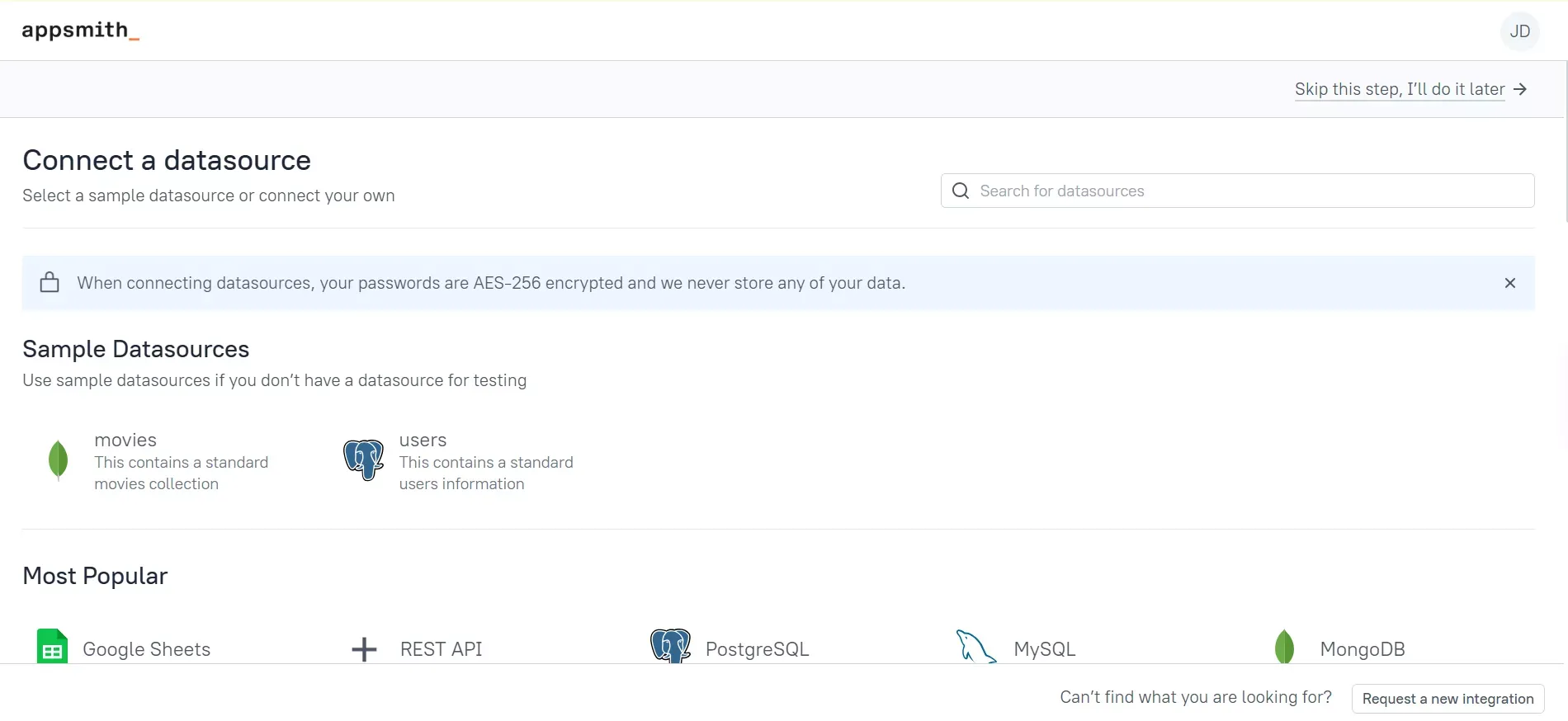 Appsmith: For engineering teams and operators
Features
- Open-source and self-hostable
- Connects to 18+ databases and any REST or GraphQL API
- Drag-and-drop visual editor for internal tool building
- JavaScript-based logic for custom workflows
- Role-based access and audit logs
Pricing
| Plan | Starting Price |
|---|---|
| Free (self-hosted) | $0 |
| Business | $40/user/mo |
User Rating: 4.4/5 on G2
Appsmith is the right choice for engineering teams that need full data connectivity and want to self-host their internal tools.
Community Insight
Here is a real LinkedIn insight about Rocket.new:
"Rocket.new allows users to create full production-ready apps from natural-language prompts." - LinkedIn
Most tools start at execution. Rocket.new starts at the question worth asking. That is the difference between building fast and building right.
How AI App Builders Compare to Traditional Development
Traditional app development requires writing code, setting up backend logic, managing version control, and handling deployment. AI app builders cut development time from months to hours by removing manual coding, setup, and deployment overhead. AI app builders can handle execution, data, and deployment, supporting real products instead of just UI generation.
For very complex enterprise systems, traditional development may still be the right call. See a detailed breakdown of AI app builder vs hiring a developer ROI to understand the cost difference.
AI App Builders vs Traditional Development
| Factor | AI App Builder | Traditional Development |
|---|---|---|
| Time to first working app | Hours to days | Weeks to months |
| Coding required | None to minimal | Extensive |
| Cost | Low monthly subscription | High (developer salaries) |
| Customization | Moderate to high | Unlimited |
| Scalability | Good for most use cases | Best for enterprise scale |
| SEO and Accessibility | Built-in (Rocket.new) or manual | Manual |
| Best for | MVPs, internal tools, startups | Complex, bespoke systems |
What Frameworks Do AI App Builders Generate?
This is the question most comparison articles skip. It matters most for developers. Tools that generate proprietary code lock you in, while tools that generate standard frameworks give you full ownership and portability.
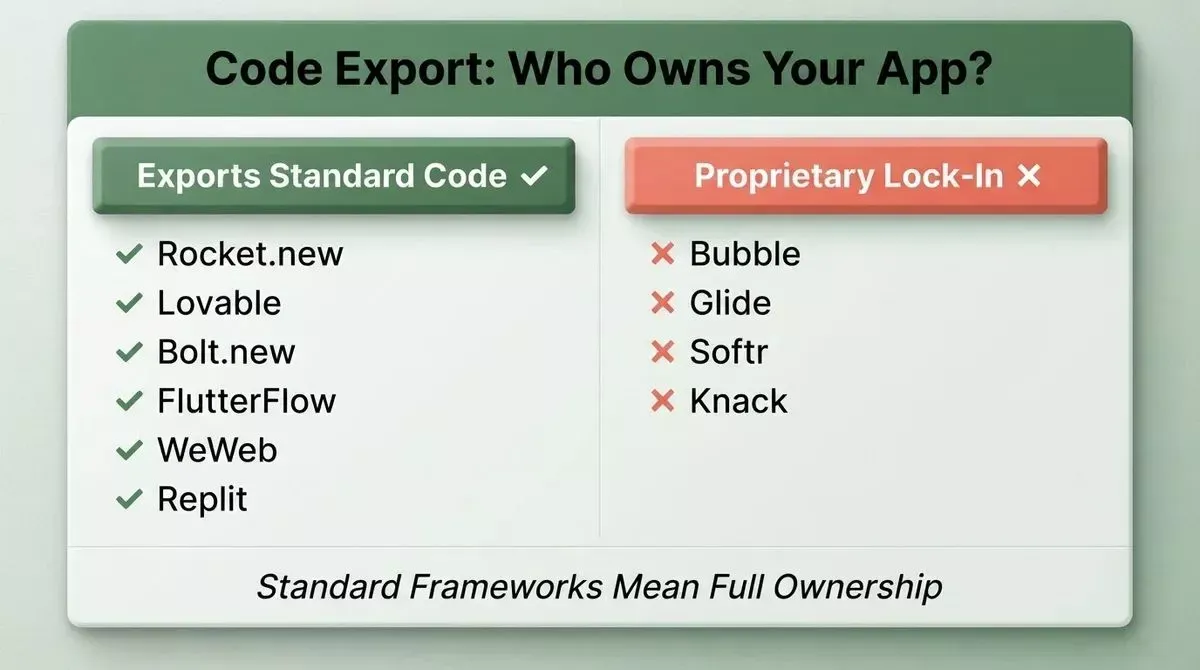
Tools that export standard code give you full ownership; proprietary builders create long-term dependency
The best AI app builders are those that respect how real software gets built and run. See a full feature-by-feature AI app builder comparison to understand how every platform stacks up.
From prompt to deployment: the code export decision determines long-term ownership
AI App Builder Framework Comparison
| Tool | Web Framework | Mobile Framework | Code Export |
|---|---|---|---|
| Rocket.new | Next.js | Flutter | Yes |
| Lovable | React | None | Yes |
| Bolt.new | React / Vite | None | Yes |
| FlutterFlow | Web (limited) | Flutter/Dart | Yes |
| Replit | Any (50+ languages) | None | Yes |
| Bubble | Proprietary | None | No |
| WeWeb | Vue.js | None | Yes |
| Glide | Proprietary | None | No |
| OutSystems | Proprietary | Native (limited) | Partial |
| Appsmith | N/A (internal tools) | None | Yes (open-source) |
Can Beginners Build Apps with These Tools?
The short answer is yes. These tools are designed to make app building accessible, even with little to no coding experience.
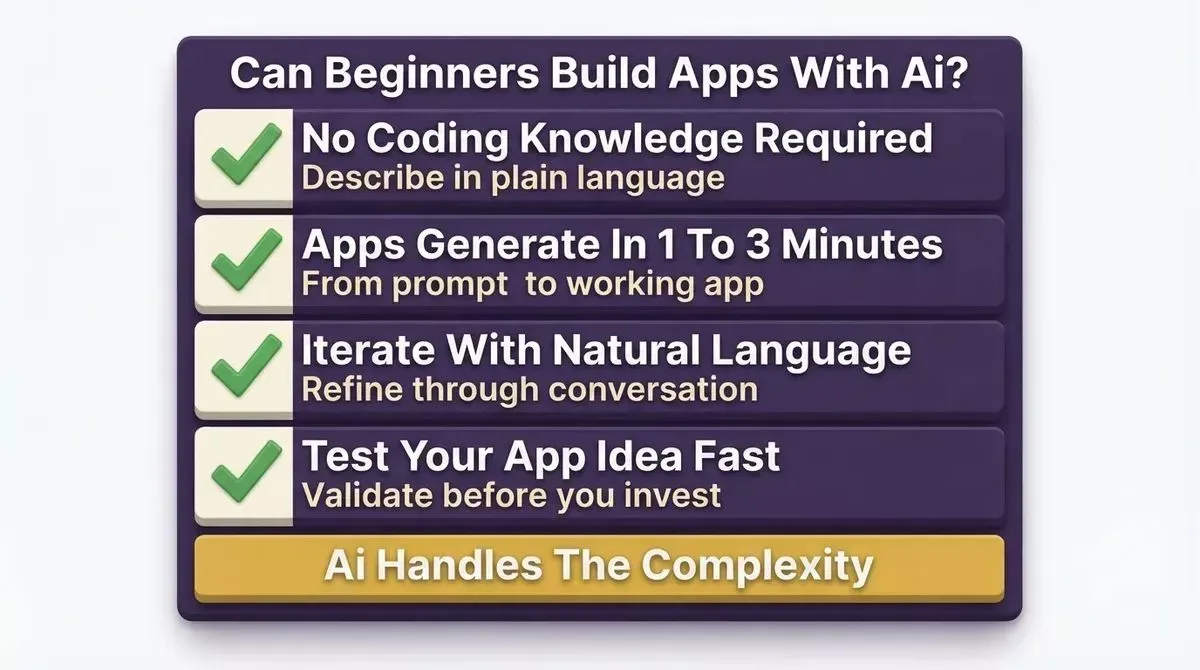
AI app builders are designed for beginners; no prior coding experience required
Here is what makes them beginner-friendly:
- No coding knowledge required: Build using natural language without writing code from scratch.
- Test an app idea fast: Turn your app idea into a working app and see how it performs.
- Most apps generate in 1 to 3 minutes: Rocket.new generates most apps in that window and supports unlimited chat-based refinement.
AI app builders can interpret natural language prompts to create app components, simplifying the development process for non-technical users. Learn how to build a full-stack app from a single prompt to see this in practice.
What to Watch Out For
- Proprietary code lock-in: Tools like Bubble, Glide, and Softr do not export standard code. Switching later is costly.
- Advanced features on paid plans: Some capabilities are only available after upgrading.
- Complex apps may still need manual coding: For advanced use cases, some coding knowledge helps.
- Backend logic understanding helps: Knowing how backend logic works makes app creation smoother.
Generated logic or UI elements from AI app builders may need fine-tuning for performance, accessibility, and brand consistency. AI app builders can dramatically accelerate development but are not a replacement for thoughtful planning or technical oversight.
The Right Tool Starts With the Right Question
The best AI app builder tools in 2026 do more than generate code. They help you decide what to build, ship it fast, and stay ahead of what competitors are doing next.
Most tools in this list start at execution. They build what you tell them to build. That is useful. But building the wrong thing faster is still waste.
The category is moving toward platforms that connect thinking and building in the same system. The tools that handle the full arc, from the first question to a product in market, will define how serious builders work in the years ahead.
You have the comparison. You know what each tool does and who it is built for. The next step is yours.
Ready to stop building in the dark? Rocket.new combines market research, full-stack app generation, and competitive intelligence in one platform so you always build the right thing, fast. Start building on Rocket.new today and see your app come to life.
Table of contents
- -What are AI App Builder Tools?
- -Why AI App Builders are Growing Fast
- -Who is This Guide For?
- -How to Choose the Right AI App Builder
- -Best AI App Builder for Non-Developers
- -What "No-Code" Actually Means
- -Quick-Pick for Non-Developers
- -Best AI App Builder for Small Businesses
- -The 7-Criteria Framework for Small Business App Builders
- -Quick-Pick for Small Businesses
- -Real Small Business Use Cases
- -Best AI App Builder for Marketers
- -What Marketers Actually Need from an AI App Builder
- -Quick-Pick for Marketers
- -Best AI App Builders with Template Libraries
- -Why Templates Matter for Speed-to-Launch
- -Which Tools Have Real Template Libraries
- -Best AI App Builder Tools in 2026 (Full Rankings)
- -1. Rocket.new: Research, Build, and Monitor in One Place
- -Three Pillars
- -What You Can Build
- -Features
- -Pricing
- -2. Bubble
- -Features
- -Pricing
- -3. Glide
- -Features
- -Pricing
- -4. Adalo
- -Features
- -Pricing
- -5. Softr
- -Features
- -Pricing
- -6. FlutterFlow
- -Features
- -Pricing
- -7. Lovable
- -Features
- -Pricing
- -8. Bolt.new
- -Features
- -Pricing
- -9. Replit
- -Features
- -Pricing
- -10. Thunkable
- -Features
- -Pricing
- -11. WeWeb
- -Features
- -Pricing
- -12. Knack
- -Features
- -Pricing
- -13. OutSystems
- -Features
- -Pricing
- -14. Appsmith
- -Features
- -Pricing
- -Community Insight
- -How AI App Builders Compare to Traditional Development
- -AI App Builders vs Traditional Development
- -What Frameworks Do AI App Builders Generate?
- -AI App Builder Framework Comparison
- -Can Beginners Build Apps with These Tools?
- -What to Watch Out For
- -The Right Tool Starts With the Right Question