
Picking the best AI development platform in 2026 means finding one tool that handles code generation, deployment, and hosting together. This blog breaks down what separates full-lifecycle platforms from single-purpose coding assistants.
Which AI platform actually ships your app, not just writes the code?
The global AI market crossed $601 billion in 2026, growing at a 29.3% compound annual growth rate. With hundreds of AI coding tools flooding the market, the difference between a good pick and a great one comes down to a handful of key features that actually matter for shipping apps.
Not every AI tool is built for the same purpose. Some handle basic code completion inside an IDE, while others cover the full development process from idea to production deployment.
What separates the best AI platforms from the rest?
-
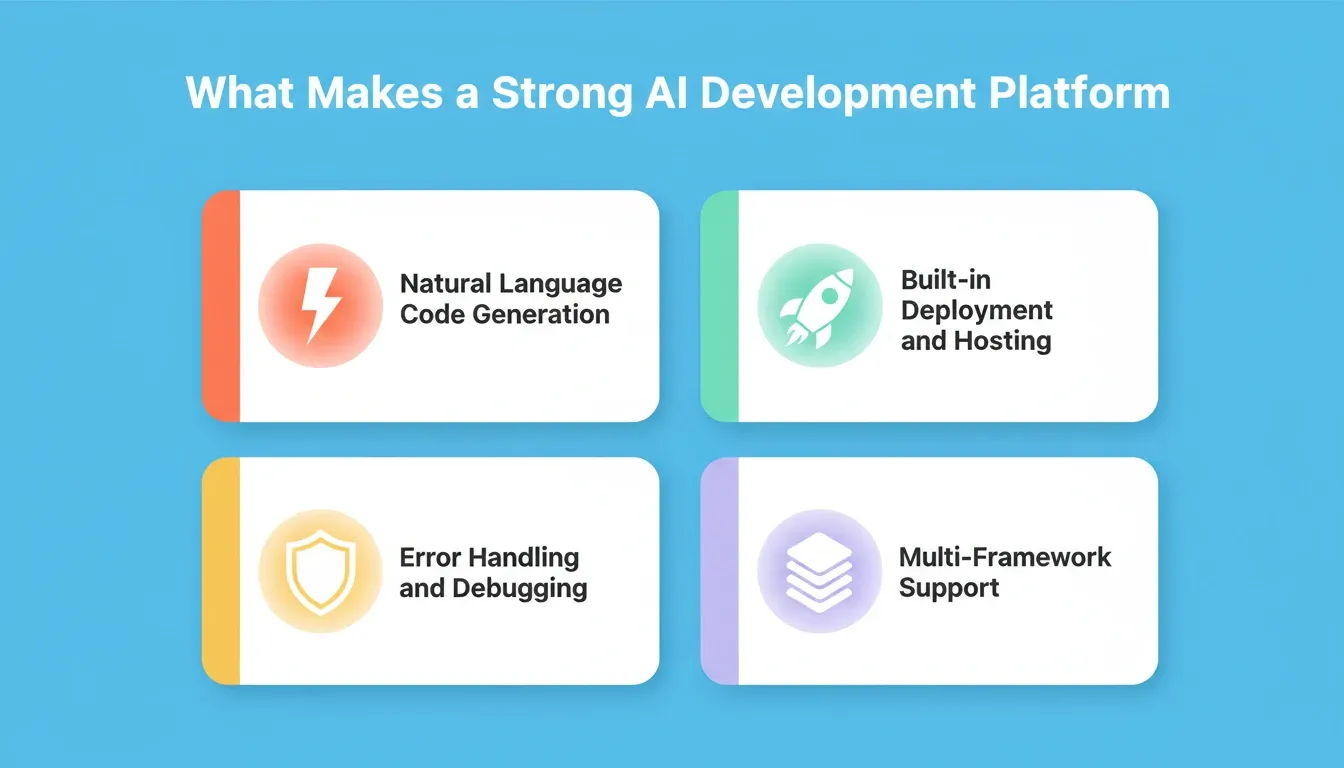
Natural language code generation: The AI assistant should understand plain English prompts and produce working code across your chosen tech stack, not just code snippets
-
Rapid prototyping speed: Going from description to functional prototype in minutes, not days, with support for rapid prototyping across web and mobile frameworks
-
Built-in deployment and hosting: AI platforms that handle code generation but leave you to figure out hosting separately add friction to the development process
-
Error handling and debugging: Intelligent AI assistance that catches bugs before they reach production, including error handling across the entire codebase
-
Version control and collaboration: Version control support that lets multiple users work on the same project context without conflicts
-
Multi-framework language support: The AI coding tools should work with your preferred tech stack whether that is React, Next.js, Flutter, or Python
-
Free tier for experimentation: A free tier lets you test the AI capabilities before committing budget to paid plans
The key features above form the baseline for evaluating any AI platform in 2026. If a tool misses more than two of these, it will likely create more problems than it solves for your development teams.
How Do Leading AI Coding Tools Stack Up in 2026?
The AI coding tools market has matured rapidly. According to the Stack Overflow 2024 Developer Survey, 76% of developers are either using or planning to use AI tools in their development process. That number has only grown since. So which AI platforms actually deliver on their promises?
Here is a comparison of the most popular AI coding assistants and AI platforms available right now, looking at their key features, pricing, and what each one does best.
| Platform | Best For | Code Generation | Deployment | Free Tier | Learning Curve |
|---|---|---|---|---|---|
| GitHub Copilot | In-IDE code suggestions | Strong | None | Limited | Low |
| Cursor | AI-native code editing | Strong | None | Available | Medium |
| Bolt.new | Quick web prototypes | Moderate | Basic | Limited | Low |
| Replit | Browser-based coding | Moderate | Built-in | Available | Low |
| Rocket | Full lifecycle apps | Strong | Built-in + custom domain | 20 free credits | Very low |
Pricing Comparison
| Platform | Starting Price | Free Tier | Pricing Model |
|---|---|---|---|
| GitHub Copilot | $10/month per seat | Limited | Per seat |
| Cursor | Free (limited) | Yes | Usage-based tiers |
| Bolt.new | Free (limited) | Yes | Credit-based |
| Replit | Free (limited) | Yes | Usage-based |
| Rocket | Free (20 credits) | Yes, no card required | Usage-based |
GitHub Copilot remains one of the most widely-used AI coding assistants, offering a VS Code extension and native integration with JetBrains IDEs. It excels at AI powered code completion and common programming tasks. The learning curve is minimal since it works inside your existing IDE capabilities.
Cursor positions itself as an AI-first code editor, a standalone tool that combines deep integration with AI models like Claude and GPT. It provides project context awareness across large codebases and handles code review suggestions well. For experienced developers who want more control over their AI workflows, Cursor is a solid choice.
The gap in most AI tools becomes obvious when you look at what happens after code generation. GitHub Copilot and Cursor help you write code faster, but they do not deploy it. They do not set up databases or connect to external services. You still need a separate hosting provider, a CI/CD pipeline, and a domain registrar.
Rocket fills that gap. It handles the entire development process from natural language prompt to deployed application, with AI assistance at every step. Code generation, database setup, deployment, analytics, and ongoing maintenance happen in one place.
For teams evaluating AI platforms, the real question is not which tool writes the best code snippets. It is which platform reduces the total time from idea to live app.
Can Natural Language Prompts Replace Traditional Coding?
Two years ago, using natural language to build production apps sounded like a stretch. Today, it is the fastest path to rapid prototyping for most web and mobile projects. The shift happened because AI models got dramatically better at understanding project context and generating complete application logic, not just isolated code snippets.
A GitHub research survey found that 92% of developers already use AI coding tools at work. The AI assistance these tools provide has moved beyond basic code completion into full application scaffolding. Here is how the natural language development process works on modern AI platforms.
-
Describe your app in plain language: Tell the AI assistant what you want to build, including features, user flows, and data requirements
-
AI generates full-stack code: The AI powered code completion produces frontend components, backend API routes, and database schemas simultaneously
-
Iterate through conversation: Refine the output using natural language follow-ups instead of manually editing every file, making rapid prototyping feel like an AI chat session
-
Preview and test in real time: See your changes live as the AI coding assistants apply them, with automated error handling built into the development process
-
Deploy with one action: Ship the finished app to production hosting without configuring servers, cloud services, or deployment pipelines
Natural language is becoming the primary interface for AI powered workflows, and the learning curve for building apps has dropped to near zero. The development process no longer starts with choosing a tech stack, configuring a local environment, and writing boilerplate. It starts with describing what you want.
For teams looking to go further, the step-by-step guide to building a mobile app with AI walks through the full process from first prompt to App Store submission.
The generative AI tools powering this shift are not replacing developers. They are removing the repetitive tasks that slow projects down, writing boilerplate, configuring build tools, setting up hosting, and managing infrastructure, freeing development teams to focus on the logic and design that makes each app unique.
Why Rocket Delivers Where Other AI Platforms Fall Short
Most AI coding tools solve a single problem: they help you write code faster inside an existing editor. That is valuable, but it leaves the hardest parts of shipping apps untouched. Rocket approaches the problem differently by covering the entire lifecycle from idea to deployed, monitored production app.
Here is what makes Rocket stand apart from general purpose coding assistants in the AI platforms category.
-
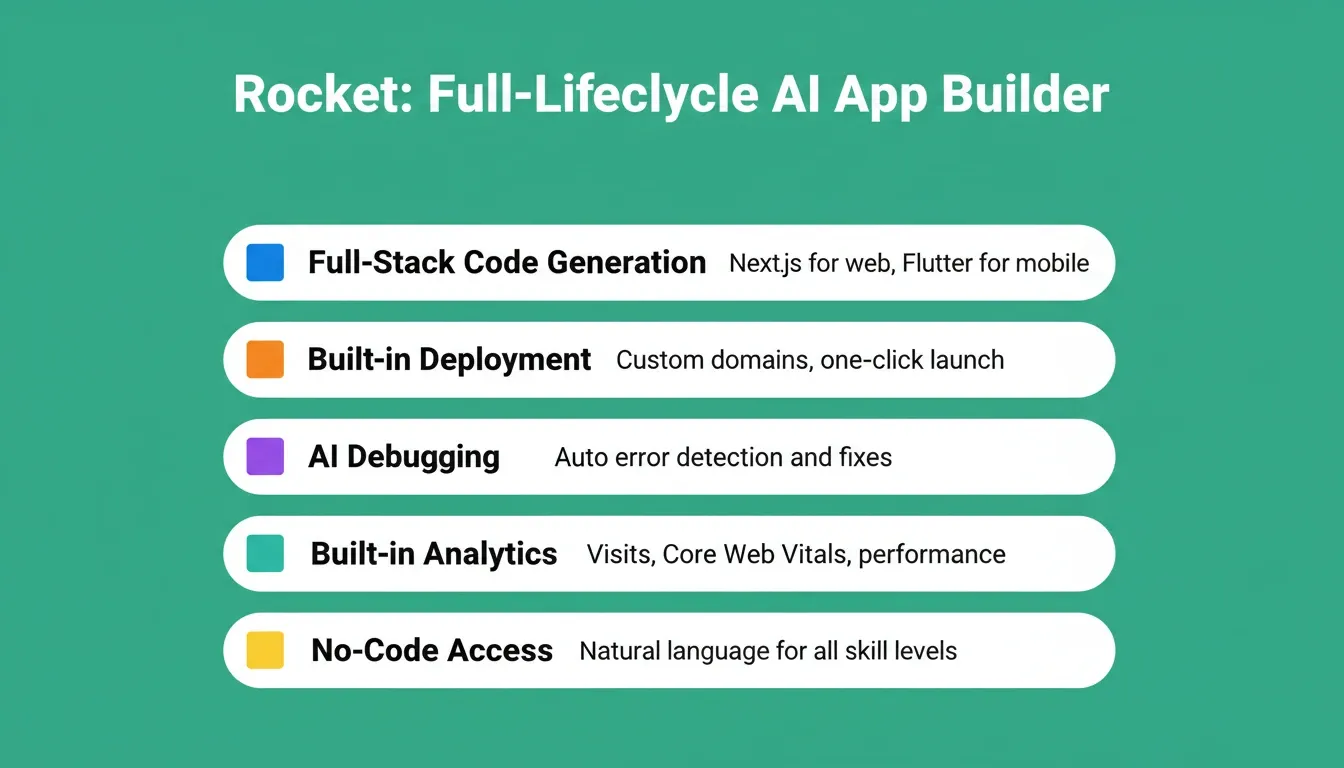
Full-stack code generation from natural language: Describe your app and Rocket produces complete frontend, backend, and database code. It supports React, Next.js, Flutter, and more with native integration across frameworks. The Build feature handles everything from first prompt to production-ready output
-
Built-in deployment and custom domains: No separate hosting setup, no cloud platforms to configure, no DNS records to manage manually. Rocket handles rapid prototyping through to production deployment in one place
-
AI-powered debugging and maintenance: Rocket catches errors, suggests fixes, and can apply code review improvements automatically. Unlike AI coding assistants that only suggest code, Rocket executes fixes across your project context
-
Analytics and performance monitoring: Built-in data analysis dashboards track visits, page performance, and Core Web Vitals without adding third-party scripts or project management tools. The Intelligence layer continuously monitors what matters after launch
-
No code background required: Non-technical founders and business teams can build apps using natural language without writing a single line of code, making AI features accessible to everyone on the team
Where competitors struggle with multi-service configuration, Rocket eliminates these friction points entirely. GitHub Copilot requires VS Code extension setup and a separate deployment pipeline. Cursor needs you to bring your own hosting and cloud services. Bolt.new offers limited AI capabilities for anything beyond simple web pages.
A developer on Reddit recently noted: "I built a full SaaS dashboard with Rocket in one afternoon. With my old setup using Copilot plus Vercel plus Supabase plus Stripe, the same project took me two weeks and involved automating complex workflows across four different services."
Rocket also offers a free tier with 20 credits, enough to build and deploy your first app without entering payment details. The free tier includes AI chat, code generation, deployment, and analytics. For enterprise teams and businesses that need more, paid plans scale based on usage without per-seat pricing that punishes growing teams.
What Should Development Teams Consider When Picking an AI Platform?
Choosing the right AI platform depends on your team's specific needs, technical capabilities, and what stage your project is at. There is no single best AI tool for every situation, but there are clear signals that point toward the right choice for different use cases.
-
Solo developers and startup founders: If you need rapid prototyping and fast deployment, pick an AI platform with built-in hosting. You do not want to manage separate services for code, hosting, databases, and data workloads
-
Enterprise teams with existing codebases: If your team already has a production codebase and needs AI coding assistants integrated into existing workflows, tools like GitHub Copilot or Cursor with their VS Code extension and IDE capabilities make sense as specialized tools within a larger tech stack
-
Non-technical business teams: If no one on the team can write code, look for AI platforms that accept natural language inputs and handle the entire development process including deployment. The best AI app builders for non-developers covers this use case in detail
-
Data science and machine learning teams: Teams working with predictive models, data analysis, and business data pipelines may need AI platforms with Jupyter notebooks support and deep API access to external services
The cost structure matters too. Some AI coding tools charge per seat per month, which gets expensive as teams grow. Others charge by usage, which benefits teams with variable workloads. Check whether the free tier includes deployment or just code generation, because AI features without hosting still require additional budget for cloud platforms.
The best approach is to test two or three AI platforms against a real project rather than comparing feature lists in isolation. Build the same small app on each platform and measure how long the full development process takes from start to live deployment.
For a deeper look at how AI is reshaping the entire software development lifecycle, the guide to AI-assisted app development trends covers what is changing and what to watch next.
The Best AI Development Platform Starts Before the First Line of Code
The AI tools market will keep evolving, but the need to ship working apps fast with fewer moving parts will not. The platforms that win are the ones that remove steps from your workflow rather than adding new ones. As AI coding tools mature, the gap between single-purpose assistants and full-lifecycle platforms will only widen.
Whether you are building your first mobile app or scaling an enterprise SaaS product, the best AI development platform is the one that takes you from idea to deployed app without switching tools. That is exactly what Rocket is built to do. Start building for free at Rocket.new and your first 20 credits are waiting.
Table of contents
- -What separates the best AI platforms from the rest?
- -How Do Leading AI Coding Tools Stack Up in 2026?
- -Pricing Comparison
- -Can Natural Language Prompts Replace Traditional Coding?
- -Why Rocket Delivers Where Other AI Platforms Fall Short
- -What Should Development Teams Consider When Picking an AI Platform?
- -The Best AI Development Platform Starts Before the First Line of Code