

The right personal portfolio website templates help you showcase work, build credibility, and attract clients fast without starting from a blank canvas or writing a single line of code.
What makes a personal portfolio website template worth using?
Around 75% of users judge a website by the way its content is presented. Their initial impression plays a major role in deciding whether they continue browsing, interact with the site, or take action. That first impression often determines whether they stay, engage, or convert. This makes your template choice a critical business decision.
The sections you include, the layout you choose, and how fast your site loads all shape that decision. This blog covers what to look for, which template types fit which goals, and how to build a portfolio that stands out.
What Should Every Personal Portfolio Website Include?
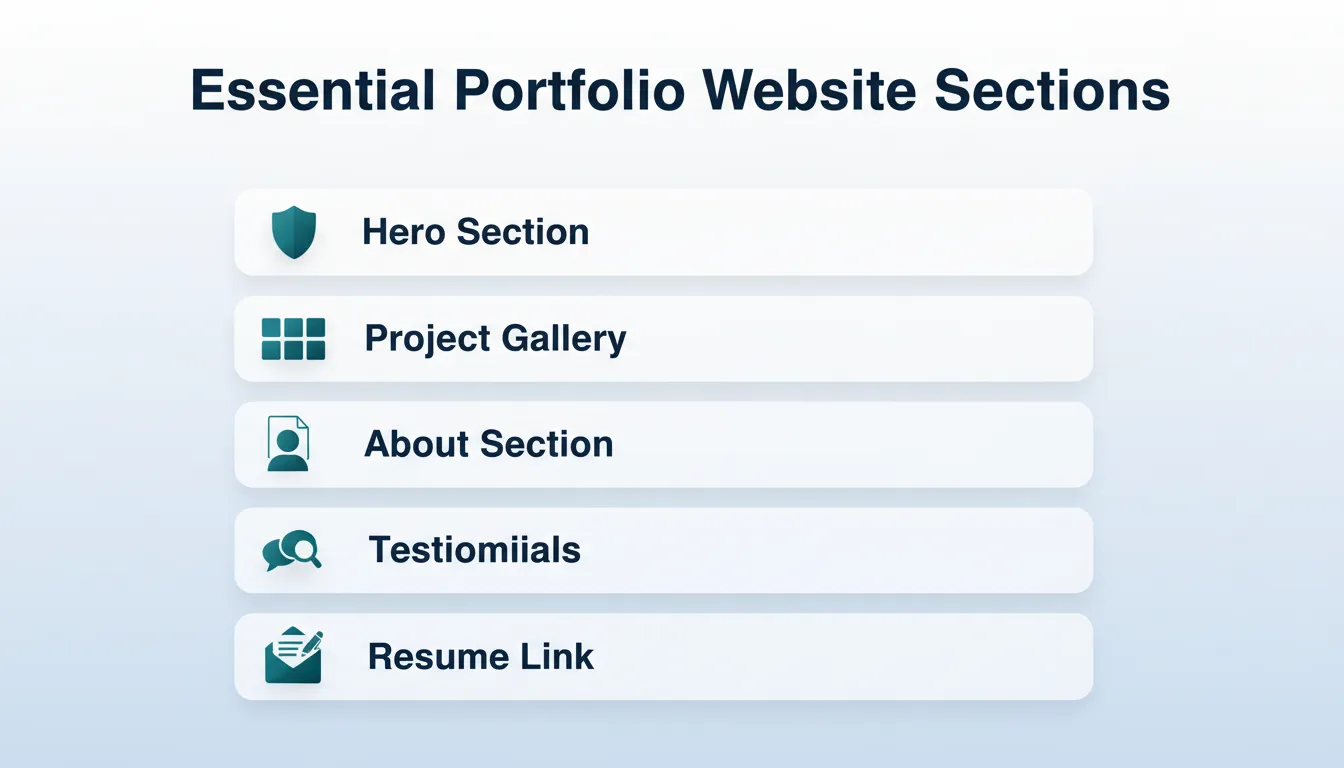
Before picking a template, know what your site needs. Every effective personal portfolio website should contain:
- Hero section: your name, role, and a one-line value proposition
- Project gallery: visual showcases with descriptions and outcomes
- About section: your background, skills, and personality
- Case studies: deeper dives into your best work
- Testimonials: social proof from clients or collaborators
- Contact form: a clear way for visitors to reach you
- Resume or CV link: especially important for job seekers
Templates that include all these sections out of the box save hours of setup. They help you present a polished, professional image from day one.
What Makes a Great Portfolio Template
A great portfolio template does more than look good. It helps your work get seen and makes your site easy to navigate. The best personal portfolio website templates balance aesthetics with performance, so visitors stay engaged and find your work quickly.
Core qualities to look for:
- Showcases your best work with visuals and descriptions
- Feels right on mobile and desktop (responsive design)
- Lets potential clients navigate without confusion
- Provides customizable sections: About, Work, Case Studies, Testimonials, Contact
- Loads fast, since Core Web Vitals scores directly affect how Google ranks your site
- Ships with semantic HTML and accessible markup so search engines can read your content
Understanding how website templates affect user engagement can help you make a smarter choice before committing to a layout.
Who Should Use Which Template Type?
Not all personal portfolio templates serve the same audience. Here is a quick decision guide:
| Template Type | Best For | Coding Required | Key Strength |
|---|---|---|---|
| One-Page Scroll | Designers, Photographers | None | Visual impact, fast to scan |
| Minimal Grid | Artists, Developers | None to Low | Clean, project-forward layout |
| CV + Portfolio | Job Seekers | None | Resume and work in one place |
| Agency-Style | Design Agencies | None to Low | Client-facing credibility |
| Creative Blog + Portfolio | Illustrators, Writers | None | SEO and portfolio combined |
| AI-Generated | All creatives | None | Unique, never looks generic |
How Personal Portfolio Website Templates Are Structured
Understanding the anatomy of effective personal portfolio templates helps you choose the right one. Most high-performing templates follow a clear, logical flow from introduction to conversion.
Standard personal portfolio website template flow, from first impression to conversion.
Each section serves a specific purpose. The Hero captures attention and communicates your value in under five seconds. The Projects section is where visitors decide whether your work fits their needs. The About section builds trust. Testimonials reduce risk. Contact removes friction.
Templates that follow this flow consistently outperform those that do not, because they match how a hiring manager or potential client actually evaluates a portfolio.
Build Your Portfolio with Rocket
Rocket is the world's first vibe solutioning platform. It lets you research what to build, build it, and monitor what matters, all in one place. 1.5 million people have tried Rocket across 180 countries, from solopreneurs to enterprise teams.
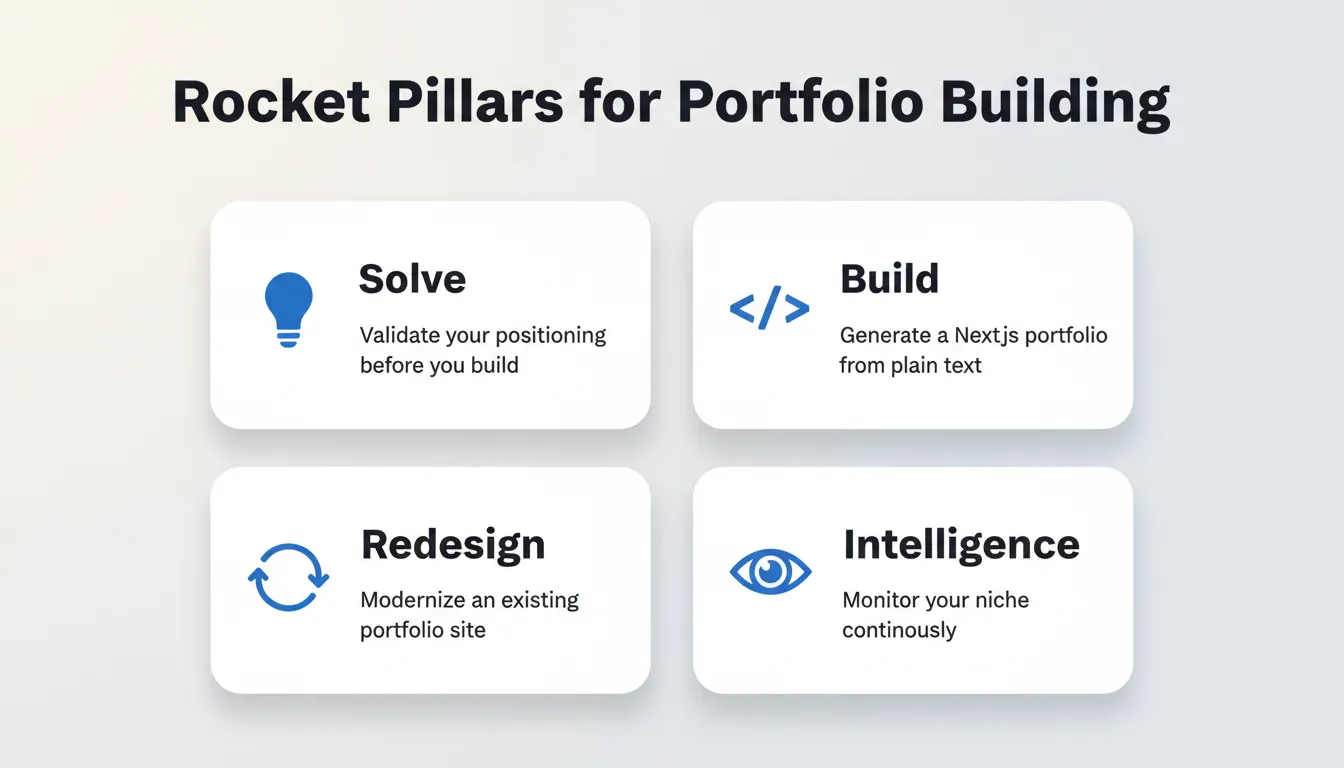
Rocket ships with seven pillars. Four are directly relevant to portfolio building:
- Solve: validate your positioning, research what target clients want to see, and get structured findings before you build a single page
- Build: describe your portfolio in plain text and get a production-ready Next.js website with contact forms, project galleries, and responsive layout; most builds complete in 1 to 3 minutes
- Redesign: point Rocket at your existing portfolio URL and choose from eight slash commands to modernize the look, fix conversion issues, or rebuild for mobile without starting over
- Intelligence: monitor what other creatives in your niche are doing, continuously, with daily briefs
What Rocket Build Produces for Your Portfolio
You describe your portfolio in plain text: your role, the projects you want to showcase, and the sections you need. Rocket generates a fully functional, responsive Next.js website with backend logic, contact forms, and project galleries.
- Production-ready Next.js web app: fast-loading, SEO-optimized, and statically generated by default
- Responsive design: works on mobile and desktop without extra configuration
- Figma to code: import your Figma designs and Rocket converts them into production-ready code, preserving typography, spacing, and visual hierarchy without a developer handoff
- WCAG 2.1 AA accessibility compliance: alt text, ARIA labels, and keyboard navigation built in by default
- One-click deployment: publish to a live URL with automatic HTTPS and global CDN; buy a custom domain directly inside Rocket
- Staging and production environments: full version history and one-click rollback
- 25+ integrations: Stripe, Google Analytics, Supabase, Cal.com, Mailchimp, and more; authenticate once and they flow into every build
In building a portfolio with Rocket for this guide, a plain-text brief produced a working site with a contact form, project gallery, and custom domain in a single session.
How to Use Rocket Templates Step by Step
Rocket's template library spans 42 categories, including Portfolio and Agency. Every template consumes zero credits to browse and start. Credits apply only when you begin customizing via chat.
- Go to Rocket and sign in; no credit card required
- Click Build in the sidebar, then navigate to Templates
- Browse the Portfolio and Agency category or search by role
- Click any template to see a live preview and interact with it like a real user
- Click Customize free template to open it in the Build editor
- Use Chat (natural language), Visual Edit (click any element), or Code (direct source access) to make it yours
- Click Launch to publish; get a shareable URL instantly or connect your custom domain
You can also describe your portfolio in plain text and Rocket will suggest matching templates automatically.
Redesign a Portfolio You Already Have
If your existing portfolio feels outdated, Rocket's Redesign pillar gives you a third option. It sits between starting from scratch and hiring an agency.
Point Rocket at your existing site URL and choose from eight slash commands:
- Reimagine Website Design: modernize the look while keeping all existing content
- Full Website Makeover: completely new look, layout, and copy
- Mobile-First Redesign: rebuild optimized for how most visitors actually arrive
- Fix Conversion Issues: analyze drop-off problems and redesign to improve results
- Fix Visual Hierarchy: improve CTA visibility and layout logic
Rocket reads your site structurally, including content, layout logic, and design language. The output is a redesign built from genuine understanding of your existing site.
How to Build a Portfolio Website Without Coding
The most common question from creatives and job seekers: "How do I build a portfolio website if I cannot code?"
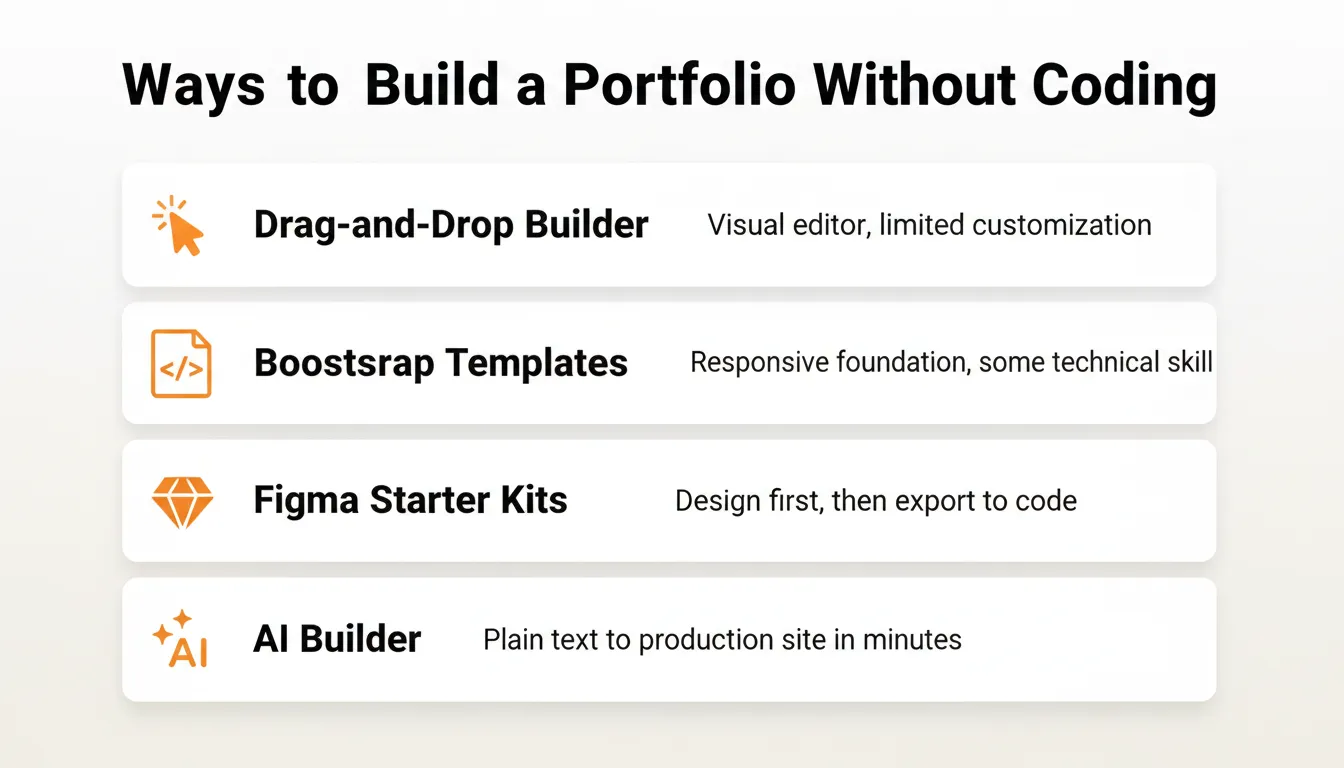
Here are the main paths available today:
- Use a drag-and-drop builder: Wix or Squarespace offer visual editors with pre-built portfolio templates. They are good for beginners, though customization has limits.
- Use Bootstrap-based templates: HTML and CSS frameworks like Bootstrap give you a responsive foundation. They require some technical comfort.
- Use Figma starter kits: Figma lets you design your portfolio visually, then export to code or a web platform. Learn more about converting Figma designs into production code.
- Use an AI builder: describe your portfolio in plain text and get a production-ready Next.js site with full backend, contact forms, and responsive layout; no coding required.
The AI-builder path is the fastest route to a live, functional portfolio. It is especially useful if you want something that does not look like a generic personal portfolio template. For a full breakdown of the no-code approach, this guide on how to create a no-code website covers the options in detail.
How Long Does It Take to Build a Portfolio Website?
The time it takes to build a portfolio website varies dramatically depending on the tool you choose. This is one of the most practical questions to answer before committing to a platform.
| Method | Time to First Live Site | Coding Needed | Ongoing Edits |
|---|---|---|---|
| AI builder (Rocket) | 1 to 3 min generation + polish | None | Chat or visual edit |
| Drag-and-drop (Wix) | 2 to 4 hours | None | Visual editor |
| HTML/Bootstrap template | 4 to 8 hours | Low to Medium | Code edits |
| Figma + developer handoff | 1 to 3 weeks | Yes (developer) | Developer needed |
| Custom coded from scratch | 4 to 12 weeks | Yes | Developer needed |
The biggest time savings come from not having to make design decisions from scratch. Whether you use a personal portfolio template or an AI builder, starting with a proven structure lets you focus on your content rather than your layout.
Top Portfolio Website Templates to Try
These are strong starting points to get your portfolio looking professional fast, without losing your style. The key is matching the template type to the work you want to showcase.
Minimal One-Page Templates
Clean and simple, these let images take center stage while keeping text easy to scan. They are perfect for photographers, designers, or artists who want their work to lead the conversation. You can find options on marketplaces that focus on personal portfolio website templates and starter layouts.
Bootstrap-Based Templates
For those who want a bit of hands-on work without starting from nothing, free HTML templates give a clean, responsive foundation. They work well for creative professionals and developers. They often include project galleries and contact sections.
Drag-and-Drop Platforms
Platforms like Wix offer portfolio website templates that are fully customizable without code. You can add images, project descriptions, galleries, and connect forms to start conversations with potential clients.
Figma Starter Kits
Design systems and personal portfolio templates in Figma let you plan your portfolio first, then turn those ideas into living sites. Many designers start here and then export to a web platform or code.
A good template is more than just pretty. It is a framework that lets your work shine, keeps navigation simple, and makes sure your projects and personality take center stage.
Community Insight
"Astra themes has a few... Qi theme. Some pretty decent free options could work for a personal portfolio." Reddit user
How to Pick the Right Template for You
Choosing a template does not have to be stressful. The right personal portfolio template is the one that matches your goals, your audience, and the type of work you want to show.
Ask yourself:
- What kind of portfolio do you want? Photo gallery, case studies, or interactive work?
- Are you aiming to attract clients or land job offers?
- Do you need a backend with contact forms, user logins, or project filtering?
- How important is site performance and SEO to your goals?
Think in terms of clarity and audience. A good template is not just pretty. It is a tool that helps your work shine and makes your skills immediately obvious to visitors. If you want to test and iterate on your portfolio design quickly, this guide on rapid prototyping for faster results is worth reading.
Portfolio SEO Checklist: Make Your Site Discoverable
A portfolio that nobody finds is a portfolio that does not work. Here is what every personal portfolio website needs to rank and get discovered:
| SEO Element | What to Do |
|---|---|
| Page title and meta description | Include your name, role, and location on every page |
| Alt text on every image | Describe what the image shows, not just "image1.jpg" |
| Semantic heading hierarchy | One H1 per page, logical H2 and H3 structure |
| Fast load time | Aim for under 2 seconds; compress images to WebP |
| Mobile-responsive layout | Google uses mobile-first indexing |
| Structured data (JSON-LD) | Person schema for your name; CreativeWork schema for projects |
| XML sitemap | Helps search engines discover all your pages |
| HTTPS | Required for trust signals and ranking |
| Internal links | Link from About to Projects, from Projects to Contact |
| Descriptive URLs | /projects/brand-identity-redesign beats /project/123 |
Rocket builds semantic HTML, XML sitemap, WCAG accessibility, and HTTPS into every portfolio by default. These are the baseline, not optional extras.
Quick Tips to Make Your Portfolio Stand Out
A few small tweaks can make your portfolio feel more polished and grab attention right away. These tips apply regardless of which template or platform you choose.
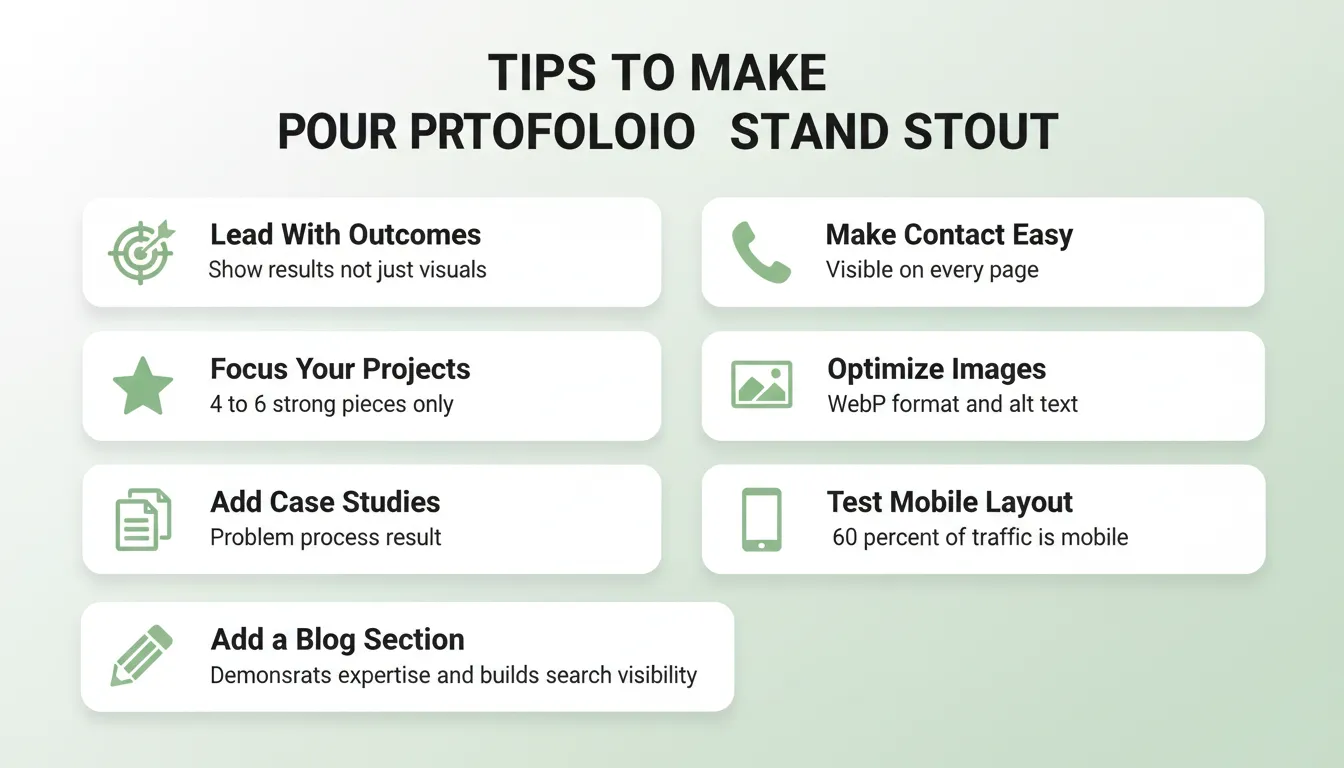
- Lead with outcomes, not just visuals: say "increased conversion by 40%" not just "redesigned homepage"
- Keep your project count focused: 4 to 6 strong projects beat 20 mediocre ones
- Add a short case study to your best work: explain the problem, your process, and the result
- Make contact frictionless: a visible email or contact form on every page reduces drop-off
- Optimize images: use WebP format and descriptive alt text for both SEO and accessibility
- Check your mobile layout: over 60% of web traffic is mobile; test on a real device
- Add a blog or writing section: this demonstrates expertise and builds organic search visibility
Free Resources for Portfolio Templates
Looking for inspiration or ready-to-go layouts? These resources can help you get your work online fast:
- Rocket Templates Library: 25,000+ templates across 42 categories including Portfolio and Agency, Personal and Resume, and Startup and Launch; all customizable with a single prompt
- GitHub Pages: hosting for static portfolio sites; ideal for developers comfortable with HTML and CSS
- **Dribbble and Behance**: design inspiration and community showcases to see what strong portfolios look like
- CSS-Tricks and Smashing Magazine: authoritative resources for frontend techniques and portfolio best practices
Choosing the Right Personal Portfolio Templates
Picking the right personal portfolio website templates makes your website feel polished, professional, and built for your goals. Good templates help showcase work, organize your story, and attract attention from visitors, clients, and leads with minimal effort.
The right template saves time and keeps your portfolio looking consistent across pages and devices. It gives your projects the center stage they deserve and makes your site easy to navigate for anyone checking out your work.
The Portfolio You Build Today Will Still Matter Tomorrow
Personal portfolio website templates are not a one-time decision. As your work evolves, your portfolio needs to keep pace with new projects, updated case studies, and sharper positioning. The right template or platform makes that iteration fast, not painful.
AI-assisted building is closing the gap between what you can imagine and what you can ship. Portfolios that once took weeks to build now take hours. The ones that take hours are starting to take minutes. That trajectory matters for anyone building a career or a creative practice.
Describe your portfolio in plain text. Start building with Rocket.new and launch a site that stands out from day one.
Table of contents
- -What Should Every Personal Portfolio Website Include?
- -What Makes a Great Portfolio Template
- -Who Should Use Which Template Type?
- -How Personal Portfolio Website Templates Are Structured
- -Build Your Portfolio with Rocket
- -What Rocket Build Produces for Your Portfolio
- -How to Use Rocket Templates Step by Step
- -Redesign a Portfolio You Already Have
- -How to Build a Portfolio Website Without Coding
- -How Long Does It Take to Build a Portfolio Website?
- -Top Portfolio Website Templates to Try
- -Minimal One-Page Templates
- -Bootstrap-Based Templates
- -Drag-and-Drop Platforms
- -Figma Starter Kits
- -Community Insight
- -How to Pick the Right Template for You
- -Portfolio SEO Checklist: Make Your Site Discoverable
- -Quick Tips to Make Your Portfolio Stand Out
- -Free Resources for Portfolio Templates
- -Choosing the Right Personal Portfolio Templates
- -The Portfolio You Build Today Will Still Matter Tomorrow

