
AI schema generators turn plain-English descriptions into production-ready database structures in seconds. Rocket combines this with full-stack app generation and Supabase integration, making it the fastest way to go from data idea to deployed application.
How long should it take to go from a data idea to a working, queryable database?
Traditional workflows demand days of entity-relationship mapping, manual SQL authoring, and iterative testing cycles before a single API call can hit your tables.
That timeline no longer makes sense. According to Stanford's 2026 AI Index Report, organizational AI adoption reached 88% in 2025, with generative AI reaching 53% population adoption faster than the PC or the internet. The shift toward natural language interfaces for technical tasks is not a trend; it is the new default for how software gets made.
This blog walks through everything about AI-powered database generation: how the technology works under the hood, which databases it supports, real use cases across startup and enterprise contexts, prompt-writing techniques that produce clean schemas, common failure modes to avoid, tool comparisons, and the path from generated schema to live application.
Why AI-Powered Schema Generation Changes the Development Timeline
Database design has historically been the bottleneck between a product idea and a working prototype. The reasons are structural.
-
Traditional schema design requires specialized knowledge. Understanding normal forms, choosing appropriate data types, mapping cardinality, and planning for query performance demands database expertise that most small teams simply do not have.
-
The AI code generation market hit \$4.91 billion in 2024 and continues growing at a compound annual rate above 20%. Schema generation represents one of the highest-ROI applications because it directly collapses the gap between concept and working software.
-
84% of developers now use or plan to use AI tools in development, per Stack Overflow's 2025 survey. The shift is universal across team sizes and industries.
-
Non-technical founders and product teams get unblocked instantly. Domain experts who understand their business data deeply but lack SQL knowledge can now articulate data models conversationally and receive correct, normalized output.
The contrast between old and new approaches is worth understanding in detail:
| Aspect | Traditional Approach | AI Schema Generation |
|---|---|---|
| Time to first schema | 2–5 days (DBA involvement) | Under 60 seconds |
| SQL knowledge required | Advanced (DDL, constraints, indexes) | None |
| Iteration speed | Hours per structural change | Seconds per change |
| Error surface | High (manual FK, missed constraints) | Low (pattern-matched) |
| Cost | $150–300/hr DBA consulting | Included in platform |
| Normalization quality | Depends on DBA experience | Consistent (trained on millions of schemas) |
| Documentation | Often skipped | Auto-generated with schema |
Teams that adopt AI-assisted database schema generation report shipping working prototypes days ahead of teams still writing DDL by hand.
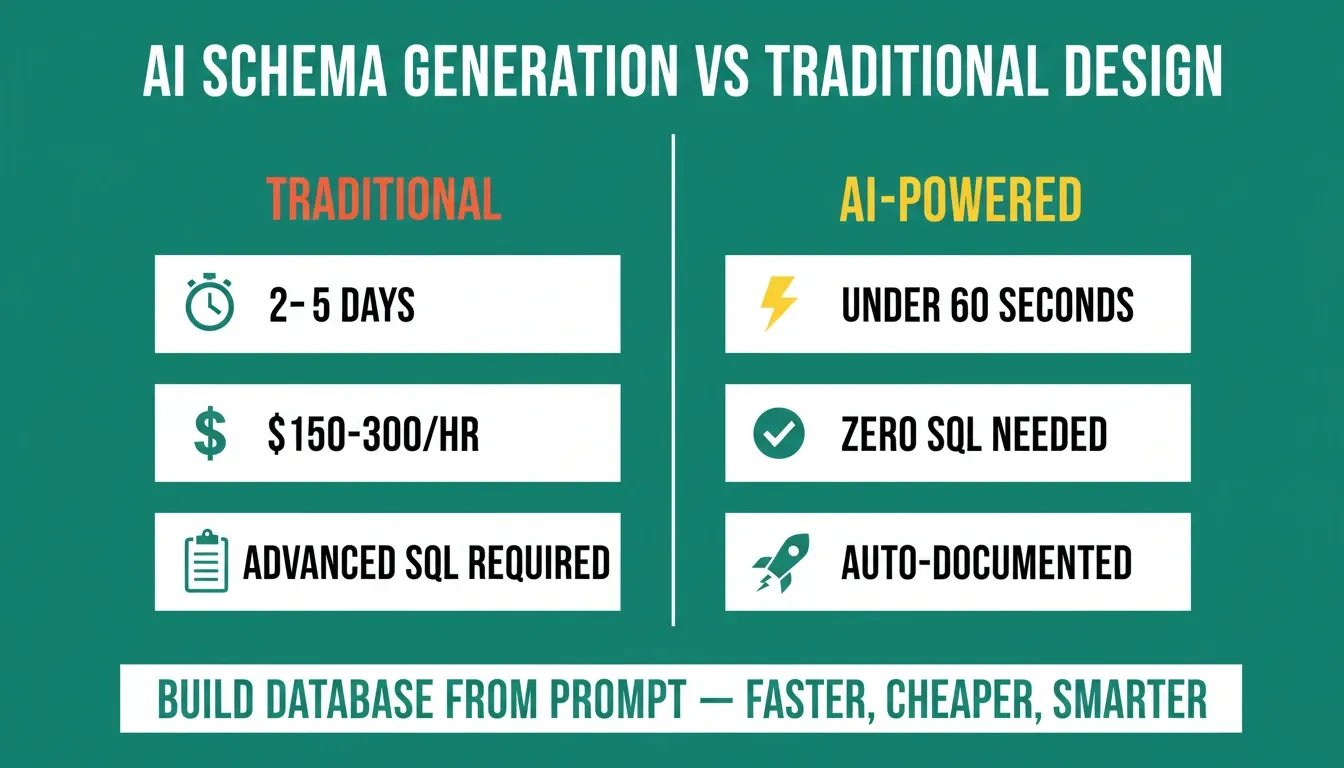
The numbers make the case: AI schema generation collapses days of specialist work into seconds.
How Prompt-to-Database Generation Actually Works
The underlying process follows a predictable pipeline, regardless of which tool you use. Understanding each stage helps you write better prompts and evaluate output quality.
-
Entity extraction. The AI identifies nouns and noun phrases as candidate entities. "Users, projects, and tasks" becomes three candidate tables. Context words like "belong to" and "assigned to" signal relationships.
-
Relationship inference. Words like "each user has multiple," "belongs to," and "can have many" map to specific cardinality patterns. The AI then determines whether a join table is needed (many-to-many) or a simple foreign key suffices (one-to-many).
-
Type inference. Column names like "email" get
varcharwith a unique constraint. "Created at" becomes a timestamp. "Price" maps to decimal. The AI draws from millions of real-world schemas to match names to appropriate data types. -
Constraint generation. Primary keys, foreign keys, NOT NULL constraints, unique indexes, and default values are applied based on entity semantics and relationship structure.
-
Output formatting. Depending on the tool, you receive SQL DDL statements, a visual ERD, a live provisioned database, or all three.
The quality of output depends heavily on prompt specificity. "Social media app" gives the AI almost nothing to work with. In contrast, "social media app with users who create posts, posts can have comments from other users, users can follow other users, each post has a creation timestamp and optional image URL" produces a complete, normalized schema on the first attempt.
The prompt-to-database pipeline: from natural language input through AI processing to live database output.
A Concrete Example: Prompt In, Schema Out
Here is what the process looks like in practice. You provide this prompt:
"A task management app with users, projects, and tasks. Each user can belong to multiple projects. Each task belongs to one project and is assigned to one user. Tasks have a status (todo, in progress, done) and a due date."
The AI produces this table structure:
-
users — id, email (unique), name, created_at
-
projects — id, name, owner_id (FK to users), created_at
-
project_members — user_id (FK to users), project_id (FK to projects) [junction table]
-
tasks — id, title, status (enum: todo, in_progress, done), due_date, project_id (FK to projects), assigned_to (FK to users), created_at
That is a normalized, constraint-enforced schema with correct cardinality — in under 10 seconds. No whiteboard, no DBA, no SQL written by hand.
Writing Prompts That Produce Clean, Production-Ready Schemas
The difference between a schema that needs heavy rework and one that is deploy-ready often comes down to five prompt-writing principles. For a deeper look at prompt craft, see prompt engineering best practices for accurate AI results.
-
Name every entity explicitly. Instead of "e-commerce app," write "e-commerce platform with customers, products, categories, orders, order line items, shipping addresses, and payment records." Every named entity becomes a table.
-
State relationships with cardinality language. "Each customer can have multiple shipping addresses" creates a one-to-many with a foreign key on addresses. "Products can belong to multiple categories" signals a junction table.
-
Specify constraints that matter for your business. Email uniqueness, status field enumerations (active, suspended, deleted), required fields, and soft-delete patterns should all be mentioned explicitly.
-
Include scale indicators. "Expecting millions of order records per month" helps the AI make indexing decisions and choose appropriate column types — bigint vs int, for example.
-
Separate domains into modules. For complex applications, break your prompt into logical sections: "For authentication: users, sessions, password resets. For content: posts, categories, tags, media. For billing: subscriptions, invoices, payments." This produces cleaner schemas with well-defined boundaries.
As a rule, specificity beats brevity every time.
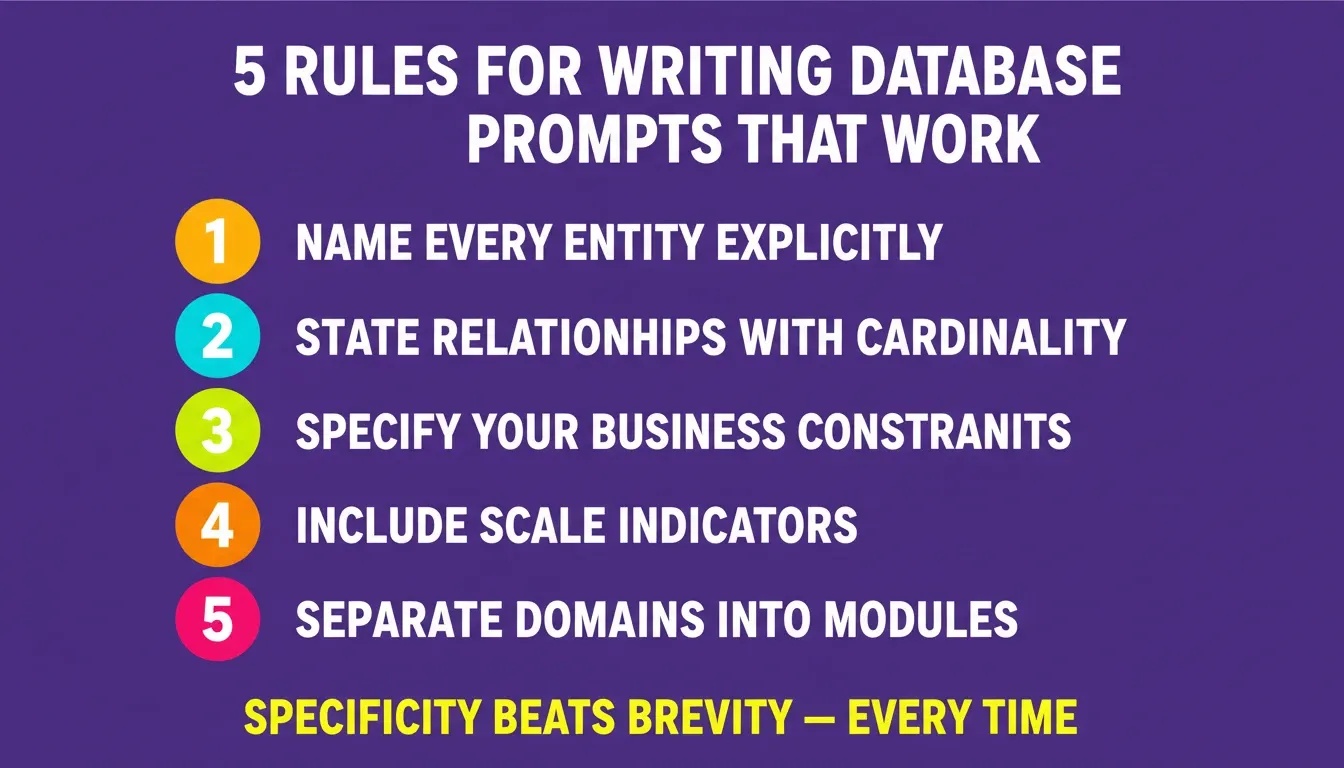
Five rules that separate a deploy-ready schema from one that needs heavy rework — apply all five before you hit generate.
Want to run that exact prompt yourself? Describe your data model in plain English and Rocket generates the schema, wires it to Supabase, and scaffolds the full-stack app in one pass. No SQL, no credit card. The signup link is at the bottom of this page.
Which Database Types Can AI Schema Generators Target?
Not every project needs the same database engine. Fortunately, most AI generators support multiple output formats. For a deeper look at building database-driven websites, the choice of engine matters as much as the schema itself.
-
PostgreSQL holds 16.85% market share as the second most-used open-source database. It handles complex queries, enforces strict data integrity, supports JSON columns for flexible data, and scales to serious production traffic. Most AI generators default to PostgreSQL.
-
MySQL powers a large portion of web applications and CMS backends. Generated schemas are structurally similar to PostgreSQL, with minor syntax differences around auto-increment and constraint naming.
-
MongoDB suits applications with highly variable document structures. When records in the same collection have different fields, AI generators output collection schemas and document structure recommendations instead of relational tables.
-
SQLite works well for local development, mobile apps, and embedded scenarios. Lightweight and serverless, it lets you test schema output locally before deploying to a production engine.
-
Supabase (managed PostgreSQL) adds authentication, row-level security, file storage, and edge functions on top of PostgreSQL. When an AI generator targets Supabase specifically, the output includes RLS policies and auth configuration alongside table definitions.
According to Gartner's projections, 90% of enterprise software engineers will use AI code assistants by 2028. Database schema generation is among the highest-value applications because it directly reduces the time-to-first-query for any new project.
| Database | Best For | AI Output Includes | Migration Path |
|---|---|---|---|
| PostgreSQL | Production apps, complex queries | Tables, constraints, indexes, RLS | Direct deploy |
| MySQL | Web apps, CMS backends | Tables, relationships, triggers | Export SQL file |
| MongoDB | Flexible data, rapid iteration | Collections, document schemas | JSON templates |
| SQLite | Local dev, mobile, embedded | Lightweight table definitions | Single file |
| Supabase | Full-stack apps with auth | Schema, RLS, auth, and APIs | Live in seconds |
Real Use Cases for AI-Generated Database Schemas
Who actually benefits from this technology? The answer spans from solo founders to enterprise teams. If you want to understand how to build a web app without coding, database generation is often the first step that unlocks the entire build.
-
MVP validation for startups. A founder describing "a project management tool with users, teams, projects, tasks, and comments" gets a working data layer in seconds. That means testing with real users days earlier, before committing to a full engineering build.
-
Internal tool generation. Operations teams need dashboards, admin panels, and approval workflows. AI schema generation lets them describe the data model and get a working tool without touching an engineering backlog.
-
SaaS prototyping and iteration. Multi-tenant schemas with organizations, workspaces, roles, and permissions are complex to design manually. AI generators handle these common patterns well because they have trained on thousands of similar structures.
-
Legacy system modernization. Teams migrating from spreadsheets or older databases describe their existing data structures in plain language and receive a modern, normalized schema ready for migration.
-
AI agent memory and orchestration. Agents require persistent storage for conversation history, user context, tool outputs, and orchestration state. AI generators set up these tables with proper relationships between sessions, messages, and metadata.
-
Client project onboarding for agencies. Agencies handling multiple client builds use AI schema generation to go from a requirements brief to a working data layer in their first project session, cutting discovery and architecture time dramatically.
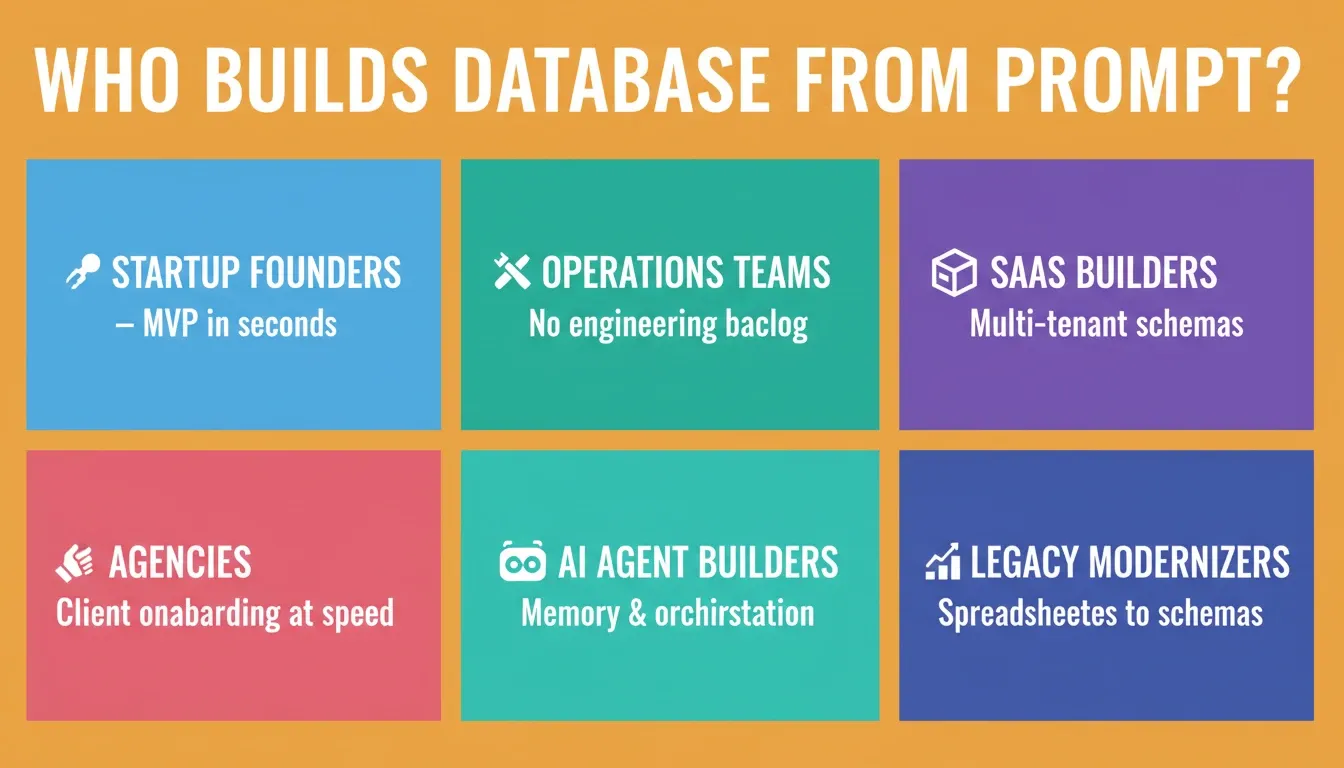
Six teams that ship faster by building database from prompt — from solo founders validating MVPs to agencies onboarding clients.
Where Rocket Fits in AI-Powered Database Workflows
Most schema generators stop at SQL output. You get a file, then spend days provisioning a database, writing API endpoints, handling auth, and building a frontend. The gap between "schema exists" and "working application" is where weeks vanish.
Rocket is the complete vibe solutioning platform, built on three capabilities that work together: Solve (market research, idea validation, and PRDs before you write a line of code), Build (the AI app-building engine that generates full-stack applications from prompts), and Intelligence (continuous competitive monitoring after you ship). 1.5 million people have tried Rocket across 180 countries.
For database-driven applications, the Build capability is where schema generation becomes a deployed product:
-
Rocket connects to Supabase as an integration. Connect once, and every project in that workspace has access to a production-grade PostgreSQL backend with auth, storage, and edge functions built in. No separate database provisioning required.
-
Build against your existing tables directly. Already have a Supabase project with tables and data? Connect it to Rocket and prompt Rocket to build against your existing schema. It reads your table structure and generates a full-stack application from that data layer that references your real column names and relationships.
-
Full-stack generation from a single natural language description. Describe your application once. Rocket handles the data model, row-level security, API layer, authentication flow, UI components, and deployment in one pass.
-
Schema, auth, and queries stay coherent. Traditional tools force you to wire database, auth, and frontend separately. Rocket generates them as one connected system where pages are inherently auth-aware and queries reference real column names.
-
Iteration without drift. Add a feature through chat, and Rocket generates both the schema migration and the UI change in the same step. No drift between what your app expects and what your database provides.
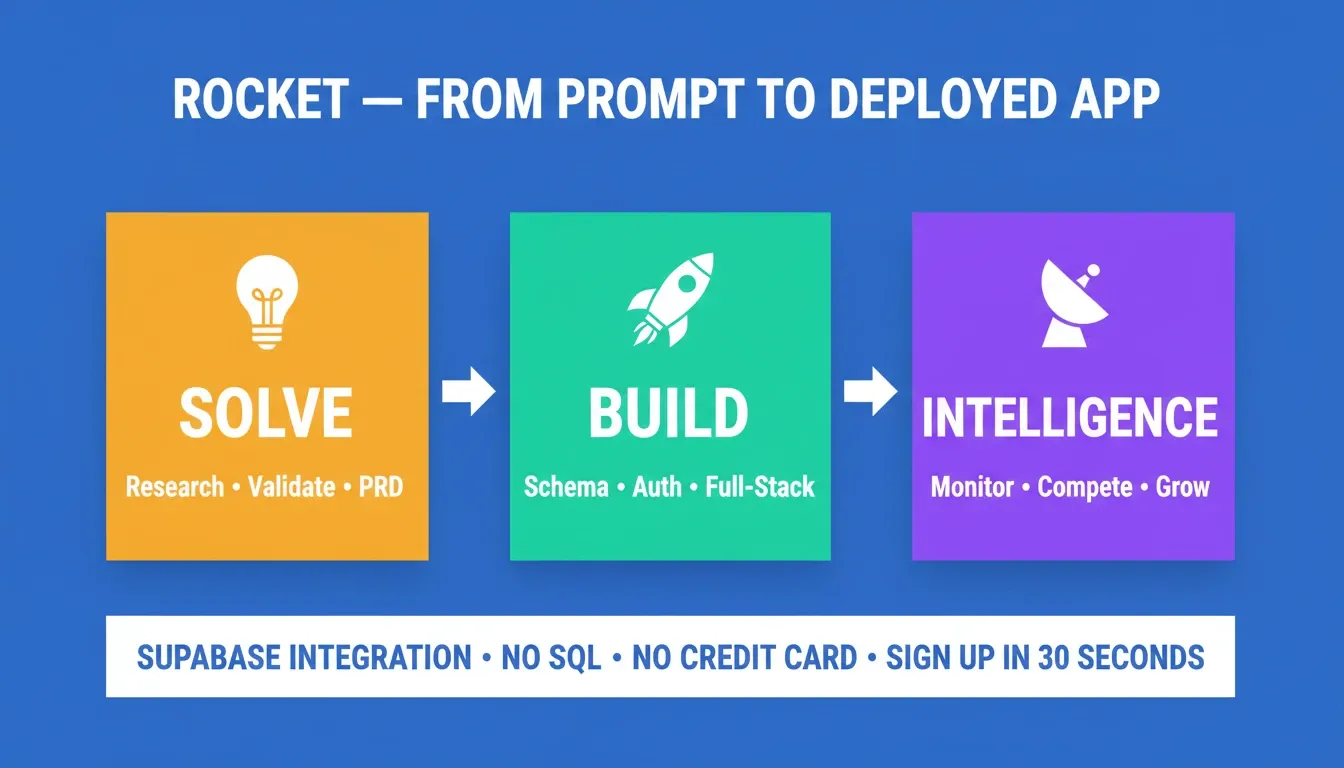
Rocket's three-pillar workflow: Solve validates the idea, Build generates the full-stack app, and Intelligence monitors what happens after you ship.
The gap between a schema generator and a complete build platform comes down to deployment, auth, and coherence. Rocket closes all three in one pass. Research your data model with Solve, generate the full-stack app with Build, and monitor how your product competes with Intelligence.
How Rocket Compares to Other Schema Generation Tools
| Tool | Schema Output | Deployment | Code Export | Full-Stack Generation |
|---|---|---|---|---|
| Rocket | Yes (via Supabase) | One-click (Netlify) | Full source code | Yes |
| Xano | Yes | Proprietary backend | No | Partial (no-code only) |
| Generic LLM (ChatGPT) | SQL file | Manual | N/A | No |
| Bubble | Visual DB | Proprietary | Restricted | Partial |
| Supabase alone | Yes | Yes | N/A | No frontend |
Common Mistakes and How to Avoid Them
AI schema generation is powerful, but it does not eliminate the need for human review. Teams that skip validation often pay for it during scaling.
Vague prompts produce generic output. "Build me a database" gives the AI nothing useful. Always specify entities, their attributes, relationships, and constraints. Generic input produces generic output.
Skipping relationship validation is a common trap. AI infers foreign keys from naming conventions and context words. Ambiguous entity names — like "item," which could reference products, tasks, or inventory — produce incorrect joins. Always verify cardinality before deploying.
Missing indexes for query patterns. Generated schemas include primary keys and foreign key indexes, but rarely include composite indexes optimized for your specific query patterns. Add these manually based on how your application actually reads data.
Ignoring security review. Veracode's 2025 report found that 45% of AI-generated code introduced an OWASP Top 10 vulnerability. Database schemas need the same scrutiny. Check RLS policies, validate that sensitive columns have proper access controls, and confirm that no PII is exposed without auth.
Treating the first schema as permanent. Your data model will change. Choose tools that support versioning and migration scripts. Avoid platforms that make schema evolution painful or require starting over.
Not testing with realistic data volumes. A schema that works with 100 test records may perform terribly with 10 million. Generate test data at expected scale and run query benchmarks before going to production.
A developer on Reddit's r/webdev put it well:
"The AI gets you 80% there in seconds. The last 20% still needs someone who understands normalization, indexing, and query performance."
That balance between AI speed and human expertise defines where this technology provides the most value.
Build Your First Database Schema Today
The ability to build database from prompt is no longer a specialist skill. It is the new default for how data layers get made. As AI adoption accelerates toward the 90% enterprise threshold projected for 2028, teams that build this way will ship faster, iterate without drift, and spend their time on the business logic that actually differentiates their product.
The workflow is straightforward: describe your data model precisely, validate relationships and security policies, then deploy on a platform that connects your schema to authentication, APIs, and a complete frontend in one pass. The thinking before the build determines the quality of the build.
Generate your first database schema free. Describe your data model and get a working schema, Supabase backend, and full-stack app in minutes. No SQL. No credit card. Sign up in 30 seconds with Google, Apple, or email and get your first result in under five minutes.
Table of contents
- -Why AI-Powered Schema Generation Changes the Development Timeline
- -How Prompt-to-Database Generation Actually Works
- -A Concrete Example: Prompt In, Schema Out
- -Writing Prompts That Produce Clean, Production-Ready Schemas
- -Which Database Types Can AI Schema Generators Target?
- -Real Use Cases for AI-Generated Database Schemas
- -Where Rocket Fits in AI-Powered Database Workflows
- -How Rocket Compares to Other Schema Generation Tools
- -Common Mistakes and How to Avoid Them
- -Build Your First Database Schema Today