
A structured candidate screening workspace gives every hiring manager and interviewer the same view, scorecard, and decision timeline, replacing scattered spreadsheets with a tool built around how your team actually hires.
Why do hiring managers with five strong resumes still pick the wrong person?
The answer rarely has anything to do with the candidates themselves. According to Toggl's hiring cost research, the average cost per hire reached $4,700 in recent years. Much of that expense traces back to disorganized evaluation.
Feedback lives in email threads. Candidate details sit in separate spreadsheet tabs that nobody updates at the same time. By the time the team meets to decide, half the context is already missing.
This blog covers what a structured screening workspace must include, how to compare candidates fairly, when to collect feedback, and how to ship a custom tool that matches the way your team actually hires.
Why Hiring Managers Lose Track of Strong Candidates
The problem starts well before the final decision meeting. It begins the moment candidate information enters the recruitment process in different formats and through different channels.
-
Recruiters send shortlists as spreadsheets, PDFs, or email summaries. Each format requires a different mental model to parse.
-
Interview notes end up in personal documents, Slack threads, or nowhere at all. This makes the screening process inconsistent from one candidate to the next.
-
When three weeks pass between a first-round screen and a panel review, the team has no structured way to revisit earlier impressions.
-
Hiring managers juggle their actual job responsibilities alongside candidate evaluation. So any friction in the review process means qualified candidates slip through.
Without a shared evaluation timeline, different interviewers review at different speeds. Nobody knows who has finished their assessment. Since screening criteria are rarely documented before interviews begin, each interviewer evaluates applicants against a different mental checklist.
As a result, teams default to recency bias, favoring whoever they spoke with last. A centralized candidate review system solves this by giving every evaluator the same view at the same time.
What a Candidate Screening Workspace Must Include
A screening workspace is not another applicant tracking system. Instead, it is a focused environment where a hiring manager and their interview panel can see every candidate in context. They can leave structured notes and move toward a decision without switching tools.
| Component | Purpose | Who Uses It |
|---|---|---|
| Candidate profile cards | Consolidated view of resume, portfolio, and recruiter notes | Hiring manager, panel |
| Evaluation scorecard | Standardized criteria so every interviewer rates on the same scale | Interview panel |
| Side-by-side comparison view | Place two or more candidates next to each other across the same criteria | Hiring manager |
| Feedback collection form | Structured input captured within hours of each interview | Interviewers |
| Status tracker | Shows where each candidate stands in the pipeline | Hiring manager, recruiter |
| Decision log | Records why a candidate was advanced or declined for future reference | HR, future reference |
| Role requirements brief | Documented criteria the panel agrees on before the first interview | Hiring manager |
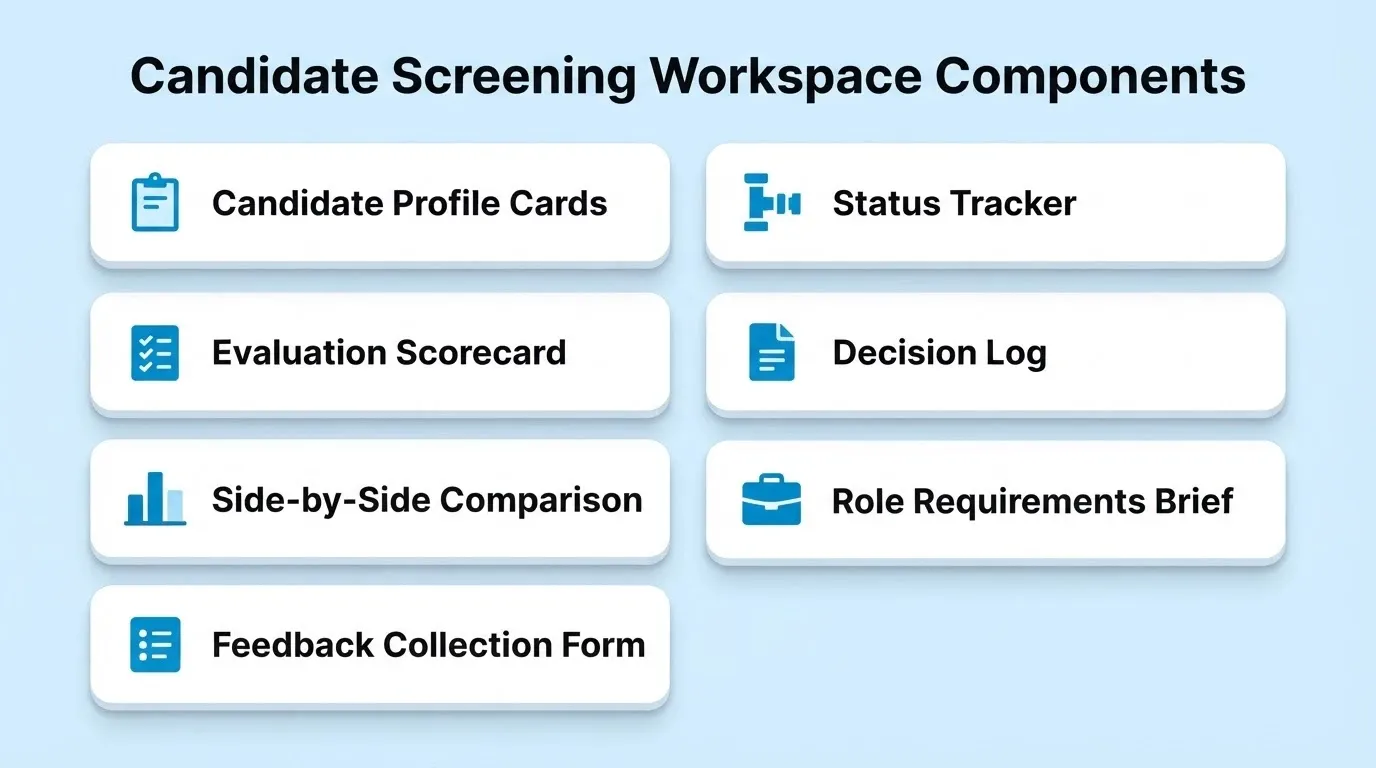
The most overlooked component is the decision log. Teams focus on collecting feedback but skip recording why they made their final choice. Six months later, when a similar role opens, that reasoning is gone. A well-maintained decision log also helps HR teams demonstrate fair and consistent practices during audits.
The role requirements brief is equally undervalued. When the panel has not agreed on what "strong" looks like before the first interview, every interviewer grades against a different standard.
According to Glassdoor research across 25 countries, interview processes averaged nearly 24 days. That timeline stretches even further when teams lack a shared workspace.
How to Compare Candidates Without a Shared View
Comparing candidates fairly requires more than gut feeling. It requires a shared framework that every evaluator can reference before, during, and after the interview process.
Scorecards normalize subjective impressions into comparable data points. This turns candidate assessment into a structured exercise rather than a memory contest. A shared view also removes the "telephone game" effect, where one interviewer's summary colors everyone else's opinion.
Side-by-side layouts let hiring managers spot patterns quickly. For example, one candidate may score high on technical skills but lower on collaboration. Without a shared comparison framework, hiring meetings become a contest of persuasion where the loudest voice wins.
Teams that build internal tools without a developer can create these comparison views tailored to their specific criteria and job description requirements.
When Interview Feedback Must Arrive to Stay Useful
Feedback has a shelf life. The longer an interviewer waits to record their impressions, the less accurate those impressions become.
The best feedback window is within two hours of the interview ending. After that, specific observations start fading into general impressions. Structured forms with pre-defined criteria take less time to complete and produce more consistent data than open text boxes.
Many hiring managers assume that asking interviewers to "send over your thoughts" is sufficient. Without a structured form, however, you get five different feedback formats that cannot be compared across candidates. So talent acquisition teams should aim to collect interview scores within a day or two of each conversation.
Automated reminders tied to the interview calendar eliminate the need for manual follow-up from recruiters. They also improve the candidate experience by reducing decision delays. Moreover, embedding the feedback form directly inside the workspace reduces the friction that causes interviewers to delay submission.
*"The hiring manager initiates the hiring process, and a recruiter plays the role of the project manager by setting up the team, coordinating KPIs, and keeping everyone on track to achieve the end goal." *- Iryna Gazhala, Head of Recruitment at Belkins and Folderly, via Jobvite
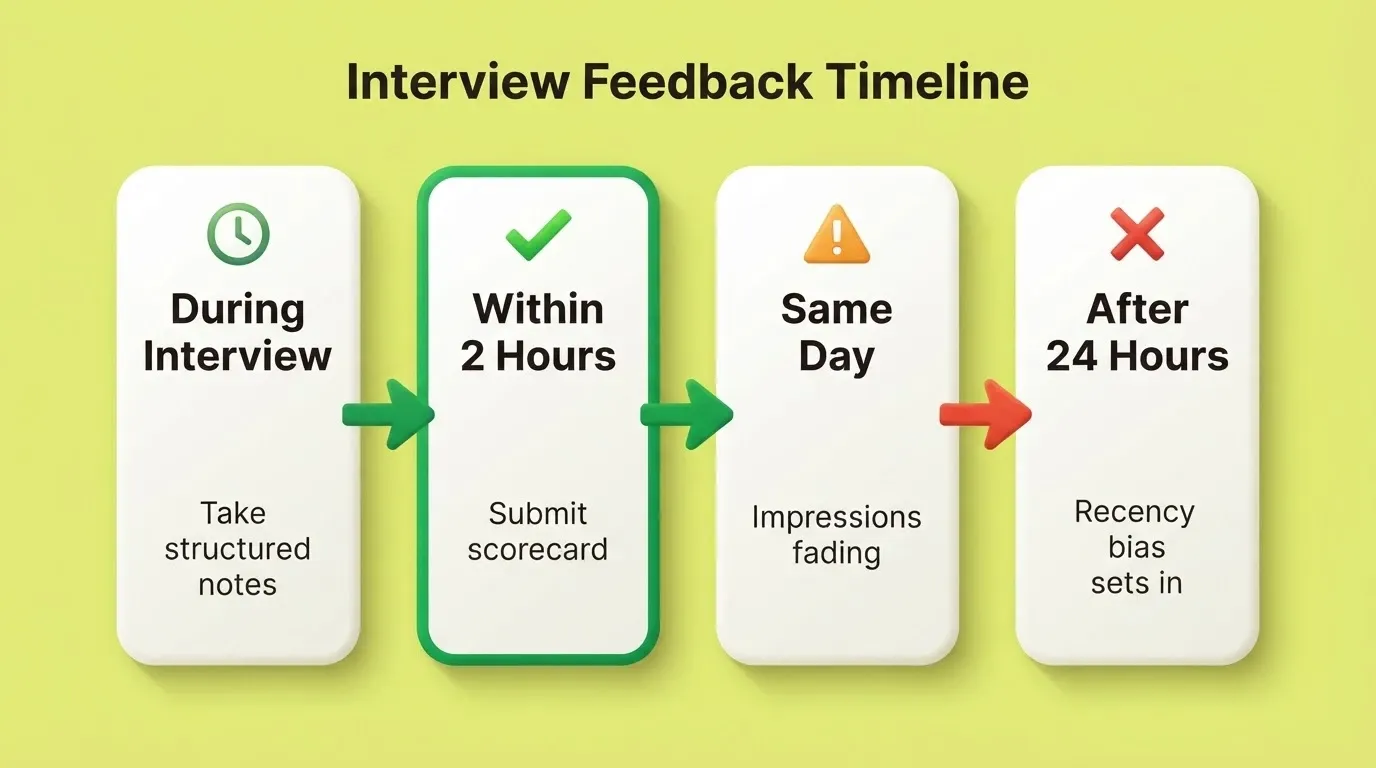
When feedback arrives on time and in a structured format, the decision meeting transforms from a memory test into a data-informed conversation.
What a Screening Workspace Looks Like in Practice
A concrete scenario makes the design decisions easier to understand. Consider a growth-stage company hiring a senior product designer. The hiring manager, two product managers, and a design lead form the panel.
Before the first interview: The hiring manager fills in the role requirements brief inside the workspace. Every interviewer sees the agreed criteria before their first call. This ensures everyone grades against the same standard.
During the screening phase: The recruiter adds each candidate as a profile card with their resume, portfolio link, and a short summary. The workspace shows all candidates in a pipeline view. So the hiring manager can see at a glance who is at what stage and who has not yet been reviewed.
After each interview: The interviewer opens the feedback form directly in the workspace and scores the candidate against the documented criteria. The form takes four minutes. The hiring manager then sees the score within hours, not days.
At the decision meeting: The hiring manager pulls up the side-by-side comparison view. Three candidates are visible across the same scorecard dimensions. The conversation starts from data, not memory. Finally, the decision log records the outcome and the reasoning.
Six months later: A similar role opens. The hiring manager opens the decision log and sees what criteria mattered most. That becomes the starting point for the new role requirements brief. This is what a screening workspace actually produces: not just a faster hire, but compounding institutional memory about what good looks like for your team.
How to Build a Candidate Screening Workspace with Rocket
Most hiring managers who want a better screening process face a familiar choice. They can adopt an enterprise applicant tracking system that does far more than they need. Or they can keep patching together spreadsheets and email. Rocket gives them a third option.
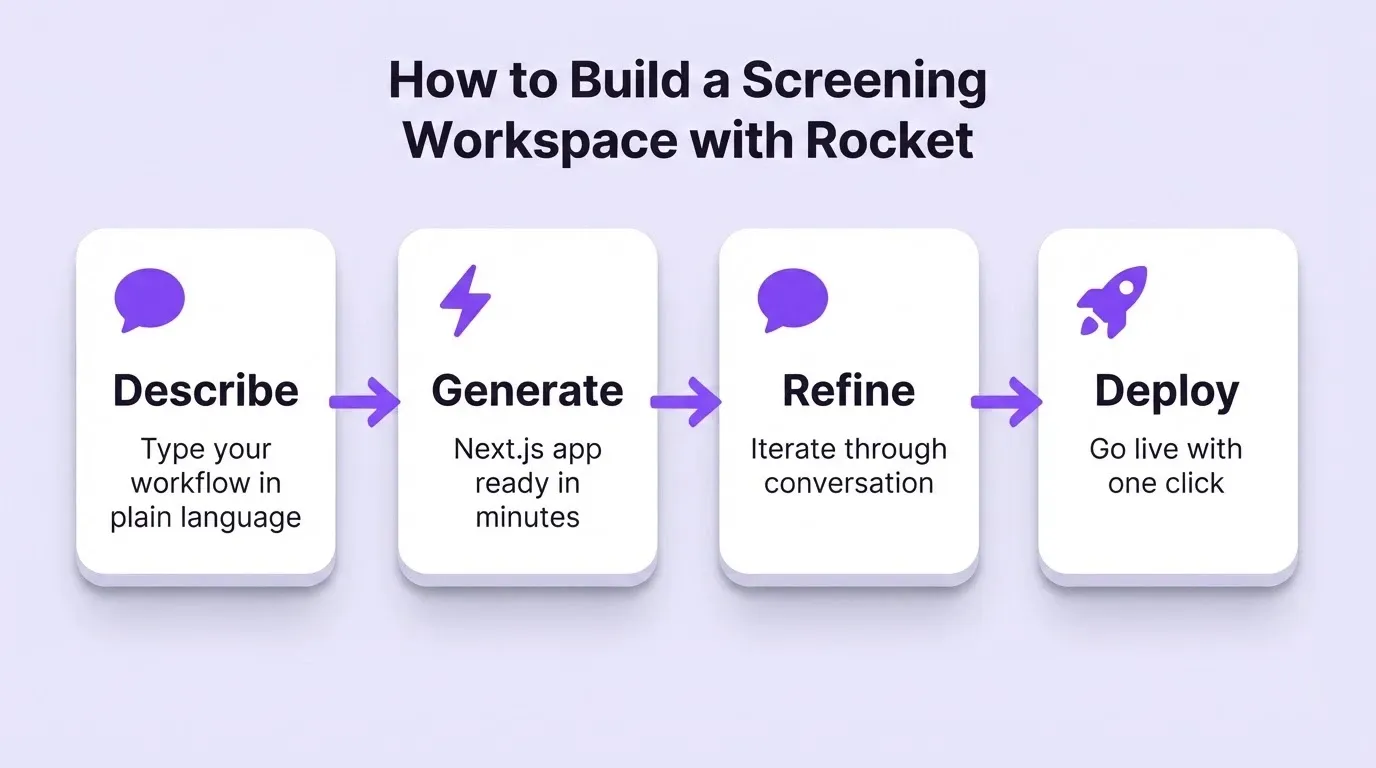
Rocket's Build capability generates production-grade internal tools in Next.js from plain language descriptions. You describe your screening workflow, and Rocket generates a working web app with candidate profile cards, scorecard templates, comparison views, and status tracking. The first version ships in minutes, not months.
Every build starts from project context. If you have already run research on your hiring criteria, role requirements, or team structure, that context carries directly into the tool Rocket generates. Nothing gets re-explained. You can then iterate through conversation: add a new field, change the scorecard scale, or introduce a pre-employment assessment step by describing what you want in chat. No code is required.
Teams already using Rocket for internal tools and admin panels have found that the same platform handles hiring workflows, onboarding portals, and operational dashboards without adding new subscriptions.
Screening Tool Comparison: What Fits Which Team
Understanding where different tools fit helps hiring managers make the right choice for their situation. Here is a straightforward comparison.
| Tool Type | Best For | Limitations for Screening |
|---|---|---|
| Enterprise ATS (e.g., Greenhouse, Lever) | Recruiting teams running 50+ roles per year | Months of configuration, per-seat licensing, more than most hiring managers need |
| General-purpose tools (e.g., Notion, Airtable) | Teams comfortable with manual setup | No built-in evaluation logic, requires rebuilding for every new role |
| Spreadsheets | Single-interviewer, single-candidate reviews | Breaks down with multiple interviewers or parallel candidates |
| Custom workspace built with Rocket | Hiring managers running 1-10 searches per year | Requires describing the workflow; not a pre-built ATS |
Enterprise ATS platforms serve recruiting teams running dozens of open roles. They require months of configuration, training, and per-seat licensing. Hiring managers who run one or two searches a year end up paying for infrastructure they will never use.
General-purpose tools like Notion or Airtable can be configured for the hiring process. However, they need manual setup for every new role and offer no built-in evaluation logic or structured screening workflows. Rocket sits in the gap: a custom workspace built around your team's actual process, shipped in days, without engineering involvement.
Common Mistakes That Make Candidate Screening Harder
Even well-intentioned teams make the screening process harder than it needs to be. Here are the patterns that show up most often.
-
Skipping the scorecard and relying on free-text feedback. Open-ended notes feel flexible, but they make comparison nearly impossible when five interviewers each describe candidates in completely different terms.
-
Using a single shared document instead of a purpose-built workspace. Google Docs and shared spreadsheets create version conflicts the moment two people edit simultaneously.
-
Waiting until all interviews are complete before collecting any feedback. By that point, early impressions have degraded and recency bias dominates the conversation.
-
Failing to assign clear ownership of the decision timeline. Without someone tracking deadlines, strong candidates accept other offers while the team deliberates.
-
Treating resume screening as the entire candidate review. A resume tells you what someone has done, not how they approach new problems or work with a team.
-
Building the workspace after the search has already started. The best time to set up scorecard templates is before the first resume arrives.
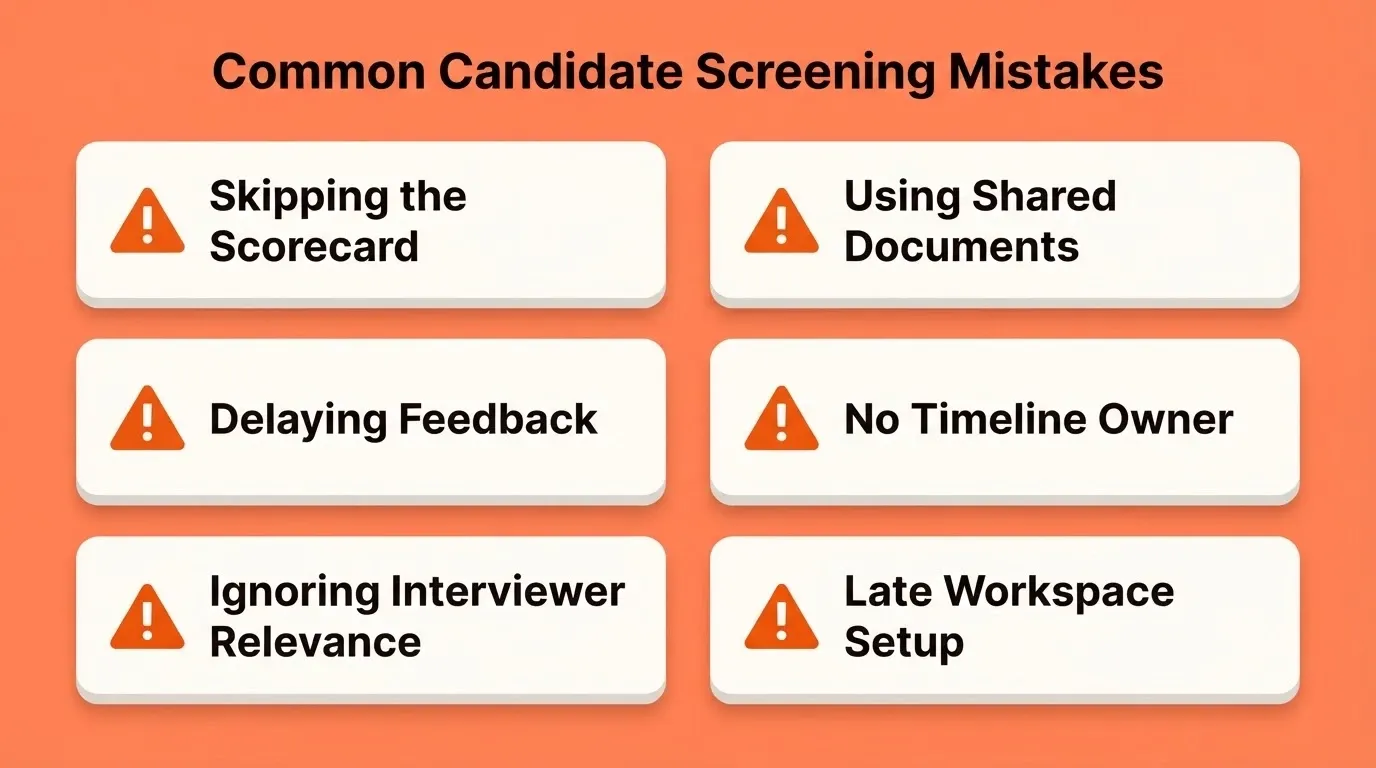
Each of these mistakes adds days to the hiring timeline. More importantly, they increase the chance of losing a top candidate to a faster-moving competitor.
Build Your Candidate Screening Workspace Today
Hiring decisions deserve better infrastructure than a forwarded email chain and a hastily updated spreadsheet. When every interviewer sees the same candidate data, scores against the same criteria, and submits feedback within hours, the decision meeting becomes genuinely productive.
As hiring teams grow and searches run in parallel across departments, the need to build a candidate screening workspace that compounds institutional knowledge will only increase. The teams that get this right now will make faster, more consistent hiring decisions for every role that follows.
Describe your hiring workflow on Rocket.new and ship your custom screening workspace this week.
Table of contents
- -Why Hiring Managers Lose Track of Strong Candidates
- -What a Candidate Screening Workspace Must Include
- -How to Compare Candidates Without a Shared View
- -When Interview Feedback Must Arrive to Stay Useful
- -What a Screening Workspace Looks Like in Practice
- -How to Build a Candidate Screening Workspace with Rocket
- -Screening Tool Comparison: What Fits Which Team
- -Common Mistakes That Make Candidate Screening Harder
- -Build Your Candidate Screening Workspace Today

