
Rocket.new generates production-ready admin panels and internal tools from a single prompt, with auth, role-based access, and database setup built in. No coding needed, no backlog, no waiting.
Rocket is a full-stack AI app builder that generates production-ready admin panels, dashboards, and internal tools from a single natural language prompt, with built-in auth, role-based access, database setup, and security controls. No coding needed.
Building internal tools used to mean waiting weeks for an overloaded engineering team to clear the backlog. Not anymore. Rocket is the full-stack AI app builder that lets you describe your admin panel or reporting dashboard in natural language and get a production-ready application from a single prompt. No coding skills needed, no waiting, no security gaps. 76% of developers are already using or planning to use AI tools in their workflow. For internal tools, that shift is where things get real.
Every company has a website. Not every company has the internal tools to match it. That is the gap Rocket was built to close.
Last updated: September 2026
The Real Problem with Building Internal Tools
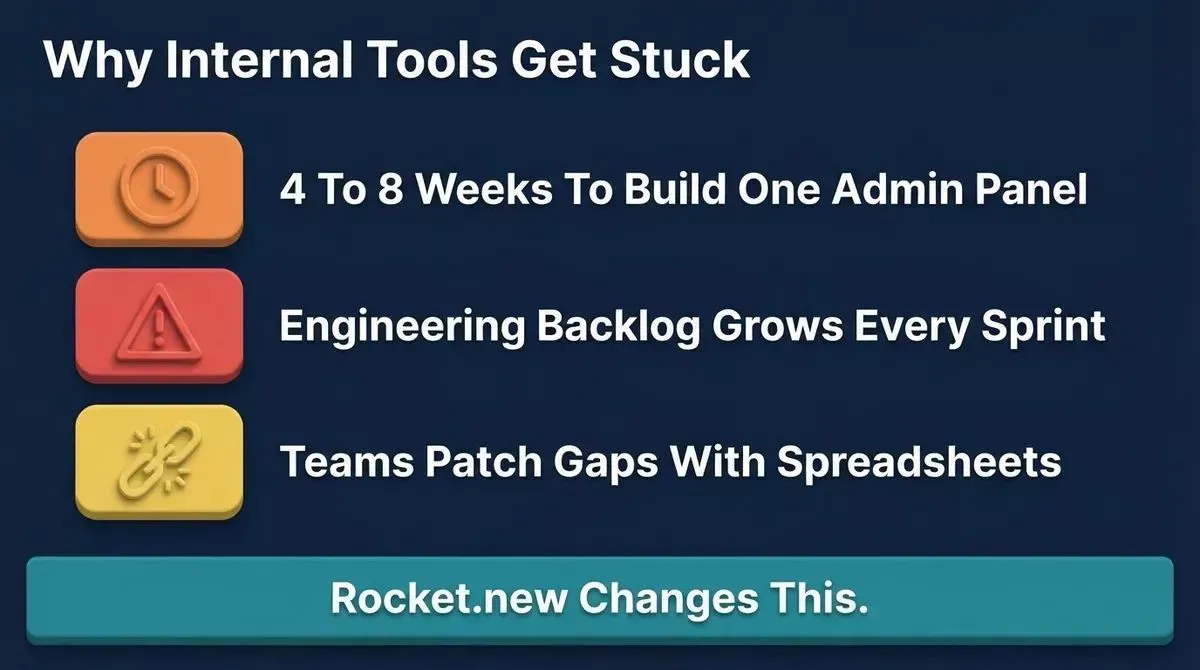
Why internal tools pile up: timelines, backlog pressure, and workarounds that break under scale
Every growing team hits the same wall. They need a web app for internal use: an admin panel for managing users, a reporting dashboard for tracking operations data, a portal for onboarding employees, or a data management screen for the support team. These tools are not glamorous. They do not ship to customers. But they are the backbone of how teams function day to day.
The trouble is, internal tools always compete with the product for engineering bandwidth, and they almost always lose. The backlog grows, teams keep waiting, and people end up patching together spreadsheet workarounds that break under pressure.
Building internal tools through traditional development carries real overhead. Every new internal tool needs a developer to scope it, design the data model, write the backend logic, wire up authentication, and test the security. That is four to eight weeks for something the team needed yesterday.
How Rocket Approaches Internal Tools Differently
Rocket is not just an app builder. It is a vibe solutioning platform built on three pillars that work together: Solve for research and scoping, Build for app generation, and Intelligence for competitor monitoring. For internal tools specifically, this means you can use Solve to scope your requirements and define data models before a single line of code is generated, then hand off directly to Build to generate the full application.
Vibe coding tools changed the conversation. The idea is simple: describe what you want to build in natural language, press enter, and watch a working application appear. No coding skills needed, no sprint planning, no waiting months for a developer to get started.
Tools like Bolt and Lovable brought vibe coding to a wide audience. For landing pages and simple frontend projects, they work well. But the most common comment from teams trying to use Bolt for internal tools is that auth is missing and backend wiring requires manual developer work. That is the unsolved part. That is what Rocket fixes.
Why Rocket Is the Right AI App Builder for Internal Tools
Rocket is a full-stack AI app builder. You describe your internal tool using a natural language prompt, and Rocket creates functional applications and custom code: frontend pages, backend logic, database, authentication, and security controls. Whether you are building an admin panel, a customer portal, or a data management app, Rocket handles the complete stack.
Backend integration also automates database design and server configuration, making app building faster and more accessible. The result is a production-ready application, not a prototype that looks good in a screenshot but falls apart in use.
- Describe your tool in plain language: "Build an admin panel for managing customer orders with role-based access."
- Rocket generates the full application from a single prompt, frontend, backend, and database.
- Test the working application using live preview, where every page loads and works in real time.
- Refine with follow-up prompts and use the visual editor to adjust pages, layout, and logic.
- Deploy to a custom domain or Rocket-hosted URL when it is ready.
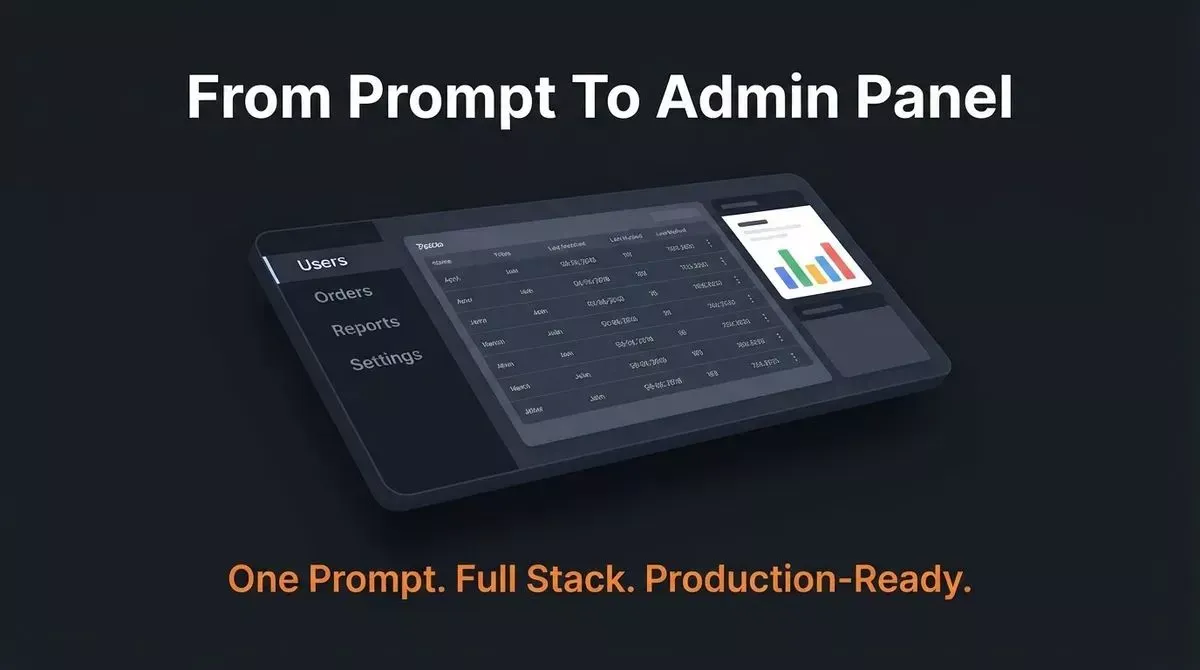
One natural language prompt generates the complete application stack: frontend, backend logic, database, and authentication
Backend Logic, Database Setup, and Authentication Built In
Most AI app builders stop at the frontend layer. Rocket generates full apps with everything a real internal tool needs:
- Backend logic handles data flows, API connections, and business rules
- Database setup and schemas are generated automatically and wired into the application via Supabase (Postgres), Airtable, and Strapi
- Authentication is built in by default with user authentication, sign-in flows, user accounts, and session management
- Data storage is structured and connected from the first build
- Security controls apply data encryption across every layer of the generated application
Rocket also includes native internal tool templates with built-in API creation layers that connect UI elements to live databases and services. Auth just works from the first generation, though more advanced use cases may still need custom logic, especially when teams are building larger apps.
Editable Code and Full Code Ownership
Unlike most no-code tools, Rocket gives you the actual code instead of trapping you in a typical no-code platform. Full code ownership means your team is never locked in:
- Code export lets you download the full codebase whenever you want, with exported code that is structured, editable, and easy for developers to keep building on
- That code can be hosted on any infrastructure, which eliminates vendor lock-in
- A Figma file can be imported to start from your existing design instead of a blank prompt
- Developers on your team can edit, extend, and maintain everything Rocket builds
- Two-way GitHub sync keeps your project connected to version control, and the deployment workflow can push applications directly to repositories after deployment
Full code ownership is what makes Rocket a long-term home for building internal tools, not just a shortcut for mockups that get thrown away. Learn more about why Rocket generates Next.js and Flutter for production-ready output.
Role-Based Access, Security, and Compliance for Internal Tools
Internal tools handle sensitive data. Security is the starting point, not an add-on. Rocket includes key features in its security posture across every application it generates:
| Security Feature | What It Does |
|---|---|
| Role-based access | Control who can view, edit, or manage each part of the application |
| Authentication flows | User accounts and sessions managed with proper auth from the first build |
| Row-level security | Supabase protects data access at the database layer by default |
| Staging vs. production | Test changes without touching live data |
| Enterprise controls | SSO support and additional compliance controls for larger teams |
Security does not need to be bolted on after the fact. Whether you are building for five users or five hundred, the security posture is production-ready by default. For enterprise SSO and compliance requirements, contact the Rocket team directly.
Rocket vs. Other AI App Builders for Internal Tools
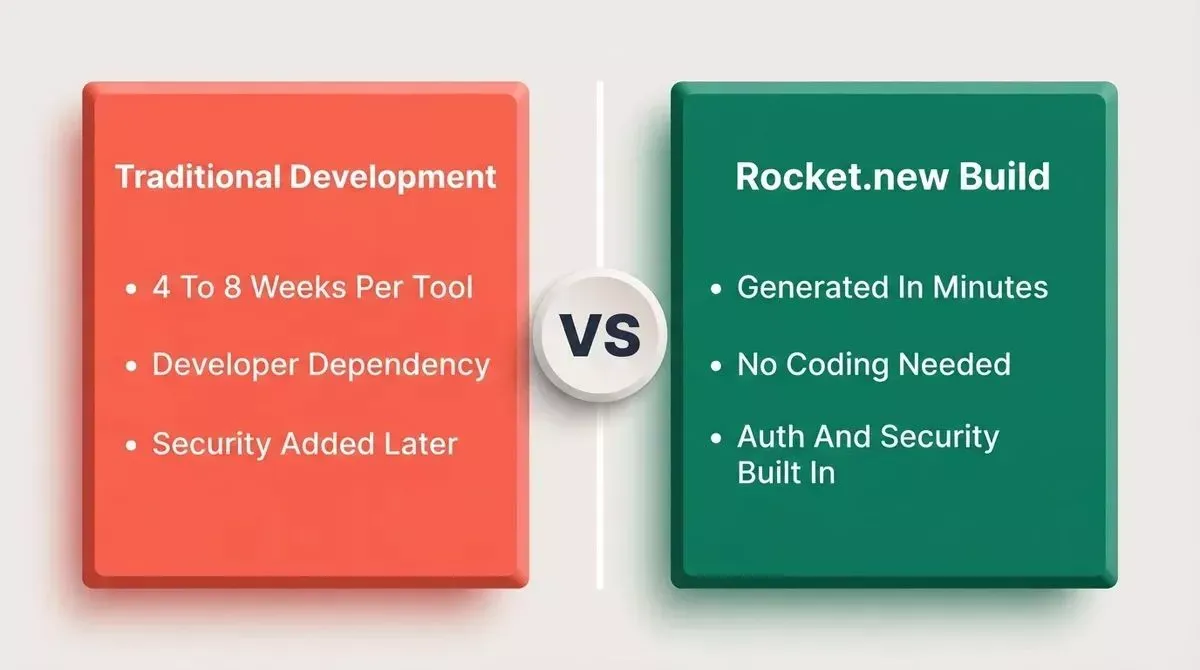
Traditional development takes 4 to 8 weeks per tool. Rocket generates the full stack in minutes.
Rocket generates the full stack from a single natural language prompt. That is what makes it the right home for internal tools and admin panels. See a detailed breakdown in the Rocket vs. Bolt comparison.
| Feature | Rocket | Bolt | Lovable | Cursor |
|---|---|---|---|---|
| Full-stack app generation | Yes | Partial | Partial | Code editor only |
| Backend logic | Yes | Limited | Limited | Manual |
| Authentication (auth) | Built in | No | Partial | Manual |
| Database setup (Supabase) | Yes | No | Partial | Manual |
| Security controls | Built in by default | Minimal | Minimal | Manual |
| Full code ownership | Yes | Yes | Yes | Yes |
| Flutter mobile apps | Yes | No | No | No |
| Role-based access | Yes | No | No | Manual |
| 25+ connectors | Yes | No | No | No |
| Free plan | Yes | Yes | Yes | Yes |
Bolt works well for frontend projects. Lovable is a solid choice for marketing prototypes. But for internal tools that need real auth, real security, a real backend, and real data flows, both tools fall short.
Cursor is a developer code editor, and building real apps with Cursor still requires full coding knowledge; there is no app generation for non-developers. Some teams prioritize speed over design control, and Rocket is strongest when that tradeoff matters more than pixel-level customization.
Building With Rocket: The Full Workflow
You can watch Rocket generate the app in live preview as pages and components appear in real time. The full internal tool recipe in the Rocket docs walks through each step with example prompts.
Real Internal Tools Being Built on Rocket
92% of developers are already using AI coding tools both in and outside of work. The productivity gains are real, but only when the tool builds the full stack, not just the frontend layer.
Teams from solo builders to large product teams are building the same types of internal tools every week on Rocket:
- Admin panels for managing users, roles, permissions, and content with security controls
- Reporting dashboards connected to live data sources with real-time pages
- Employee onboarding portals with document tracking and workflow steps
- Customer support tools with ticket management and auth-controlled access
- Procurement and vendor trackers with approval workflows and data management views
- HR portals for leave requests, policy pages, and team structure management
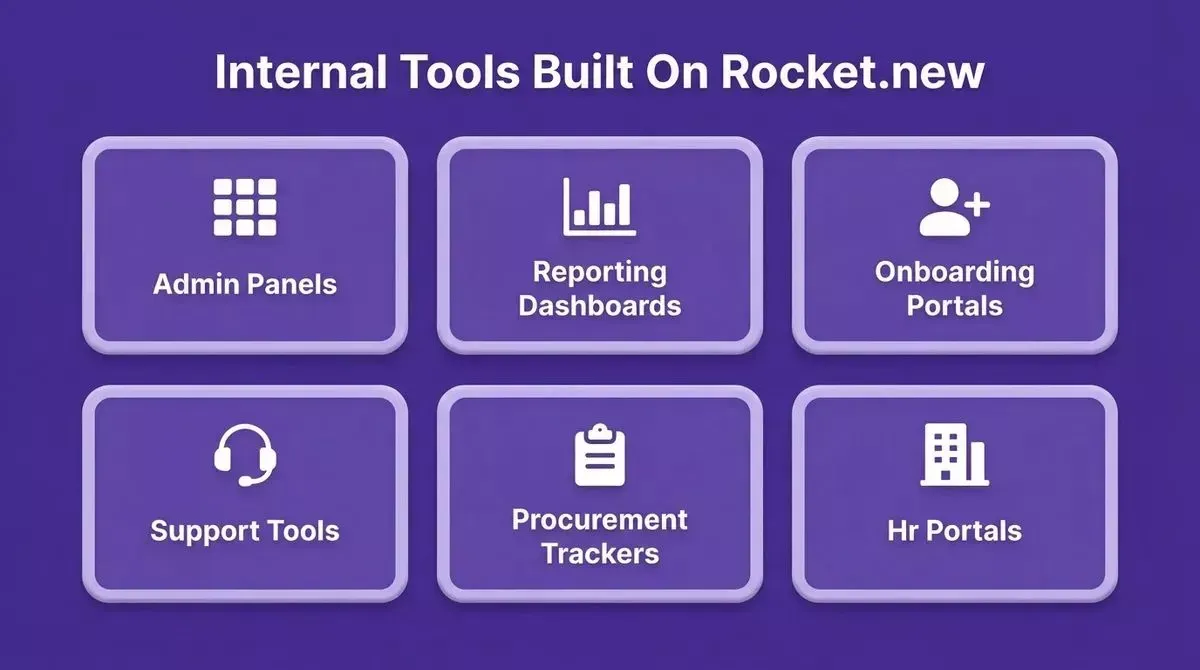
The six most common internal tool categories teams build on Rocket.new every week
Rocket connects to 25+ third-party services, including Stripe, HubSpot, Supabase, Airtable, and Twilio, so your internal tools can plug into the systems your team already uses. You can also explore how AI app builders compare on cost to understand the full ROI before you start.
Free Plan and Getting Started With App Development
You do not need coding skills to get started. And you do not need a paid plan either.
The free tier gives you 20 credits to build and test real web apps and admin panels. No credit card required, no complex setup before you start building.
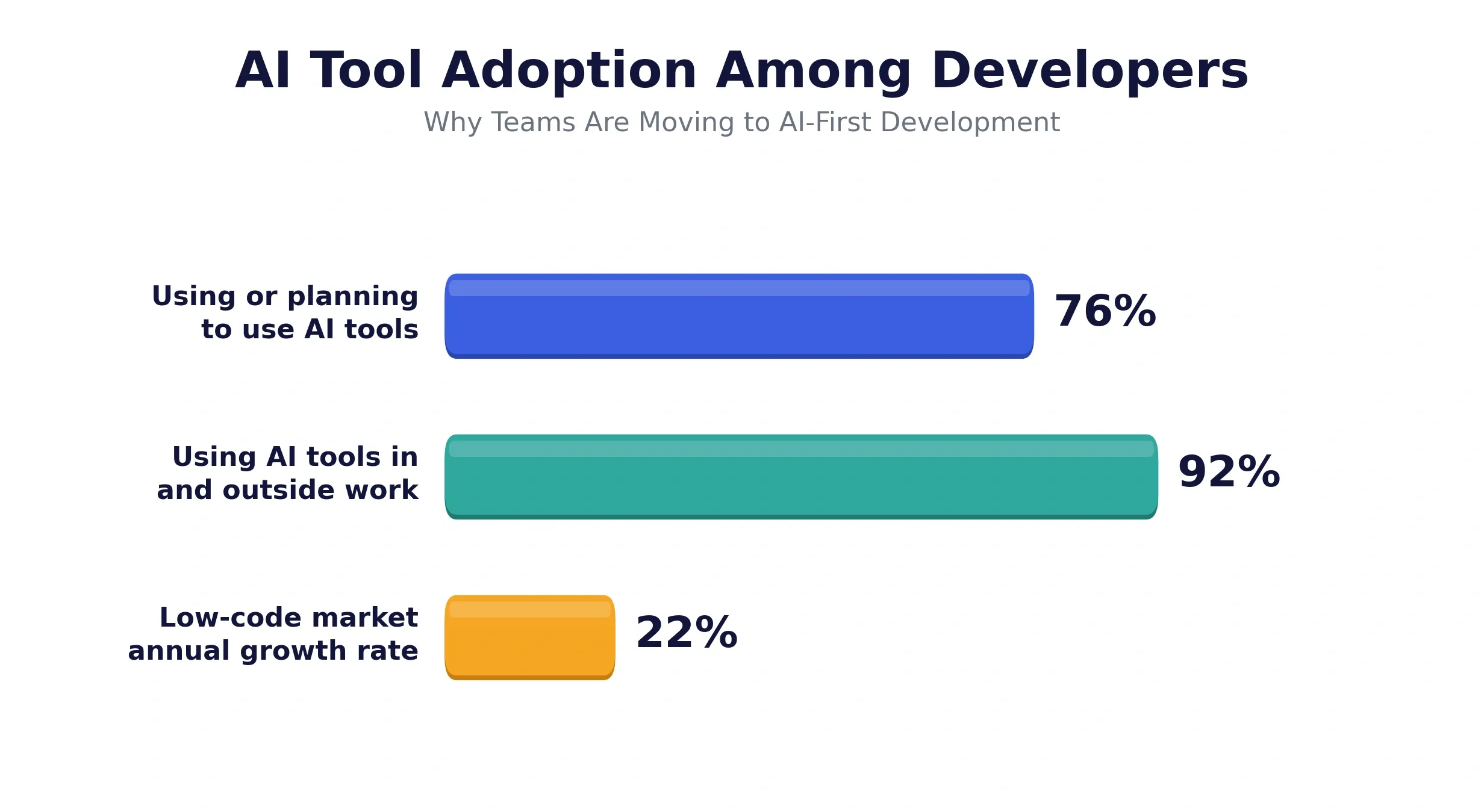
Developer adoption of AI tools is accelerating. The low-code market is projected to reach USD 95.82 billion by 2035, growing at 22.24% annually.
Rocket also has paid plans starting at $25/month with the Pro Plan, which includes 100 credits per month. Higher tiers include the Rocket plan at $50/month (250 monthly credits) and the Booster plan at $250/month (1,500 monthly credits). On all paid plans, you can buy additional credits on top of your subscription as needed. Unused credits expire at the end of your billing cycle if you cancel your plan. See the full pricing breakdown for details.
- Visit Rocket.new, sign up, and create a free account in under a minute.
- Open a new project and describe the internal tool you want to build in plain language.
- Let Rocket generate the full application and open the live preview.
- Test every page, refine with follow-up prompts, and use the visual editor for adjustments.
- Deploy when ready, Rocket-hosted or on a custom domain with your integrations connected.
Teams that used to wait months for developers are now building it themselves today, fast, and without waiting.
If your team is done waiting on internal tools, sign up for Rocket and build your first admin panel today, no coding required, no credit card needed.
Table of contents
- -The Real Problem with Building Internal Tools
- -How Rocket Approaches Internal Tools Differently
- -Why Rocket Is the Right AI App Builder for Internal Tools
- -Backend Logic, Database Setup, and Authentication Built In
- -Editable Code and Full Code Ownership
- -Role-Based Access, Security, and Compliance for Internal Tools
- -Rocket vs. Other AI App Builders for Internal Tools
- -Building With Rocket: The Full Workflow
- -Real Internal Tools Being Built on Rocket
- -Free Plan and Getting Started With App Development