
A structured SaaS development workflow covers idea validation, tech stack selection, CI/CD setup, and post-launch scaling the difference between products that grow and ones that stall under technical debt.
Why Do Most SaaS Products Fail Before They Scale?
The global SaaS market hit $312 billion in 2026, growing at 14% annually according to Searchlab's SaaS Statistics Report. So why do the majority of SaaS startups still stall before reaching product market fit?
The answer traces back to the SaaS development process itself. Teams that skip idea validation, pick the wrong tech stack, or underestimate cloud infrastructure costs burn through months of development resources. They ship nothing usable. A structured development process separates the SaaS products that scale from the ones that collapse under technical debt.
This blog walks through every key stage. It covers market research, MVP development, cloud deployment, and post-launch iteration based on real user feedback.
What Makes Cloud-Based Software Different from Traditional Models?
Before selecting your SaaS development process, it helps to understand how software as a service differs from traditional software. Unlike traditional software that runs on local machines, SaaS apps live on cloud infrastructure. They serve multiple customers through a shared environment.
| Factor | SaaS Model | Traditional Software |
|---|---|---|
| Delivery | Cloud based, browser access | On-premise installation |
| Pricing | Subscription model, usage based | One-time license fee |
| Updates | Automatic, continuous updates | Manual patches, costly redesigns |
| Architecture | Multi-tenant architecture | Single tenant, dedicated servers |
| Scaling | Easily scale with cloud providers | Requires hardware investment |
| Initial Costs | Low initial costs, pay as you grow | High upfront development costs |
| Maintenance | SaaS provider handles ongoing maintenance | Internal team manages everything |
The SaaS business model creates a fundamentally different SaaS development lifecycle. Your development team builds for multiple customers sharing cloud infrastructure from day one. As a result, decisions about multi-tenant architecture, data storage, and security compliance happen early rather than as afterthoughts.
Users access SaaS applications through any internet connection and browser. This shifts the development focus toward user interface performance, accessibility across devices, and maintaining high availability. This cloud-based approach lets SaaS companies deliver new features through frequent releases. Customers do not need to install anything.
Understanding these differences matters because they shape every architectural pattern you choose from the start of your SaaS project.
What are the core components of a SaaS architecture?
Every production-grade SaaS architecture shares four foundational layers:
-
Frontend layer — the user interface served to browsers or mobile devices, typically built with React, Next.js, or Flutter
-
Backend/API layer — business logic, authentication, and data processing, exposed via REST or GraphQL APIs
-
Database layer — structured data storage (PostgreSQL for relational data, Redis for caching, MongoDB for document storage)
-
Infrastructure layer — cloud hosting, CDN, load balancing, and auto-scaling rules on AWS, Google Cloud, or Azure
Multi-tenancy is the architectural decision that defines SaaS from the ground up. It lets you serve multiple customers from shared infrastructure while keeping their data isolated. Getting this right early prevents the most expensive rewrites in the SaaS development lifecycle.
How Does Idea Validation Shape Your Product Roadmap?
The first step in any SaaS product development process starts well before writing code. Idea validation determines whether enough market demand exists to justify building your SaaS solution. It saves teams from building features nobody needs.
-
Conduct customer discovery interviews with 15 to 30 potential users to identify pain points. Confirm your SaaS idea addresses a real problem people will pay to solve.
-
Run market research using competitor analysis, search volume data, and community forums. This helps you gauge the target market size and existing SaaS offerings.
-
Build a simple landing page or smoke test to measure demand before committing development resources. Early adopters who sign up validate your assumptions with real evidence.
-
Define your minimum viable product (MVP) scope by listing only the core workflow that solves the primary problem. Cut anything that adds complexity without proving value.
-
Set measurable business objectives for your MVP launch: target audience response rate, early feedback quality, and willingness to pay.
Successful SaaS products like Dropbox and Slack started with this approach. Dropbox validated demand with a simple video before building the full SaaS platform. It proved product market fit through a waitlist of early users. Building a B2B SaaS product follows the same principle: validate first, build second.
According to Vena Solutions' SaaS benchmarks, the median growth rate for private SaaS companies with less than $1M ARR is 50%. This shows that early-stage SaaS startups with validated ideas grow fastest when they focus resources on the right problems.
How do you validate a SaaS idea before building?
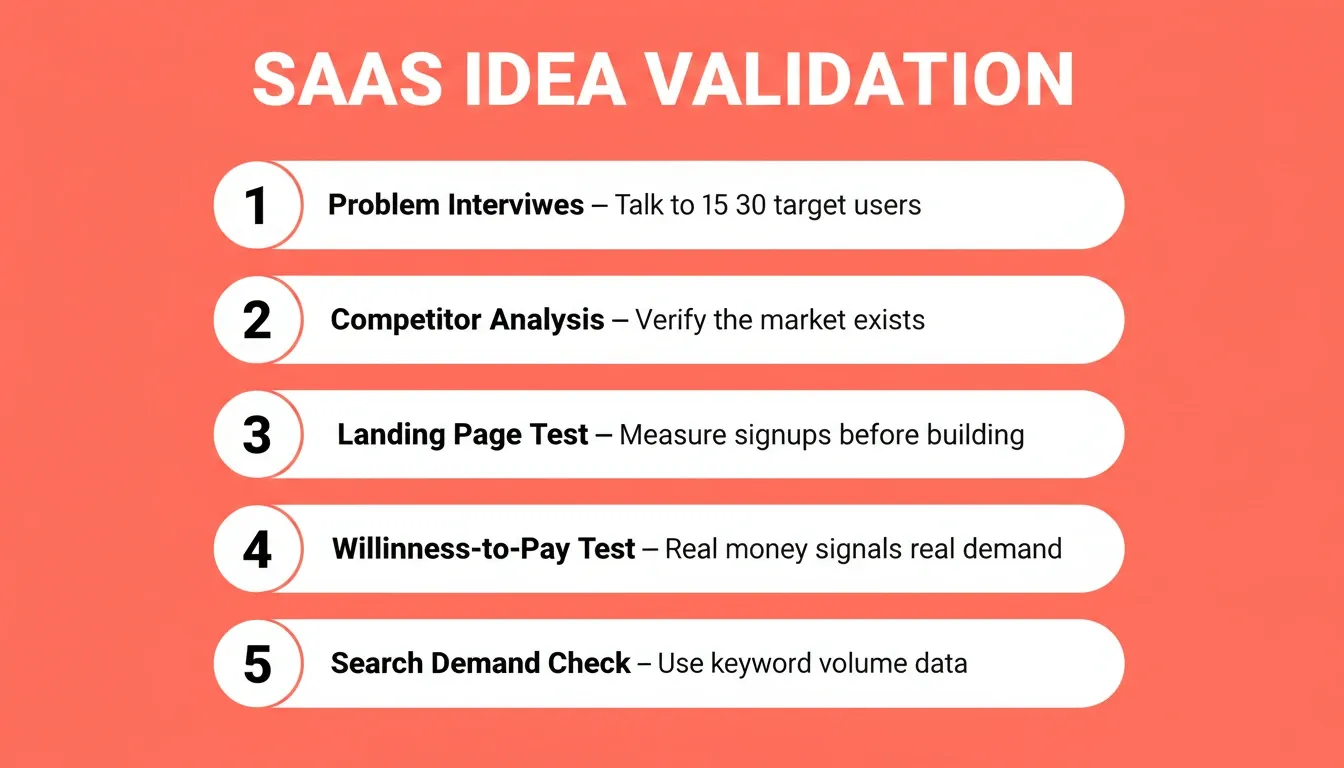
The most reliable validation methods before writing a single line of code:
-
Problem interviews — talk to 15 to 30 people in your target market. Ask about their current workflow, not your solution.
-
Competitor analysis — if competitors exist and charge money, the market is real. Your job is to find the gap.
-
Landing page test — describe the solution and measure email signups before building anything.
-
Willingness-to-pay test — ask prospects to pre-pay or join a waitlist with a deposit. Real money signals real demand.
-
Search demand check — tools like Google Keyword Planner reveal whether people actively search for a solution to the problem you are solving.
Skipping validation is the single most common reason SaaS products fail. The development cost of building the wrong product is always higher than the time cost of validating the right one.
Which Tech Stack Choices Reduce Long-Term Costs?
Choosing the right tech stack for your SaaS application development directly impacts development costs, scalability, and long-term maintenance. The wrong choice creates technical debt that compounds as your user base grows. The right tools, however, accelerate your SaaS development lifecycle.
-
Frontend frameworks like React, Next.js, Vue, or Angular handle the user interface layer. For mobile apps, Flutter delivers cross-platform iOS and Android performance from a single codebase.
-
Backend services depend on your SaaS platform's complexity. Node.js works well for real-time SaaS apps. Python with Django suits data-heavy applications. Java handles enterprise customers with complex business logic.
-
Database selection shapes your data storage strategy: PostgreSQL for relational customer data, MongoDB for flexible document storage, and Redis for caching frequently accessed information.
-
Cloud platforms like AWS, Google Cloud, or Microsoft Azure provide scalable infrastructure. Each cloud provider offers different pricing tiers, regions, and managed services depending on your compliance needs.
-
CI/CD pipelines using GitHub Actions or similar tools automate your deployment process. They enable continuous delivery and reduce the risk of bugs reaching production.
For a deeper look at how these layers connect, see tech stack selection for web development.
What tech stack do most SaaS companies use?
| Layer | Most Common Choices | Why |
|---|---|---|
| Frontend | Next.js (React) | SEO-ready, server-side rendering, large ecosystem |
| Mobile | Flutter | Single codebase for iOS and Android |
| Backend | Node.js or Python | Fast development, large talent pool |
| Database | PostgreSQL + Redis | Reliable relational data and fast caching |
| Auth | Supabase or Auth0 | Managed auth reduces security risk |
| Cloud | AWS or Google Cloud | Mature managed services, global regions |
| CI/CD | GitHub Actions | Native to most repos, free tier available |
The right choice depends on your team's existing expertise more than any benchmark. A team that knows Python deeply will ship faster with Django than with Node.js, regardless of performance comparisons.
What Does the CI/CD Pipeline Look Like for SaaS Teams?
A reliable SaaS development lifecycle depends on automated testing and deployment. Without CI/CD, development teams spend weeks on manual quality assurance. Risky deployments can break production for multiple customers at once.
-
Automated testing catches bugs before they reach users. Functional testing validates business logic. Performance testing confirms your SaaS application handles load. Security testing protects sensitive data.
-
Continuous delivery means every code change passes through automated quality assurance gates before reaching production. This reduces the testing phase from days to minutes.
-
Feature flags and staged rollouts let SaaS teams release new features to a subset of users first. Teams gather user feedback, then expand based on real usage data.
-
Monitoring and observability tools track user behavior, performance issues, and error rates in real time. They help teams identify problems before they affect the broader user base.
-
Rollback capabilities protect against failed deployments. When something breaks, teams revert to the previous stable version within seconds rather than scrambling to fix production.
Because SaaS applications serve multiple customers on shared infrastructure, a single deployment failure can affect thousands of users simultaneously. This is why many SaaS companies invest heavily in automated testing, canary deployments, and infrastructure readiness checks.
SaaS teams that ship frequent releases with confidence typically achieve higher user adoption rates. The development process becomes a feedback loop: ship, measure user behavior, collect user feedback, iterate based on real usage patterns, and repeat. For a detailed breakdown of deployment pipelines, see application deployment automation best practices.
What is a CI/CD pipeline for SaaS?
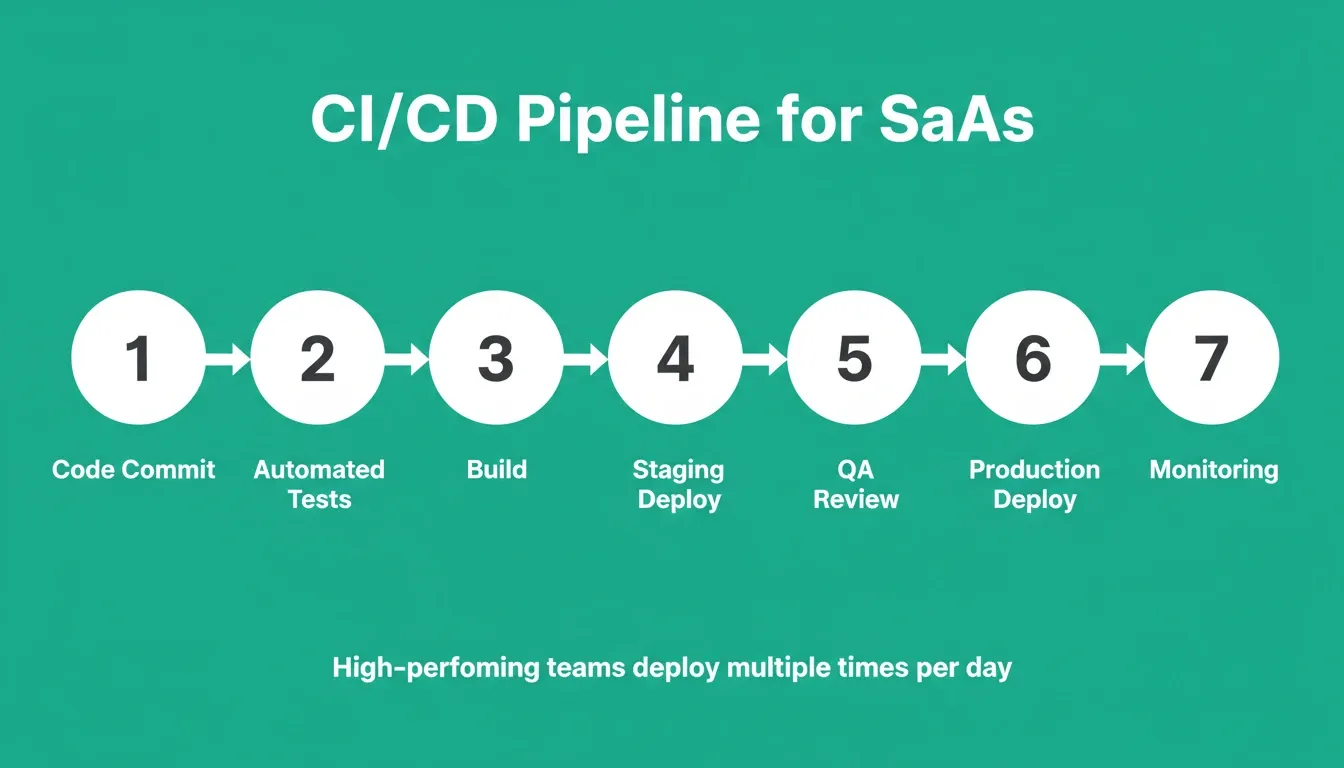
A CI/CD (Continuous Integration / Continuous Delivery) pipeline is the automated system that takes code from a developer's commit to production without manual intervention. For SaaS products, a standard pipeline includes:
-
Code commit — developer pushes to a feature branch
-
Automated tests — unit tests, integration tests, and security scans run automatically
-
Build — application is compiled and containerized
-
Staging deploy — code deploys to a staging environment identical to production
-
QA review — automated and manual checks on staging
-
Production deploy — approved changes deploy to live users
-
Monitoring — error rates, latency, and user behavior tracked post-deploy
High-performing SaaS teams deploy to production multiple times per day. Teams without CI/CD often deploy once per week or less. This means slower iteration and slower response to user feedback.
SaaS Development Workflow Checklist
Use this checklist to audit your SaaS development process at each stage. Every missing item is a risk to scalability, security, or speed.
Idea Validation
-
Completed 15+ customer discovery interviews
-
Identified top 3 competitors and their pricing
-
Defined MVP feature scope (maximum 5 core features)
-
Set measurable success criteria for MVP launch
Architecture and Tech Stack
-
Selected frontend framework matching team expertise
-
Chosen database type for data model (relational vs document)
-
Defined multi-tenancy strategy (schema-per-tenant vs row-level security)
-
Selected cloud provider and region for compliance requirements
-
Documented API design (REST vs GraphQL) before writing code
Development Process
-
CI/CD pipeline configured with automated tests
-
Feature flag system in place for staged rollouts
-
Code review process defined (minimum 1 reviewer per PR)
-
Error monitoring and alerting configured
-
Performance benchmarks set before launch
Security and Compliance
-
Authentication system implemented (OAuth 2.0 / JWT)
-
Data encryption at rest and in transit
-
GDPR/CCPA compliance reviewed for target markets
-
Backup and disaster recovery plan documented
Launch and Post-Launch
-
Staging environment tested with production-equivalent data
-
Rollback procedure documented and tested
-
Analytics and user behavior tracking live
-
Customer support workflow defined
-
Post-launch iteration cadence scheduled (weekly or biweekly)
How Rocket Accelerates the Entire SaaS Development Workflow
Most SaaS product development follows a painful path. You spend weeks on boilerplate setup, wrestle with authentication systems, configure databases manually, and burn development time on infrastructure instead of building features users actually want.
Rocket is the world's first Vibe Solutioning platform. The thinking before the build, the build itself, and the intelligence after launch all happen in the same place. 1.5 million people have tried Rocket across 180 countries, from solo founders validating their first SaaS idea to enterprise teams running strategy and execution on the same platform.
Rocket operates across three pillars that map directly to the SaaS development workflow:
Solve: Validate Before You Build
Before writing a line of code, Rocket's Solve pillar takes any business question and delivers a complete structured analysis in 60 to 90 minutes. It covers market sizing, competitor analysis, pricing strategy, and PRD generation. Solve runs thousands of queries across 150+ sources simultaneously. It surfaces findings with evidence and produces a structured deliverable you can act on, present, or build from directly.
For SaaS teams, this means idea validation, competitive assessment, and product requirements documents arrive in hours rather than weeks. The output flows directly into the Build task without re-explaining context.
Build: Ship Production-Grade SaaS Without the Boilerplate
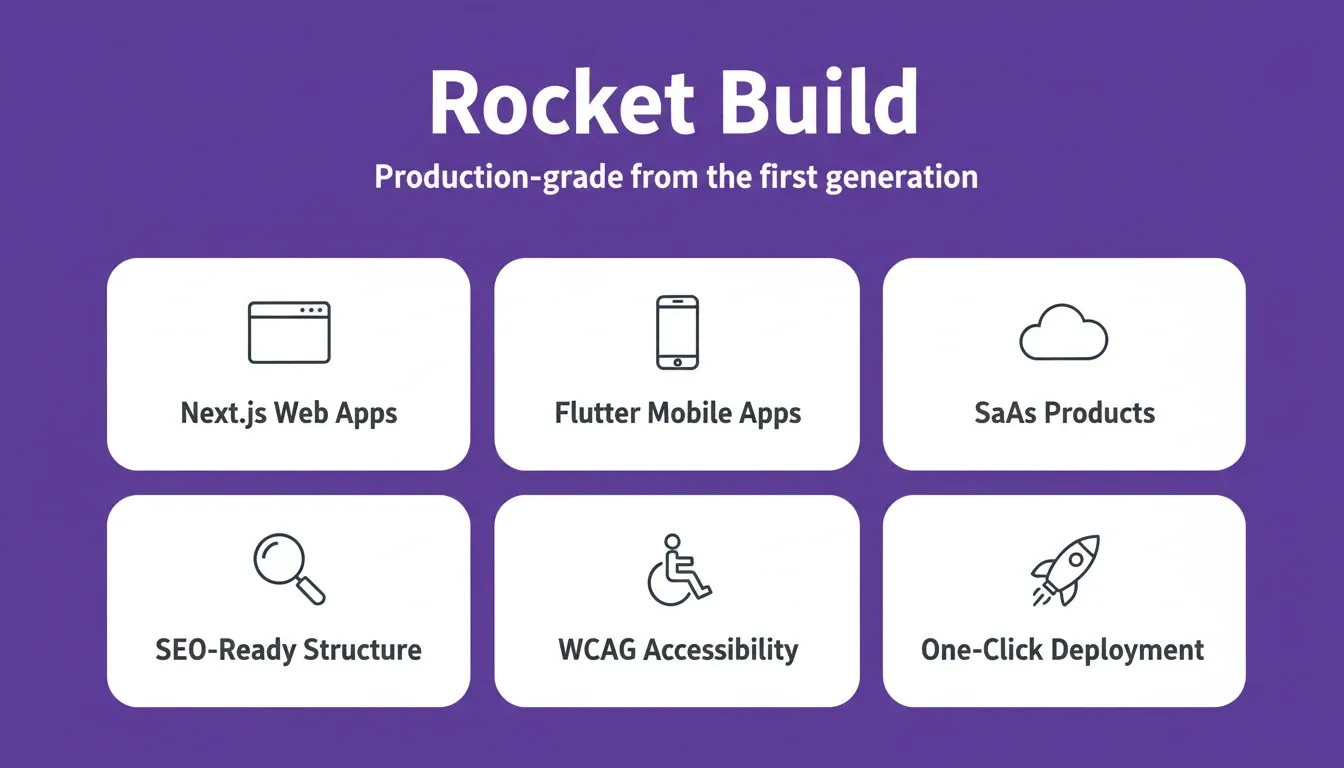
Describe your SaaS idea in plain language and Rocket's Build pillar generates a fully functional, production-ready web application in Next.js or a Flutter mobile app. It includes authentication, database schema, API routes, and a design that looks like a senior designer touched it from the first generation.
Every Rocket build ships with:
-
SEO-ready structure — clean semantic HTML, meta tags, and structured data by default
-
WCAG accessibility compliance — semantic markup, keyboard navigation, and contrast standards
-
GDPR coverage — consent flows and privacy compliance built in
-
25+ integrations — Stripe, Supabase, Google Analytics, Mixpanel, Mailchimp, OpenAI, and more authenticate once and flow into every build
-
Staging and production environments — separate environments, full version history, and one-click rollback
-
Built-in analytics — visitors, conversions, and Core Web Vitals tracked from day one
Where traditional SaaS development requires hiring a full development team, configuring cloud infrastructure, and managing months of ongoing maintenance, Rocket compresses this entire SaaS development process into a single session.
Intelligence: Monitor What Matters After Launch
The SaaS development lifecycle does not end at launch. Rocket's Intelligence pillar monitors every public platform your competitors operate on. It tracks pricing pages, product updates, social activity, hiring signals, and customer reviews continuously. It then interprets what those signals mean for your product decisions.
For SaaS teams, this means competitive moves surface before they land in deals or board questions. Pricing changes, feature announcements, and hiring spikes become actionable intelligence rather than surprises.
"Shipped my SaaS MVP in a weekend using Rocket instead of the 3 months my dev agency quoted. The generated code quality is production-ready, not prototype garbage." — Reddit user on r/SaaS
The difference between Rocket and other AI builders is context. Other tools build what you tell them to build. Rocket figures out what is worth building, then builds it. The Solve output that validated your direction becomes the foundation of the Build task. The Intelligence signal from last week informs this week's product decision. Nothing is re-explained. Everything compounds.
How Do Successful Teams Handle Post-Launch Scaling?
Shipping your SaaS application is only the beginning of the SaaS lifecycle. After launch, the development process shifts from building features to maintaining performance, reducing churn, and scaling infrastructure as your user base grows.
-
Analytics tools and performance monitoring reveal how users actually interact with your SaaS product. Track user engagement metrics, identify friction points in onboarding flows, and measure feature adoption to guide your product roadmap.
-
Gather user feedback through in-app prompts, support tickets, customer discovery interviews, and usage patterns. This helps you understand what to build next and what to remove.
-
Cloud infrastructure scaling should be automated with load balancing and capacity planning rules. These rules respond to demand spikes without manual intervention from your development team.
-
Security updates and compliance requirements grow as you onboard enterprise customers. Implement advanced security measures, data protection policies, and regular security patches to protect user data.
-
Customer acquisition cost tracking paired with customer lifetime value analysis tells you whether your SaaS business model is sustainable as the business expands.
According to Zylo's 2026 SaaS Management Index, the average company now manages 305 SaaS applications with total annual spend of $55.7 million. This shows how competitive the SaaS industry has become. Continuous improvement of your SaaS product directly impacts retention and growth.
What metrics should SaaS teams track after launch?
Post-launch SaaS metrics fall into three categories:
Product health metrics
-
Monthly Active Users (MAU) and Daily Active Users (DAU)
-
Feature adoption rate (percentage of users who use each core feature)
-
Time to first value (how long until a new user completes the core action)
-
Net Promoter Score (NPS) from in-app surveys
Business health metrics
-
Monthly Recurring Revenue (MRR) and Annual Recurring Revenue (ARR)
-
Customer Acquisition Cost (CAC) vs Customer Lifetime Value (LTV)
-
Churn rate (monthly and annual)
-
Expansion MRR (revenue from upgrades and add-ons)
Technical health metrics
-
Uptime and availability (target: 99.9% or higher)
-
API response time (p50, p95, p99 latency)
-
Error rate (percentage of requests returning 5xx errors)
-
Core Web Vitals scores (LCP, INP, CLS) for user-facing pages
Tracking these metrics from day one, not after you hit a growth wall, is what separates SaaS teams that scale smoothly from those that scramble to fix problems retroactively.
Build a SaaS Development Workflow That Scales With Your Product
The right SaaS development workflow turns good ideas into products that serve thousands of customers reliably. Every stage matters: from validating your SaaS idea against market demand, through choosing a technology stack that scales, to maintaining continuous delivery pipelines that keep your SaaS platform competitive.
As AI continues to compress development timelines, the teams that win will be the ones who validate faster, build smarter, and iterate continuously. The SaaS development process is not a one-time sprint. It is a continuous cycle of validation, iteration, and scaling that compounds over time.
You have the idea. You have the workflow. Start building on Rocket and see how quickly a well-structured SaaS development workflow can bring your vision to production.
Table of contents
- -What Makes Cloud-Based Software Different from Traditional Models?
- -What are the core components of a SaaS architecture?
- -How Does Idea Validation Shape Your Product Roadmap?
- -How do you validate a SaaS idea before building?
- -Which Tech Stack Choices Reduce Long-Term Costs?
- -What tech stack do most SaaS companies use?
- -What Does the CI/CD Pipeline Look Like for SaaS Teams?
- -What is a CI/CD pipeline for SaaS?
- -SaaS Development Workflow Checklist
- -How Rocket Accelerates the Entire SaaS Development Workflow
- -Solve: Validate Before You Build
- -Build: Ship Production-Grade SaaS Without the Boilerplate
- -Intelligence: Monitor What Matters After Launch
- -How Do Successful Teams Handle Post-Launch Scaling?
- -What metrics should SaaS teams track after launch?
- -Build a SaaS Development Workflow That Scales With Your Product