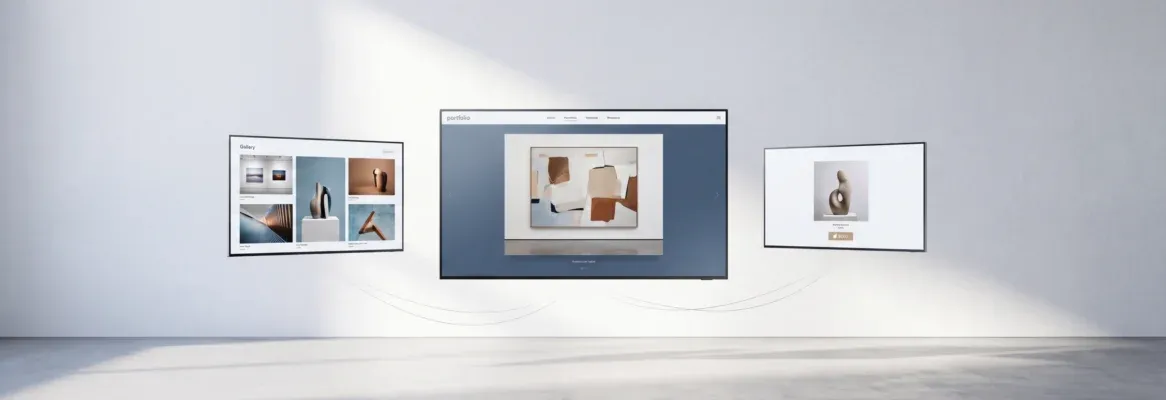
Artists no longer need coding skills or a developer to build a professional website. The right website builder handles design, SEO, and publishing, so you can focus on your art.
Which website builder is right for artists who want a professional online presence without writing code?
A modern website builder for artists lets you create a full portfolio, add a blog, and start selling online. You can do all of this through drag-and-drop tools or AI-powered generation. According to Statista, there are more than 1.1 billion websites worldwide, and millions of creators use builders rather than coding.
For an artist, a website is your digital gallery. The right builder helps you create a professional site, connect a custom domain, and share your work with collectors, galleries, and clients worldwide.
Why Artists Need a Website?
Social media is useful, but it does not replace an artist's website. Algorithms shift, reach drops, and you never fully own your audience on a third-party platform.
A dedicated website gives you control over your portfolio, your brand, and how people find you. With the right website builder, you can create a central page for collectors, galleries, and clients to view your art on your terms.
These tools help your site appear in search results, so people can find your art when they search online. Many website builders also include AI-powered tools and built-in SEO settings that make discoverability straightforward from day one.

Quick Comparison: Website Builders for Artists
Before going deep on each platform, here is a side-by-side overview of the most important factors artists care about.
| Builder | Best For | AI Tools | SEO Built-In | Free Plan |
|---|---|---|---|---|
| Rocket | AI-generated production-ready sites | Full AI generation, Figma import, Redesign | Yes, SEO-ready by default | Yes |
| Wix | Visual drag-and-drop portfolios | Basic ADI | Yes, built-in panel | Yes (with ads) |
| WordPress | Full control, blogs, flexibility | Plugin-based | Yes, via plugins | Software only |
| Squarespace | Elegant portfolio templates | Basic writing tools | Yes, integrated panel | Trial only |
Each platform serves a different type of artist. The right choice depends on how much control you want, how fast you need to launch, and whether you plan to grow beyond a simple portfolio.
Rocket: Build Your Artist Website with AI

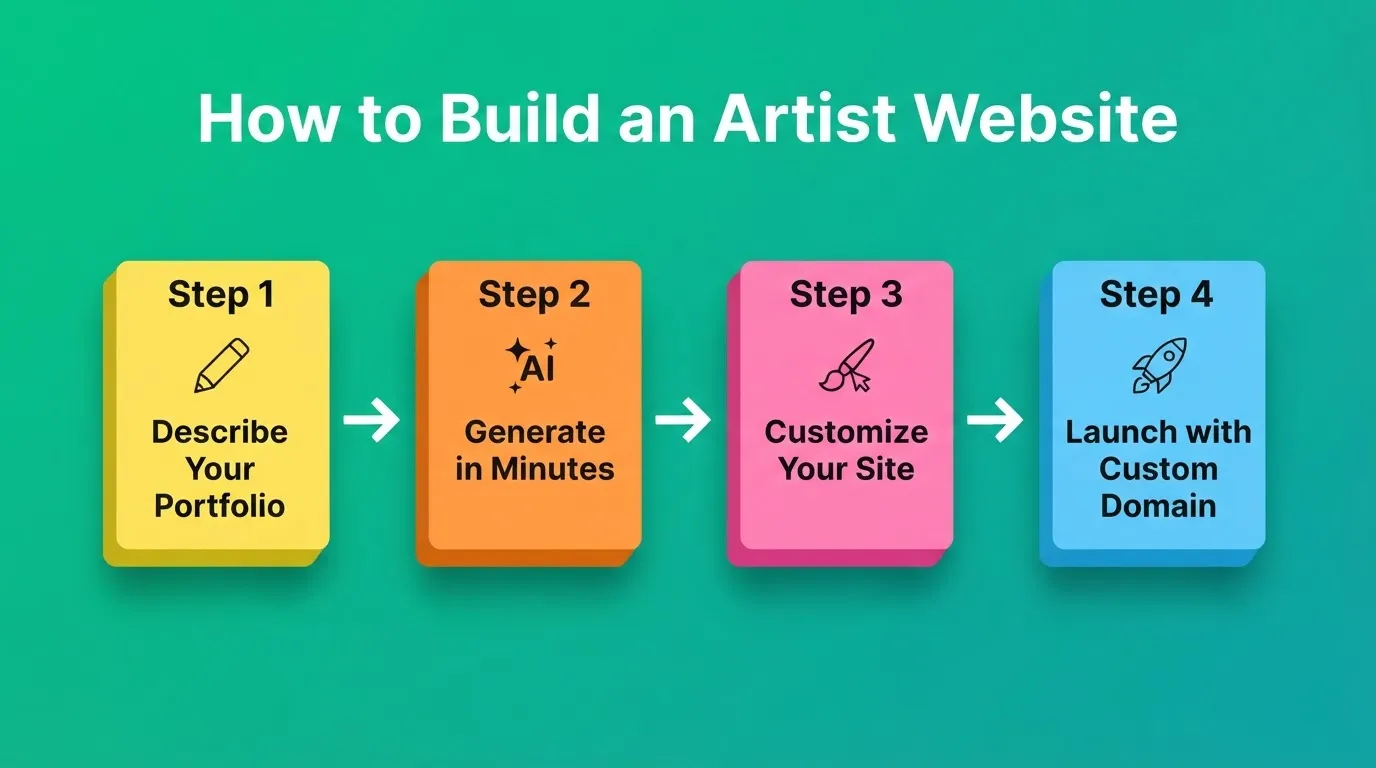
Rocket is a Vibe Solutioning platform. It combines strategic research (Solve), AI-powered building (Build), and competitive monitoring (Intelligence) in one place. For artists, the Build pillar is the starting point. You describe what you want in plain language, and Rocket generates a fully functional, production-ready website in minutes.
The output is not a template applied to your content. Rocket generates custom Next.js code from your description, with real typography, visual hierarchy, and design quality from the first generation. 1.5 million people have tried Rocket across 180 countries.
Every Rocket build ships with SEO-ready structure, WCAG accessibility compliance, and performance optimization by default. You can also connect 25+ integrations, including Stripe for selling prints, Mailchimp for building a mailing list, and Google Analytics for tracking visitors.
👉 Read more: SEO-Ready by Default
Six Ways to Start Building
Rocket gives you multiple starting points depending on where you are:
| Starting Method | Best For |
|---|---|
| From an idea (plain language) | Describing your portfolio from scratch |
| From a Figma design | Converting a Figma mockup to a live site |
| From a template | Starting from a pre-built portfolio layout |
| From an attachment | Uploading a screenshot, wireframe, or PDF |
| From GitHub | Importing an existing Next.js codebase |
| Redesign (from a URL) | Transforming your existing website into a new design |
Templates consume zero credits. Credits are only used when you start customizing via chat. Rocket offers 25,000+ starting points across every use case.
Key Features for Artists
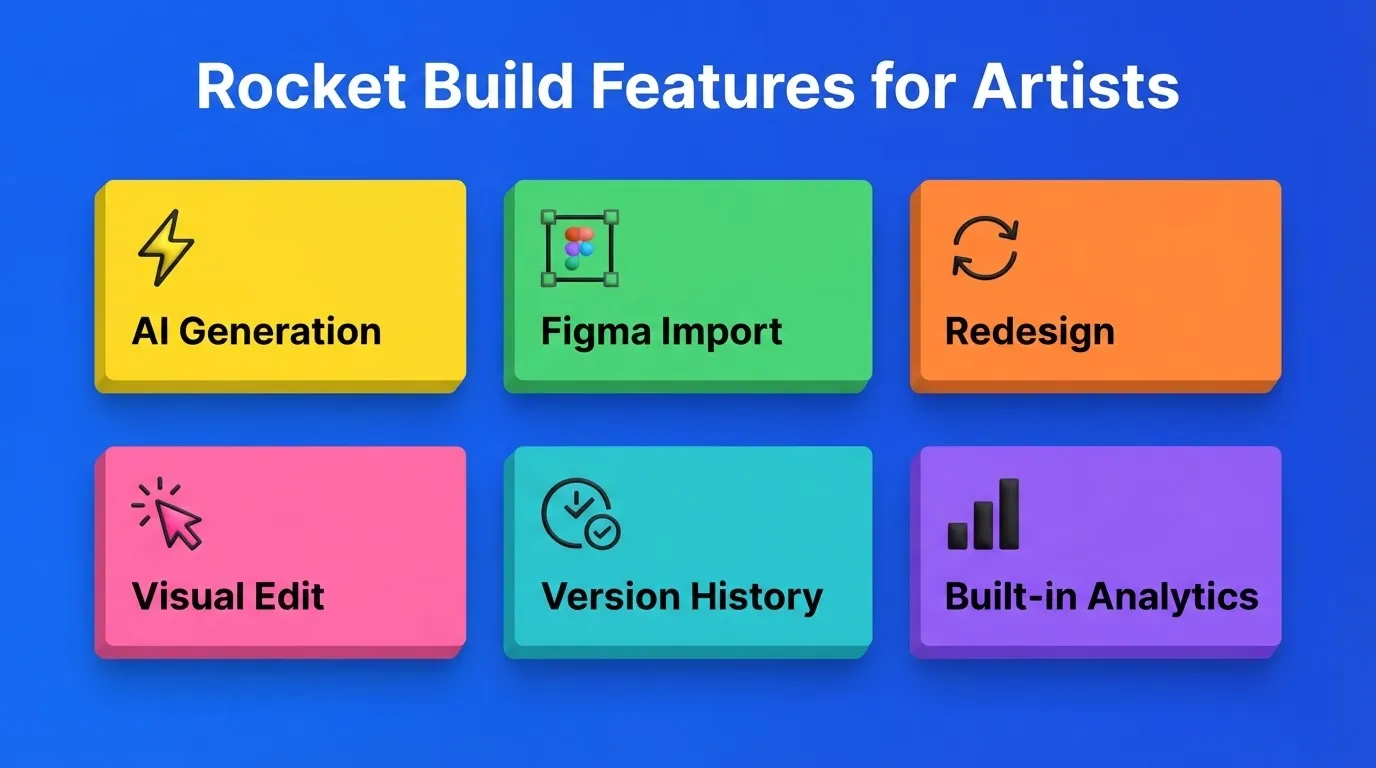
- AI generation from plain language: Describe your portfolio and Rocket builds it. Most sites generate in 1 to 3 minutes.
- Figma import: Upload your Figma design and Rocket converts it to working code. Every spacing and typography decision is preserved.
- Redesign with 8 slash commands: Point Rocket at any existing website URL. Use slash commands for a mobile-first redesign, full makeover, or conversion fix.
- Visual Edit: Click any element in the live preview to change text, style, or layout directly. No code is required.
- Version history: Every generation creates a version. You can restore any previous state with one click.
- Built-in analytics: Track visitors, conversions, and Core Web Vitals after launch. No third-party setup is needed.
- Custom domain: Connect your own domain directly from the Launch panel.
Rocket Pricing
| Plan | Price | Credits Per Month | What Is Included |
|---|---|---|---|
| Free | $0 | 20 (one-time) | Build production-ready websites, landing pages, web apps, and mobile apps |
| Pro | $25/month | 100 | Build plus essential research on demand |
| Rocket | $50/month | 250 | Build plus consultant-grade solutions and competitive intelligence |
| Booster | $250/month | 1,500 | Full suite plus premium support |
Credits never expire. All paid plans include unlimited team members.
Use Cases for Artists
Portfolio website: Describe your gallery in plain language. Rocket generates a multi-page site with artwork sections, an about page, and a contact form.
Figma-to-live site: Upload your Figma mockup and Rocket ships the site with every design decision preserved. No developer handoff is needed.
Online store for prints: Connect Stripe from the Connectors panel. Describe your shop and Rocket generates product listings, a cart, and a checkout flow.
Existing site redesign: Point Rocket at your current website URL. Use the Redesign feature to rebuild it as mobile-first, conversion-focused, or with a completely new look.
Wix: A Flexible Website Builder for Artists
 Wix is one of the most widely used website builders worldwide. It lets artists create visually rich websites through a drag-and-drop editor and a large template library designed for portfolio presentation.
Many artists choose Wix for its design flexibility and the range of templates available for galleries and creative work. Wix Studio offers more advanced layout control for designers who want greater precision.
Top Features
- Large library of portfolio and gallery templates
- Drag-and-drop editor with no coding required
- Built-in SEO settings panel with guided optimization
- Online store support for selling artwork and prints
- Option to connect a custom domain name
Wix Pricing
| Plan | Price | Key Features |
|---|---|---|
| Free | $0 | Wix subdomain, ads displayed |
| Light | ~$17/month | Basic site, no ads |
| Core | ~$29/month | Accept payments, ecommerce |
| Business | ~$39/month | Advanced business tools |
Many premium plans include a free domain for the first year. Wix Studio has a steeper learning curve than the standard editor.
WordPress: Powerful and Fully Flexible
 WordPress powers over 40% of all websites on the internet, according to W3Techs. For artists who want complete control, it offers unmatched flexibility through thousands of themes and plugins.
Managing a WordPress site requires handling hosting, security updates, and plugin compatibility. That overhead is worth it for artists who need deep customization. It is less relevant for those who want to focus on their work rather than their tech stack.
👉 Read more: Best No-Code Mobile App Builder for Rapid AI-Based Builds
Top Features
- Thousands of portfolio and gallery themes
- Strong SEO via plugins like Yoast SEO and RankMath
- WooCommerce for full ecommerce functionality
- Full control over domain, hosting, and code
WordPress Pricing
| Item | Typical Cost |
|---|---|
| WordPress software | Free |
| Hosting | $5 to $15/month |
| Domain | $10 to $15/year |
| Premium themes and plugins | Optional, varies |
Squarespace: Clean Templates for Visual Artists
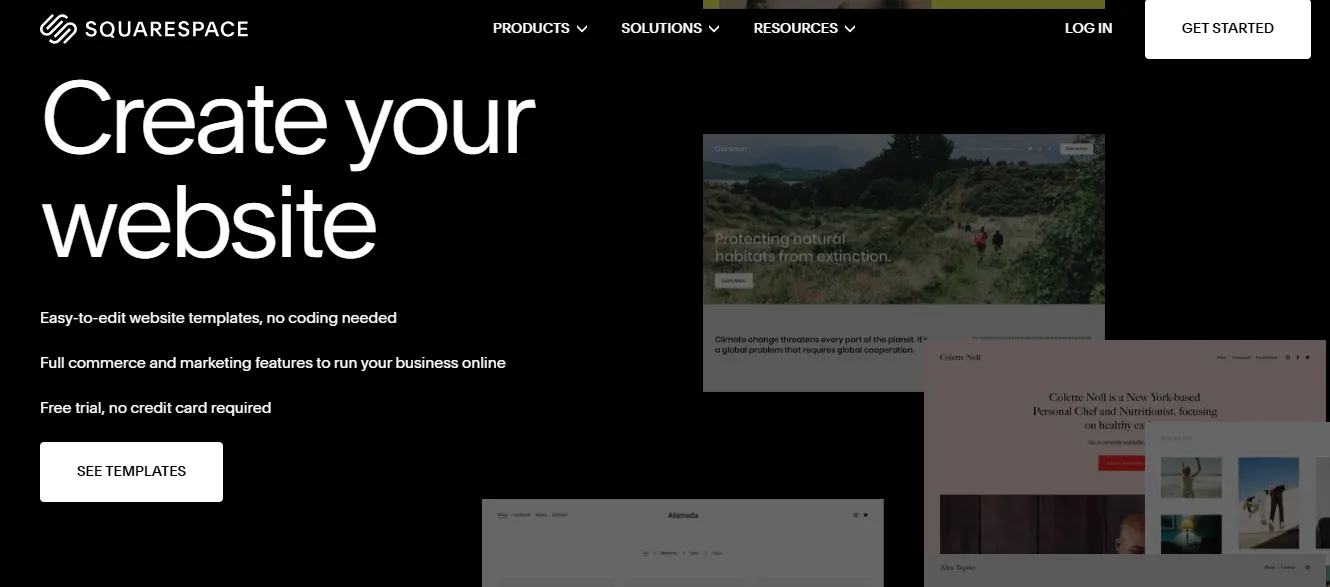 Squarespace is known for elegant, image-focused templates. Many artists choose it because the layouts highlight visual work like photography, paintings, and digital art without requiring design decisions.
The platform gives creators a simple way to build a portfolio, run a blog, and launch a basic online store in one place. Squarespace suits artists who want a polished result without deep customization.
Key Features
- Templates designed specifically for portfolio and gallery display
- Built-in blog tools for sharing process work and updates
- Integrated SEO settings panel
- Online store for selling originals, prints, and digital downloads
- Custom domain connection on all paid plans
Squarespace Pricing
| Plan | Price (Approx.) | Features |
|---|---|---|
| Personal | ~$16/month | Basic site, templates, custom domain |
| Business | ~$23/month | Business tools and SEO options |
| Commerce Basic | ~$33/month | Online store features |
| Commerce Advanced | ~$65/month | Advanced ecommerce tools |
Squarespace offers a trial period so artists can test the platform before committing to a paid plan.
Community Insight
In one Reddit discussion on no-code builders, users noted that AI-powered tools can quickly generate functional applications with minimal technical knowledge.
"I just heard about this new platform today from a friend who is using it to build his startup dating mobile app. When I looked at the code (Flutter), it actually seemed pretty okay and functional for something generated by an AI agent."
How Website Builders for Artists Work
What Every Artist Website Needs
Before choosing a builder, know what your site actually requires. Here is what separates a professional artist website from a basic one.
| Feature | Why It Matters | Builders That Include It |
|---|---|---|
| Custom domain | Builds brand trust and recognition | All paid plans |
| Portfolio and gallery layouts | Showcases artwork effectively | Rocket, Wix, Squarespace |
| SEO tools | Helps collectors and galleries find you | All builders (depth varies) |
| Online store | Sell prints, originals, and digital work | Rocket (Stripe), Wix, Squarespace, WordPress |
| Mobile responsiveness | Most visitors arrive on mobile | All builders |
| Blog | Builds search visibility over time | All builders |
| Version history | Safely iterate without losing work | Rocket (built-in) |
| AI generation | Speed up creation and iteration | Rocket (full), Wix (basic ADI) |
Tips for Building a Strong Artist Website
Choose the Right Templates
Pick templates designed for portfolio display with image-focused layouts. Responsive templates matter because most visitors arrive on mobile. Google also uses mobile performance as a ranking signal.
Do you want to explore portfolio templates? Visit Rocket Templates
Keep Pages Clean and Focused
Lead with your strongest work. Use clear navigation across Portfolio, About, Contact, and Shop. Keep each page focused on one purpose, because first impressions happen in seconds.
Optimize for Search Engines
Write descriptive page titles and meta descriptions for every page. Add alt text to every artwork image and describe the medium, subject, and your name. Artists who include their location and medium on their About page get found by collectors searching by region and style.
Add a Blog
Share the stories behind your work, your process, and upcoming exhibitions. Blog posts that answer common questions attract new visitors from search over time.
👉 Read more: Figma File In, Production Code Out
Connect an Online Store
Start with a focused product range of five to ten items and expand as you learn what sells. Stripe integration handles payments securely and connects directly inside Rocket's build flow.
Choosing the Right Website Builder for Artists
Many artists want to show their portfolio online but feel stuck. Traditional web design requires learning code, hiring a developer, or navigating complicated software. Modern website builders change that.
A good website builder lets artists create pages, galleries, and a blog without technical work. With templates, AI features, and SEO tools, building a professional artist website becomes straightforward.
Here is a direct decision guide based on your situation:
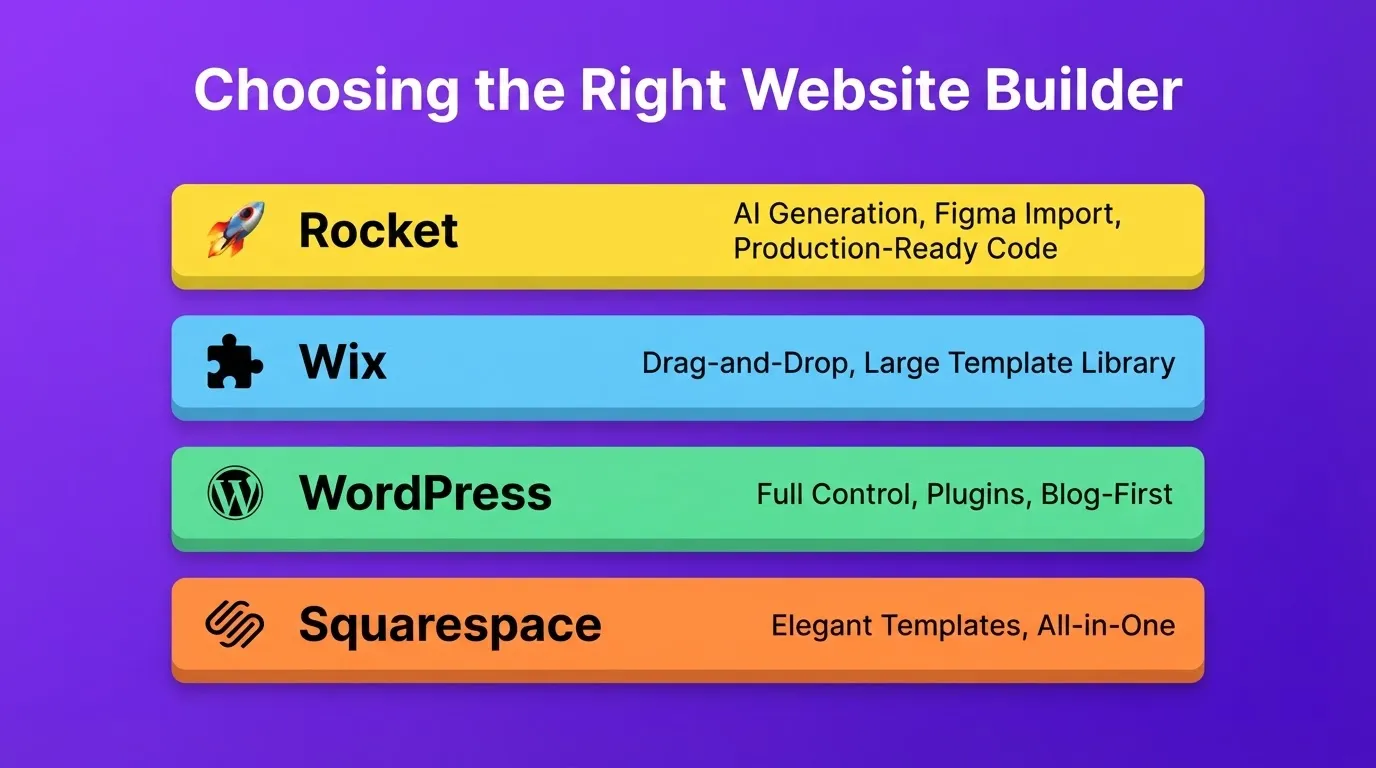
Choose Rocket if you want AI-generated, production-quality output, you have a Figma design ready to ship, you want to sell work with Stripe integration, or you want to redesign an existing site without starting over.
Choose Wix if you want maximum drag-and-drop flexibility and a large template library to browse at your own pace.
Choose WordPress if you want complete control over every aspect of your site and are comfortable managing hosting and updates.
Choose Squarespace if you want a polished, all-in-one solution with elegant templates and do not need deep customization.
The Right Website Builder Puts Your Art First
The best website builders for artists get out of the way. Your work should be the focus, not the tool you used to build the site. As AI-powered generation continues to improve, artists who build their own professional websites will have a significant advantage in discoverability, credibility, and direct sales.
Whether you describe your portfolio in plain language, import a Figma design, or redesign an existing site, the right website builder for artists makes the process fast and the output professional. Start building at Rocket.new and turn your art into a digital gallery that people can find, explore, and buy from on your terms.
Table of contents
- -Why Artists Need a Website?
- -Quick Comparison: Website Builders for Artists
- -Rocket: Build Your Artist Website with AI
- -Six Ways to Start Building
- -Key Features for Artists
- -Rocket Pricing
- -Use Cases for Artists
- -Wix: A Flexible Website Builder for Artists
- -Top Features
- -Wix Pricing
- -WordPress: Powerful and Fully Flexible
- -Top Features
- -WordPress Pricing
- -Squarespace: Clean Templates for Visual Artists
- -Key Features
- -Squarespace Pricing
- -Community Insight
- -How Website Builders for Artists Work
- -What Every Artist Website Needs
- -Tips for Building a Strong Artist Website
- -Choose the Right Templates
- -Keep Pages Clean and Focused
- -Optimize for Search Engines
- -Add a Blog
- -Connect an Online Store
- -Choosing the Right Website Builder for Artists
- -The Right Website Builder Puts Your Art First