
The 10 best wireframing tools in 2026 are Figma, Sketch, Balsamiq, and Wireframe.cc, Miro, Whimsical, Axure RP, ProtoPie, Uizard, and Justinmind. Figma leads for full teams. Balsamiq wins for lo-fi speed. Axure RP is the enterprise standard.
Figma dominates collaborative wireframing in 2026, but it is not the right tool for every team. This guide covers the 10 best wireframing tools available today, with verified pricing, honest trade-offs, and a decision framework to help solo founders, product teams, and enterprise UX teams pick the right fit. It also covers how Rocket closes the last mile, turning wireframes into production-ready code without a developer handoff.
How We Evaluated These Tools
Every tool in this guide was assessed against five criteria:
- EaseOff Use: Can a non-designer create a usable wireframe in under 15 minutes?
- Fidelity Range: Does it support both lo-fi sketches and high-fidelity interactive wireframes?
- Collaboration: Real-time co-editing, commenting, and stakeholder sharing
- Platform Support: Web, desktop (Mac/Windows), and mobile availability
- Pricing Transparency: All prices verified directly against vendor pricing pages as of August 2026
Tools were selected based on market adoption, G2 and Capterra review volume, and coverage of distinct use cases. Adobe XD is excluded; it was discontinued in 2023.
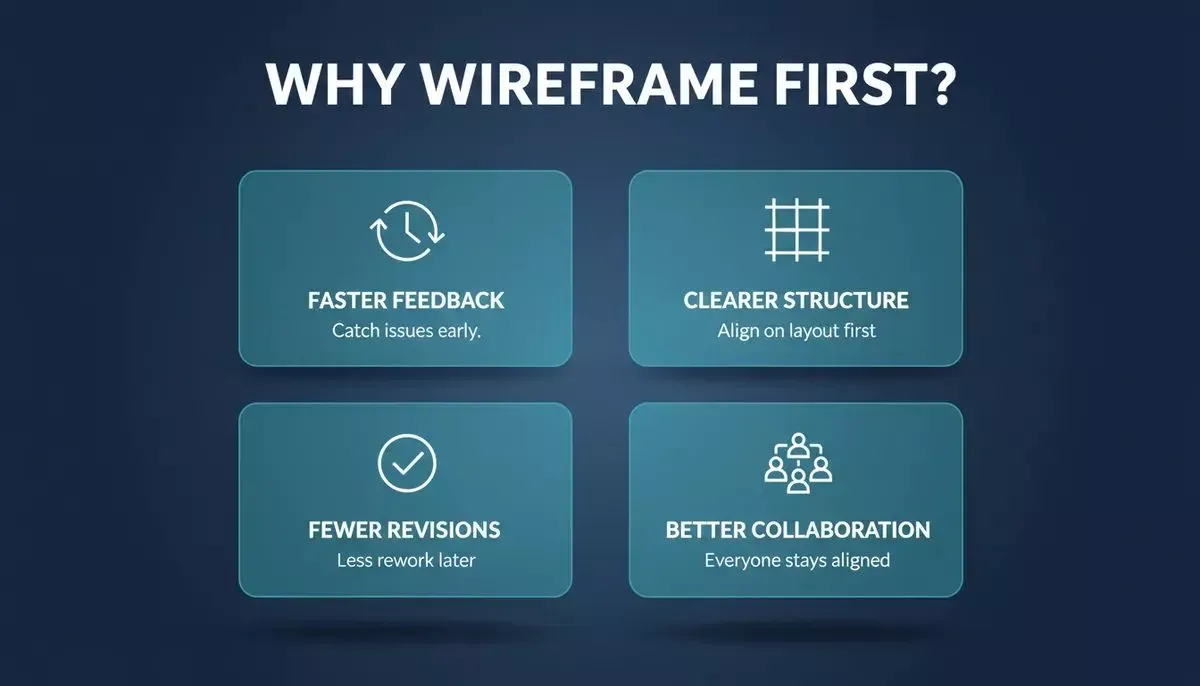
Wireframing early delivers four compounding benefits that reduce rework across the entire product cycle.
Quick Comparison: 10 Best Wireframing Tools
| Tool | Best For | Free Plan | Starting Price (Aug 2026) | Platforms |
|---|---|---|---|---|
| Figma | Full design teams, dev handoff | Yes, unlimited drafts | $16/editor/mo (Professional) | Web, Mac, Windows, Mobile |
| Sketch | Mac-native studios | 30-day trial | ~$12/editor/mo | Mac only |
| Balsamiq | Lo-fi ideation, stakeholder alignment | 14-day trial | $16/editor/mo (Starter, annual) | Web |
| Wireframe.cc | Minimal quick sketches | Yes, free tier | Premium (see site) | Web |
| Miro | Cross-functional workshops, design sprints | Yes, 3 editable boards | $8/member/mo (Starter, annual) | Web, Mac, Windows, Mobile |
| Whimsical | Wireframes + flowcharts + mind maps | Yes, 3 team boards | $10/editor/mo (Pro, annual) | Web, Desktop |
| Axure RP | Enterprise prototyping, conditional logic | 30-day trial | $29/user/mo (Pro) | Web, Mac, Windows |
| ProtoPie | Advanced mobile interactions | Free tier | $42/editor/mo (Basic, annual) | Mac, Windows, Web |
| Uizard | AI-assisted wireframing, non-designers | Yes, 3 projects | $19/editor/mo (Pro) | Web |
| Justinmind | All-in-one wireframe + prototype | 7-day trial | $19/user/mo (Professional) | Mac, Windows |
Prices shown are monthly rates. Annual billing typically reduces costs 15-30%. Verify current pricing at each vendor's site before purchasing.
Tool-By-Tool Breakdown
Figma
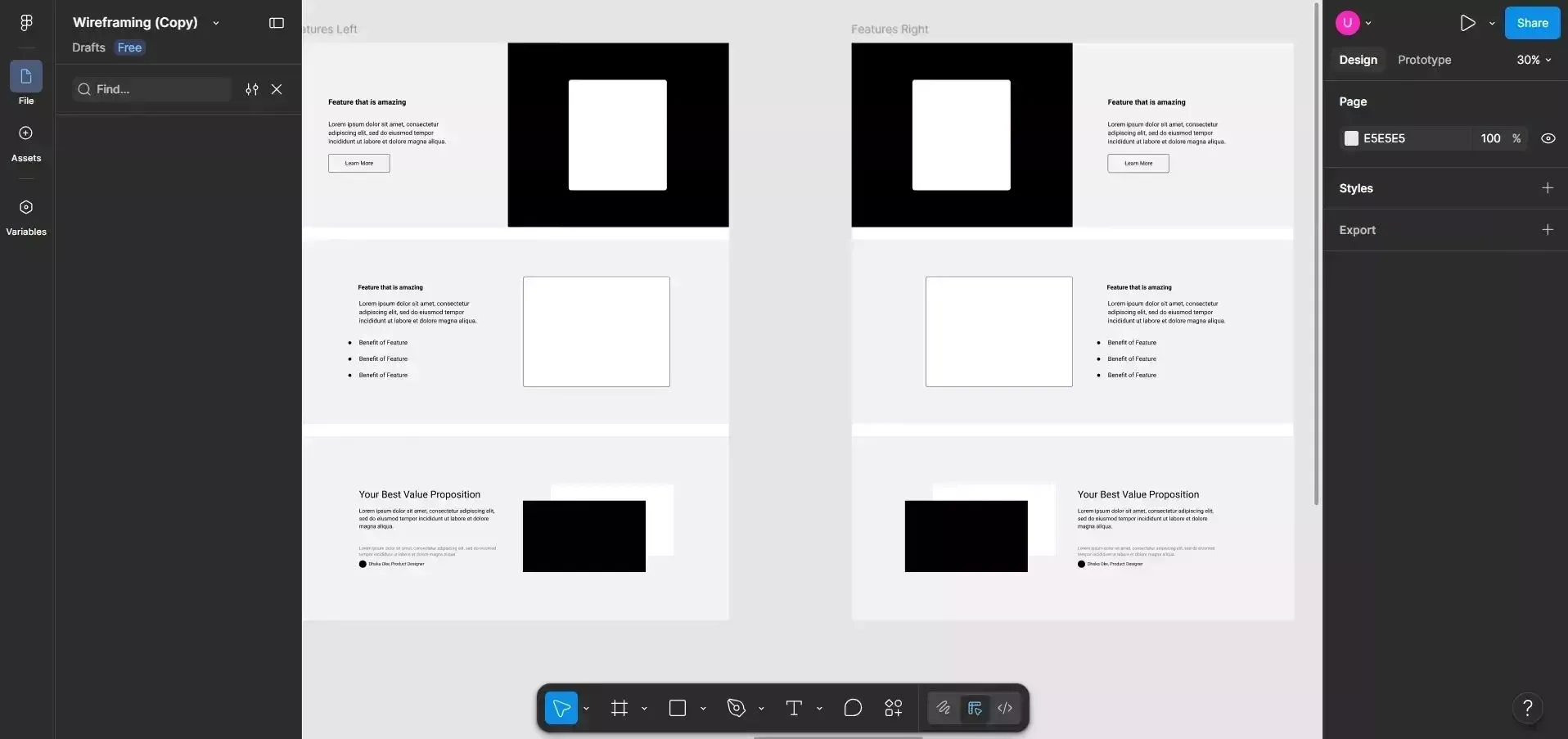
Figma Platform
Figma is a browser-based collaborative design tool used for wireframing, UI design, and developer handoff, all in one platform. Its real-time multiplayer editing works like Google Docs: designers, developers, and stakeholders can work on the same file simultaneously, leave comments, and inspect code without switching tools.
The Starter plan is free and includes unlimited drafts and 150 AI credits per day (as of August 2026, per Figma's pricing page). The Professional plan costs $16/editor/month on monthly billing. The 2025 pricing overhaul removed the old three-project cap from the free tier, making Figma genuinely usable for small teams at no cost.
Strengths: Covers the full design lifecycle from rough wireframe to polished developer handoff. Component libraries, auto-layout, and Dev Mode are best-in-class. Limitations: Heavy files with many components can slow down the browser editor on older machines. Best for: Teams that want a single tool from early wireframes through to production handoff.
Sketch
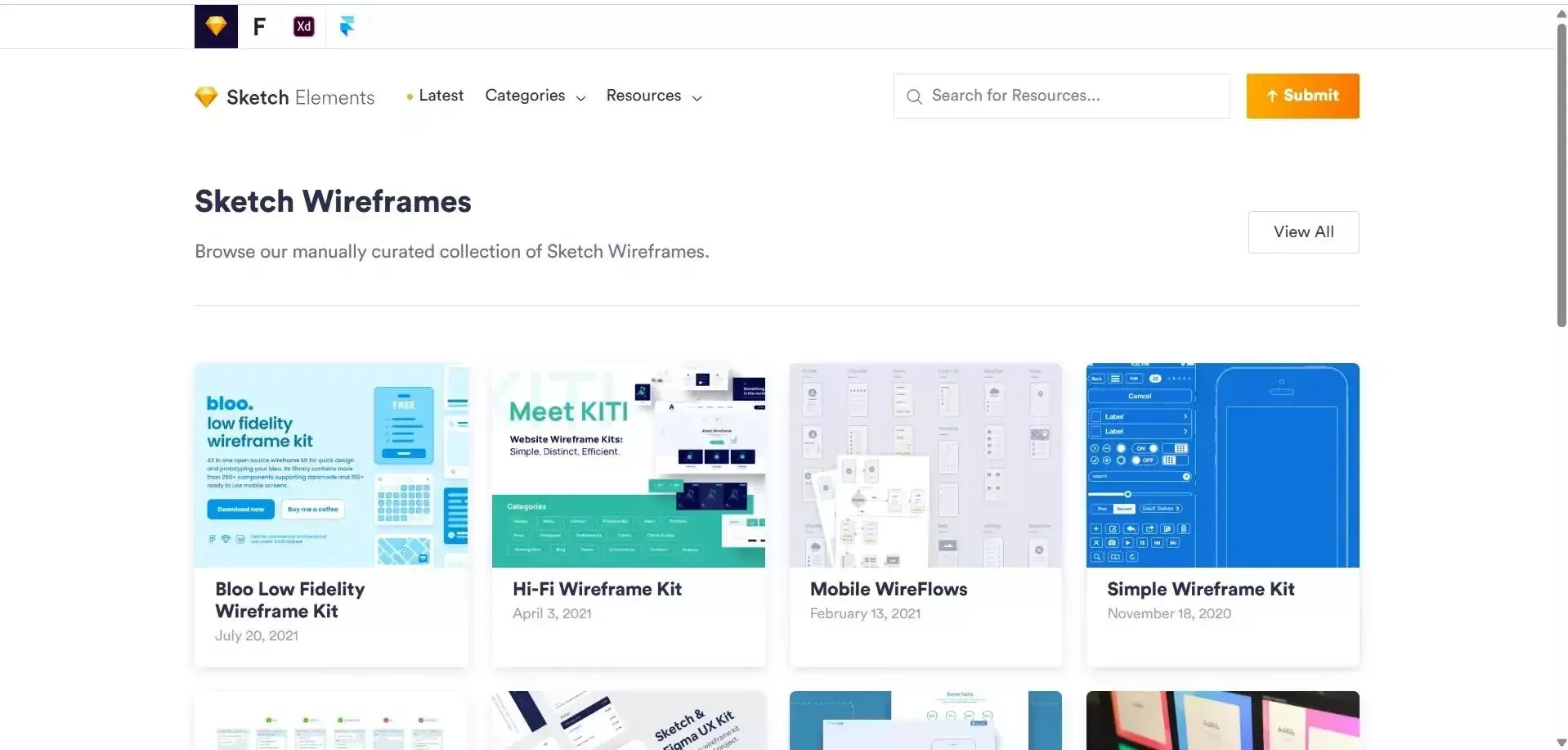
Sketch platform
Sketch is a native macOS design application known for fast performance on complex files and a deep plugin ecosystem. It pioneered the modern UI design workflow before Figma moved to the browser, and many Mac-centric studios still prefer it for its snappier feel on large documents.
Pricing is approximately $12/editor/month (verify current rates at sketch.com/pricing). A 30-day free trial is available.
Strengths: Native Mac performance, precise vector editing, mature plugin library, and offline-first workflow.
Limitations: macOS only, Windows users are excluded entirely.
Best for: Mac-native design studios that prioritize desktop performance and plugin depth over cross-platform access.
Balsamiq
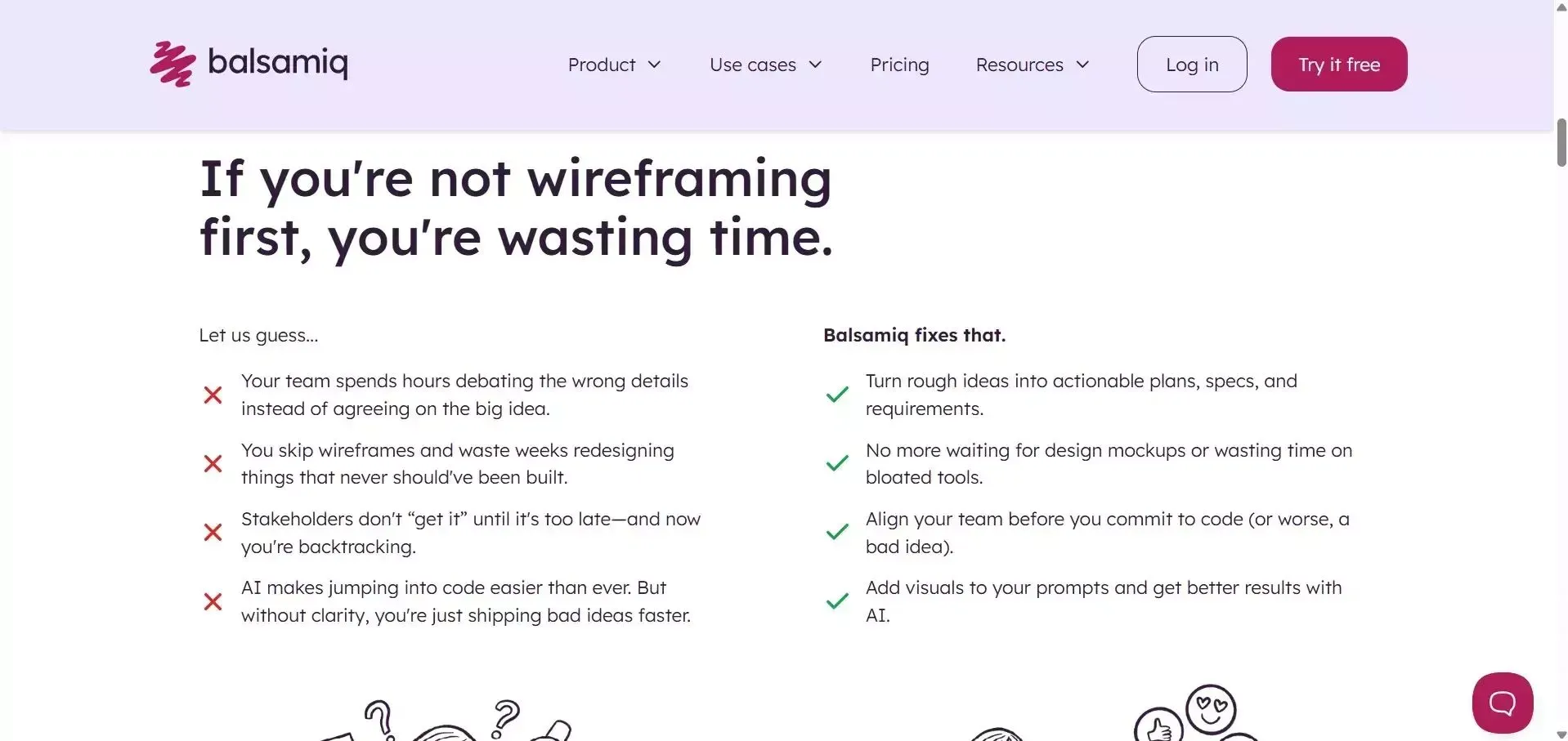
Balsamiq Platform
Balsamiq is a cloud-based wireframing tool built specifically for fast, low-fidelity wireframes. Its hand-drawn aesthetic is intentional: rough visuals discourage stakeholders from debating fonts and colors before structure is agreed on. Product managers, founders, and engineers use it effectively because the learning curve is nearly flat.
As of August 2026 (per balsamiq.com/buy), the Starter plan costs $16/editor/month billed annually, supporting up to 10 projects. A 14-day free trial requires no credit card.
Note: The Balsamiq Desktop application is being sunset, Desktop sales end December 31, 2026, with support ending a year later. Teams on Desktop licenses should migrate to Balsamiq Cloud.
Strengths: Fastest path from blank canvas to shareable lo-fi wireframe. AI-assisted wireframing is now included.
Best for: Early-stage ideation, stakeholder alignment sessions, and product managers who need to communicate structure without getting into visual design.
Wireframe.cc
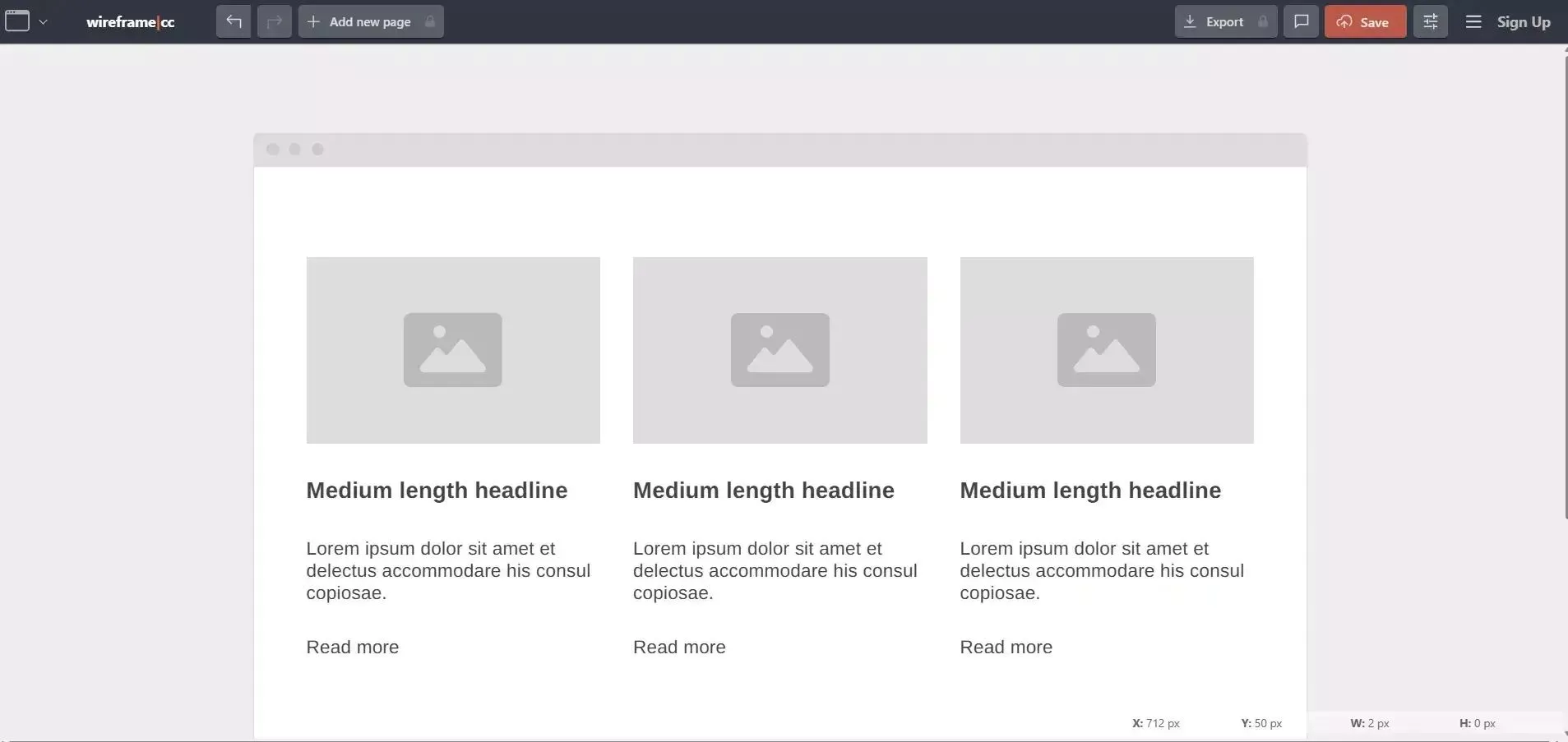
Wireframe.cc Platform
Wireframe.cc is a minimalist browser-based wireframing tool that strips away every non-essential feature. The entire interaction model is: draw a rectangle, select what it represents (button, hero section, nav bar), and move on. There are no plugins, no component libraries, and no settings to configure.
A free version is available with public wireframes and single-page projects. A Premium version adds private wireframes, multi-page projects, clickable prototypes, and PDF/PNG export. Pricing is not publicly listed and requires signing up at wireframe.cc.
Strengths: Zero learning curve. Genuinely the fastest tool for a throwaway layout sketch. No account required for basic use.
Limitations: Development activity has been minimal in recent years. The free tier produces public wireframes by default.
Best for: Individuals who occasionally need a quick sketch without learning a larger tool.
Miro

Miro Platform
Miro is a visual collaboration platform with an infinite canvas that supports wireframing, user journey mapping, service blueprints, sticky-note brainstorms, and interactive prototypes. Cross-functional teams, product, design, engineering, and leadership can all participate meaningfully in the same session.
As of August 2026 (per miro.com/pricing), the Free plan includes 3 editable boards. The Starter plan is $8/member/month billed annually ($10/month on monthly billing). Research shows that teams who wireframe collaboratively before development significantly reduce costly rework in later stages.
Strengths: Eliminates the need for a separate tool when wireframing is part of broader discovery work. 7,000+ templates.
Best for: Cross-functional teams running discovery workshops, design sprints, or user journey mapping sessions.
Whimsical
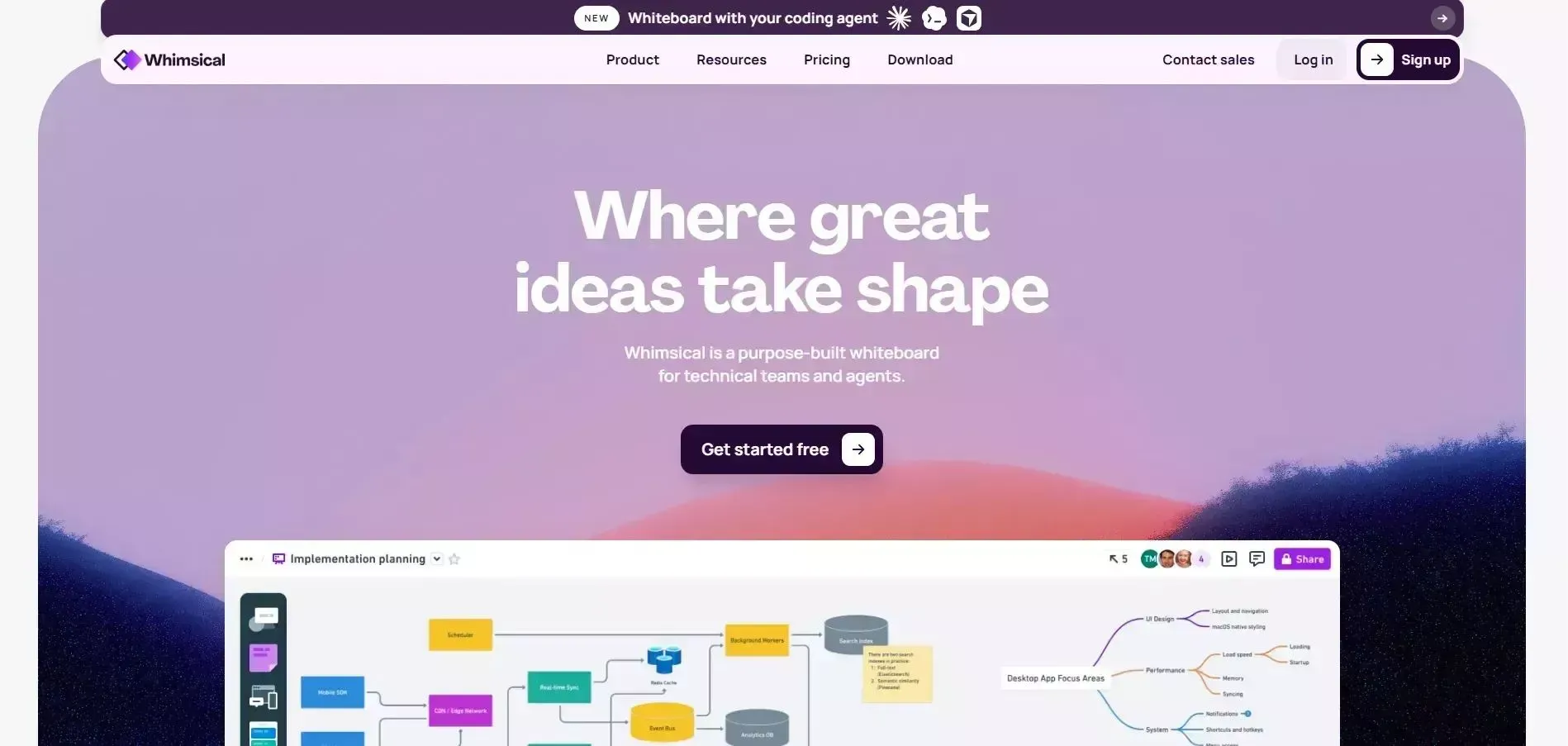
Whimsical Platform
Whimsical is a multi-format collaboration tool that bundles wireframes, flowcharts, mind maps, sticky notes, and docs into one clean interface. Pre-built UI components snap together intelligently, making it possible to go from a blank canvas to a recognizable wireframe in minutes.
As of August 2026 (per whimsical.com/pricing), the Free plan includes 3 team boards. The Pro plan is $10/editor/month billed annually. The Business plan is $20/editor/month annually.
Strengths: Unified workspace for ideation and wireframing without tool-switching. Fast and focused.
Best for: Product teams that want a unified space for ideation, flowcharting, and early-stage wireframing without the complexity of a full design tool.
Axure RP
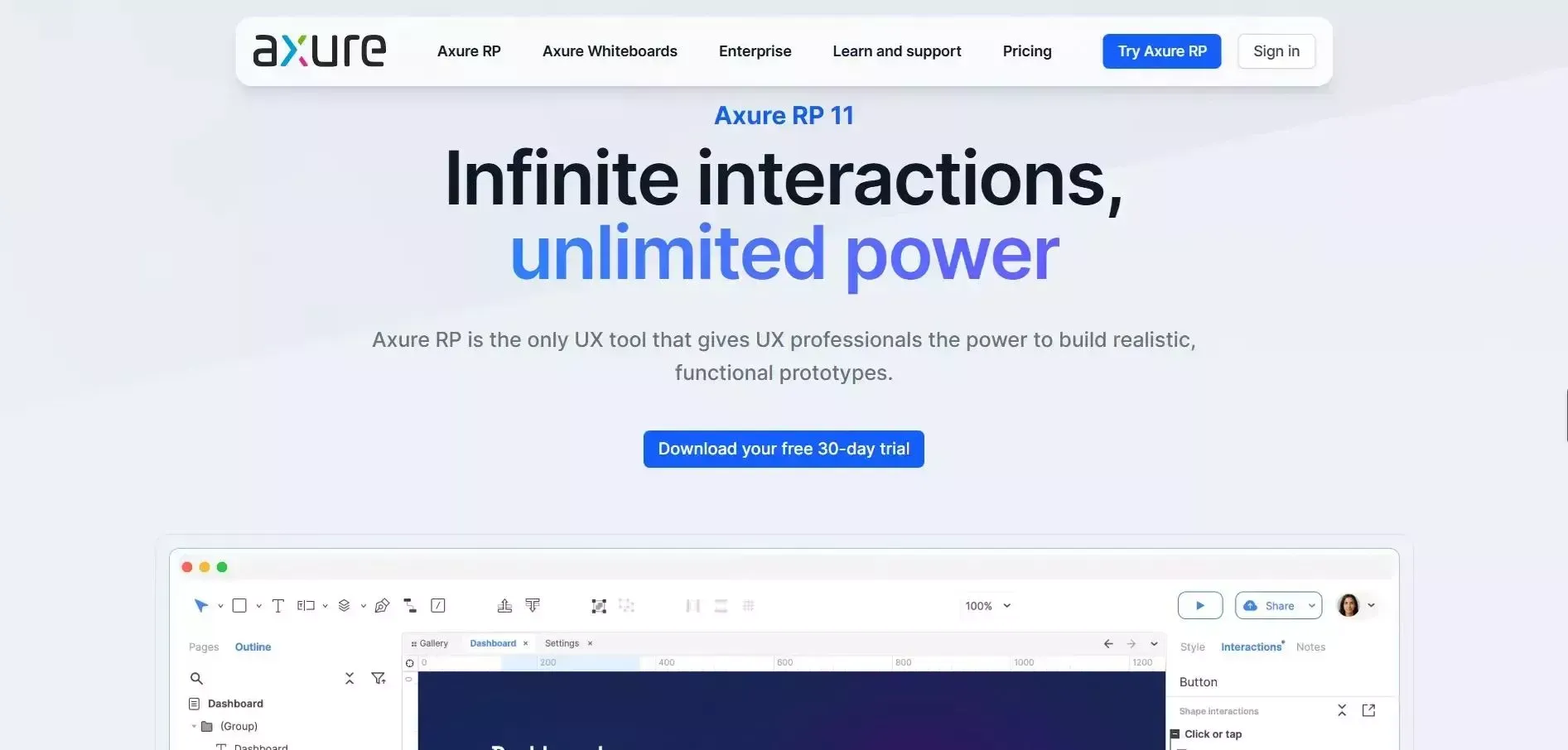
Axure RP Platform
Axure RP is an advanced prototyping tool that goes far beyond static wireframes. Where most wireframing tools stop at click-through prototypes, Axure enables fully interactive, logic-driven prototypes with conditional logic, variables, dynamic data states, and animated interactions, all without writing code.
As of August 2026 (per axure.com/pricing), the Pro plan is $29/user/month and the Team plan is $49/user/month. A 30-day free trial is available. Education and nonprofit teams qualify for a 60% discount; government agencies receive 25% off.
Strengths: Unmatched prototype fidelity for complex enterprise workflows. Recent versions added AI-assisted documentation via Axure Cloud.
Limitations: Steep learning curve and high cost relative to other wireframing tools.
Best for: Enterprise UX teams and business analysts building complex, logic-driven prototypes. For teams needing advanced prototyping capabilities, Axure RP is the benchmark.
ProtoPie
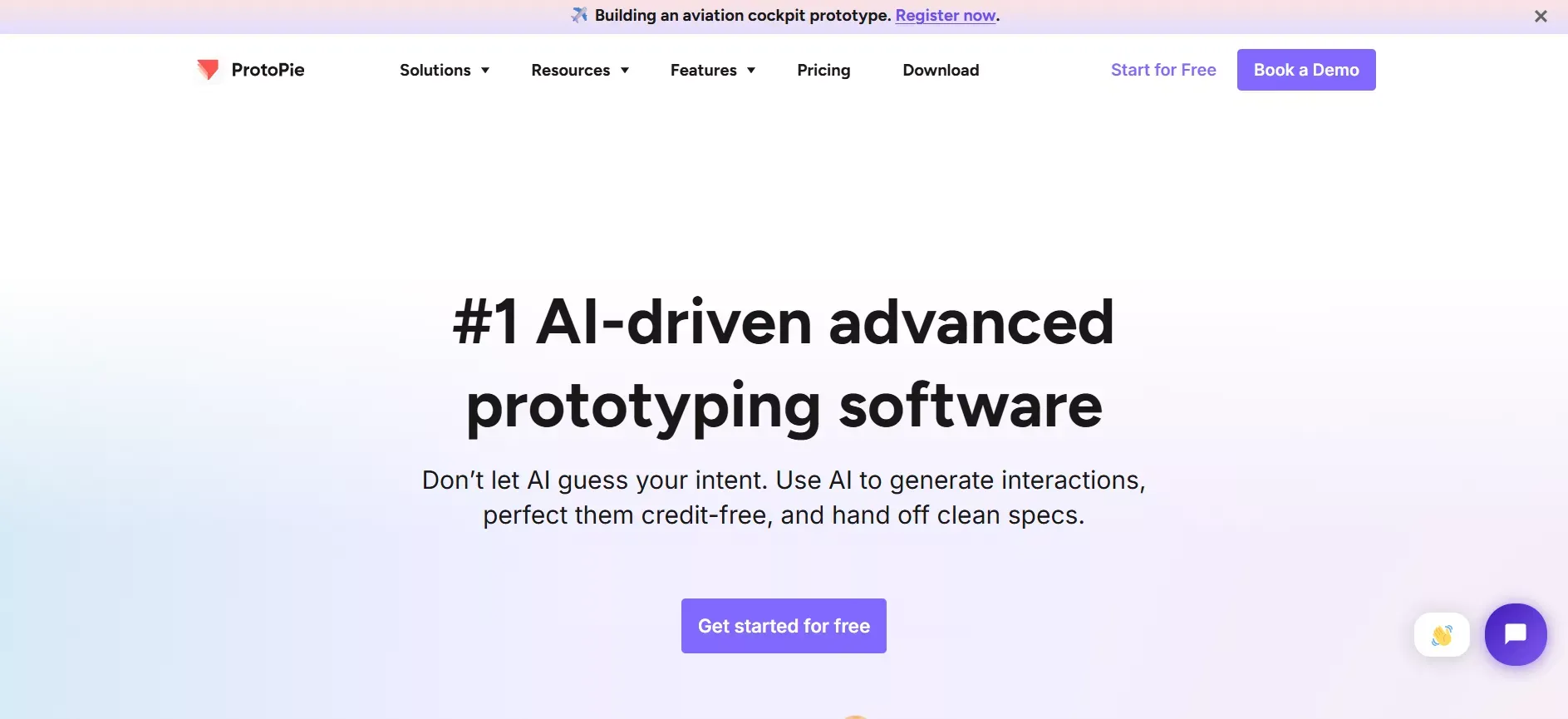
ProtoPie Platform
ProtoPie is a high-fidelity interaction prototyping tool designed specifically for mobile and multi-device experiences. It lets designers create sensor-triggered interactions, multi-screen flows, and realistic micro-animations without code, capabilities that Figma's native prototyping cannot match.
The Basic plan starts at $42/editor/month billed annually (verify at protopie.io/pricing). A free tier with limited features is available.
Strengths: Best-in-class for mobile interaction design. Supports sensor inputs (gyroscope, touch pressure), cross-device previewing, and realistic animation timing.
Limitations: Not a wireframing tool in the traditional sense. Most effective at the high-fidelity end of the design process.
Best for: Mobile UX designers who need to prototype complex interactions beyond what Figma's built-in prototyping supports.
Uizard
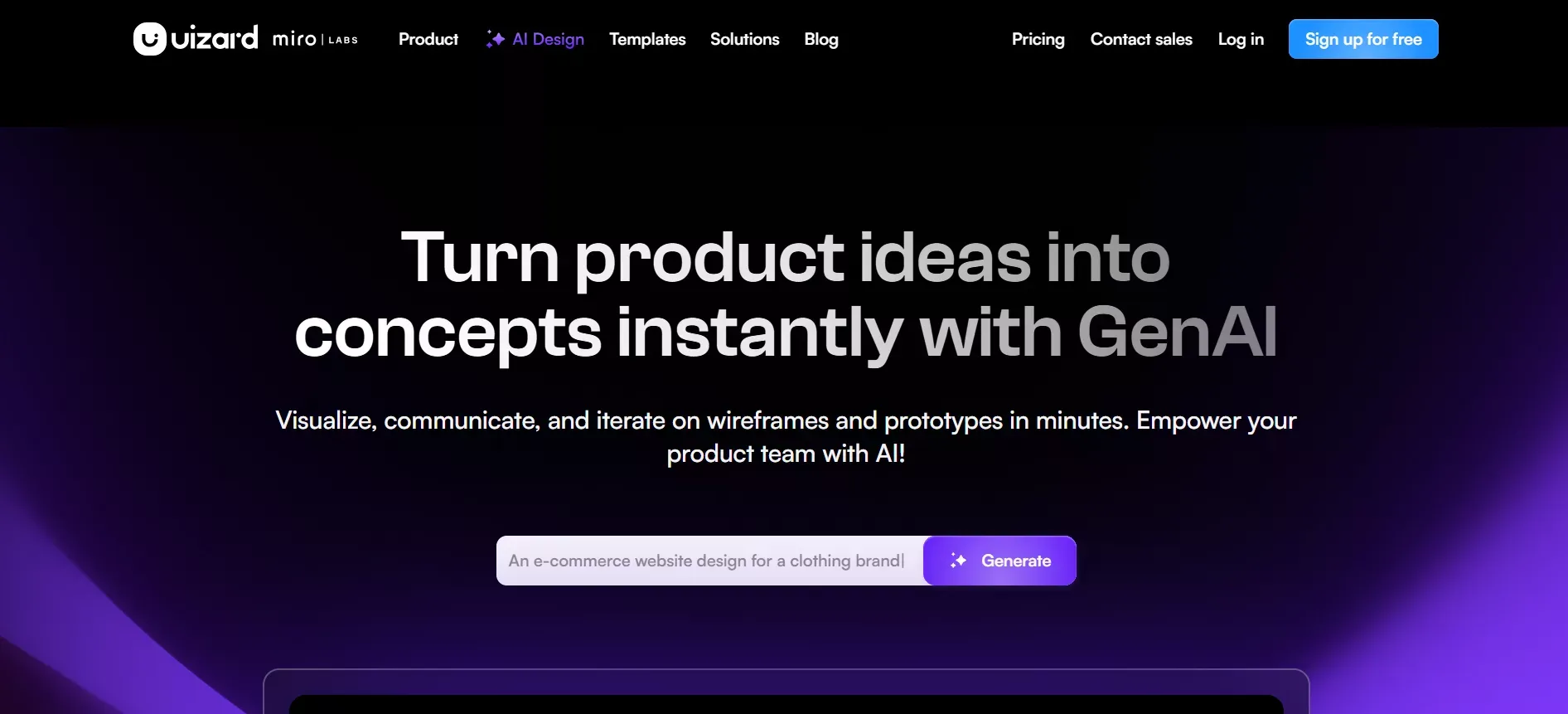
Uizard Platform
Uizard is an AI-assisted wireframing and UI design tool that lets non-designers generate wireframes from text prompts, screenshots, or hand-drawn sketches. It is explicitly built for founders, product managers, and startup teams who need to communicate UI ideas without design expertise.
The Free plan includes 3 projects. The Pro plan is $19/editor/month (verify at uizard.io/pricing). Teams looking to build apps without coding will find Uizard a natural first step before moving to a full-stack builder.
Strengths: Fastest path from idea to shareable wireframe for non-designers. AI screenshot-to-wireframe conversion is genuinely useful.
Best for: Non-technical founders and product managers who need to quickly visualize UI concepts without a designer on the team.
Justinmind
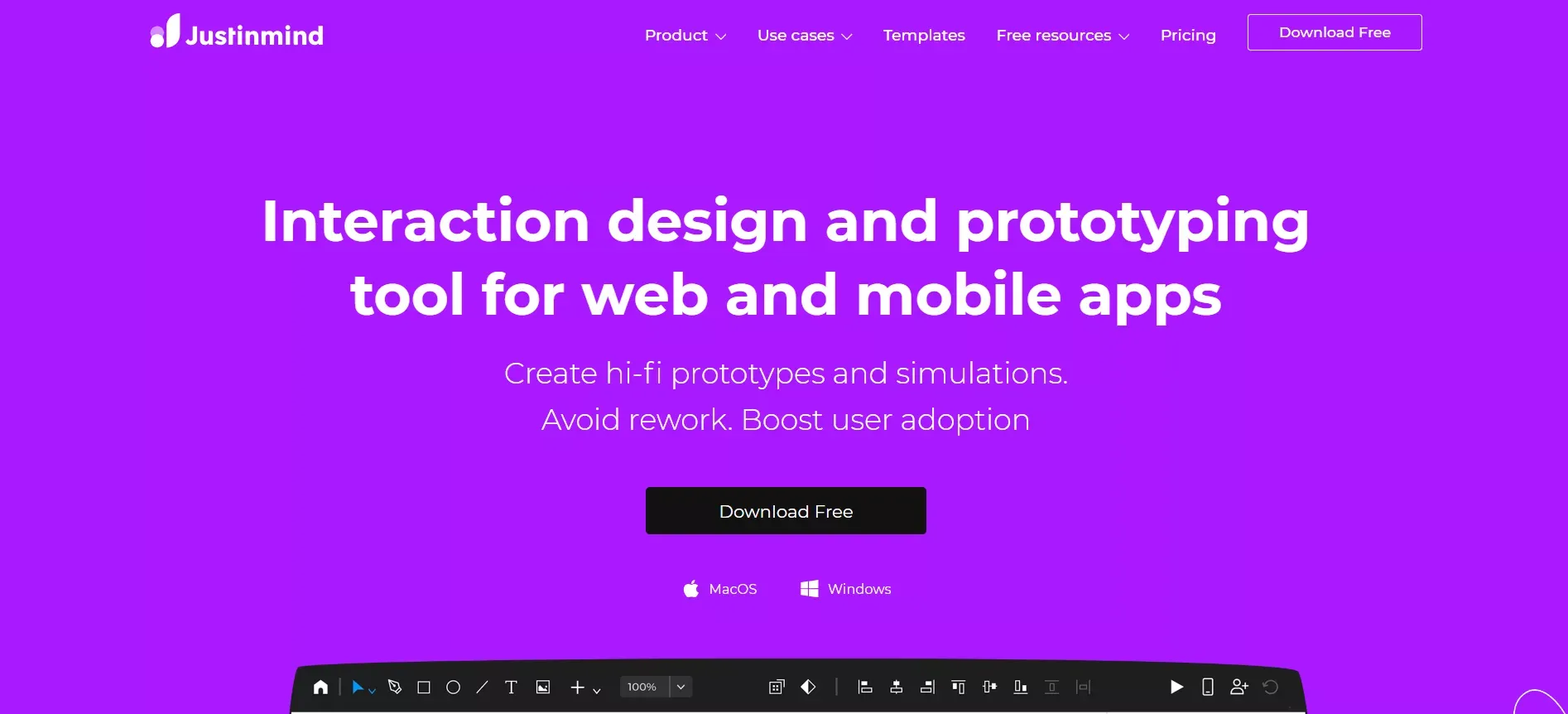
Justinmind Platform
Justinmind is an all-in-one wireframing and prototyping tool that covers the full range from lo-fi wireframes to high-fidelity interactive prototypes. It includes a large library of UI components for web and mobile, built-in user testing features, and export options for developers.
The Professional plan is $19/user/month (verify at justinmind.com/pricing). A 7-day free trial is available.
Strengths: Wide fidelity range in a single tool. Strong component library. Built-in user testing and feedback collection. Works on both Mac and Windows.
Best for: Teams that want a single tool covering lo-fi wireframes through to high-fidelity prototypes, particularly on Windows where Sketch is not an option.
Wireframe Vs. Mockup Vs. Prototype: Key Definitions
These three terms are often used interchangeably but represent distinct stages of the design process.
A wireframe shows structure, hierarchy, and user flow without final colors, fonts, or images. The focus is on what goes where. A mockup is a static, high-fidelity representation with real colors, typography, and imagery, but no interactivity. The focus is on what it looks like. A prototype is an interactive simulation of the product with clickable flows and sometimes conditional logic. The focus is on how it behaves.
Most wireframing tools support all three stages to varying degrees. Figma, Axure, and Justinmind cover the full spectrum. Balsamiq and Wireframe.cc are intentionally limited to the wireframe stage. For teams building high-fidelity Figma prototypes, understanding these distinctions helps set the right expectations at each project stage.
Which Tool Is Right For Your Team?
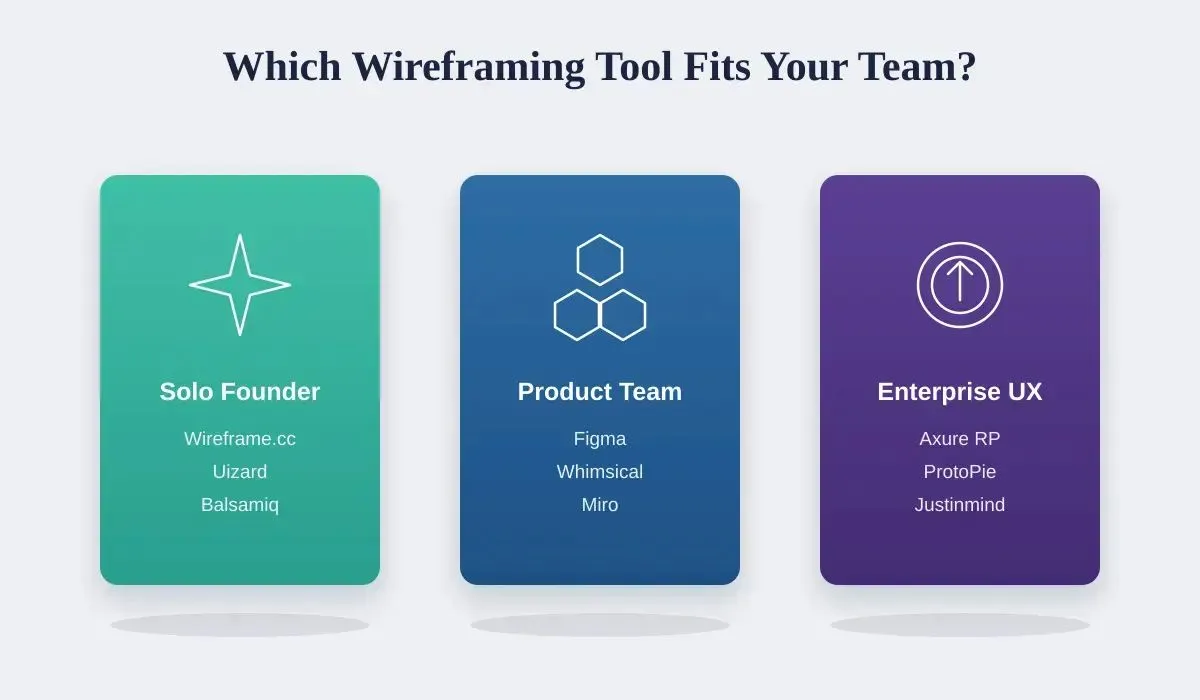
Match your team type to the right wireframing tool category before evaluating individual options.
| Team Profile | Recommended Tool | Key Reason |
|---|---|---|
| Solo founder, quick UI sketches | Wireframe.cc or Uizard | Zero learning curve, free tier available |
| Product team, early ideation | Balsamiq or Whimsical | Fast lo-fi output, non-designer friendly |
| Cross-functional design sprints | Miro | Infinite canvas, workshop templates |
| Design team, full dev handoff | Figma | End-to-end from wireframe to code |
| Mac-native studio | Sketch | Native performance, plugin ecosystem |
| Enterprise UX, complex flows | Axure RP | Conditional logic, variable states |
| Mobile UX, advanced interactions | ProtoPie | Sensor inputs, multi-device preview |
| Non-designer, AI-generated UI | Uizard | Text-to-wireframe, screenshot import |
| Windows team, lo-fi to hi-fi | Justinmind | Full fidelity range, Windows support |
Free Wireframing Tools
Working with a tight budget does not mean compromising on design quality. Several top wireframing tools offer genuinely useful free tiers that cover real project needs.
- Figma Free: Unlimited drafts, 150 AI credits/day, UI kits and templates. The most capable free tier in the category.
- Miro Free: 3 editable boards with full template access. Sufficient for occasional workshops.
- Whimsical Free: 3 team boards covering wireframes, flowcharts, and mind maps.
- Wireframe.cc Free: Public wireframes with no account required. Best for throwaway sketches.
- Uizard Free: 3 projects with AI wireframe generation. Useful for non-designers.
For teams exploring rapid prototyping, free tiers are an ideal starting point before committing to a paid plan. Studies on design iteration consistently show that early low-fidelity sketches cut overall design iteration time significantly.
Mapping User Flows Efficiently
Wireframing tools go beyond designing individual screens. They are ideal for mapping user flows, the paths a user takes from one screen to another, helping teams plan navigation and detect bottlenecks before a single line of code is written.
Practical approaches by tool: In Figma and Sketch, connect frames with prototype arrows to create clickable flows. In Miro, use sticky notes, shapes, and connector lines to map full journeys on an infinite canvas. In Whimsical, switch between the wireframe and flowchart modes in the same file. In Axure, build conditional logic into flows to simulate real branching behavior.
Mapping user flows early ensures the entire team understands how users move through the product, reducing rework in later stages. Teams building mobile apps with AI benefit especially from flow mapping before generation, since clear user flows produce more accurate first-generation outputs.
Low-Fidelity Vs. High-Fidelity Wireframes
Low-fidelity focuses on structure and speed; high-fidelity mirrors the final product for testing and handoff.
| Low-Fidelity | High-Fidelity | |
|---|---|---|
| Purpose | Explore structure and flow | Validate visual design and interactions |
| Time To Create | Minutes | Hours to days |
| Best Tools | Balsamiq, Wireframe.cc, Whimsical | Figma, Sketch, Axure RP, Justinmind |
| Stakeholder Use | Early alignment, ideation | Usability testing, developer handoff |
| Risk Of Distraction | Low, rough visuals keep focus | Higher, stakeholders may debate details |
Most teams benefit from starting lo-fi to align on structure, then moving to high-fidelity once the layout is agreed. Tools like Figma support both stages in a single workflow, eliminating the need to switch tools mid-project.
Wireframing Tool Pricing: 2026 Data
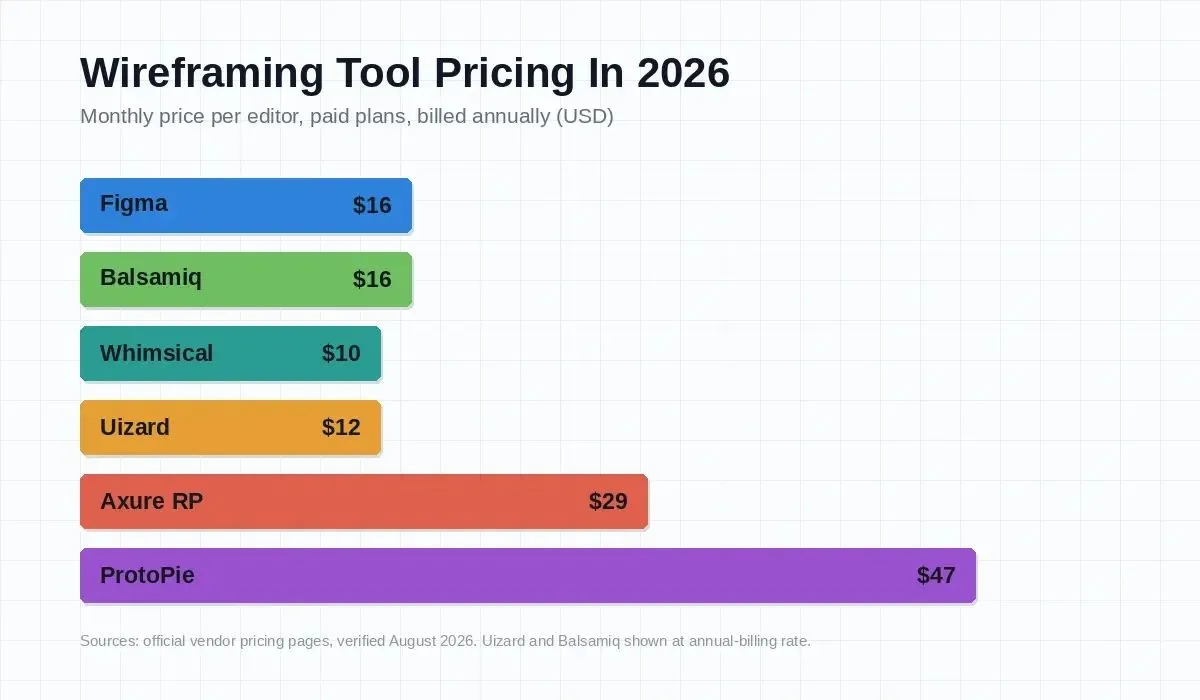
Monthly paid plan pricing per editor across top wireframing tools, verified August 2026. Free tiers available for Figma, Miro, Whimsical, Wireframe.cc, and Uizard.
The wireframing tools market has seen notable pricing changes in 2026. Balsamiq's Starter plan moved to $16/editor/month (annual), aligning it with Figma's Professional tier. Axure RP remains the most expensive at $29/user/month for the Pro plan, reflecting its enterprise-grade prototyping capabilities. Miro's 2026 pricing update introduced a clearer annual discount, dropping the Starter plan to $8/member/month for annual subscribers.
Key pricing insight: the gap between free and paid tiers is widening. Figma, Miro, and Whimsical all offer capable free plans, while tools like Axure RP and ProtoPie require paid subscriptions for meaningful use. Teams should evaluate whether the free tier covers their actual workflow before committing to a paid plan.
For teams that need to go beyond wireframing into full-stack app development, the total cost of the design-to-development pipeline matters more than any single tool's price.
From Wireframe To Working App With Rocket
Every wireframing tool in this guide stops at the design file. You hand off a Figma file, a developer interprets it, and the gap between design intent and shipped product widens, sometimes by weeks.
Some teams pair a wireframing tool with an AI app builder like Rocket.new to close that gap entirely. With Rocket.new, you can import a Figma design or describe your layout in plain language, and Rocket generates production-ready Next.js or Flutter code that preserves every spacing decision, component structure, and interaction pattern.
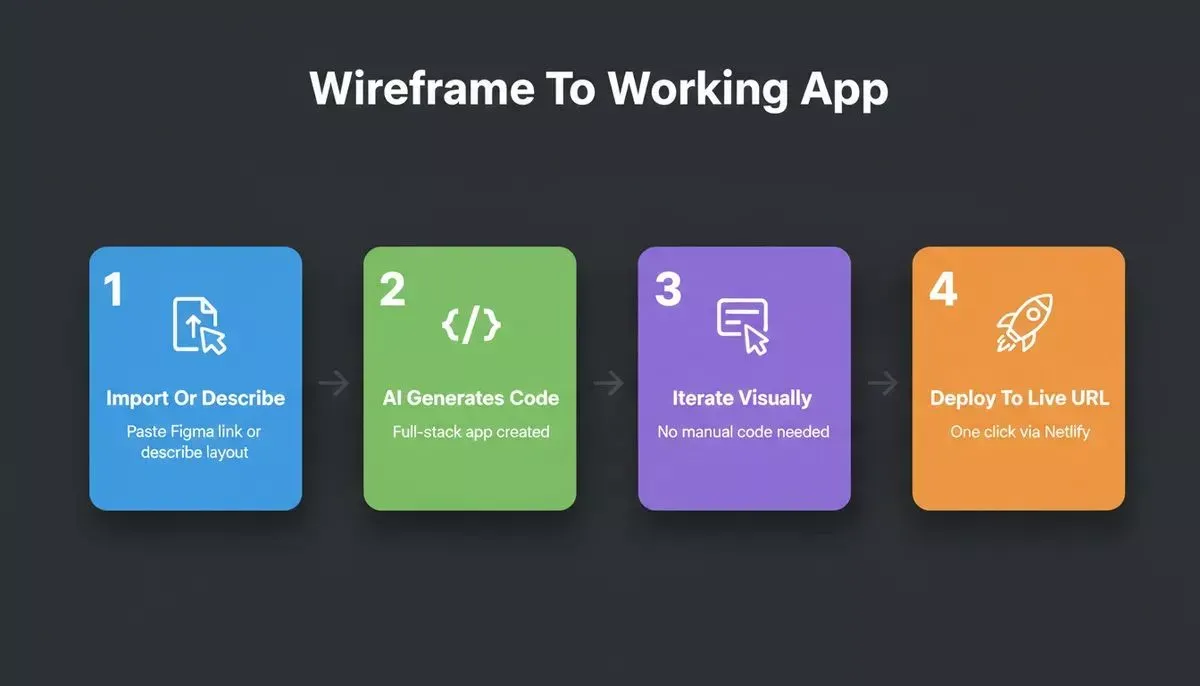
Rocket.new's four-step wireframe-to-code workflow: from Figma import or plain-language description to a deployed, live application.
How the wireframe-to-code workflow works in Rocket.new:
- Import or describe your wireframe, paste a Figma link or type a natural-language layout description
- Rocket.new generates full-stack application with your UI structure, routing, and data models intact
- Iterate visually, click any element in the preview to update text, tweak spacing, swap images, or adjust styling using Visual Edit, no manual code required
- Deploy instantly, push to a live URL with one click via Netlify for automatic HTTPS, preview builds, and global CDN hosting
Teams using Rocket.new alongside Figma or Miro report dramatically faster iteration cycles because design decisions translate directly into working code. The gap between wireframing tools and live product shrinks from weeks to hours.
Rocket.new also connects to 26+ services, including Supabase, Stripe, and GitHub, from a single prompt, so the generated app is production-ready from day one. For teams building landing pages or full products, Rocket.new handles the entire pipeline from wireframe to deployed URL.
Go From Wireframing to Live Product in Minutes
Stop spending weeks bridging the gap between your wireframes and live product. Rocket.new turns your design intent into production-ready code instantly, no developer handoff required.
Whether you're working from a Figma file or a plain-language description, Rocket.new generates full-stack apps that match your wireframe exactly.
Start building for free and ship your next UI project faster than ever.
Table of contents
- -How We Evaluated These Tools
- -Quick Comparison: 10 Best Wireframing Tools
- -Tool-By-Tool Breakdown
- -Figma
- -Sketch
- -Balsamiq
- -Wireframe.cc
- -Miro
- -Whimsical
- -Axure RP
- -ProtoPie
- -Uizard
- -Justinmind
- -Wireframe Vs. Mockup Vs. Prototype: Key Definitions
- -Which Tool Is Right For Your Team?
- -Free Wireframing Tools
- -Mapping User Flows Efficiently
- -Low-Fidelity Vs. High-Fidelity Wireframes
- -Wireframing Tool Pricing: 2026 Data
- -From Wireframe To Working App With Rocket
- -Go From Wireframing to Live Product in Minutes