
The best AI app builders with template libraries in 2026 combine pre-built templates with AI-native generation. Rocket leads with 25,000+ templates, Next.js and Flutter output, and a unique Solve-Build-Intelligence platform. Glide, Bubble, Adalo, FlutterFlow, and Softr cover specific niches.
The best AI app builders with template libraries in 2026 don't just give you a head start. The strongest ones combine pre-built templates with strategic research and competitive monitoring in a single workspace.
According to Statista's report on low-code and no-code platforms, the global market is forecast to reach around $65 billion by 2027, and AI-native builders are capturing the fastest-growing share of that number.
How We Evaluated These Tools
This comparison is based on documented feature sets, published pricing pages, and official changelogs as of August 2026. For each tool, we looked at: output type and framework, template library size and quality, backend and data handling, code ownership and export, and pricing transparency.
Template counts are sourced from each platform's own documentation or marketing pages. Where a platform hasn't published a specific count, we've noted that rather than estimating.
What Does An AI App Builder Really Do?
At its core, an AI app builder helps you turn an app idea into a working app without heavy coding.
You start with:
- An app idea
- Some natural language prompts
- Maybe existing data or a Figma design
Then the tool handles:
- The user interface
- The backend logic
- The data structure
Some builders generate full-stack apps ready for deployment. The real value comes when the generated app is production-ready, not just a rough mockup, and that's where the gap between tools becomes most visible.
Why Everyone is Talking About AI App Builders In 2026
The buzz isn't hype. The shift comes from real-world friction teams face every day:
- Designers and developers move at different speeds, creating handoff delays
- Too much context switching between research, design, and code
- Repetitive tasks like building mobile app layouts manually
AI app builders help close these gaps. The more interesting shift in 2026 is that the best tools have moved beyond just building faster. They're starting to answer the harder question of what to build and why, before a single line of code is generated.
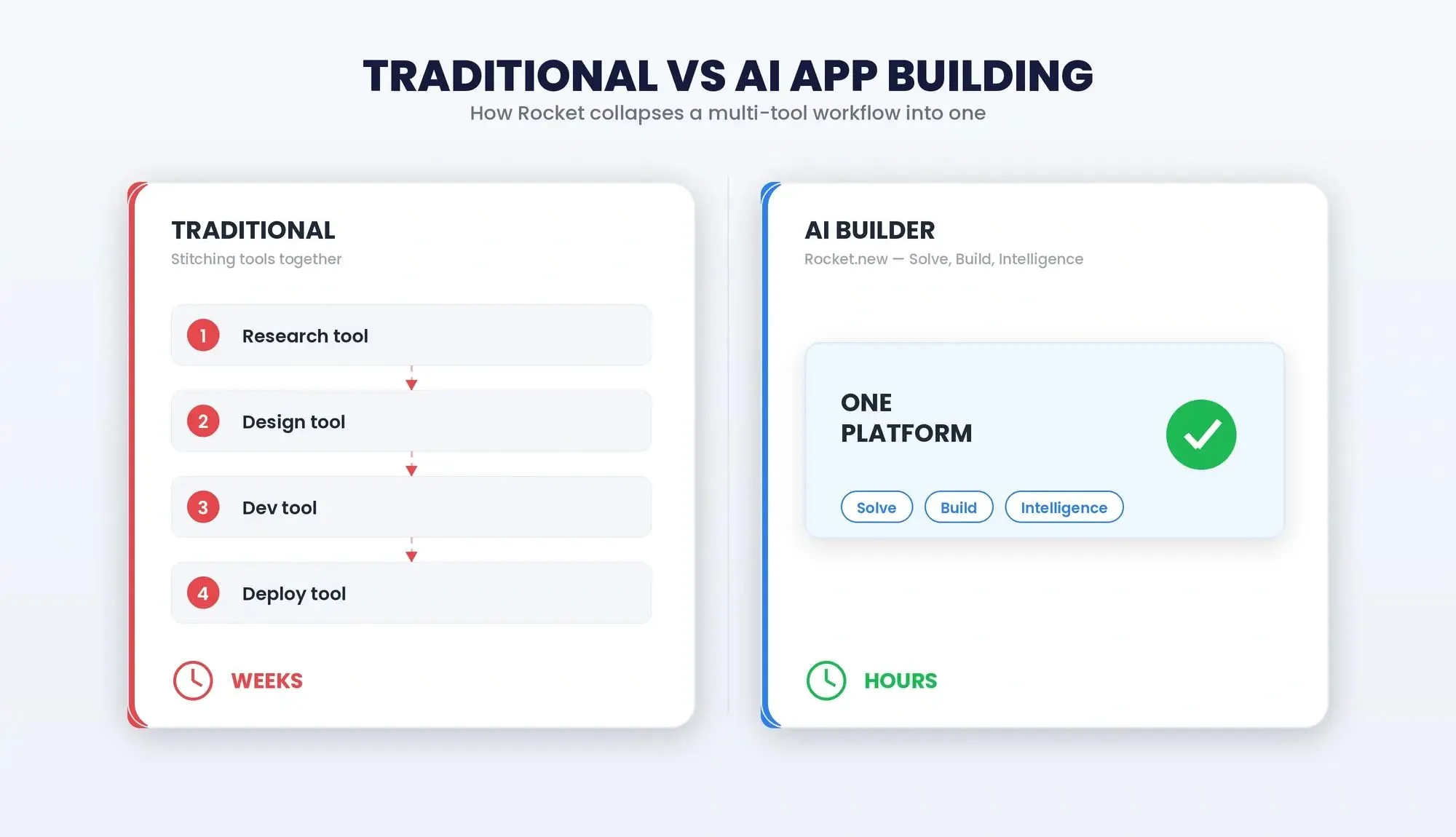
Traditional development requires stitching together multiple disconnected tools. AI-native builders collapse the entire workflow into one platform.
Key Features To Look For In AI App Builders
1. Template Libraries
A good app builder comes with ready templates for dashboards, client portals, and internal tools. This helps you reach a working prototype quickly. The larger and more varied the library, the faster your team gets to something launchable, but template count alone is a weak differentiator. What matters is whether the templates are production-quality or just visual starters.
2. Visual Editor
A smooth visual editor lets you arrange layouts and build your user interface without stress. Some tools include drag-and-drop components and pre-built UI components. The best editors let you click any element and edit it directly, without switching to a code view.
3. Natural Language Input
You can create an AI app using natural language prompts. Sometimes a single prompt is enough to generate a layout and backend logic. The quality of the first generation varies significantly between tools, and that variance is where most evaluation time should go.
4. Backend And Data Handling
Strong platforms handle data structure, backend functionality, and workflow automation. Some connect directly to Google Sheets; others scaffold a full Postgres database with authentication and row-level security. Know which you need before choosing.
5. Flexibility And Control
Look for code export, code ownership, and access to the underlying codebase. This helps avoid vendor lock-in and gives full control over your working app. Platforms that offer code export let developers extend or customize the output after generation, which is critical if you expect to outgrow the builder.
Comparison: Top AI App Builders With Template Libraries In 2026
Template counts sourced from each platform's official documentation or marketing pages. Last verified: August 2026.
| Tool | Output Type | Frameworks | Template Library | Free Plan | Paid Plans Start |
|---|---|---|---|---|---|
| Rocket | Web + Mobile apps | Next.js (web), Flutter (mobile) | 25,000+ | 20 one-time credits | $25/mo (Pro) |
| Glide | Web + Mobile | Proprietary / No-code | 1,000+ | Yes | $25/mo |
| Adalo | Native mobile apps | Proprietary | 500+ | Yes | $50/mo |
| Bubble | Full-stack web apps | Proprietary | 2,000+ | Yes | ~$32/mo |
| FlutterFlow | Exportable Flutter code | Flutter | 2,000+ | Yes | $30/mo |
| Softr | Fast web apps | Proprietary / No-code | 800+ | Yes | $24/mo |
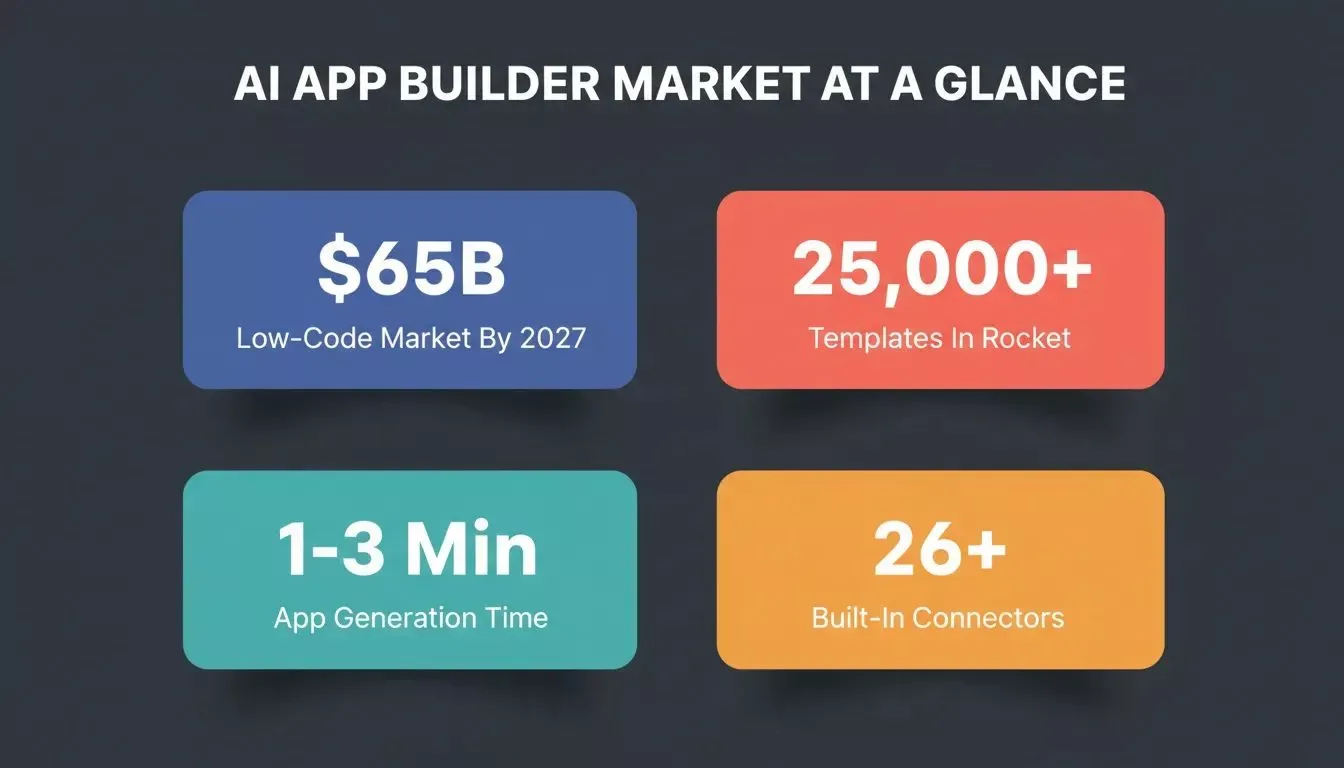
Key numbers shaping the AI app builder market in 2026.
How Rocket Builds: From Prompt To Deployed App
Rocket's documented build flow, from prompt or Figma import to a deployed production app.
1. Rocket.new
Rocket is the only tool on this list that describes itself as a vibe solutioning platform rather than an app builder. That distinction is worth understanding before you evaluate it against the others.
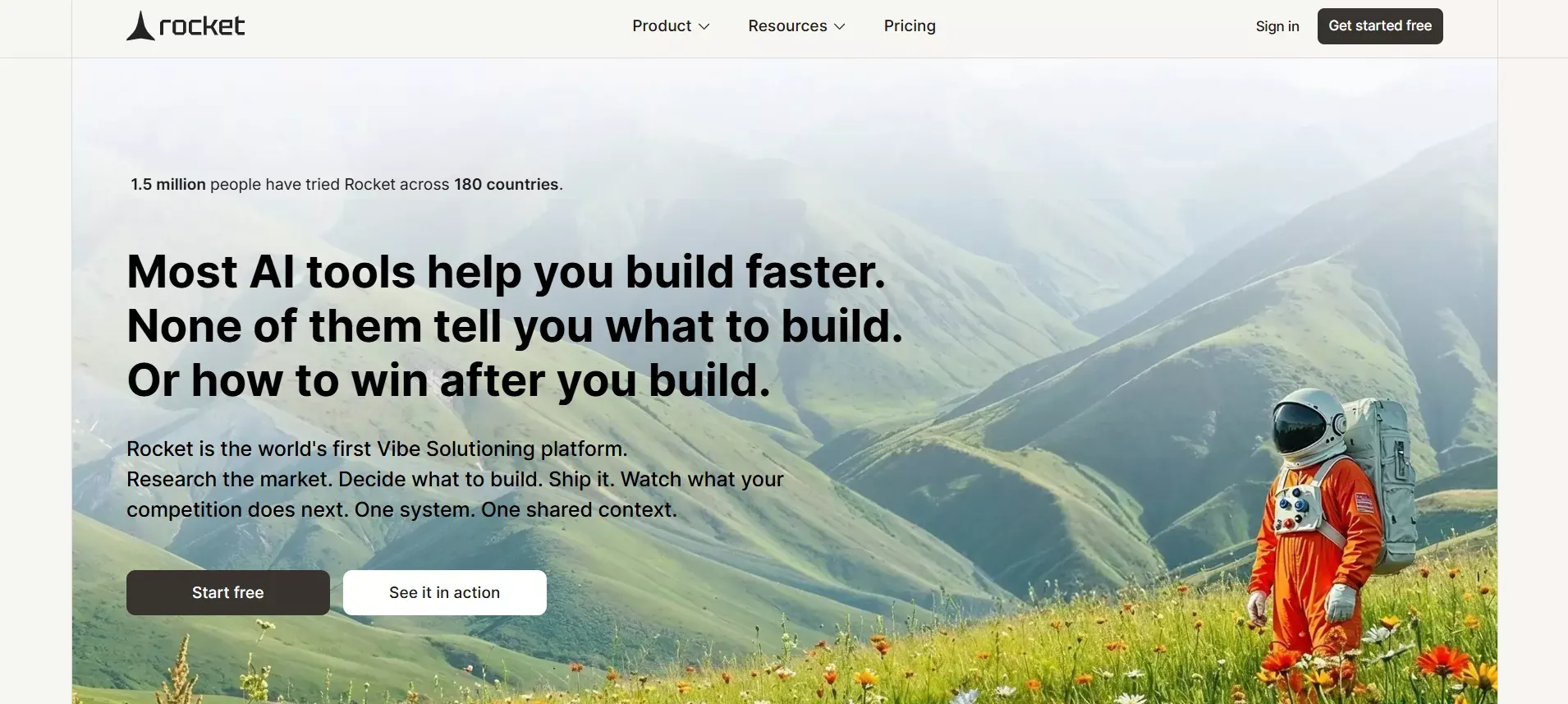
Rocket.new: Vibe Solutioning Platform
Where Glide, Bubble, and Adalo start at "here's a template, start building," Rocket starts one step earlier:
Solve (research what to build and why), then Build (generate the app), then Intelligence (monitor competitors continuously). All three share the same workspace context. The research you ran in Solve informs the first generation in Build, and the competitive signals from Intelligence can trigger a product update without re-explaining the context.
That architecture is what none of the other tools on this list have. A founder using Rocket to build a SaaS product can run a market sizing analysis, generate the MVP, and track a competitor's pricing changes, all without leaving the platform or copying findings between tools.
What Rocket Actually Generates
Per the official Build documentation:
- Web apps: Production-grade Next.js (plain React was deprecated in March 2026 in favor of Next.js as the default stack)
- Mobile apps: Flutter, with real design systems, dark/light theming, fluid navigation, and staggered animations, ready for the App Store and Google Play
- Landing pages and multi-page websites: Conversion-focused, SEO-ready by default
Every build ships with WCAG accessibility compliance, GDPR coverage, and SEO-ready structure by default, not as optional extras. You can read more about how Rocket ships SEO and compliance as build defaults.
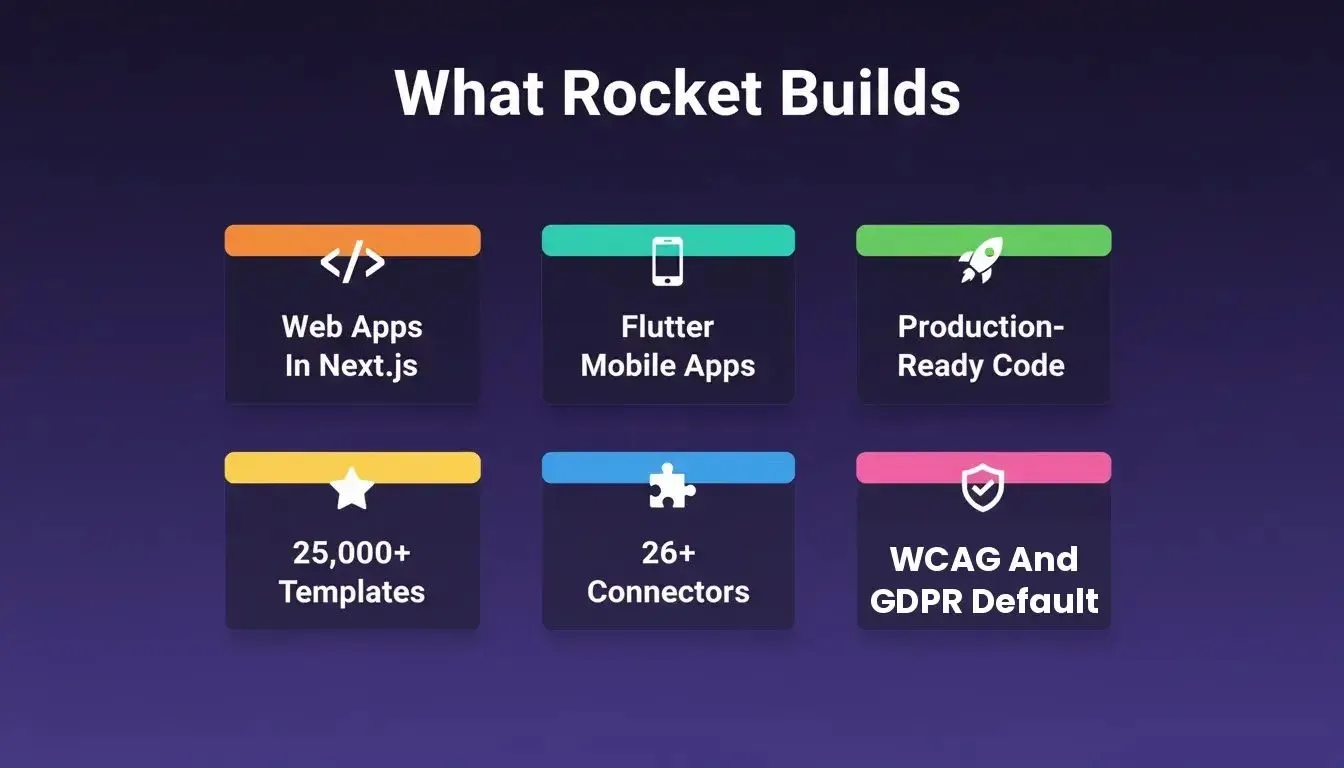
Rocket's Build capability covers web apps, mobile apps, internal tools, and more, all with production-grade output by default.
Features
- Prompt To App: Builds directly from natural language; Rocket scores prompt clarity before starting and asks targeted clarifying questions if needed
- Figma Import: Converts Figma designs to production-ready Next.js or Flutter code, preserving typography, spacing, and visual hierarchy. The developer handoff becomes unnecessary.
- Advisor Agent: A built-in senior architect sub-agent that diagnoses root causes, resolves error loops, and makes architectural decisions so the coding agent never gets stuck
- 26+ Built-In Connectors: Stripe, Supabase, GitHub sync, HubSpot, OpenAI, Anthropic, Gemini, Notion, Linear, Airtable, Mailchimp, Mixpanel, and more. Authenticate once and they flow into every build.
- Command-Based Editing: Use
/and@to run precise actions and reference previous tasks without re-explaining context - Two-Way GitHub Sync: Push generated code to your repo; pull changes back into Rocket
- Custom Domain Support: One-click deployment with automatic HTTPS
- Code Export: Full source code download; developers can extend or take the codebase anywhere
Template Library
Rocket offers 25,000+ ready-to-use templates (confirmed in the March 2026 changelog). Browsing and remixing templates consumes zero credits. Credits only apply when you start customizing via chat. You can learn more about how to use Rocket templates to get started faster.
Pricing
Sourced from docs.rocket.new/getting-started/pricing, August 2026
| Plan | Price | Credits | Includes |
|---|---|---|---|
| Free | $0 | 20 (one-time) | Build + Light Solve |
| Pro | $25/mo | 100/month | Build + Light Solve |
| Rocket | $50/mo | 250/month | Build + Full Solve + Intelligence |
| Booster | $250/mo | 1,500/month | Build + Full Solve + Intelligence + premium support |
Annual billing saves 20% across all paid plans. Credits roll over month-to-month on monthly plans. Rocket's four pricing tiers, from a free plan with 20 one-time credits to Booster at $250/mo for power users.
Use Cases
- Startup MVPs: Validate the idea in Solve, generate the MVP in Build, monitor competitors in Intelligence, without switching tools
- Internal Tools: Dashboards, OKR trackers, customer health monitors connected to Mixpanel, Airtable, or Notion
- Client Portals: Login-gated portals with data handling and role-based access
- Automation Systems: Workflows connected to Stripe, Supabase, and email providers from a single prompt
Best For
Founders and teams who want the complete arc: research, build, and monitor, in one place, without stitching together separate tools.
One thing to know going in: Rocket's credit system means complex builds consume more credits than simple ones. A landing page costs far less than a full SaaS app with authentication and database integration. If you're on the Free plan (20 one-time credits), use them on a focused build rather than experimenting broadly.
2. Glide
Glide is a simple AI app builder for internal tools. It works with Google Sheets, turning spreadsheet data into a working app. Ideal for non-technical teams who need fast, template-based internal tools without touching code.
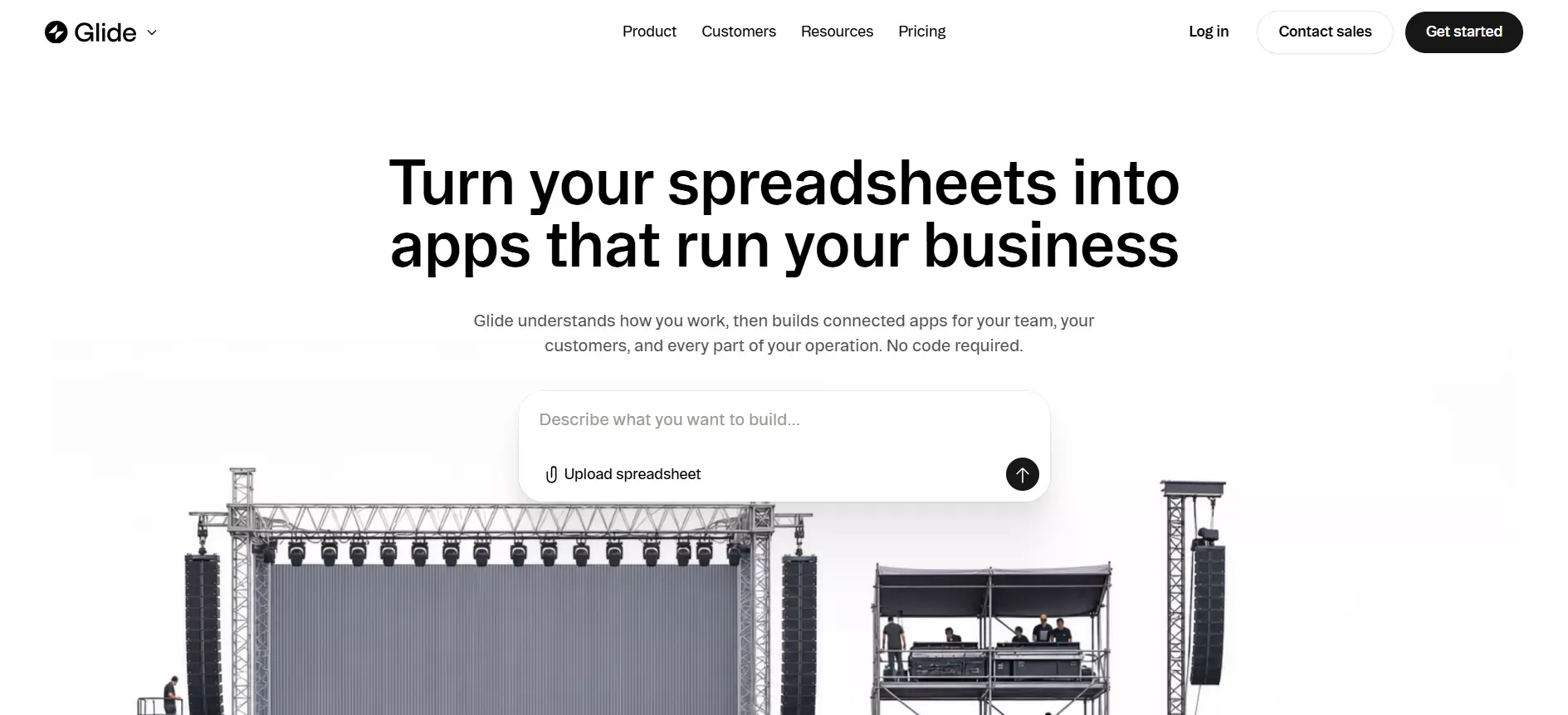
Glide AI Builder
Features
- Connects with Google Sheets and other data sources
- Simple visual editor
- Supports web and mobile apps
- Easy workflow automation
Template Library
Glide comes with 1,000+ templates, well-suited for getting a working internal tool quickly.
Best For
Beginners and non-technical users who need fast internal tools without a database setup.
Pricing
Free tier available; paid plans start at $25/month.
The ceiling here is real: Glide works well for simple data-display apps, but complex business logic or custom backend requirements will push you toward a more capable tool quickly.
3. Adalo
Adalo is focused on mobile app creation. Build, customize, and launch native apps fast without coding. Good for teams looking to publish mobile apps on the App Store or Google Play without a development team.
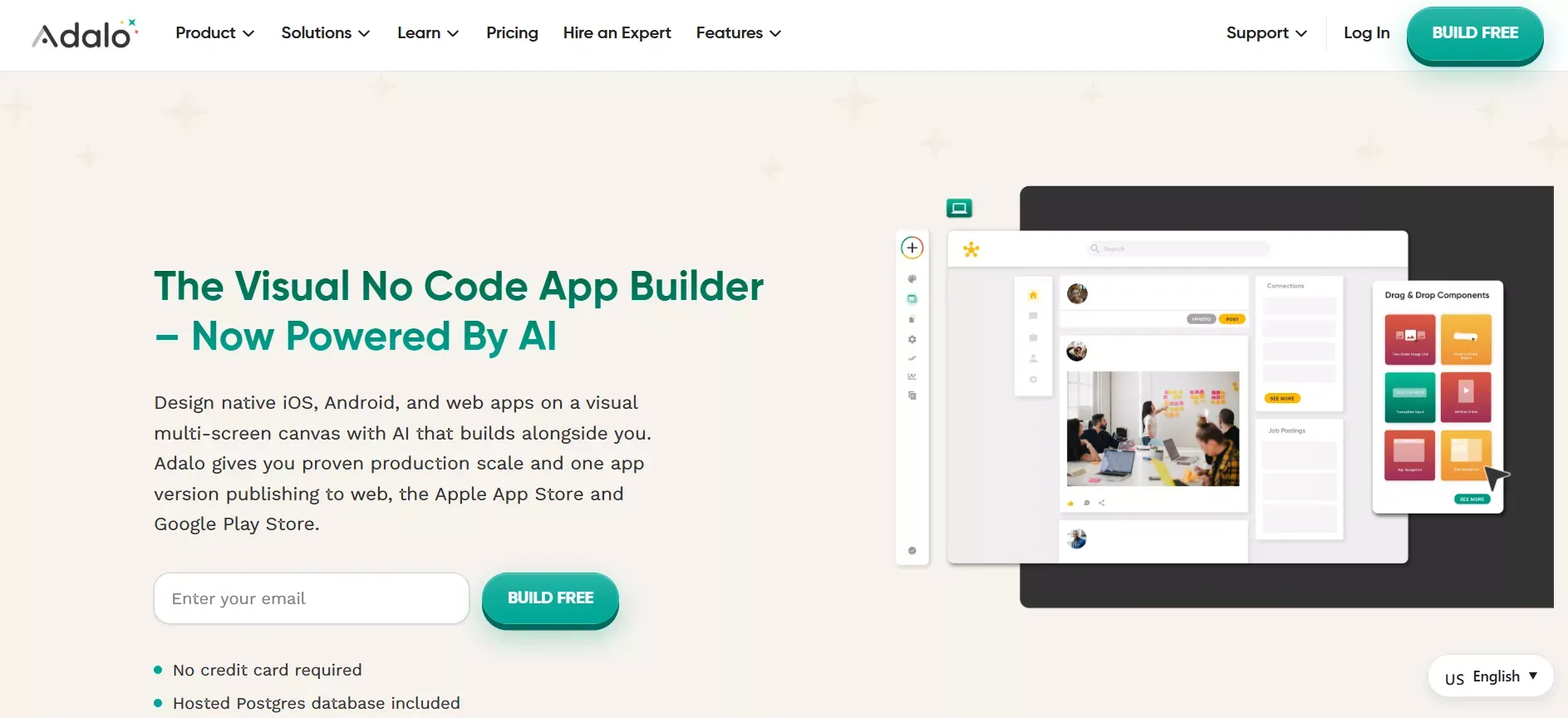
Adalo for Mobile Apps
Features
- Supports native mobile apps
- Built-in database
- Simple user interface builder
- App store publishing support
Template Library
Adalo offers 500+ mobile app templates, giving users a solid foundation for a working mobile app.
Best For
Creators building a mobile app for app store distribution without a development budget.
Pricing
Free tier available; paid plans start at $50/month.
Worth noting: Adalo's proprietary framework means you can't export the underlying code. If you ever need to migrate or extend the app beyond what Adalo supports, you're rebuilding from scratch.
4. Bubble
Bubble is a powerful app builder for complex web applications. Best suited for teams needing full-stack functionality with strong workflow automation and a visual programming environment.
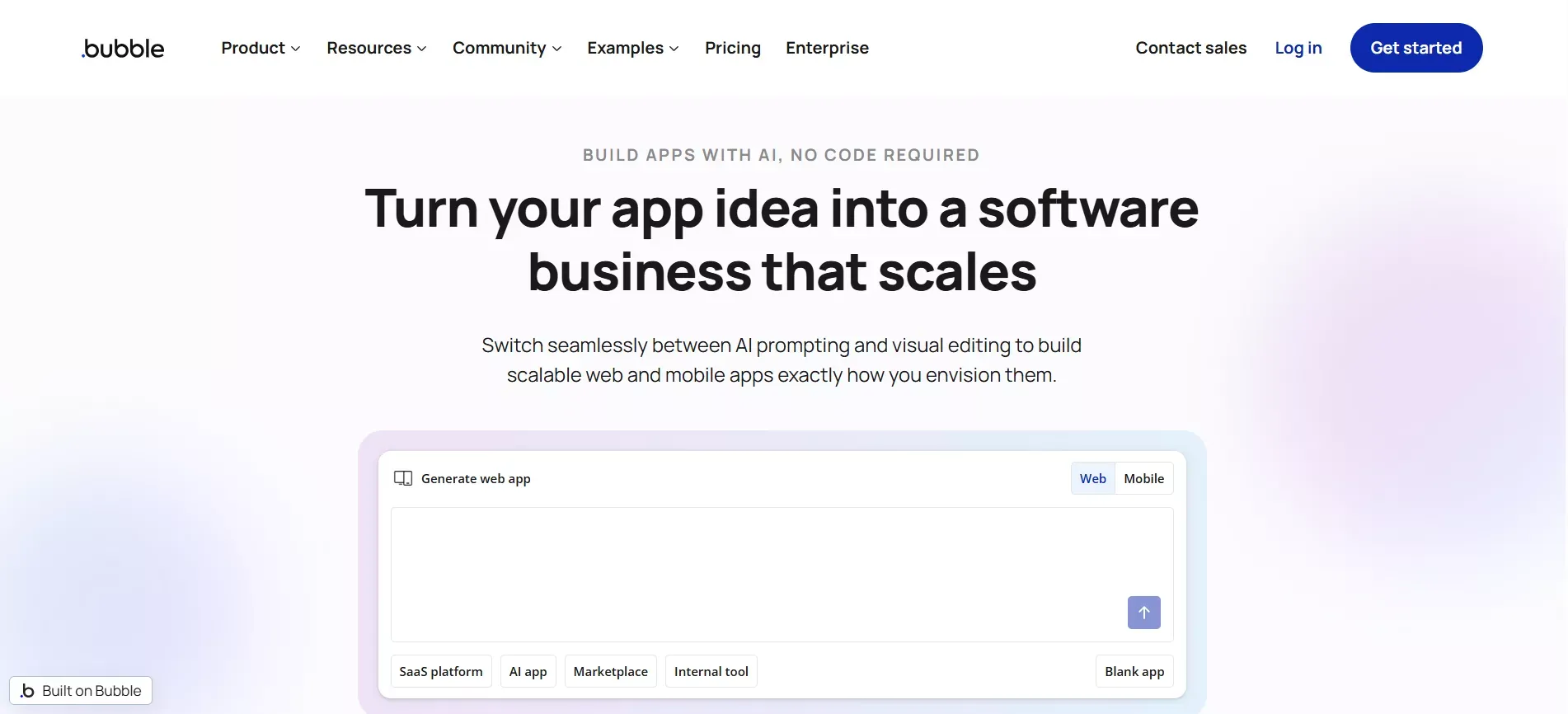
Bubble for Complex Web Apps
It supports:
- Complex business logic
- Advanced backend workflows
- Scalable full-stack web apps
Features
- Advanced workflow automation
- Flexible data structure
- Supports complex web applications
Template Library
Bubble offers 2,000+ templates, helping teams jumpstart a working web app quickly.
Best For
Developers and technical founders building complex apps that require deep backend logic.
Bubble has the steepest learning curve on this list. The visual programming model is powerful, but it takes real time to master. Budget for that before committing.
5. FlutterFlow
FlutterFlow is built for teams that want visual app building with full code ownership. Build mobile apps visually while exporting the complete Flutter codebase for developers to extend.
FlutterFlow for Teams
Features
- Full Flutter code export
- Supports native iOS and Android apps
- API integrations
- Firebase and Supabase backend support
Template Library
FlutterFlow offers 2,000+ templates, giving teams a strong starting point for mobile app development.
Best For
Teams that need full code ownership and plan to extend or hand off the codebase after the initial build.
Pricing
Free tier available; paid plans start at $30/month.
6. Softr
Softr is built for building web apps quickly from existing data. Create client portals and internal tools connected to Google Sheets or Airtable with minimal setup.
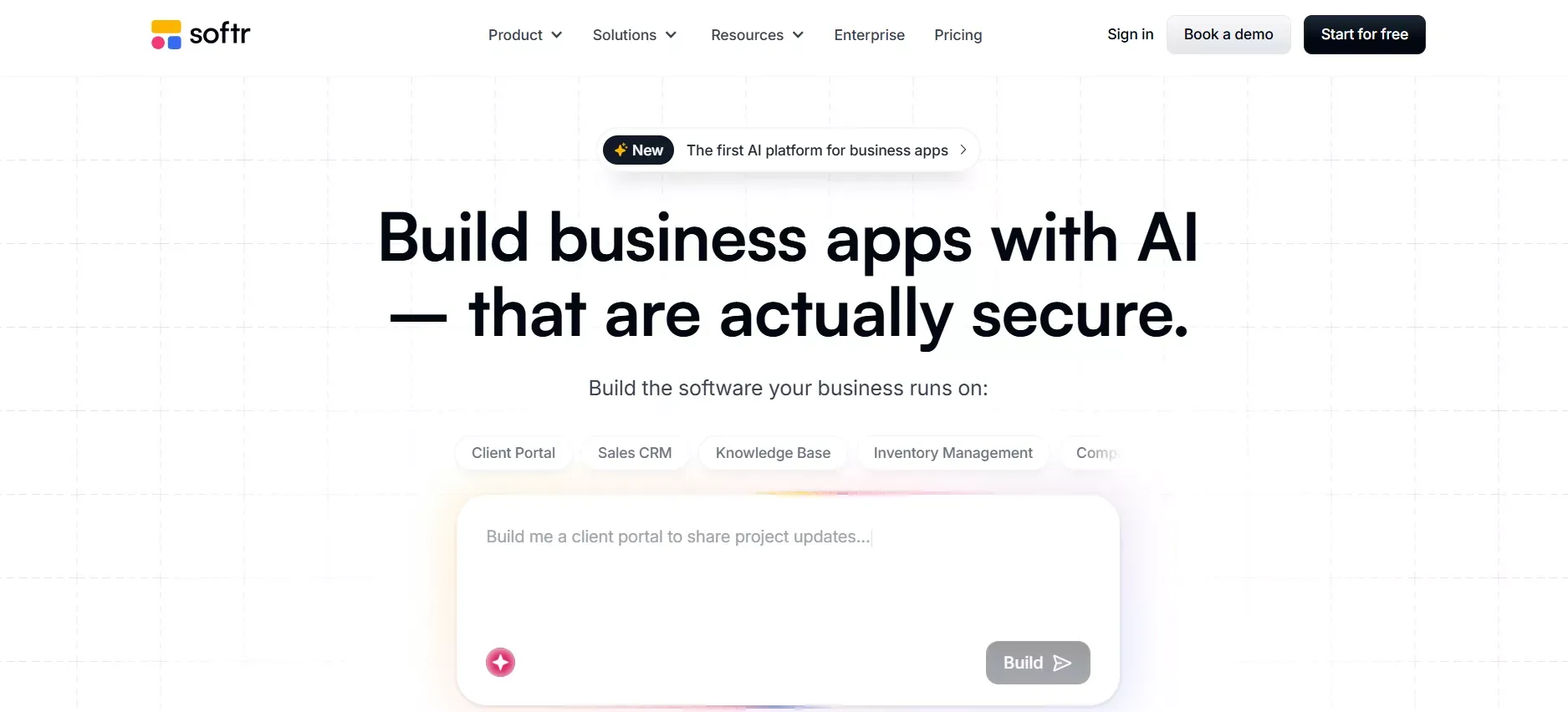
Softer for Web Apps
Features
- Works with existing data sources (Google Sheets, Airtable)
- Fast app building
- Simple visual editor
- Custom domain support
Template Library
Softr comes with 800+ templates, letting teams quickly start a working web app without coding.
Best For
Teams that already have data in Google Sheets or Airtable and want to build a portal or internal tool on top of it without a development project.
Pricing
Free tier available; paid plans start at $24/month.
What Users Are Saying
Here's a perspective from the builder community on where AI app builders are heading:
"Right now, tools like AI website and app builders are exploding, but one piece is still missing: a template marketplace where creators can make components, landing pages, and full apps. This would motivate makers to push quality higher and lower the barrier for non-designers and non-devs." — LinkedIn
The observation is accurate for most tools on this list. Rocket has moved furthest in this direction with 25,000+ templates and a remix system, but the broader template marketplace model the community is describing is still emerging.
Free Plans Vs Paid Plans
Most platforms offer a free plan for testing and validation. Here's what the tiers typically unlock:
| Plan Type | What You Get | Best For |
|---|---|---|
| Free | Basic builds, limited credits or features, no advanced integrations | Validation and experimentation |
| Entry paid ($24-$30/mo) | More credits or builds, basic integrations, some publishing | Side projects and simple tools |
| Mid-tier ($50/mo) | Full feature access, research tools, competitive intelligence (Rocket) | Teams shipping real products |
| Power tier ($250/mo) | High-volume credits, premium support, fast-moving teams | Agencies and scale-stage teams |
Once your project grows or needs advanced capabilities, upgrading to a paid plan gives you full access to templates, backend logic, and app publishing features so you can scale efficiently.
Things To Watch Out For
Even the best AI app builders with template libraries in 2026 have real limits.
Key Considerations
- Learning Curve: Bubble and FlutterFlow have steeper curves than Glide or Softr. Rocket's Advisor Agent helps resolve errors automatically, but complex builds still require iteration.
- App Complexity Ceiling: Most no-code tools hit a wall around Series A complexity. Custom compliance requirements, complex data models, or high-scale infrastructure typically require a developer to take over.
- Backend Limits: Not all platforms support deep backend logic or workflow automation. Glide and Softr are data-display tools at heart; Bubble and Rocket handle more complex logic.
- Vendor Lock-In: Without code export or full code ownership, you might be tied to a single platform. Rocket and FlutterFlow both offer full code export. Adalo, Glide, and Softr do not.
Start with simple builds, test your tool against your actual use case, and scale only after understanding its constraints. If you're evaluating no-code app builders for startups, the vendor lock-in question is especially important early on.
How The Workflow Looks Today
Creating apps with AI is much smoother now than traditional methods.
The process is simple:
- Start with an app idea (or run a Solve research task first to validate it)
- Use natural language prompts
- The AI generates layouts and backend logic
- Refine using a visual editor, chat, or direct code edits
- Connect integrations via the platform's connector library
- Deploy to a staging URL, share for feedback
- Ship to a custom domain or app store
With AI app builders, your role is more about guiding and refining the workflow than doing everything manually. The better your inputs, the faster you get a working app ready for launch.
Choosing The Right AI Builder
Building apps the traditional way takes time, skill, and effort. Many non-technical users struggle to turn ideas into working apps, while teams often face repetitive tasks and slow handoffs.
The best AI app builders with template libraries in 2026 solve this by combining no-code, pre-built templates, and natural language prompts. But the right tool depends on what you're actually building:
- Need a quick internal tool from a spreadsheet? Glide or Softr.
- Building a native mobile app for the App Store? Adalo or FlutterFlow (if you want code export).
- Building a complex web app with custom business logic? Bubble or Rocket.
- Need research, building, and competitive monitoring in one place? Rocket is the only tool on this list that covers all three.
According to Statista, the global low-code and no-code market is forecast to reach around $65 billion by 2027, and the tools that combine AI generation with strategic context are positioned to capture the most defensible share of that growth. Start with a free plan to test your idea, then scale gradually.
Research, App Generation and Intelligence in One Platform
Stop starting from scratch. Rocket is the only AI app builder that combines strategic research, production-ready app generation, and competitive intelligence in one platform.
With 25,000+ templates, Next.js and Flutter output, 26+ built-in connectors, and a credit system that covers everything from a landing page to a full SaaS, it's built for teams that want to ship faster without outgrowing their tools. Start building for free on Rocket.new.
Table of contents
- -How We Evaluated These Tools
- -What Does An AI App Builder Really Do?
- -Why Everyone is Talking About AI App Builders In 2026
- -Key Features To Look For In AI App Builders
- -1. Template Libraries
- -2. Visual Editor
- -3. Natural Language Input
- -4. Backend And Data Handling
- -5. Flexibility And Control
- -Comparison: Top AI App Builders With Template Libraries In 2026
- -How Rocket Builds: From Prompt To Deployed App
- -1. Rocket.new
- -What Rocket Actually Generates
- -Features
- -Template Library
- -Pricing
- -Use Cases
- -Best For
- -2. Glide
- -Features
- -Template Library
- -Best For
- -Pricing
- -3. Adalo
- -Features
- -Template Library
- -Best For
- -Pricing
- -4. Bubble
- -Features
- -Template Library
- -Best For
- -5. FlutterFlow
- -Features
- -Template Library
- -Best For
- -Pricing
- -6. Softr
- -Features
- -Template Library
- -Best For
- -Pricing
- -What Users Are Saying
- -Free Plans Vs Paid Plans
- -Things To Watch Out For
- -Key Considerations
- -How The Workflow Looks Today
- -Choosing The Right AI Builder
- -Research, App Generation and Intelligence in One Platform