
You can build a Flutter app without coding using no-code platforms and AI app builders. Complete beginners can go from app idea to a published cross-platform product on iOS and Android in days, with zero programming knowledge required.
How does a complete beginner go from an app idea to a published Flutter app on the Google Play Store, all without writing a single line of code?
That question felt impossible just a few years ago. Today, however, with no-code platforms handling the heavy lifting, app development is accessible to anyone with an idea and a clear vision.
According to recent developer survey data, 46% of developers used Flutter in 2023, making it the most popular framework for cross-platform mobile app development. Flutter lets you build apps that run on iOS, Android, web, and desktop from a single project, without needing extensive coding knowledge.
How Do No-Code Platforms Make App Building Possible?
No-code platforms have created an entirely new approach to app development. Instead of writing code line by line, you describe what you want, and the platform generates the app for you. As a result, the development process that once took months now happens in days.
According to market research from The Business Research Company, the global no-code development platforms market reached $35.61 billion in 2025, growing at a CAGR of 22.7%. Gartner predicts that 70% of all new enterprise applications will use low-code or no-code technologies by 2027.
So what do no-code app builders actually replace in the development process? In short, they swap out every technical step for a visual or conversational one:
-
Visual drag-and-drop editors: Design your app's user interface by placing buttons, input fields, and navigation bars without writing any layout code
-
Pre-built logic systems: Set up user interactions, data sources, and workflows through configuration rather than manual coding
-
Built-in backend services: User authentication, file storage, databases, and APIs connect through simple settings, not code
-
One-click deployment: Publish to the Google Play Store and Apple App Store without managing servers, certificates, or build pipelines
-
Third-party integrations: Connect payment processors, Google Sheets, and notification systems through a straightforward integration process
| Traditional Development | No-Code App Development |
|---|---|
| Requires coding knowledge in Dart, JavaScript, or Swift | No technical expertise needed |
| 3 to 6 months development time | Days to weeks |
| $50,000 to $250,000 cost | Free plan available; paid plans start at $20 to $50/month |
| Separate teams for iOS and Android | Build apps for multiple platforms at once |
| Manual deployment process | One-click publish to app stores |
What Can You Actually Create Without Writing Code?
The range of apps you can build without writing code today is broader than most beginners expect. No-code app builders support everything from simple task trackers to complex mobile experiences with real-time features and user accounts.
Here is what people build using no-code platforms every day:
-
Mobile apps for businesses: CRM tools, internal tools, booking systems, and customer-facing apps with native-feeling interfaces
-
Marketplace and e-commerce apps: Product listings, payment processing, and delivery tracking, all without a single line of code
-
SaaS web app products: Subscription services, dashboards, and productivity tools that run on multiple devices
-
Community and social apps: User profiles, messaging, content feeds, and notifications built through visual configuration
-
Internal tools and dashboards: Admin panels, analytics viewers, and team management apps for businesses of all sizes
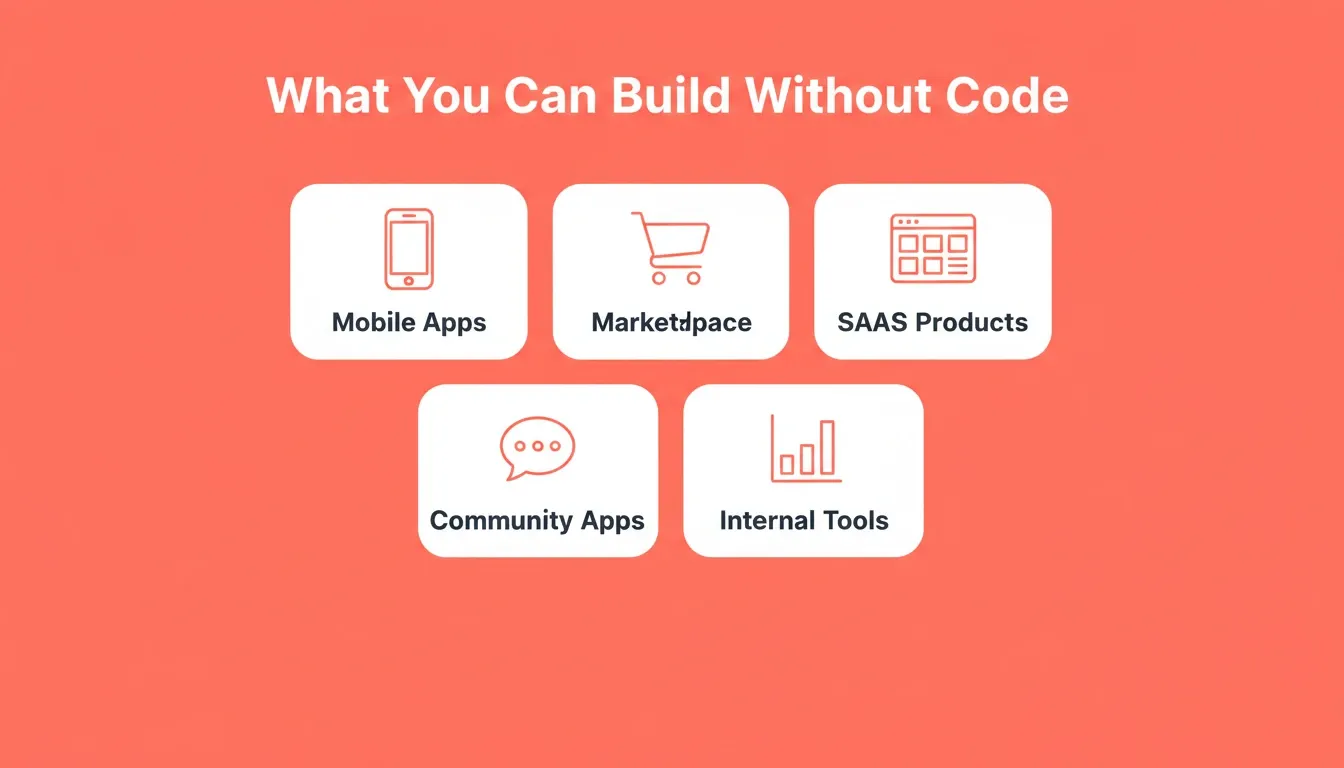
Five app categories you can build without writing a single line of code
The key is matching the right app builder to your specific requirements — both in terms of what you need to launch and where you need the product to grow. Before committing to any platform, it helps to explore what a no-code mobile app builder can do in practice.
Step-by-Step Guide to Creating Your First Flutter App
The app creation process looks different depending on which no-code platform you choose, but the core steps remain consistent. This guide walks you through the entire development process, from app idea to published product.
How Do You Plan Your App Before Building?
Every great app starts with solid planning. Before you open any app builder, you need a clear picture of what your app does and who it serves.
-
Define your app idea clearly: Write down the core problem your app solves and the target audience who needs it most
-
Map out key screens: Sketch the home screen, main features, and user flows on paper or in a simple tool
-
List your must-have features: Separate what you need for launch from what can come later; start with core functionality
-
Research competitors: Look at similar apps to understand what works and what your app can do differently
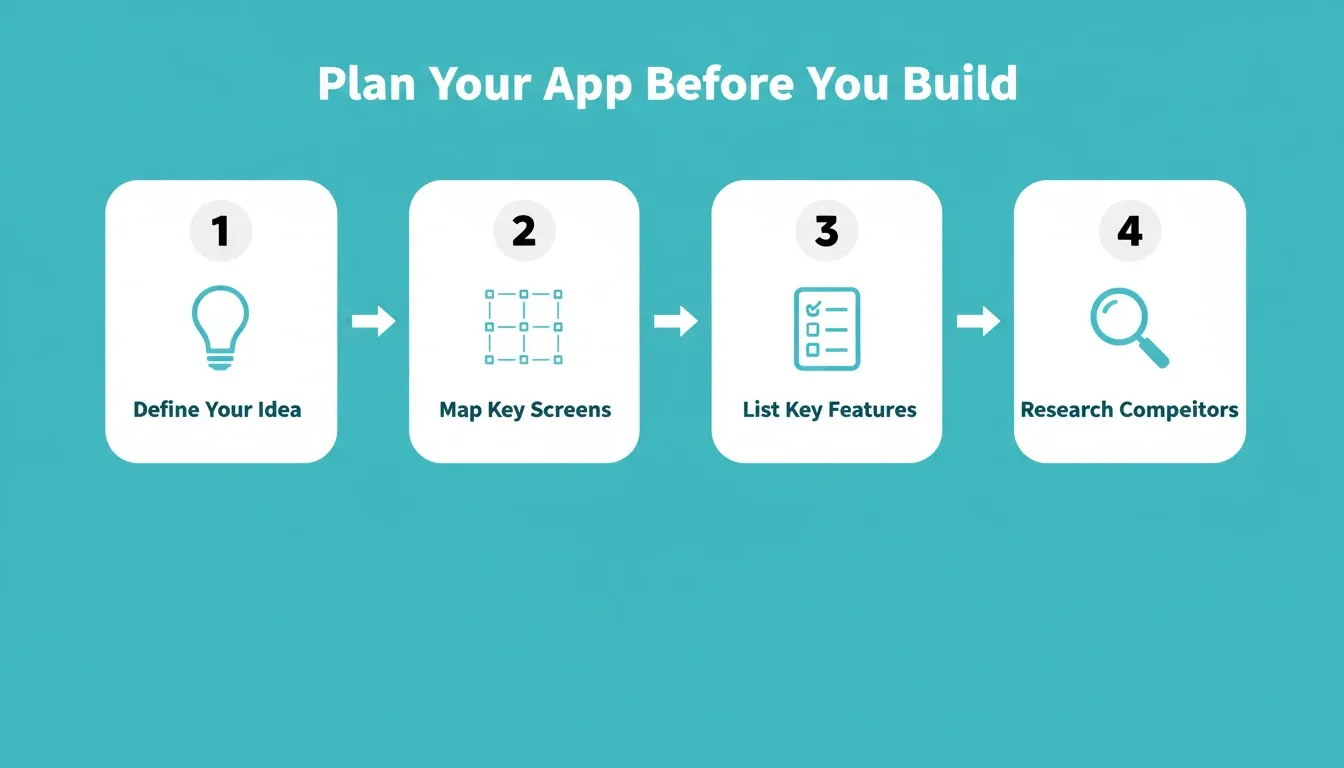
Four planning steps that save more time than any tool can
Planning before building saves more time than any tool can. A solid understanding of your requirements means fewer changes mid-build and a cleaner final product.
How Do You Pick the Right No-Code App Builder?
Choosing the right app builder determines how quickly you launch and how much control you have over the final product. Not all no-code app builders support Flutter output, and platforms differ significantly in pricing, features, and flexibility.
Here is what to evaluate when picking your tool:
-
Flutter support: Does the platform generate real Flutter code, or just a web app wrapper?
-
Free plan availability: Can you test the platform and build a prototype before paying?
-
Customization options: How much control do you get over the user interface, data sources, and app behavior?
-
Deployment support: Can the platform publish directly to both app stores, or do you handle deployment yourself?
-
Third-party APIs: How easily can you connect external services to extend your app's capabilities?
The right choice depends on your budget, technical comfort level, and the complexity of your app idea. For a practical overview of what different platforms produce, see this guide on how to build a mobile app with AI.
Flutter app development workflow: from idea to app store deployment
Why Rocket Is the Fastest Way to Ship a Flutter App
Among the no-code platforms available today, Rocket combines AI generation with production-grade Flutter output. While other tools require you to configure elements one by one, Rocket lets you describe your app idea in plain language and generates the whole app in minutes.
Here is what makes Rocket's approach different:
-
Natural language generation: Describe what you want, and Rocket builds the Flutter app with UI, navigation, backend, and deployment-ready code
-
Real Flutter output: Rocket generates genuine Flutter code that runs natively on iOS and Android from a single codebase, not a wrapper
-
Built-in user authentication and file storage: User accounts, databases, and storage are ready from the first generation, with no separate backend setup required
-
One-click app store deployment: Publish to Google Play and Apple App Store directly from the platform, without managing certificates or build configurations
-
25+ integrations: Connect services like Stripe, Supabase, and analytics tools through a simple integration process
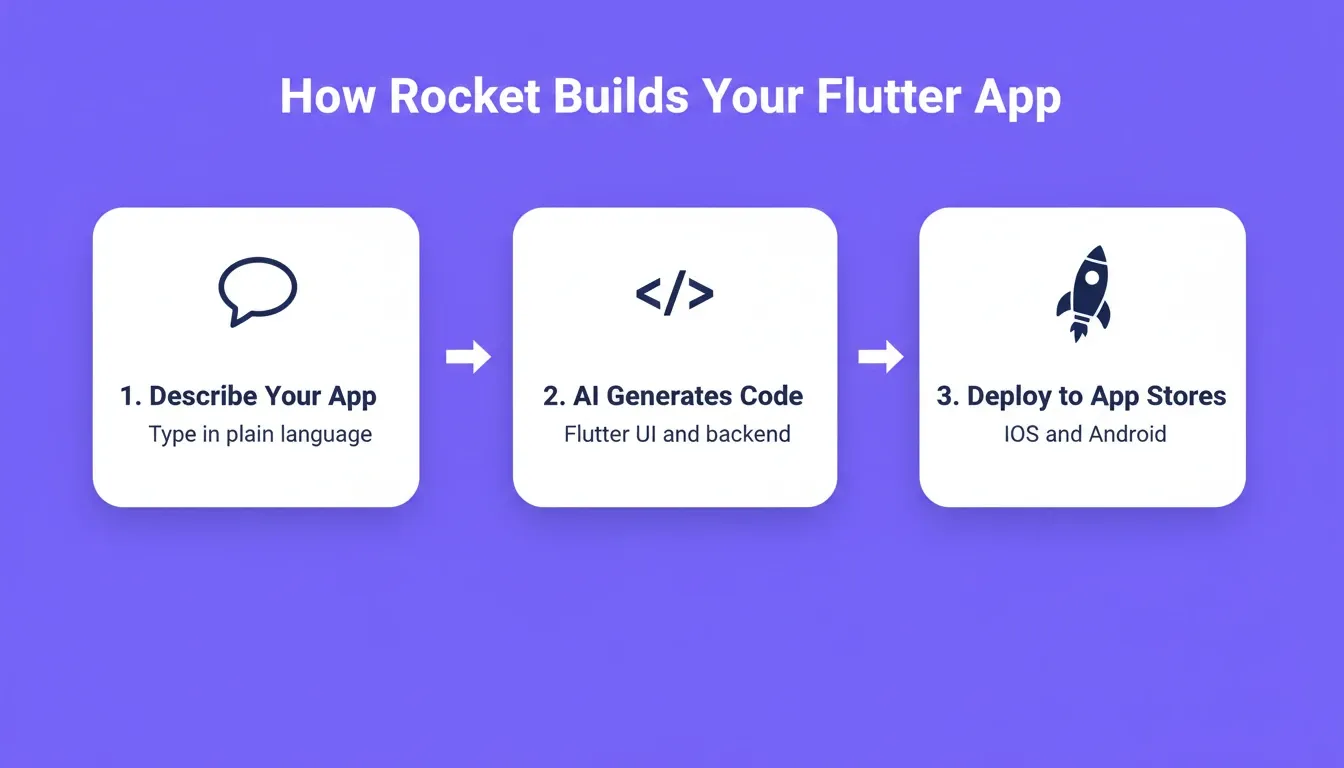
Rocket's three-step Flutter generation workflow: describe, generate, deploy
Where other no-code platforms require manual configuration of every screen and interaction, Rocket handles the entire development process from a single description. The output is a working app, not just a prototype. To see how Rocket stacks up against similar tools, take a look at FlutterFlow alternatives.
Compared to other app builders: FlutterFlow gives you visual drag-and-drop tools but requires significant time to learn its interface and configure each element. Bubble focuses on web apps and does not generate native Flutter code for mobile. Adalo offers simplicity but limits customization options for complex apps. Each tool serves a different use case, and the right choice depends on your project's complexity and your available time.
For a broader look at the category, this comparison of the best no-code app builder for startups covers how these platforms stack up across key criteria.
How Do You Deploy Your Flutter App to App Stores?
Getting your Flutter app from "built" to "live on app stores" is the step where many beginners get stuck. Fortunately, modern no-code platforms handle most of the technical complexity. Still, understanding the three paths available helps you plan your timeline.
Here are the three main deployment options:
-
Web preview for instant sharing: Generate a shareable link that works on any device with a browser; useful for demos and early feedback
-
APK download for Android testing: Build an Android package and sideload it onto real devices to test all features before going public
-
App store submission for public release: Submit to the Google Play Store (\$25 one-time fee) and Apple App Store (\$99/year) for full public access
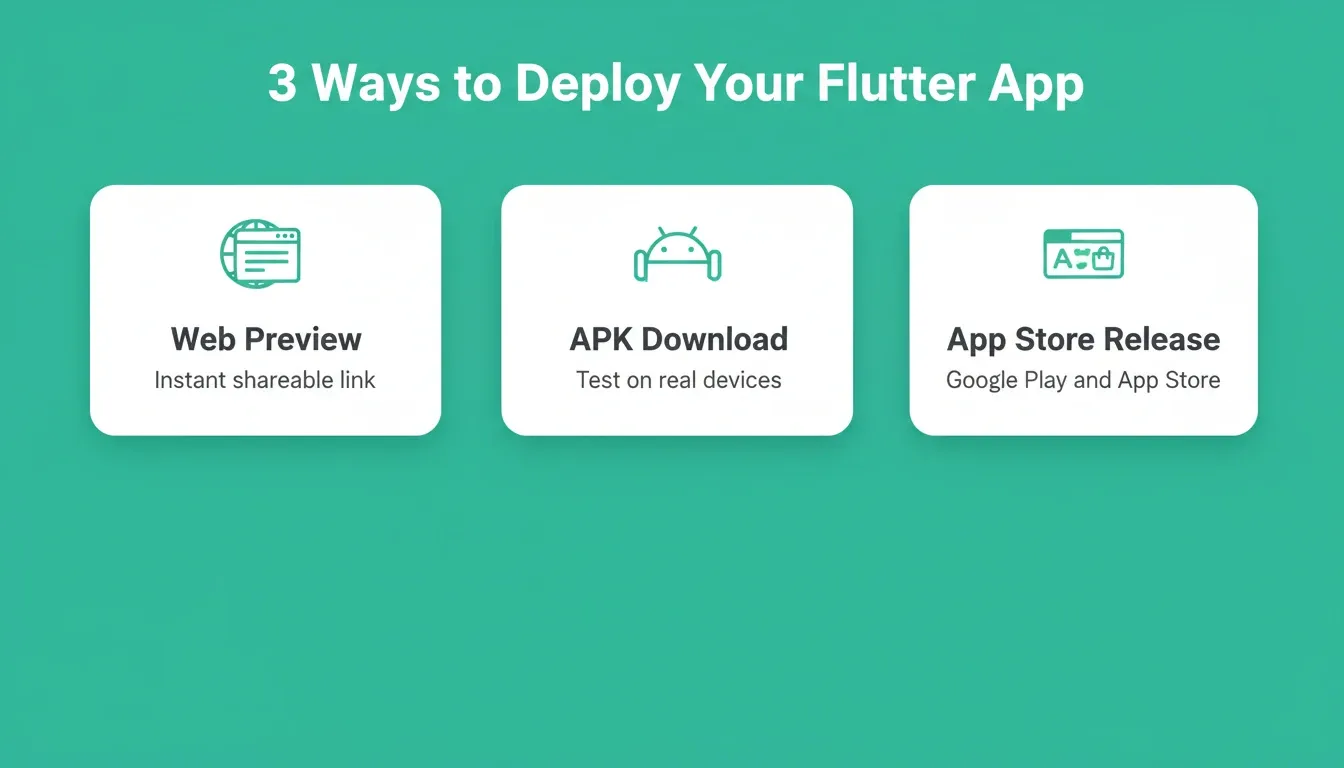
Three Flutter deployment paths: from instant web preview to live app store release
Test your app on multiple devices before submission. Check that responsive design works correctly across screen sizes, that user clicks trigger the expected actions, and that data saves properly across sessions.
"Flutter powers 30% of all cross-platform apps by 2025. Over 2 million developers use Flutter globally. Flutter adoption continues double-digit growth, especially for enterprise and startups." — Drashti Patel, Flutter Adoption Stats 2025
Google Play typically approves apps within a few days, while Apple's review can take up to two weeks. To avoid delays, prepare your screenshots, descriptions, and privacy policies before submission. For a detailed walkthrough of each stage, the Flutter app builder AI guide covers what to expect from start to finish.
No-Code App Builder Pricing and Features Compared
Picking between no-code platforms often comes down to pricing, Flutter support, and the level of control each tool provides. Here is how the leading app builders compare for building Flutter apps without code.
| Platform | Free Plan | Paid Plans Start | Flutter Support | Deployment | Best For |
|---|---|---|---|---|---|
| Rocket | Yes (20 credits) | $19/month | Native Flutter code | One-click to both stores | AI-generated full apps |
| FlutterFlow | Yes (limited) | $30/month | Native Flutter code | Manual export required | Visual drag-and-drop building |
| Bubble | Yes (limited) | $29/month | No (web only) | Web deployment only | Complex web apps |
| Adalo | Yes (limited) | $45/month | No (React Native) | Both stores supported | Simple mobile apps |
The pricing comparison tells only part of the story. What matters more is how quickly each platform gets you from app idea to a launched product, and how much ongoing effort the process requires.
-
Rocket: Paid plans start at \$19/month; the free plan gives you enough to build and test a complete app; AI generation handles the heavy work
-
FlutterFlow: Paid plans start at \$30/month; offers granular control over every widget but requires learning its specific interface
-
Bubble: Paid plans start at \$29/month; strong for web app development but does not support native mobile or Flutter output
-
Adalo: Paid plans start at \$45/month; straightforward interface for simple apps but limited scalability for complex features
Before deciding, consider what you need at launch versus where your app needs to go. This breakdown of the best no-code app builder for startups goes deeper on these trade-offs.
The Future of Building Flutter Apps Without Coding
The ability to build Flutter app without coding is no longer a workaround. It is the standard path for most new apps. As AI generation improves and no-code platforms mature, the gap between what a developer builds and what a no-code tool produces continues to close.
For complete beginners, the tools available today make it possible to go from idea to a live app on both major stores without writing a single line of code. The barriers are lower than they have ever been.
If you want to go from app idea to a production-ready Flutter app without a development team, start building on Rocket.new. Describe your app, review what generates, and deploy to both app stores in one click.
Table of contents
- -How Do No-Code Platforms Make App Building Possible?
- -What Can You Actually Create Without Writing Code?
- -Step-by-Step Guide to Creating Your First Flutter App
- -How Do You Plan Your App Before Building?
- -How Do You Pick the Right No-Code App Builder?
- -Why Rocket Is the Fastest Way to Ship a Flutter App
- -How Do You Deploy Your Flutter App to App Stores?
- -No-Code App Builder Pricing and Features Compared
- -The Future of Building Flutter Apps Without Coding