
Converting Figma designs to React code is a persistent challenge for frontend teams. This blog covers every method, tool, and quality check needed to bridge the design-to-code gap and ship production-ready React applications.
Why do teams still lose days rebuilding UI components that already exist in their Figma files?
According to DX's Q4 2025 developer productivity data, AI-assisted engineering saves an average of 3.6 hours per week. Yet the gap between a polished Figma mockup and shippable React code remains one of the biggest friction points in frontend development.
This article walks through how to get clean, production-ready React output from your Figma files, which design tools actually deliver, and where most teams still stumble. 1.5 million people have tried Rocket across 180 countries to close exactly this gap.
Why Does the Figma to React Handoff Still Break?
The traditional handoff process between designers and developers has a long history of friction. Even with design systems in place, the exchange of Figma files between teams often leads to misinterpretation and rework.
-
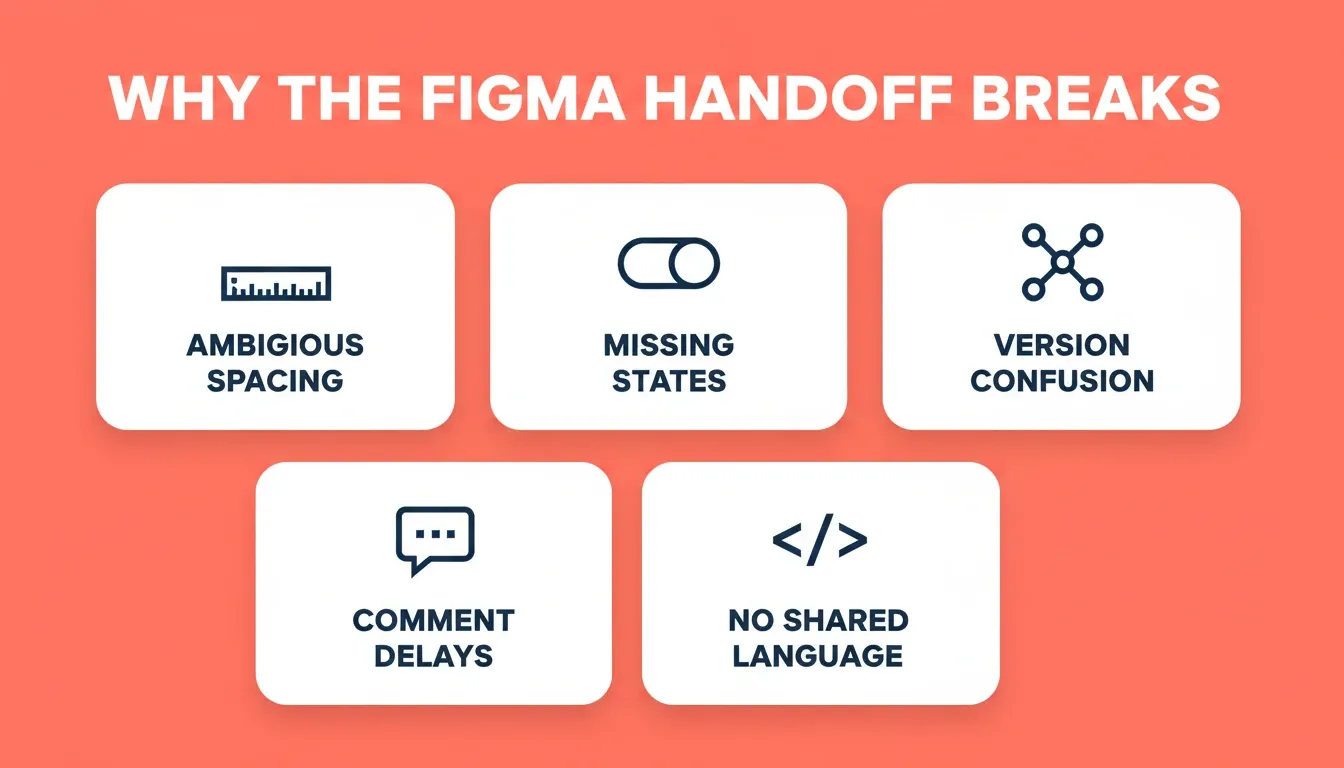
Ambiguous spacing and layout rules: Designers create pixel-perfect mockups in Figma, but developers interpret spacing differently without Auto Layout or design workflow documentation
-
Missing component states: Figma design files frequently lack hover, disabled, and error states that developers need to create functional React code
-
Version confusion: When designers edit Figma files after the handoff, teams lose track of which version is the original source of truth
-
Comments that stall projects: Comments go back and forth between colleagues for days, meaning the project timeline expands without clear sign-off points
-
No shared language: The Figma design workflow speaks in frames and elements, while React development thinks in components and props
The result is predictable. A process that should take days stretches into weeks, and the final product drifts from the designer's original intent.
Figma to React vs Figma to Next.js: What You Actually Need
Many developers search for "Figma to React" when they need something different depending on their goal. Here is the practical distinction:
Figma to React components means exporting individual UI elements (buttons, cards, modals) as JSX files that drop into an existing codebase. Tools like Builder.io and Anima do this well. The output is a component library, not a deployable product.
Figma to Next.js means converting an entire Figma design into a deployable multi-page application with routing, server-side rendering, and backend scaffolding. If you are building a landing page, SaaS product, or multi-page website, the Next.js output is what you need.
The distinction matters because choosing the wrong tool creates rework. A team that needs a deployed product but uses a component-export tool will still need a developer to wire everything together.
How AI Design Tools Handle the Figma to React Conversion
A closer look at the current design tools space shows several approaches to bridging this gap. Each tool handles the Figma-to-React conversion differently, and output quality varies based on how well your files are organized. For a broader comparison of available options, see the best Figma to code AI tools guide.
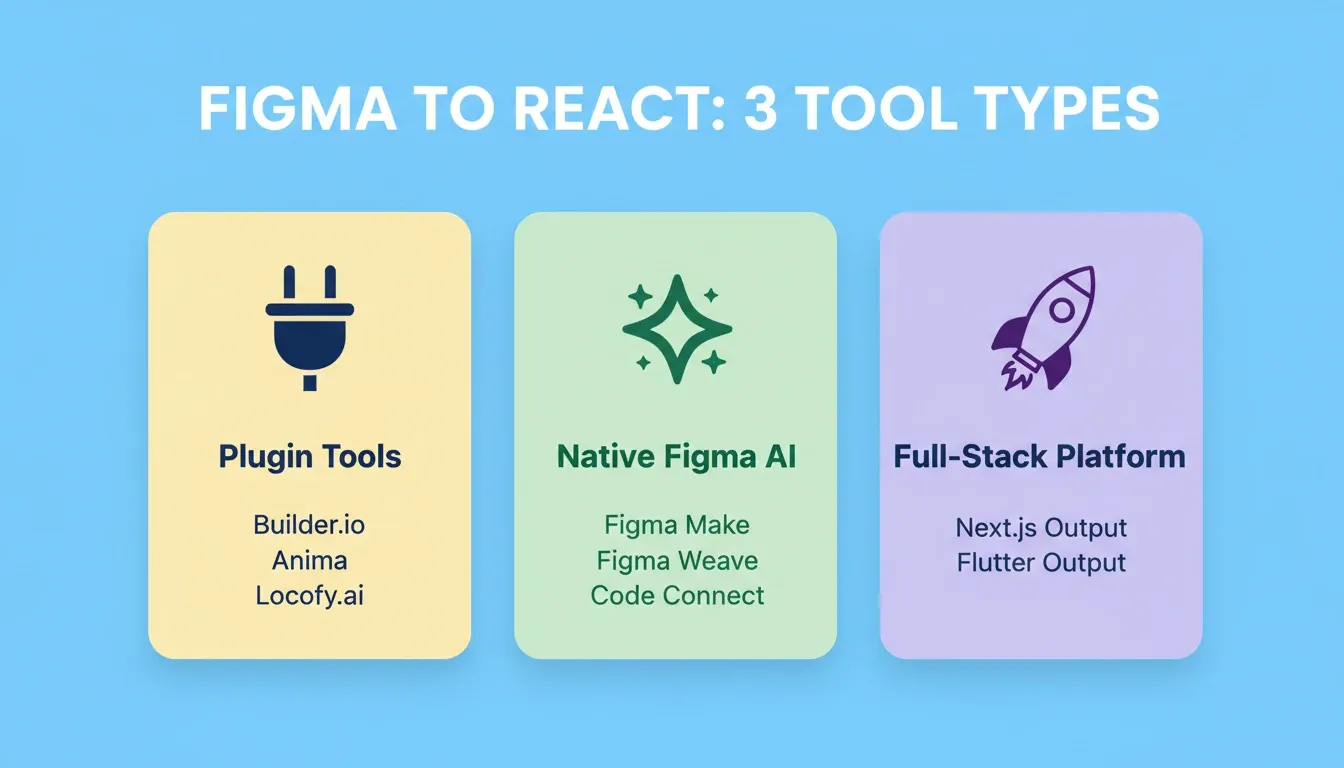
Plugin-Based Figma Code Generators
These design tools sit inside Figma as plugins and generate code snippets directly from selected frames. They let designers and developers work without leaving the Figma platform.
-
Builder.io Visual Copilot: Uses a CLI generator that analyzes your existing codebase and generates matching code. It has processed over 10 million Figma designs and supports React, Vue, and Tailwind.
-
Anima: With 1.5 million Figma installs, designers can export and create React components via its Frontier VS Code extension. It maps generated code to existing components in real time.
-
Locofy.ai: Uses proprietary Large Design Models trained on millions of Figma files. Their Lightning mode automates close to 80% of frontend development for clients, though token-based pricing can be unpredictable.
The AI design-to-code tools market is projected to grow from $4.91 billion in 2024 to $30.1 billion by 2032, a 513% increase that signals industry-wide adoption of these Figma generator tools.
Native Figma AI Features
Figma itself entered the space with features announced at Config 2025. These native Figma features are worth watching closely as they mature.
-
Figma Make generates interactive React applications from text prompts, images, or design frames directly inside the Figma platform
-
Figma Weave connects design tokens and variants directly to AI coding assistants, letting teams work in real time on the same source
-
Code Connect links Figma to GitHub with AI component mapping for your existing codebase
-
Figma Make supports multi-page apps with built-in navigation and functionality that previously required a developer to build from scratch
These Figma features raise the floor for all third-party design tools. Figma Weave in particular changes how teams exchange design tokens. See how AI-powered coding workflows are adapting to this new Figma reality.
Preparing Your Figma File for Cleaner React Output
File preparation is the highest-leverage step in the entire pipeline. A well-structured Figma file produces dramatically better code output regardless of which tool you choose. For a deep dive on spacing decisions specifically, see Figma File In, Production Code Out: Preserving Every Spacing Decision.
-
Name layers semantically: Replace "Frame 74" with "CreateProjectModal" because Figma layer names become React component names in the generated code
-
Use Auto Layout everywhere: It maps directly to flexbox, the foundation of responsive React layouts. Organize your Figma frames with consistent spacing values
-
Keep hierarchy flat: Deep nesting in Figma creates a bloated DOM that is harder to edit, test, and maintain. Aim for three levels of nesting or fewer
-
Apply Variables as your source: Use Figma Variables for colors, spacing, and typography tokens so tools can map them to CSS custom properties or Tailwind classes
-
Match layer order to reading order: Figma visual hierarchy should reflect DOM order for accessibility and proper page rendering by screen readers
-
Add all component states: Include default, hover, disabled, loading, and error variants so the tool can map interactions to CSS pseudo-classes and conditional rendering logic
-
Use PascalCase component naming: Components named
PrimaryButtonandNavHeadertranslate directly to valid React component names without manual renaming
When these steps are followed, Figma Make and Builder.io produce significantly cleaner output. You can also learn how Figma design files convert to full-stack apps with proper preparation.
What Separates Good Output from Production-Ready React Code
AI-generated code gets you roughly 75% of the way to production. The remaining gap is where most projects either ship quality or accumulate technical debt that haunts the codebase for years.
The Quality Gap in Numbers
Independent research consistently flags quality concerns with AI-generated output. Here are the details that matter:
-
Code duplication: GitClear's 2025 analysis of 211 million lines found that duplicated code blocks increased eightfold since AI-authored code surged
-
Higher issue density: CodeRabbit's analysis found AI code creates 1.7 times more issues than code built by humans
-
Accessibility gaps: Automated test tools catch only about 30% of WCAG issues, meaning 70% require manual testing
-
CSS bloat: Practitioners consistently report 20-40% more CSS than necessary in generated files, leaving users with slower page loads
The low-code development platform market reached $31.59 billion in 2026 with a 20.12% CAGR, showing that teams across the world are investing heavily in faster code generation. But speed without quality review creates its own problems.
Common Figma to React Conversion Errors
These are the issues teams encounter most often after an automated conversion:
| Error | Root Cause | Fix |
|---|---|---|
| Broken responsive layout | Missing Auto Layout in Figma | Add Auto Layout to all frames before converting |
| Wrong font rendering | Font not connected to design tokens | Use Figma Variables for typography before export |
| Hardcoded colors in JSX | No color variables in Figma | Define color styles as Variables, not local fills |
| Duplicate component files | Unnamed or inconsistently named layers | Rename all layers to PascalCase before export |
| Missing hover and focus states | No variant states in Figma | Add all interactive states as Figma component variants |
| Inaccessible markup | Tool defaulted to div elements everywhere | Replace with semantic HTML post-conversion |
Post-Conversion Review Checklist
After any automated Figma to React conversion, these steps turn draft code into something you can confidently ship. For teams dealing with persistent code quality issues, how an AI code refactoring tool improves code quality covers the next layer of fixes.
-
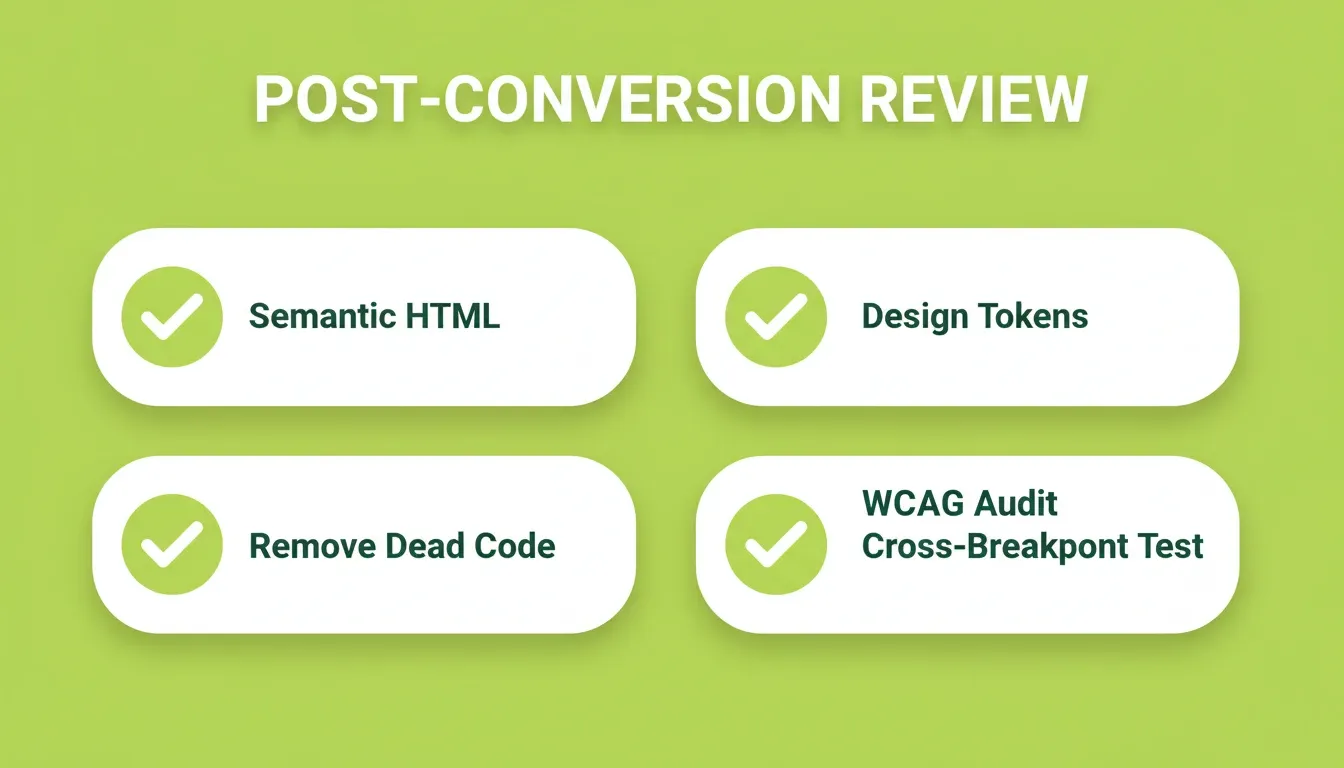
Replace div soup with semantic HTML elements (
<nav>,<main>,<section>,<article>) for accessibility and SEO -
Convert hardcoded pixel values to relative units (
rem,em,%) and map to design tokens -
Consolidate duplicate CSS selectors and move shared styles into a design system file
-
Verify original Figma design token mapping matches the built code, including colors, spacing, and type scale
-
Test component interactions and prototype flows across breakpoints: mobile, tablet, and desktop
-
Search for unused imports and dead code before deployment, as AI tools often leave scaffolding behind
-
Run a WCAG accessibility audit, since automated tools catch roughly 30% of issues and manual review is required
How Rocket Converts a Figma File into a Deployed Product
Most Figma design tools stop at generating code snippets. Rocket converts your Figma design file into a fully functional, deployed application. 1.5 million people have tried Rocket across 180 countries, from solo founders validating ideas to teams shipping production products.
How Rocket's Figma Import Works
Rocket's Figma import is a workspace-level connector, not a plugin. Here is the exact workflow:
-
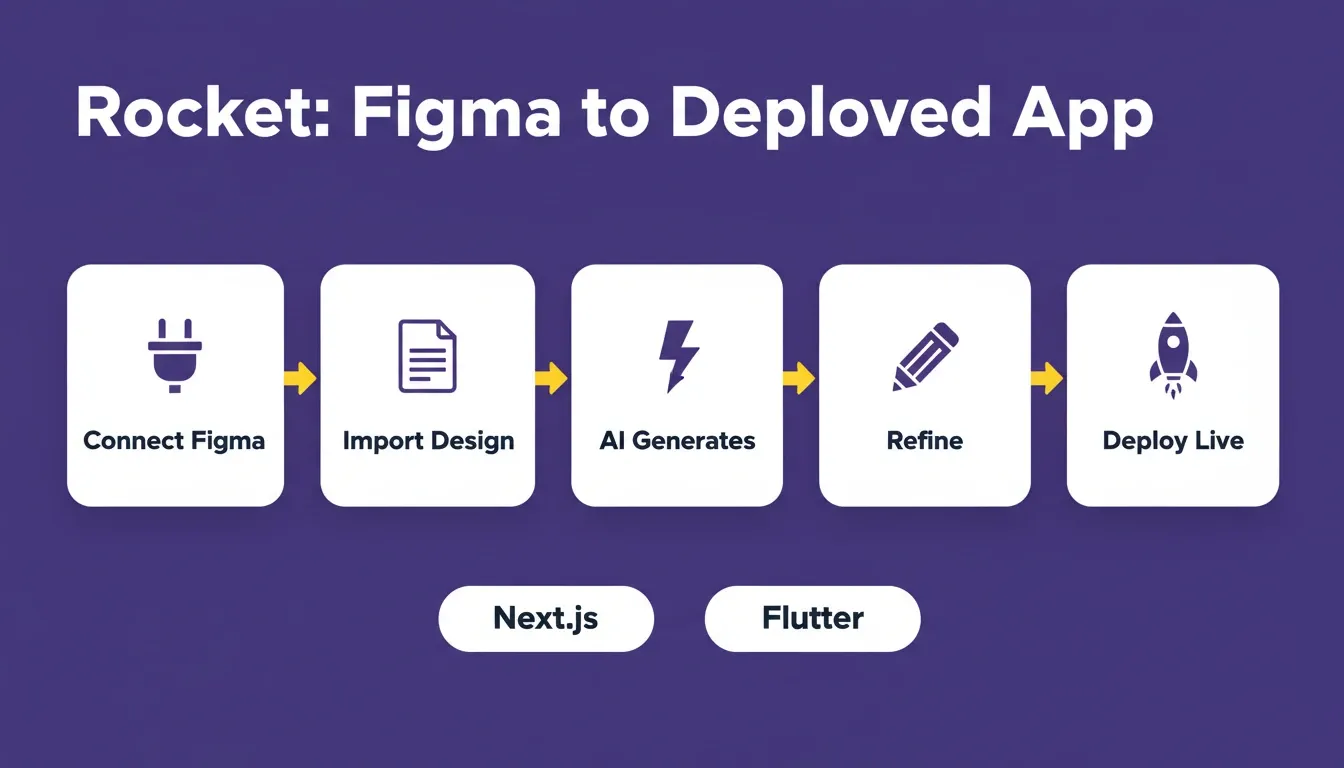
Connect Figma: Go to Settings, then Connectors, then Figma, then Connect. This is an OAuth setup done once per workspace.
-
Start a Build: Click Build, select "From Figma," and choose your Figma file.
-
Rocket reads your design structurally: It reads typography, spacing, visual hierarchy, and color system as structured design data, not as a screenshot.
-
Generation: Rocket produces a working Next.js web app or Flutter mobile app in 1-3 minutes.
-
Refine: Use Chat for natural language instructions, Visual Edit to click any element and change it, or Code for direct source access. There is no change limit.
-
Deploy: Click Launch to go live with a shareable URL. Connect a custom domain from the Launch panel.
The developer handoff becomes unnecessary. A designer ships directly.
What Rocket Preserves from Your Figma File
When you import a Figma design into Rocket, the following are preserved exactly:
-
Typography: Font families, weights, sizes, line heights, and letter spacing
-
Spacing: All padding, margin, and gap values from Auto Layout
-
Visual hierarchy: Layer structure maps to DOM structure
-
Color system: Figma color styles and Variables map to CSS custom properties
-
Component structure: Named components become named React components in the generated Next.js output
What Rocket Produces That Plugin Tools Do Not
-
Full-stack output from day one: Rocket generates production-grade Next.js web apps and Flutter mobile apps with backend scaffolding, authentication, and database integration already built in. Plugin tools export static React components that need a developer to build everything else.
-
Research before you build: Rocket's Solve feature lets you validate your idea with market research before writing a single line of code. That research context flows directly into the Build, so the generated app reflects actual customer problems.
-
SEO and accessibility as a baseline: Every Rocket build ships with clean semantic HTML, page titles, basic meta descriptions, mobile-responsive layouts, and a standard heading hierarchy by default. Run
/Generate SEO Report,/Generate Accessibility Report, or/Generate GEO And AEO Reportinside the editor to audit and improve further. -
25+ integrations that flow into every build: Stripe, Supabase, Google Analytics, Mailchimp, Mixpanel, Linear, Notion, Airtable, and more are available after a one-time workspace-level setup.
-
Staging and production environments: Full version history, one-click rollback, and separate staging URLs for team review before going live.
-
Existing codebase? Codebase Pickup: If you already have a Next.js TypeScript repository, Rocket imports it directly via GitHub connector and continues building from where you left off.
| Factor | Manual Coding | Figma Plugin Tools | Rocket |
|---|---|---|---|
| Output type | Custom React components | React/Vue components | Deployed Next.js or Flutter app |
| Best for | Complex custom apps | Teams with existing codebases | Founders, startups, fast teams |
| Time to first result | 2-4 weeks | 2-5 days | 1-3 minutes |
| Code ownership | Full control | Partial, needs review | Full export to GitHub |
| Post-conversion work | None (built from scratch) | 25-40% cleanup | Refine via Chat, Visual Edit, or Code |
| SEO and WCAG baseline | Manual | Manual | Included by default |
| Deployment | Manual setup | Manual setup | One click |
Choosing the Right Figma to React Workflow for Your Team
Selecting the right approach depends on your team size, technical resources, and what you are actually trying to ship.
When to Choose Each Path
-
Manual coding works when you need pixel-perfect animations, have complex custom interactions, or your apps require unique layouts that trip up AI tools
-
Plugin-based Figma tools suit teams that already have an established React codebase and want to bring new components into production within existing patterns
-
Rocket is the right choice when you want to go from Figma design to deployed product without managing infrastructure, post-conversion cleanup, or developer handoffs
The future of this space points toward continuous environments where designers and developers work in real time on the same source. Figma Make and Figma Weave already let AI coding assistants read live design data. Teams that adapt to these workflows now will ship faster. See how this connects to teaching AI to interpret websites and rebuild them from open source foundations.
The Future of Figma to React Conversion
The Figma to React workflow is converging toward full-stack output. Plugin-based tools that export isolated components will remain useful for teams with mature codebases. However, the direction of the market points toward platforms that convert design intent into deployed products, not just code snippets.
The teams shipping fastest today are not choosing between design fidelity and development speed. They are using tools that preserve both. As Figma Make, Figma Weave, and full-stack platforms like Rocket continue to mature, the manual rebuild step will shrink further. The teams that build the right preparation habits now will capture the most from that shift.
You have a Figma file. Rocket reads the design, generates a production-grade Next.js app, and deploys it, with typography, spacing, color system, and component structure intact. Start building for free with Rocket.new and ship your next project in minutes, not weeks.
Table of contents
- -Why Does the Figma to React Handoff Still Break?
- -Figma to React vs Figma to Next.js: What You Actually Need
- -How AI Design Tools Handle the Figma to React Conversion
- -Plugin-Based Figma Code Generators
- -Native Figma AI Features
- -Preparing Your Figma File for Cleaner React Output
- -What Separates Good Output from Production-Ready React Code
- -The Quality Gap in Numbers
- -Common Figma to React Conversion Errors
- -Post-Conversion Review Checklist
- -How Rocket Converts a Figma File into a Deployed Product
- -How Rocket's Figma Import Works
- -What Rocket Preserves from Your Figma File
- -What Rocket Produces That Plugin Tools Do Not
- -Choosing the Right Figma to React Workflow for Your Team
- -When to Choose Each Path
- -The Future of Figma to React Conversion