
Use the best AI prompts to build CRM systems covering contacts, pipelines, dashboards, and automations. This blog gives you twenty field-tested prompts, a copy-pasteable framework, and a clear comparison of custom versus off-the-shelf CRM software.
Why do most custom CRM projects stall before launch?
The global CRM market reached $112.91 billion in 2025, growing to $126.17 billion in 2026 at a 12.4% CAGR. Yet countless teams still manage customer relationships inside spreadsheets because off-the-shelf CRM tools feel rigid and custom development takes months.
That friction is disappearing. AI app builders now accept a plain-language prompt and return a working CRM with contact records, pipelines, dashboards, and automation logic ready to use. No backend configuration, no consulting fees, no waiting six months for version one.
Why AI Prompts Are Replacing Traditional CRM Development
Traditional CRM development follows a painful sequence: months of requirements gathering, wireframing, backend engineering, frontend polish, QA testing, and deployment. AI prompt-to-app development compresses that entire cycle into minutes.
-
AI app builders generate full-stack code from natural language. You describe screens, data models, and business logic; the builder writes production-ready code, provisions a database, and deploys it.
-
Prompts replace PRDs and wireframes. A single detailed paragraph does the job of dozens of design mockups and technical specification documents.
-
Iteration happens in conversation. After the first generation, you refine through follow-up messages instead of sprint planning and ticket queues.
-
The no-code AI platform market is projected to reach $37.96 billion by 2032. That growth reflects the speed at which teams are moving from traditional development to prompt-driven building.
-
Cost comparison is dramatic. Custom CRM development traditionally runs $50,000–$300,000. An AI-built CRM costs the price of a platform subscription and a few hours of prompt refinement.
The shift is clear: writing effective prompts for app building is now the most valuable skill for shipping custom business software fast.
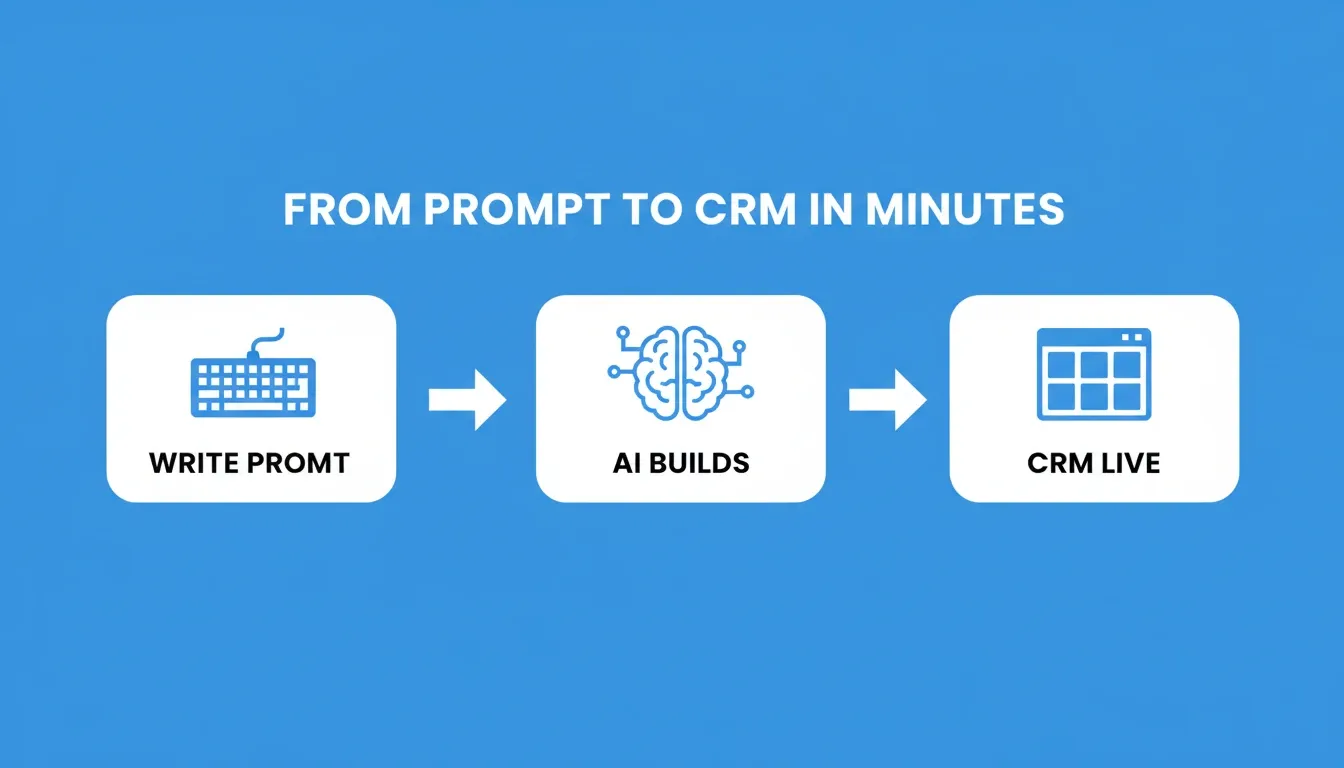
From a single prompt to a live CRM: how AI app builders compress months of development into minutes
Before You Build: Validate Your CRM Idea First
Before writing a single CRM prompt, validate that you are building the right system for your actual sales process. Rocket's Solve feature turns complex business questions into structured, evidence-backed research reports in minutes.
Ask it: "What CRM features matter most for [your industry] sales teams?" or "How do HubSpot and Salesforce pricing compare for a 15-person team?" Get a decision-ready answer before committing to an architecture.
Once you have validated the need, Rocket's Intelligence pillar can track competitor CRM platforms for pricing changes, new feature releases, and hiring signals. That way, your custom CRM stays ahead of what your team would otherwise pay for off the shelf.
The CRM Prompt Framework: Copy This Template
A strong CRM prompt has six components. Copy this skeleton, fill in your specifics, and paste it directly into your AI builder:
1Build a CRM for [business type] used by [target user roles].
2
3Screens: [list 3–5 screens, e.g. Contact List, Deal Pipeline, Dashboard, Activity Log, Settings]
4
5Data fields: [e.g. contact name, email, phone, company, deal value, pipeline stage, assigned rep, next action date]
6
7User roles: [e.g. Sales reps see only their deals; Managers see all deals and reports; Admins control settings]
8
9Layout: [e.g. sidebar navigation, Kanban pipeline board, card-based dashboard]
10
11Integrations: [e.g. Slack notifications on deal close, email sync, Stripe for payment tracking]
The more structural detail you include upfront, the fewer correction iterations you need afterward. For a deeper look at structuring prompts effectively, see prompt engineering best practices for accurate AI results.
What Should a Strong CRM Prompt Include?
A strong CRM prompt names the app type, lists core screens, specifies data fields, states user roles, and describes layout and integrations. Here is why each component matters:
-
Name the app type and target user. Start with "Build a CRM for [specific business type]" so the AI understands scope, industry context, and terminology immediately.
-
List 3–5 core screens explicitly. Mention contacts, deals, pipeline board, activity log, and dashboard by name. The AI builds exactly what you name.
-
Specify the data model with field names. Call out fields like company name, deal value, pipeline stage, assigned rep, priority level, and next action date. Vague data descriptions produce vague databases.
-
Include user roles and permissions. State who uses the system: sales reps see their deals, managers see team performance, admins control settings.
-
Describe the visual layout. A clean sidebar navigation, Kanban-style pipeline, card-based dashboard, or tabbed contact view. Layout instructions prevent generic outputs.
-
State integrations upfront. If you need Slack notifications, email sync, or calendar booking, mention them in the initial prompt rather than bolting them on later.
Following this structure means your first generation lands closer to production quality, requiring fewer iterations to ship. To go deeper, read about building full-stack apps from a single prompt.
AI Prompts for Contact and Lead Management Modules
Contact and lead management sits at the core of any CRM system. These five prompts generate modules that handle data entry, segmentation, scoring, and follow-up tracking from day one.
| # | Prompt | What It Generates |
|---|---|---|
| 1 | Build a contact management module with fields for name, email, phone, company, tags, and last contacted date. Include search, filter by tag, and CSV import. | Full contact database with search and import |
| 2 | Create a lead capture form that saves submissions to a leads table with source tracking, lead score, and automatic assignment to sales reps based on territory. | Lead form with routing logic |
| 3 | Add a contact timeline view showing all emails, calls, meetings, and notes for each contact in reverse chronological order with timestamps. | Activity timeline per contact |
| 4 | Build a lead scoring system that assigns points based on email opens, website visits, form submissions, and company size. Show a ranked list of hot leads. | Automated lead scoring dashboard |
| 5 | Create a duplicate detection system that flags contacts with matching email or phone number and lets users merge records with field-by-field selection. | Deduplication workflow |
A CRM without solid contact management is just a fancy spreadsheet that nobody trusts. According to SellersCommerce research, businesses using CRM systems see 27% higher customer retention, and contact management quality is the primary reason.
Ready to turn Prompts 1–5 into a live contact management system? Paste any of these prompts into Rocket and get a working CRM module in minutes. Try Rocket free
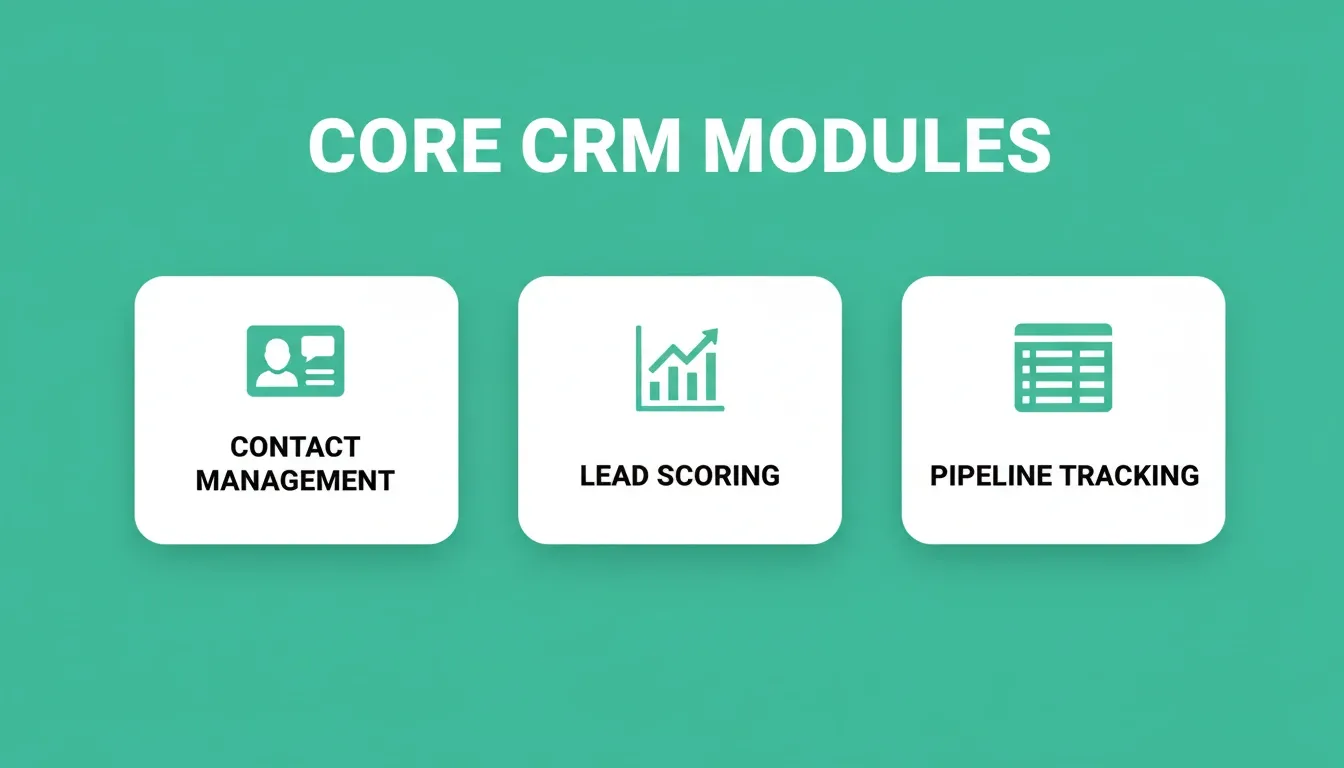
The three foundational CRM modules your prompts need to cover: contact management, lead scoring, and pipeline tracking
AI Prompts for Sales Pipeline and Deal Tracking
Once contacts flow in, you need a system to track deals through stages. These prompts build pipeline views, deal cards, and forecasting tools that give your team real-time visibility.
-
Prompt 6: "Build a Kanban-style sales pipeline with stages: New Lead, Qualified, Proposal Sent, Negotiation, Closed Won, Closed Lost. Let users drag deals between stages and show total value per column."
-
Prompt 7: "Create a deal detail page showing value, win probability, expected close date, associated contacts, attached files, and a notes section. Include an activity log with timestamps."
-
Prompt 8: "Add a pipeline summary bar at the top showing total deals, total value, weighted forecast, average deal age per stage, and conversion rate between stages."
-
Prompt 9: "Build a deal rotation system that automatically assigns new inbound deals to reps using round-robin logic based on territory and current deal load."
-
Prompt 10: "Create a win/loss analysis page that shows closed deals grouped by loss reason, rep, lead source, and month with filterable bar and pie charts."
Pipeline visibility directly correlates with forecast accuracy. Teams using CRM pipeline tools report up to 42% improvement in sales forecast precision. These prompts give your reps a clear view of where every deal stands and what needs attention today.
If you need to connect a Supabase backend to your AI-built app, the pipeline data model works perfectly with relational databases that support real-time subscriptions.
Want a Kanban pipeline live in under 5 minutes? Paste Prompt 6 into Rocket and watch your sales pipeline take shape in real time. Start building free on Rocket.
Which AI Prompts Work for CRM Dashboards and Reporting?
A CRM without reporting is flying blind. These prompts generate dashboards that surface the metrics leadership and reps actually need to make daily decisions.
-
Prompt 11: "Build an executive dashboard showing monthly recurring revenue, new deals this month, conversion rate by stage, and top-performing reps in a card-based layout with sparkline trends."
-
Prompt 12: "Create a sales activity report page with filters for date range, rep, and activity type. Show call counts, email counts, meetings booked, and deals touched per rep."
-
Prompt 13: "Add a customer health score dashboard that calculates scores based on last interaction date, support ticket volume, contract renewal proximity, and NPS response."
-
Prompt 14: "Build a revenue forecast chart using weighted pipeline values, showing projected revenue for the next 3 months broken down by rep and confidence tier."
-
Prompt 15: "Create a lead source attribution report showing which marketing channels generate the most qualified leads and highest-value closed deals with cost-per-acquisition calculations."
Dashboards turn raw CRM data into decisions. The AI in CRM market alone is projected to grow from $11.04 billion in 2025 to $48.4 billion by 2033, largely driven by AI-powered analytics and predictive reporting features exactly like these.
For teams building broader internal tooling alongside their CRM, see how to build a SaaS dashboard with AI prompts using the same approach.
Your revenue dashboard is one prompt away. Paste Prompt 11 into Rocket and ship a live executive CRM dashboard today. Try with Rocket
AI Prompts for Automations, Alerts, and External Connections
Manual data entry kills CRM adoption. Research shows 79% of CRM implementations fail when teams find the tool adds work instead of removing it. These prompts build the automation layer that keeps your CRM updated without human effort.
-
Prompt 16: "Add workflow automation that sends a follow-up email template 3 days after a deal moves to Proposal Sent stage with no logged activity."
-
Prompt 17: "Create a notification system that alerts managers via in-app banner and email when a deal above $10,000 has been stagnant for 7 or more days."
-
Prompt 18: "Build a Slack webhook connector that posts a celebratory message to a sales channel when a deal is marked Closed Won, including deal value, rep name, and customer company."
-
Prompt 19: "Add an email sync feature that automatically logs incoming and outgoing emails to the matching contact record based on email address matching."
-
Prompt 20: "Create a scheduled report system that emails a weekly pipeline summary PDF to all managers every Monday at 8 AM, including week-over-week changes."
Automation is what separates a CRM people actually use from one that collects dust after week two. These prompts build the connective tissue that keeps data flowing across your sales operation without manual intervention.
For a broader look at AI-powered workflow automation, see best AI workflow builder solutions for faster automation.
Ready to automate your entire CRM workflow? Paste any of Prompts 16–20 into Rocket and ship your automation layer today. Build free on Rocket — deploy in minutes.
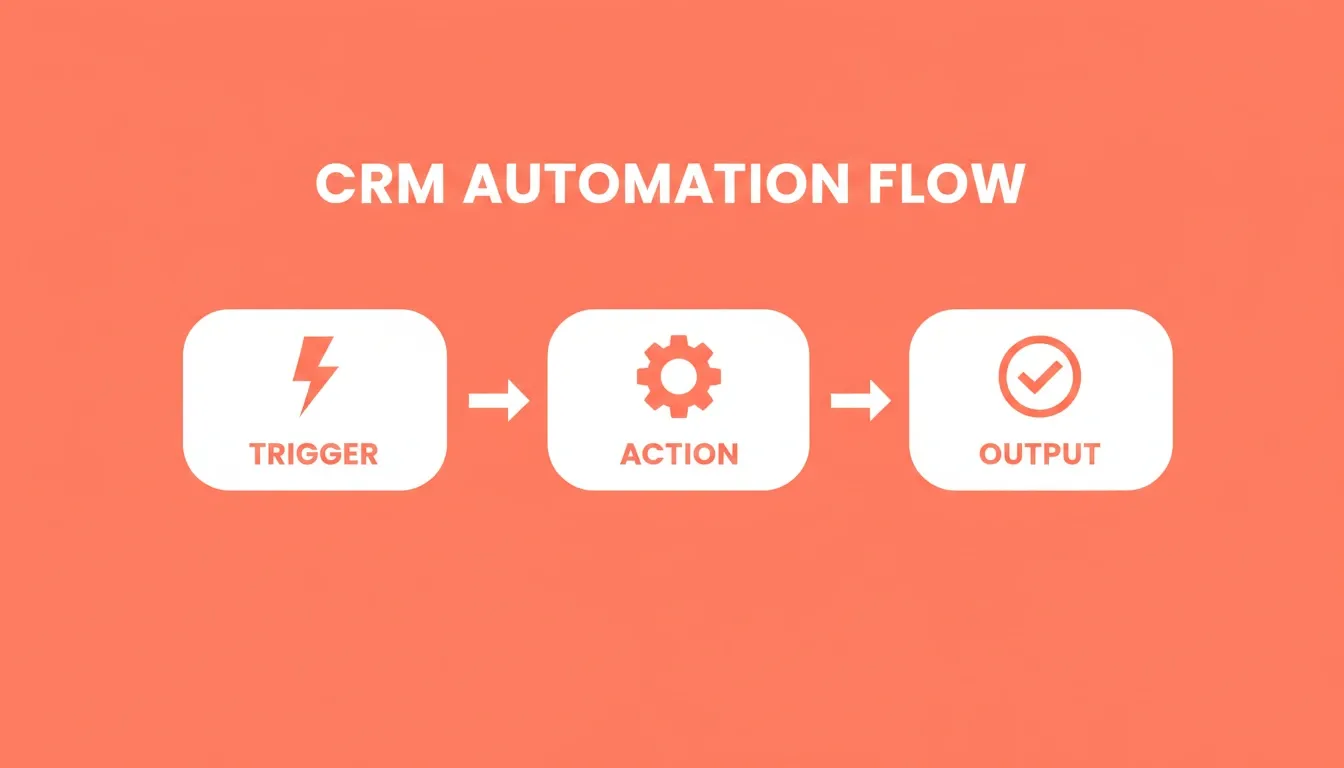
Three-stage CRM automation: every trigger connects to an action that produces a measurable output
How to Iterate and Refine Your AI-Generated CRM
The first generation is never the final product. Knowing how to iterate effectively saves hours of rework and produces a CRM your team will actually adopt.
-
Test with real data immediately. Import 10–20 actual contacts and run through your sales process. Gaps reveal themselves quickly when you use real names and real deal values.
-
Fix one thing per follow-up prompt. Asking for five changes at once confuses the AI. Instead, say "Move the pipeline filter to the top of the page" rather than listing every layout tweak together.
-
Prioritize workflow over aesthetics first. Get the data flowing correctly, then polish colours and spacing. A beautiful CRM with broken logic wastes everyone's time.
-
Add permissions early. Role-based access is easier to build before data accumulates. Tell the AI "Sales reps should only see their own deals, managers see all deals" as a dedicated follow-up.
-
Document your prompt chain. Save each prompt you send. This becomes your technical specification if you ever need to rebuild or explain the system to new team members.
Most successful AI-built CRMs reach production quality in 3–7 iterations. Each iteration takes seconds, not sprints.
Common Mistakes That Kill AI-Built CRMs
These are the most damaging patterns in failed CRM builds, sourced directly from Rocket's best practices documentation:
| Mistake | Why It Fails | The Fix |
|---|---|---|
| Front-loading every feature in one prompt | Produces cluttered, inconsistent results that need more rework than starting over | Use the 3–5 feature rule; add complexity incrementally through chat |
| Vague prompts ("make it better") | Produces generic improvements that miss your specific vision | Name the exact screen, field, or behaviour you want changed |
| Skipping permissions until late | Role-based access is hard to retrofit once data accumulates | Define user roles in your initial prompt |
| Building everything before testing | Bugs compound and become harder to diagnose | Test the preview after every significant change |
| Ignoring mobile layout until the end | Forces major restructuring late in the process | Resize the preview to 375px width after each major section |
| Over-iterating instead of shipping | Polishing endlessly delays real user feedback | Once the happy path works, ship it and iterate on real usage |
The most common failure mode: describing every feature, field, and edge case in a single prompt. Include three to five key features in your initial prompt, then add complexity one feature at a time through chat.
CRM Glossary: Key Terms for Your Prompts
Using precise terminology in your prompts produces more accurate outputs. Here are the definitions that matter most when building a CRM:
Lead scoring — A numerical ranking system that assigns points to contacts based on behaviour such as email opens, site visits, and form submissions, as well as firmographic data like company size and industry. Higher scores indicate higher purchase intent.
Pipeline stage — A named phase in the sales process, for example: New Lead, Qualified, Proposal Sent, Negotiation, or Closed Won. Deals move between stages as they progress.
MRR (Monthly Recurring Revenue) — The predictable monthly revenue from active subscriptions or contracts. A core metric for SaaS and subscription-based CRMs.
Weighted forecast — A revenue projection that multiplies each deal's value by its win probability. For example, a $10,000 deal at 60% probability contributes $6,000 to the forecast.
Deal rotation — An automated assignment rule that distributes new inbound deals to sales reps in sequence (round-robin) or by territory and current workload.
Customer health score — A composite metric combining last interaction date, support ticket volume, NPS response, and contract renewal proximity to predict churn risk.
When Should You Build Custom Instead of Buying Off-the-Shelf?
Not every team needs a custom CRM. That said, the calculus has changed now that building custom costs hours instead of months.
| Decision Factor | Build Custom | Buy Off-the-Shelf |
|---|---|---|
| Sales process fit | Non-standard workflows | Standard sales motions |
| Data ownership | Regulated or privacy-sensitive | Third-party SaaS acceptable |
| Integrations | Custom API routes needed | AppExchange or marketplace sufficient |
| Timeline | Hours with an AI builder | Immediate, but rigid |
| Platform | Pricing (per user/month) | Best For |
|---|---|---|
| Salesforce Sales Cloud | From $25 (Starter) to $500+ (Unlimited) | Large enterprise teams with complex workflows |
| HubSpot CRM | Free tier available; paid from $15 (Starter) | SMBs wanting a mature ecosystem |
| Pipedrive | From $14 (Essential) to $99 (Enterprise) | Sales-focused teams needing pipeline simplicity |
| AI-built custom CRM | Platform subscription cost only | Teams with non-standard processes or tight per-seat budgets |
Pricing sourced from official vendor websites. Subject to change.
-
Build custom when your sales process is non-standard. If you track deal stages, data fields, or workflows that standard CRM platforms cannot accommodate without expensive consultants, a custom CRM fits your process instead of forcing you into theirs.
-
Build custom when per-seat pricing kills your budget. Enterprise CRM platforms charge $50–$300 per user per month. At 20 reps, that is $12,000–$72,000 annually. An AI-built CRM on your own infrastructure costs a fraction of that.
-
Build custom when you need complete data ownership. Regulated industries, government contractors, and privacy-sensitive businesses cannot always put customer data on third-party SaaS platforms.
-
Buy off-the-shelf when you need a mature ecosystem. If your team relies heavily on AppExchange integrations, Salesforce certification partners, or a specific vendor's AI assistant, the ecosystem value may outweigh building from scratch.
Custom used to mean expensive and slow. Now it means specific and fast. Here is how teams are building apps with AI in minutes today.
Many teams also build lightweight internal admin tools alongside their CRM. See how to build internal tools with AI without a developer for a parallel approach.
How Rocket Turns a Single Prompt into a Production CRM
You now have 20 prompts and a clear framework for using them. The remaining question is: where do you run them to get a real, deployable CRM that handles production traffic?
Rocket generates a production-ready application, recommending the right stack for your build type (web app, mobile, internal tool, or dashboard) and connecting to backends like Supabase, Airtable, or HubSpot. To see how teams are building custom AI-powered CRM platforms using this exact approach, explore the full guide.
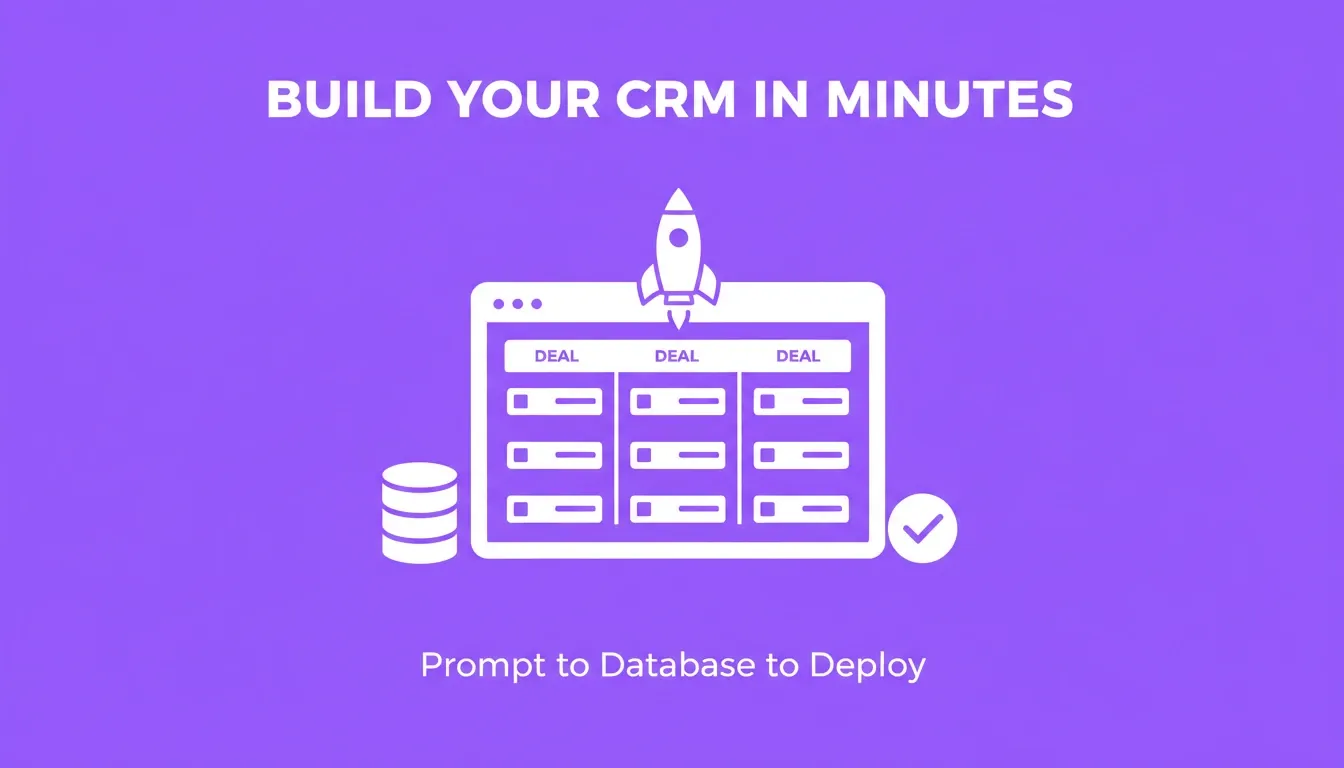
Rocket generates a full-stack CRM, covering database, auth, UI, and deployment, from a single plain-language prompt
-
Prompt Intelligence layer. Rocket scores your prompt and asks targeted clarifying questions when your request is vague. The result is a first output that reflects genuine product thinking, not just code from an underspecified description. (See how it works)
-
Full-stack output from day one. Database schema, API routes, auth, and polished UI ship together in a single generation. No stitching separate tools or services together.
-
Shared context across tasks. Research and decisions from yesterday carry into today's build via @-mentions. Nothing gets re-explained across sessions.
-
26+ native connectors. Stripe, Google Analytics, Supabase, Mailchimp, HubSpot, Resend, Twilio, and others plug directly into the generated code without manual API setup. (Full connector list)
-
Version history with rollback. Every build saves a version. Compare diffs, roll back to any prior state, label milestones, and deploy any version directly from chat. (Versions docs)
-
Staging URL before go-live. Publish to a staging URL for testing before your CRM goes live, then connect a custom domain when you are ready. (Launch docs)
If you also need an admin panel alongside your CRM, see the best AI prompts to build an admin panel for a companion prompt set.
How Does the Community Use AI to Ship CRM Projects?
The trend is not theoretical. Developers, founders, and sales teams are shipping real CRM systems with AI prompts right now.
-
On Reddit's r/nocode community, a user shared a video titled "Building a CRM in one prompt" demonstrating a full CRM generated from a single detailed description in under 8 minutes.
-
In r/CRM, a thread with 100+ comments titled "Can Claude Code create a good CRM?" showed dozens of users discussing their AI-built CRM experiences. One commenter noted they built a complete job-tracking CRM "in a marathon session" with production-quality results.
-
Multiple threads in r/vibecoding show founders shipping CRM tools for niche industries, including real estate, recruiting, and consulting, where off-the-shelf options failed to fit their workflow.
Teams that write specific, structured prompts get production-ready results. Those using vague one-liners end up rewriting from scratch.
Build Your CRM with AI Prompts — Start Today
The best AI prompts to build CRM systems are already in this guide. The gap between wanting a custom CRM and having one is now a well-written paragraph. As AI app builders continue to mature, custom CRM development will only get faster, cheaper, and more accessible, making the prompt-first approach the default for any team that values speed and fit over rigid off-the-shelf workflows.
You described the problem. Rocket researches it, recommends a direction, and builds from that direction. Sign up in about 30 seconds with Google, Apple, or email, no credit card required, and get your first CRM live in under five minutes. Start building free on Rocket.
Table of contents
- -Why AI Prompts Are Replacing Traditional CRM Development
- -Before You Build: Validate Your CRM Idea First
- -The CRM Prompt Framework: Copy This Template
- -What Should a Strong CRM Prompt Include?
- -AI Prompts for Contact and Lead Management Modules
- -AI Prompts for Sales Pipeline and Deal Tracking
- -Which AI Prompts Work for CRM Dashboards and Reporting?
- -AI Prompts for Automations, Alerts, and External Connections
- -How to Iterate and Refine Your AI-Generated CRM
- -Common Mistakes That Kill AI-Built CRMs
- -CRM Glossary: Key Terms for Your Prompts
- -When Should You Build Custom Instead of Buying Off-the-Shelf?
- -How Rocket Turns a Single Prompt into a Production CRM
- -How Does the Community Use AI to Ship CRM Projects?
- -Build Your CRM with AI Prompts — Start Today