
Supabase is an open-source Firebase alternative built on PostgreSQL. It bundles a relational database, authentication, real-time subscriptions, file storage, and serverless edge functions into a single hosted service with a generous free tier.
Supabase is an open-source backend platform built on PostgreSQL. It gives developers a database, auth, real-time, storage, and edge functions in one place. Used by over 1.7 million developers, it is the structured, SQL-first alternative to Firebase.
What is Supabase Really?
At its core, Supabase is a PostgreSQL-based development platform built for developers who want a powerful backend without the headaches of cloud setup. It runs on PostgreSQL, so the foundation is familiar, reliable, and production-ready.
On top of Postgres, Supabase gives you essential backend features out of the box:
- Ready-to-use REST and GraphQL APIs
- Built-in authentication (email, OAuth, magic links)
- Realtime database updates
- File storage for media and assets
- Edge Functions for server-side logic
The goal is simple: let apps do more with less code and fewer moving parts.
This setup works especially well for modern applications that need structured data, fast and reliable queries, and clean table relationships. Because Supabase is built on a relational database, you get native support for SQL joins, constraints, validations, complex queries, and transactions.
Supabase is also open source, which means you can self-host if needed, you keep full control over your data, and vendor lock-in risks are much lower. That balance between power and simplicity is exactly why Supabase keeps showing up in modern app stacks.
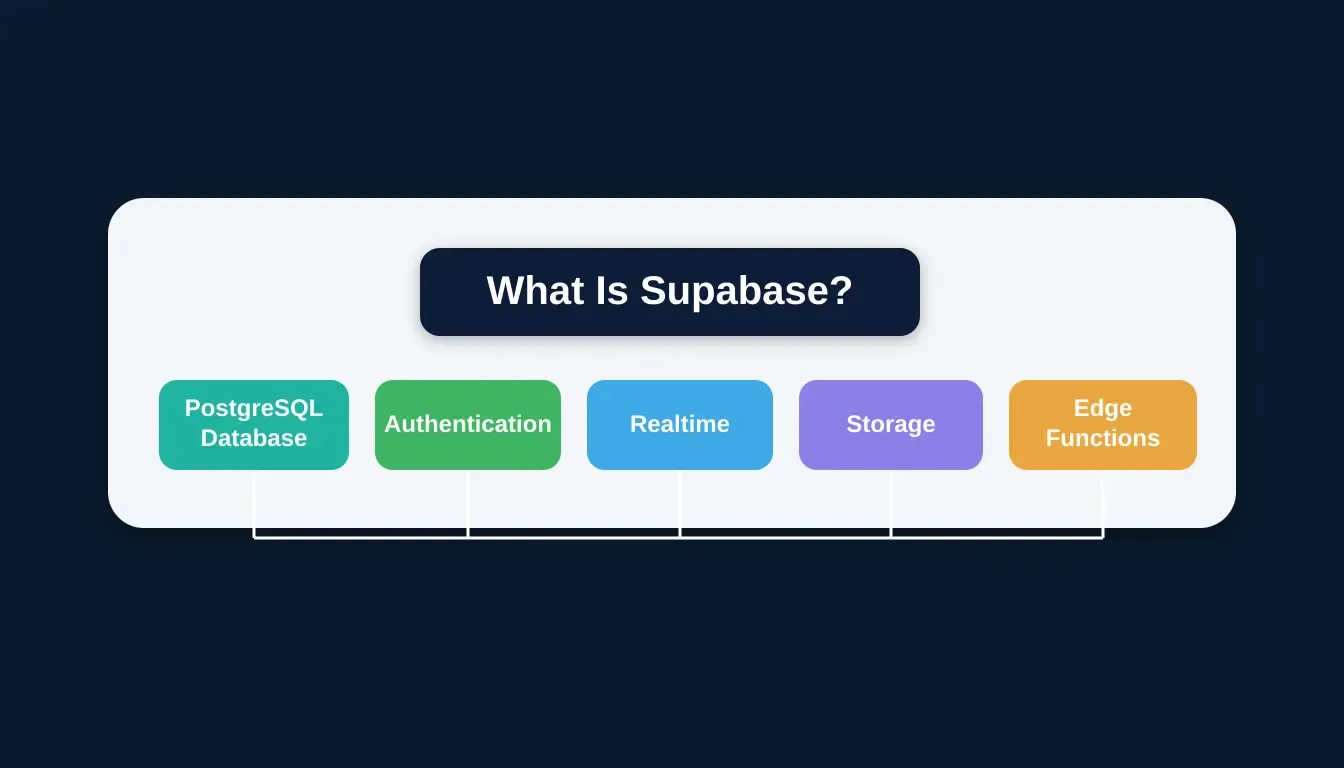
Supabase bundles a full backend into one platform: database, auth, real-time, storage, and edge functions, all connected.
How Supabase Works for Apps
Supabase combines a PostgreSQL database with built-in backend services, so each component handles its own role while working smoothly together. Here is how the core pieces connect:
1. Postgres Database: The Heart
Every Supabase project includes a full PostgreSQL database. It supports relational data with complex queries and joins, transactions and ACID compliance, and native SQL. This makes it particularly strong for apps where data shapes matter, such as social feeds, e-commerce, and dashboards.
Code Example: Querying the Database:
1import { createClient } from '@supabase/supabase-js'
2const supabase = createClient(SUPABASE_URL, SUPABASE_ANON_KEY)
3
4const { data, error } = await supabase
5 .from('posts')
6 .select(`id, title, content, author:profiles(name, avatar_url)`)
7 .eq('published', true)
8 .order('created_at', { ascending: false })
9 .limit(10)2. Authentication And User Management
Supabase's auth system handles user sign-up, sign-in, magic link, OAuth, and single sign on, all tied to your database. You can control who sees what with row-level security policies in the database itself, so your data isn't just tucked behind some API.
A practical RLS policy example that restricts reads to the row owner:
1CREATE POLICY "Users can only read their own data"
2ON profiles FOR SELECT
3USING (auth.uid() = user_id);Code Example: Supabase Auth:
1// Sign up a new user
2const { data, error } = await supabase.auth.signUp({
3 email: 'user@example.com',
4 password: 'securepassword123',
5})
6
7// Sign in with OAuth (Google)
8const { data: oauthData } = await supabase.auth.signInWithOAuth({
9 provider: 'google',
10})3. Realtime Subscriptions
Supabase lets apps subscribe to database changes and push updates to clients instantly without manual polling. This is implemented via PostgreSQL's logical replication, which means real-time updates on the same rows your RLS policies already protect. For a practical walkthrough, see how to use Supabase Realtime for live app updates.
4. Storage For Files
You can securely store images, videos, and other large files. Supabase storage is S3-compatible and works hand-in-hand with auth, so you control who can upload or view what. Storage buckets can be public (for product images) or private (for user documents), with signed URLs for time-limited access.
Code Example: Supabase Storage:
1// Upload a file
2const { data, error } = await supabase.storage
3 .from('avatars')
4 .upload(`public/${userId}/avatar.png`, file, { upsert: true })
5
6// Get a public URL
7const { data: { publicUrl } } = supabase.storage
8 .from('avatars')
9 .getPublicUrl(`public/${userId}/avatar.png`)5. Edge Functions And Server Logic
Supabase edge functions are Deno-based serverless functions that run close to users. They let you write backend logic outside your database and application code, such as sending emails, processing payments, or handling webhooks. These are JavaScript/TypeScript functions that run without requiring server management.
All these parts work together like a well-organized backend kit. You pick what you need, skip what you don't, and still keep full control as the app grows.
Supabase Features and What They Do
Here's a quick snapshot of what Supabase offers developers, including the key limits on the free tier:
| Feature | What It Helps With | Free Tier Limit |
|---|---|---|
| Postgres Database | Store structured data, complex queries | 500 MB storage, 2 active projects |
| Authentication | User sign-in/sign-up, single sign-on | 50,000 monthly active users |
| Realtime Subscriptions | Live updates in apps | 200 concurrent connections |
| Storage | Files, photos, videos, CDN | 1 GB storage, 2 GB bandwidth |
| Edge Functions | Custom backend logic | 500,000 invocations/month |
| SQL Editor | Create tables, run queries | Unlimited |
| Row Level Security | Granular data rules | Unlimited |
| Client Libraries | JS, Python, Flutter | Unlimited |
Together, these features address most backend needs without forcing developers to integrate multiple tools.
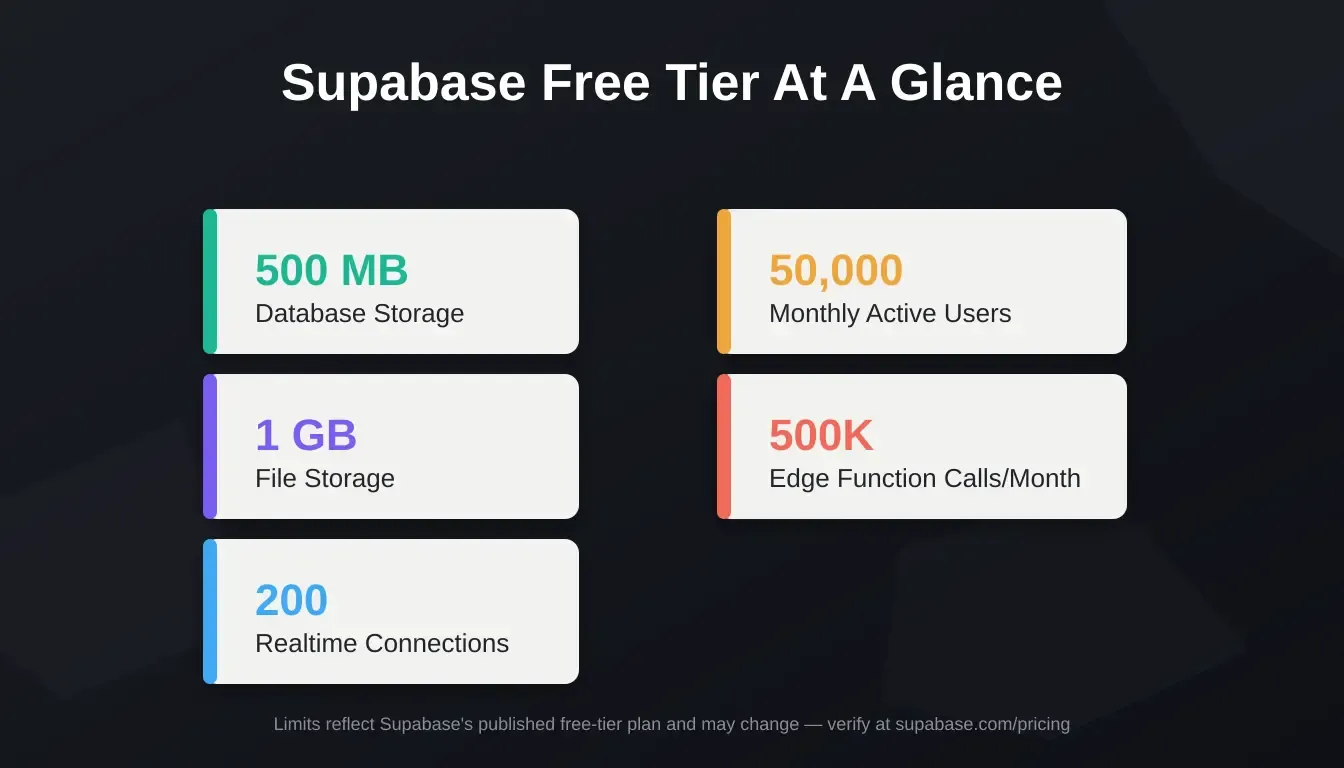
Supabase free tier at a glance: generous limits across database, auth, storage, and edge functions.
Supabase vs Firebase: Quick Comparison
Developers often compare Supabase with Firebase when choosing a backend platform. Here is a direct side-by-side breakdown of the key differences:
| Category | Supabase | Firebase |
|---|---|---|
| Database Type | PostgreSQL (relational, SQL) | Firestore/RTDB (NoSQL, document) |
| Query Language | Full SQL support | Proprietary query API |
| Open Source | Yes, fully self-hostable | No, Google-owned, closed |
| Realtime | Postgres-based subscriptions | Native realtime built-in |
| Auth | Built-in (email, OAuth, SSO) | Built-in (email, OAuth, phone) |
| Storage | S3-compatible object storage | Firebase Storage (GCS-backed) |
| Pricing Model | Usage-based, generous free tier | Pay-as-you-go can escalate |
| Complex Queries | Native SQL joins, transactions | Limited, requires workarounds |
| Vendor Lock-in | Low, export your data freely | High, tied to Google ecosystem |
| Best For | Structured data, SQL teams | Rapid prototyping, mobile-first |
For a deeper breakdown, see Firebase vs Supabase: What Developers Should Know Before Deciding.
Supabase is built on SQL and relational databases, which makes it easier to model structured data and table relationships. Firebase relies on NoSQL databases, which can feel limiting when queries get complex or data grows in depth.
Traditional backend frameworks offer flexibility but require setup, server management, and ongoing maintenance. Supabase skips most of that early work by providing auth, database access, storage, and real-time features right away.
Each option has its place, but Supabase stands out when speed, clarity, and structured data matter from day one.
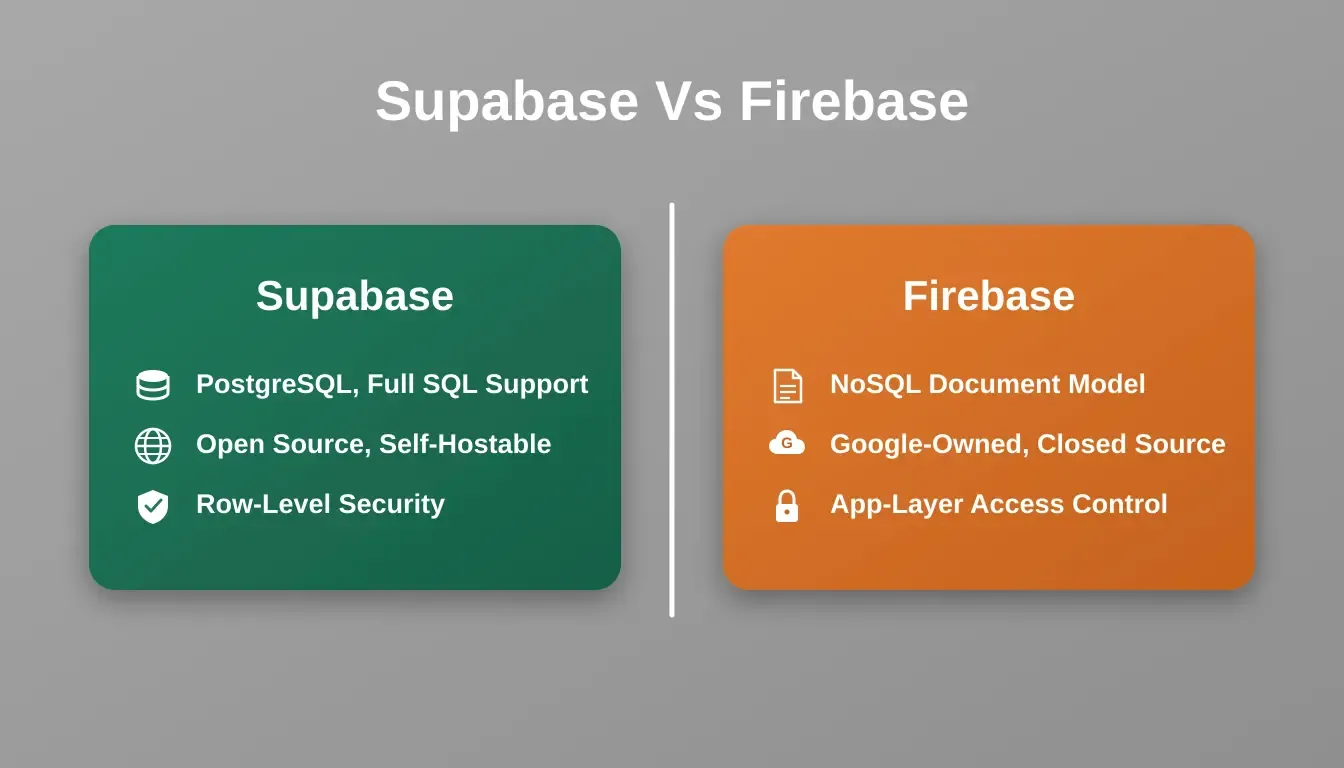
The core difference: Supabase uses PostgreSQL with full SQL support; Firebase uses a NoSQL document model.
Getting Started With Supabase
First, you set up a Supabase project. That provides you with a running PostgreSQL database, dashboard access, and API endpoints. The Supabase dashboard is simple and user-friendly; you can start creating tables or run SQL straight away.
The Supabase JavaScript client library makes it easy to connect from any frontend framework. Authentication, database queries, storage uploads, and real-time subscriptions all use the same unified client.
One important production note: free-tier projects are paused after one week of inactivity. If you are running a production app, plan for the Pro plan ($25/month) which removes this restriction. Developers building authentication systems with AI will find Supabase Auth a strong starting point that handles the full lifecycle out of the box.
Community Insight
A common thread in the developer community is how Supabase lets developers skip server boilerplate. One Reddit user shared:
"Supabase is very suitable. You don't need Node.js; additionally, pretty much everything can be done using its API, RLS policies, custom views, and Postgres functions."
This reflects a broader pattern: developers choose Supabase because it reduces the number of decisions they need to make. One platform handles the database, the auth, the files, and the logic, without requiring a separate service for each.
How to Use Supabase with Rocket.new
Rocket.new is a platform where builders research markets, generate production-ready apps, and track competitors from a single workspace. It builds production-ready Next.js web apps and Flutter mobile apps from natural language, and it connects natively to Supabase for the full backend layer.
**Rocket.new pairs naturally with Supabase for backend power.** Once you describe your idea, Rocket.new scaffolds your Supabase schema, authentication flows, storage buckets, and API endpoints automatically from chat. No manual wiring required.
Step-by-Step: Building with Rocket.new and Supabase
- Describe your app in Rocket.new's Build prompt, include the data model and user roles you need.
- Rocket.new auto-generates your Supabase schema, including tables, relationships, and row-level security policies.
- Authentication is wired automatically; Rocket.new configures Supabase Auth for email, OAuth, or magic links based on your spec.
- Storage buckets are created and linked to your auth policies, so file uploads are secure by default.
- Deploy: Rocket.new handles the deployment pipeline. Your Supabase-backed app is live without manual server configuration.
For a step-by-step walkthrough of connecting your backend, see Connect Backend Database with Rocket.new and Supabase.
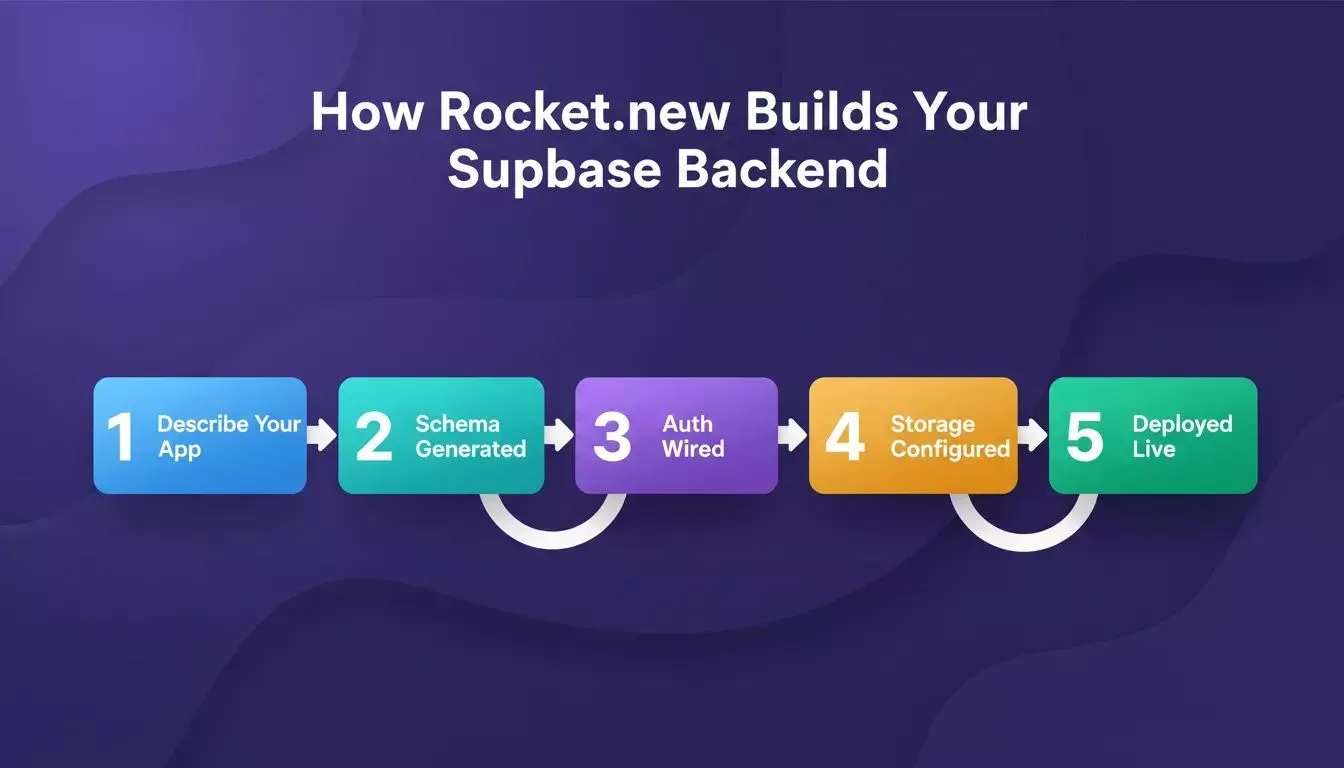
Rocket.new automates the entire Supabase setup, schema, auth, storage, and deployment, from a single prompt.
Rocket.new Top Features
Rocket.new is built around three pillars: Solve for market research and validation, Build for generating production-ready apps, and Intelligence for continuous competitor monitoring. Here is what the Build pillar delivers when paired with Supabase:
- Single-prompt app builder: Describe the app once, and Rocket.new handles structure, flows, and backend logic.
- Backend automation: Auto-generated Supabase schemas, APIs, and authentication save hours of setup.
- Supabase-ready architecture: Built to work with Supabase databases, auth systems, edge functions, and storage buckets.
- **Figma import support:** Turn existing designs into working screens without redrawing layouts.
- Instant deployment: Launch apps to a live URL with one click via Netlify.
- Exportable code ownership: Download the full Next.js or Flutter codebase and extend it freely.
You can also connect 26+ third-party services, including Stripe, HubSpot, Twilio, and OpenAI, alongside your Supabase backend, all from chat.
Use Cases
| Use Case | What Rocket.new + Supabase Delivers |
|---|---|
| Starter MVPs | Full product with backend, auth, and database in place |
| Internal Tools | Dashboards and admin panels with structured data and user access |
| SaaS Products | Subscription billing, team workspaces, and user management |
| Cross-Platform Apps | Web and mobile apps backed by the same Supabase backend |
Together, Rocket.new and Supabase make it easier to move from idea to usable app without slowing down at the backend stage. Builders who want to go even further can explore building a full-stack app with an AI prompt to see what is possible in a single session.
Choosing Supabase for Your Next Project
When does Supabase make sense for a project? It works best when speed, structure, and flexibility all matter simultaneously.
- Want to simplify backend development without losing SQL power
- Need real-time database updates
- Prefer open-source so you can self-host
- Want auth, storage, and edge functions in one place
- Are building apps with live users and rich interactions
If the goal is to build fast today and still have room to grow tomorrow, Supabase checks the right boxes. Teams building AI-powered apps with database integration find Supabase particularly well-suited because structured relational data pairs naturally with AI-generated queries and dynamic schemas.
Developers who need a database schema generated with AI will find that Supabase's PostgreSQL foundation makes the generated schema immediately usable without translation layers.
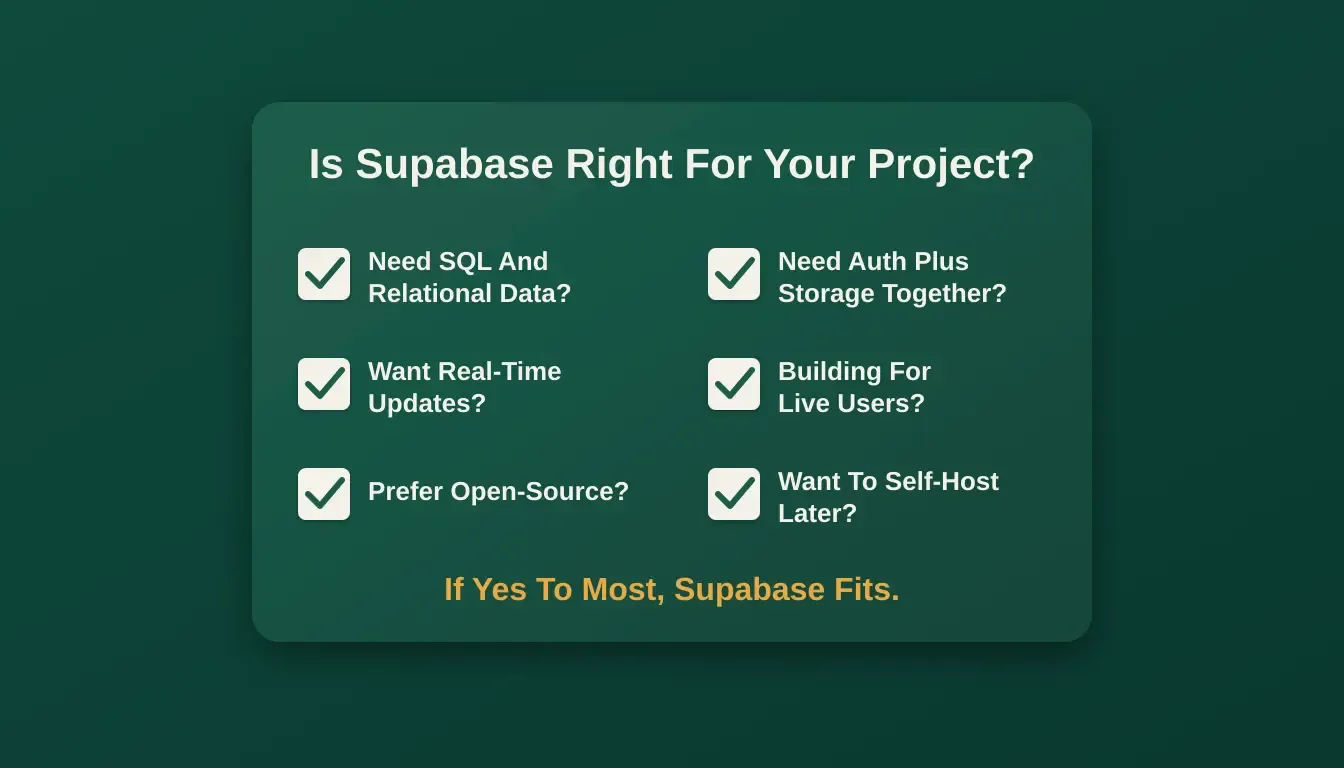
Use this checklist to decide if Supabase fits your next project.
Why This Backend Keeps Showing Up Everywhere
Supabase feels like a natural backend choice for many modern application needs. With a Postgres database at its core, integrated services that simplify backend development, and tools that work well for solo builders and teams, it's easy to start fast and grow later.
What really drives engagement is how predictable it feels.
Data stays structured. Auth behaves as expected. Files, users, and logic stay connected without hidden tricks. It's the kind of backend that stays quiet when things are working and stays understandable when they aren't.
Developers building with Rocket.new can connect to Supabase in minutes using the Supabase connector, which scaffolds the full backend from a single chat prompt. Whether you're launching an MVP, building internal tools, or shipping a cross-platform app, the Supabase and Rocket.new combination removes the most time-consuming parts of backend setup.
Ready to build your next app with a Postgres-powered backend? Rocket.new generates your Supabase schema, auth flows, and API layer automatically from a single prompt. Start building for free on Rocket.new and go from idea to deployed app in minutes.
Table of contents
- -What is Supabase Really?
- -How Supabase Works for Apps
- -1. Postgres Database: The Heart
- -2. Authentication And User Management
- -3. Realtime Subscriptions
- -4. Storage For Files
- -5. Edge Functions And Server Logic
- -Supabase Features and What They Do
- -Supabase vs Firebase: Quick Comparison
- -Getting Started With Supabase
- -Community Insight
- -How to Use Supabase with Rocket.new
- -Step-by-Step: Building with Rocket.new and Supabase
- -Rocket.new Top Features
- -Use Cases
- -Choosing Supabase for Your Next Project
- -Why This Backend Keeps Showing Up Everywhere