
AI tools now generate production-ready SaaS admin panels from plain-language prompts in minutes. This blog covers what admin panels do, how AI simplifies the build process, and the exact steps to ship your first working version.
How Long Does it Take to Launch Your Admin Panel?
Most SaaS teams spend 8 to 12 weeks and upward of $75,000 building an admin panel from scratch. According to Hostinger's 2026 research, no-code platforms reduce app development time by up to 90%, compressing months into days.
The question is not whether AI can help you build a SaaS admin panel. The question is which approach gets you there without burning through your runway.
This blog walks through everything beginners need to know: what admin panels do, how AI simplifies the process, and which steps to follow for your first working version.
What is a SaaS Admin Panel?
A SaaS admin panel is an internal control interface. It gives your team operational visibility and control over your product without touching production code. Think of it as the backstage layer that sits between your database and your team.
Unlike the customer-facing product, the admin panel is used exclusively by internal team members. Support agents, operations managers, product managers, and engineers all rely on it. It surfaces the data and controls they need to run the business day-to-day.
Admin Panel vs. Customer Dashboard
This is a common point of confusion for first-time builders. The table below clarifies the key distinction:
| Feature | Admin Panel | Customer Dashboard |
|---|---|---|
| Who uses it | Internal team only | End users / customers |
| Primary purpose | Operational control | Product value delivery |
| Data access | All users, all data | Own data only |
| Authentication | Role-based, team-only | Standard user login |
| Typical screens | User list, audit logs, config | Profile, usage, billing |
Understanding this distinction helps you scope your admin panel correctly from the start. You need a functional, reliable internal tool. A polished customer-facing experience is not the goal here.
What Does an Admin Panel Actually Do?
An admin panel serves as the control center for your entire product. Think of it as the backstage area where your team manages everything users never see.
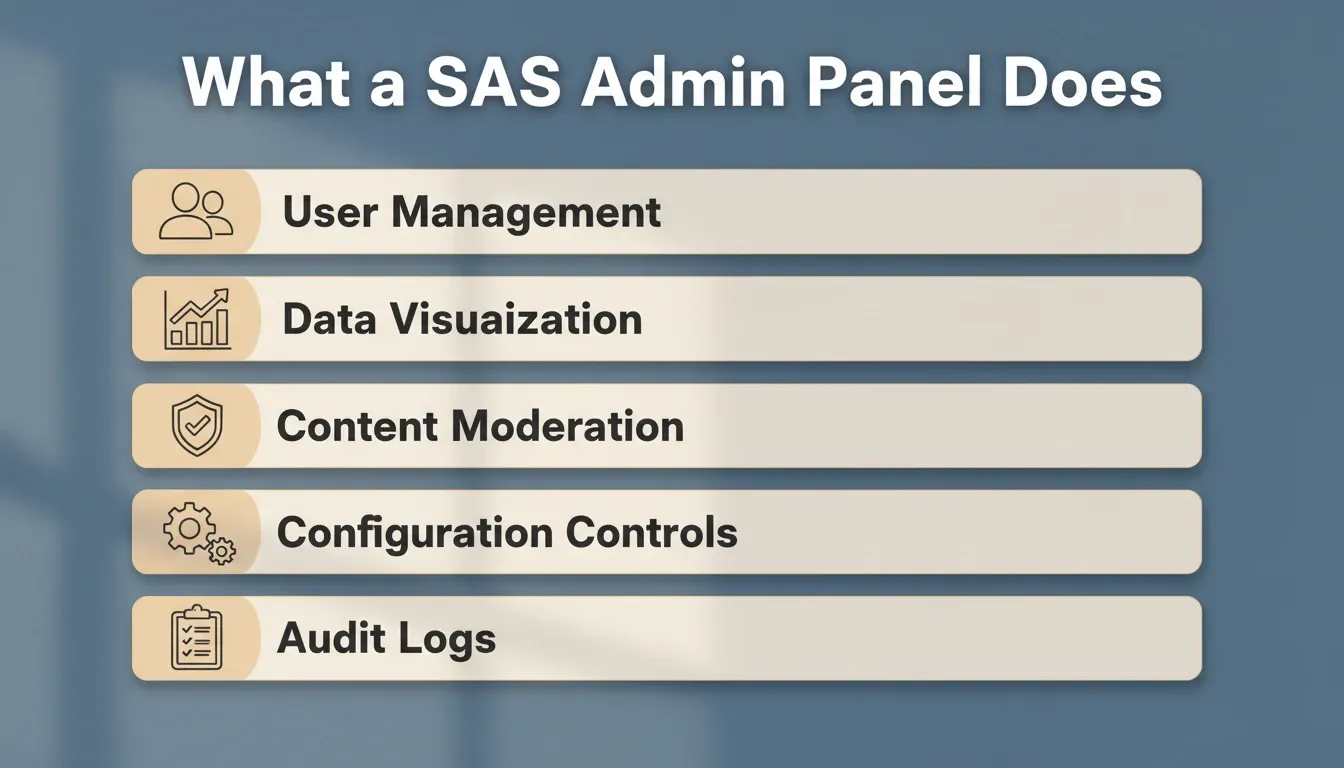
In practice, every admin panel handles a consistent set of core functions:
-
User management: Create, edit, suspend, or delete accounts. Assign roles and permissions.
-
Data visualization: Charts showing revenue trends, active users, feature adoption, and system health
-
Content moderation: Review flagged items, approve submissions, manage published resources
-
Configuration controls: Toggle features, update pricing tiers, modify notification rules
-
Audit logs: Track who changed what, when, and why for compliance and debugging
The scope varies by product, but the core function stays the same. Your team gets visibility and control without touching production code.
Why SaaS Admin Panels Matter for Growing Products
Every SaaS product reaches a point where spreadsheets and manual database queries stop working. Your team needs a central place to manage users, monitor subscriptions, handle support tickets, and review analytics. In fact, teams building a B2B SaaS product with AI consistently identify the admin layer as one of the first operational gaps they need to close.
-
Admin panels are the operational backbone of any subscription business. They connect customer data, billing logic, and team permissions in one interface.
-
Revenue teams rely on dashboards to track MRR, churn rates, and upgrade patterns. They no longer need to ask engineering for custom reports.
-
As your user base grows, the complexity of managing accounts, permissions, and feature flags increases exponentially.
-
Companies that scale their SaaS infrastructure early avoid the painful migration headaches that come later.
Without a proper admin layer, your engineering team becomes a bottleneck for every operational question.
When Do You Actually Need an Admin Panel?
Not every SaaS product needs a full admin panel on day one. Here are the signals that tell you it is time to build one:
-
Your support team asks engineers to run database queries for basic user lookups.
-
You update user records directly in your database.
-
You cannot answer "how many active users do we have right now?" without a custom script.
-
Onboarding new team members requires giving them direct database access.
If three or more of these apply, you need an admin panel now. Do not wait until after your next funding round.
How AI Changes the Way Developers Create Admin Dashboards
The traditional path to an admin panel involves wireframing, backend API development, frontend component building, authentication setup, and deployment configuration. Each step requires specialized skills and coordination between multiple team members.
Fortunately, AI-powered builders collapse this entire workflow into a single conversation. You describe what you need, and the platform generates working code with real database connections, authentication flows, and responsive layouts. Teams that want to build an app with AI in minutes find that admin dashboards are one of the most practical starting points.
-
70% of new enterprise applications will use low-code or no-code tools by 2026, up from less than 25% in 2020, according to Hostinger's 2026 research
-
Development speed increases by 55% when using AI-assisted tools, based on controlled experiments
-
The average organization saves \$187,000 annually by replacing custom development with platform-based approaches
-
Teams can create internal tools without a developer by describing requirements in plain language
AI-powered admin panel generation workflow: from a plain-language prompt to a deployed, production-ready panel
As a result, the bottleneck shifts from "finding a developer" to "describing what you need clearly."
Can Non-Technical Founders Create Their Own Panels?
Yes. The data confirms this is not just a developer productivity story anymore.
-
63% of AI app builder users have no coding background, according to Hostinger's vibe coding research
-
Citizen developers already outnumber professional software developers by roughly 4 to 1 globally
-
The no-code AI platform market grew from \$6.56 billion in 2025 to a projected $75 billion by 2034
Non-technical founders are shipping real dashboards, subscription management tools, and customer portals. The key is starting with clear requirements and iterating from a working prototype rather than planning everything upfront.
Step-by-Step: Creating Your First AI-Powered Admin Panel
Here is a practical workflow that works regardless of which platform you choose. Rocket's guide to internal tools and admin panels follows these same principles.
-
Define your panel's purpose. Write down the three most important things your team needs to do. User management? Revenue tracking? Content moderation? Pick three.
-
List your data sources. Where does your user data live? Supabase, PostgreSQL, Airtable, or a third-party API? Know your schema before you prompt.
-
Describe your requirements in plain language. Write a prompt like: "Create an admin dashboard for a project management SaaS with user management, subscription billing overview, team analytics, and role-based access for admin and support roles."
-
Review the generated output. Check the data model, navigation structure, and permission logic. Does the layout match your mental model?
-
Iterate through conversation. Ask for changes one at a time: "Add a search filter to the users table," or "Change the chart to show weekly active users."
-
Connect your real data. Replace sample data with actual database connections, API keys, and environment variables.
-
Test with your team. Share staging access with two or three team members. Collect feedback on missing features or confusing flows.
-
Deploy and monitor. Push to production, set up basic analytics, and track which panel sections your team uses most.
Choosing the Right Features for Your Panel
Not every admin panel needs every feature on day one. Start lean, then expand based on actual team usage.
-
Must-have for launch: User list with search and filters, basic analytics dashboard, role-based access (admin vs viewer)
-
Add within first month: Audit logs, bulk actions (suspend or delete multiple users), notification preferences
-
Plan for quarter two: Custom reporting, API access for external connections, white-label options for enterprise clients
The biggest time sink is building features nobody uses. Track which dashboard sections get daily visits and which collect dust.
Admin Panel Build Approach Comparison
| Approach | Time to First Version | Cost | Code Ownership | Scalability |
|---|---|---|---|---|
| Custom development | 8 to 12 weeks | $75K to $450K | Full | High |
| Low-code platform | 2 to 4 weeks | $15K to $80K/yr | Partial | Medium |
| AI app builder | 1 to 3 days | $0 to $200/mo | Full (with export) | High |
| Template-based | 1 to 2 weeks | $5K to $20K | Limited | Low |
From Prompt to Production: Admin Panels on Rocket
Rocket generates production-ready admin panels from a single natural-language prompt. Describe your SaaS product, the roles you need, and the data you manage. A working panel appears in minutes with real authentication, database connections, and responsive layouts.
Rocket is the world's first Vibe Solutioning platform, built around three pillars: Solve for research and validation, Build for production-grade app generation, and Intelligence for continuous competitive monitoring. When you build an admin panel, you work inside the Build pillar. It generates Next.js web applications with real design systems, production-ready code, and 25+ pre-built integrations.
1.5 million people have tried Rocket across 180 countries, from solopreneurs building their first internal tool to enterprise teams replacing custom development workflows.
-
Full-stack generation: Next.js frontend with server-side rendering, Supabase backend with row-level security, and automated schema creation
-
Built-in authentication: Email/password, Google OAuth, and magic links work immediately without manual configuration
-
Role-based access controls: Define Admin, Creator, and Viewer permissions that enforce data boundaries throughout the entire panel
-
25+ connected services: Pull billing data from Stripe, usage analytics from Mixpanel, content from Airtable, and more
-
Visual editing plus chat: Click any element to change it visually, or describe changes in conversation. Both approaches work together.
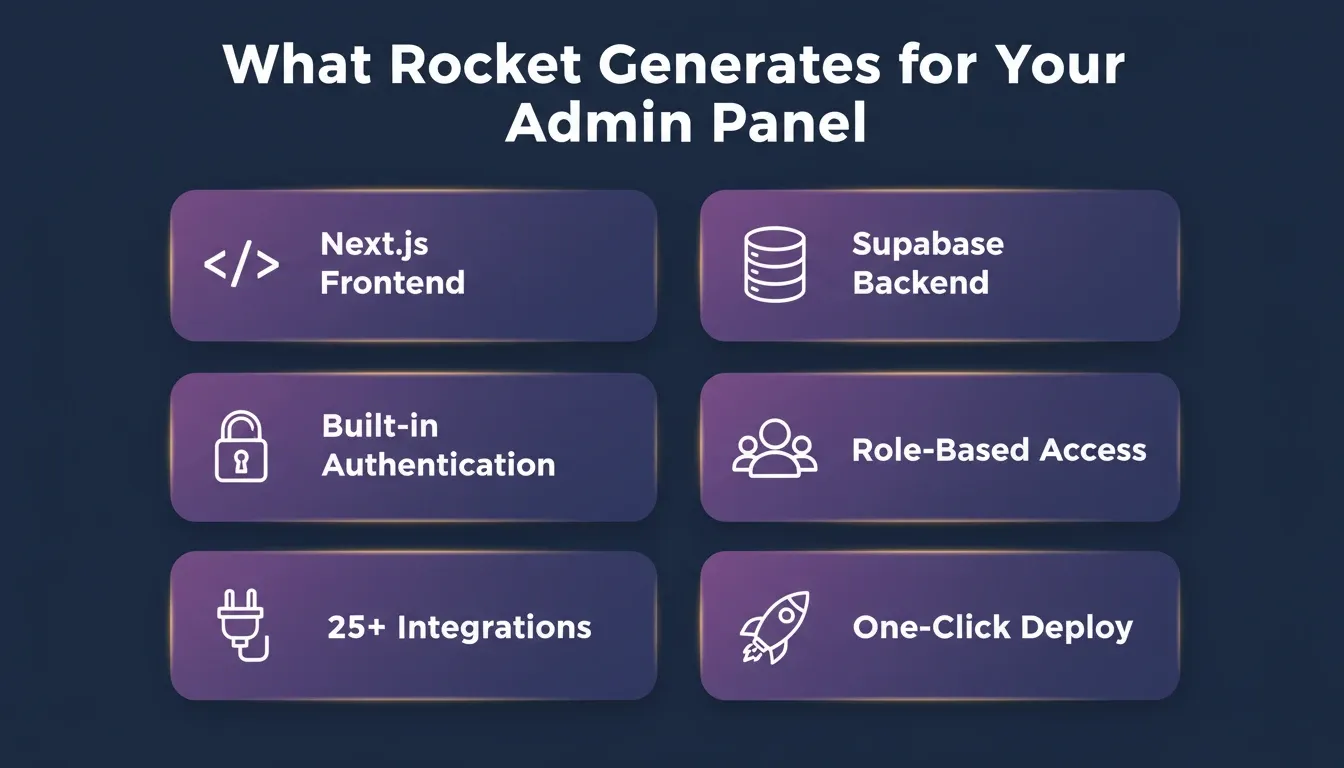
Rocket generates admin panels with six production-ready defaults: Next.js frontend, Supabase backend, built-in authentication, role-based access controls, 25+ integrations, and one-click deployment
How Rocket Compares to Other Admin Panel Tools
Different tools serve different use cases. Here is a balanced look at how the main approaches compare:
| Tool Type | Setup Complexity | Pre-Built Intelligence | Shared Team Context | Deployment |
|---|---|---|---|---|
| Custom development | High | None | Manual | Manual |
| Retool / Appsmith | Medium | None | Limited | Manual |
| Lovable / Bolt | Low | None | Per-session only | One-click |
| Rocket | Low | Built-in (Solve) | Persistent across team | One-click |
Retool and Appsmith require manual data source connections, custom queries for each table view, and hand-configured access rules. They are powerful but assume engineering resources for setup and maintenance.
Lovable and Bolt generate interfaces quickly from prompts. However, they start from a blank slate each session with no product context carried forward.
Rocket, by contrast, connects research, competitive intelligence, and building in one workspace. Every build ships with SEO-ready structure, WCAG accessibility compliance, GDPR coverage, and performance optimization by default.
"When we built Horizons, the goal was simple: close the gap between having an idea and having a working product. What the data confirms (SaaS dashboards, ecommerce stores, business tools) is that users are not experimenting. They are building things they intend to use and sell." - Dainius Kavoliunas, Head of Product at Hostinger Horizons (source)
Common Mistakes When Starting Your Admin Panel Project
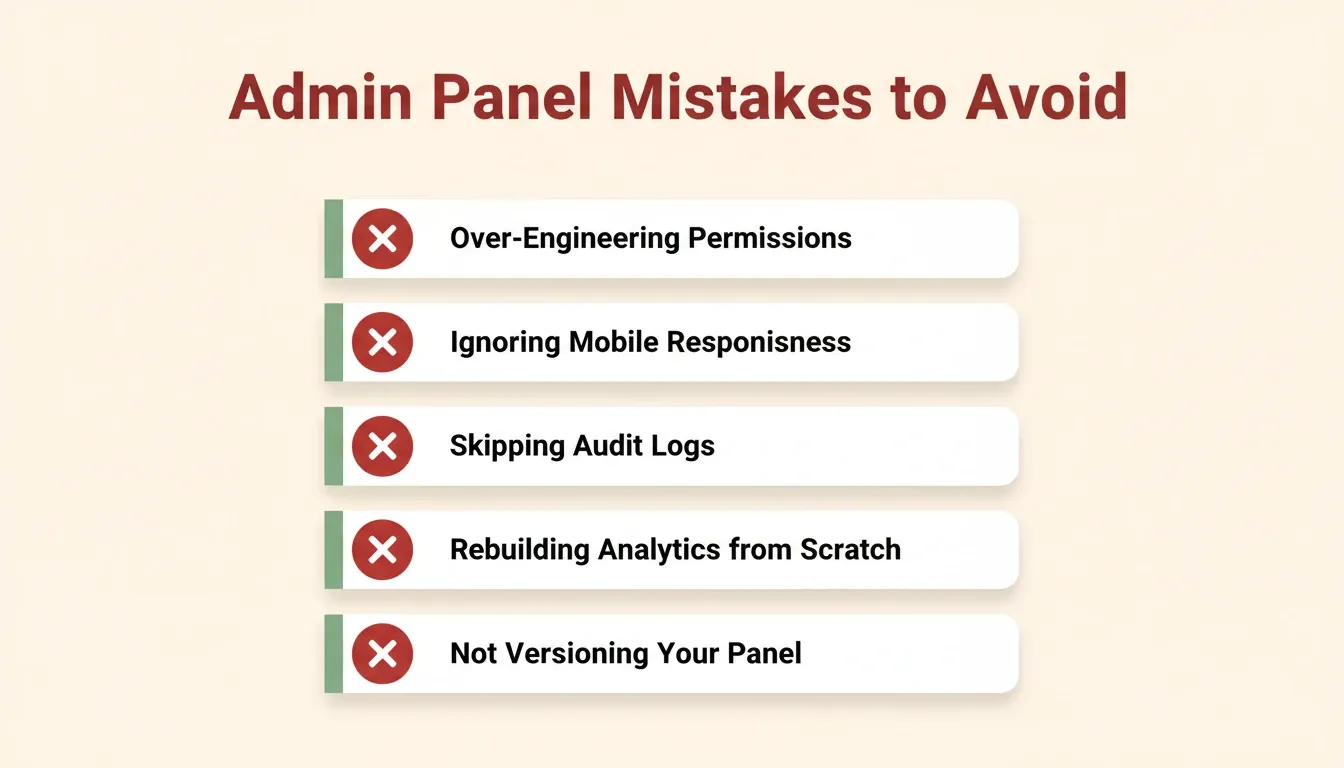
Building the panel is only half the challenge. Teams frequently stumble on decisions that seem minor but compound into real problems over time. Here are the most common pitfalls to watch for:
-
Over-engineering permissions on day one. Start with two roles (admin and viewer) and add granularity only when specific access conflicts arise.
-
Ignoring mobile responsiveness. Support teams use admin panels on tablets and phones during on-call rotations. Test across devices early.
-
Skipping audit logs. The global SaaS market is projected to reach \$375.57 billion in 2026, according to Fortune Business Insights. As your product scales, compliance requirements make audit trails non-negotiable.
-
Building custom analytics instead of connecting existing tools. If you already use Mixpanel or Google Analytics, surface that data rather than rebuilding dashboards from scratch.
-
Not versioning your panel alongside your product. Your admin panel should evolve with each feature release, not lag behind by months.
Your Admin Panel Is Ready to Build
The gap between "we need an admin panel" and "our team is using one" has never been smaller. AI-powered platforms now handle the repetitive work of schema design, component building, and deployment configuration. You focus on what your specific product actually needs.
As SaaS products grow more complex and compliance requirements tighten, the admin panel will only become more central to how teams operate. The teams building that layer now, with AI, compress years of operational debt into days of focused work.
Describe your SaaS product, your team roles, and the data you manage. Rocket turns that description into a deployed, production-ready admin panel. Start building on Rocket and ship your first admin panel this week.
Table of contents
- -What is a SaaS Admin Panel?
- -Admin Panel vs. Customer Dashboard
- -What Does an Admin Panel Actually Do?
- -Why SaaS Admin Panels Matter for Growing Products
- -When Do You Actually Need an Admin Panel?
- -How AI Changes the Way Developers Create Admin Dashboards
- -Can Non-Technical Founders Create Their Own Panels?
- -Step-by-Step: Creating Your First AI-Powered Admin Panel
- -Choosing the Right Features for Your Panel
- -Admin Panel Build Approach Comparison
- -From Prompt to Production: Admin Panels on Rocket
- -How Rocket Compares to Other Admin Panel Tools
- -Common Mistakes When Starting Your Admin Panel Project
- -Your Admin Panel Is Ready to Build